Get 10% back in Relic Coins on every order
Airline Tycoon 2 - Falcon Airlines DLC cover

SteamGlobal· DLC

Airline Tycoon 2 - Falcon Airlines DLC

€0.67

+€0.07 cashback eligibility in Relic Coins

Check before you play

Platform
Steam
Region
Global
Product type
DLC

Check the required base game and edition before purchasing this add-on.

Developer
b-Alive
Publisher
Kalypso Media Digital
Supplier release date
2012-06-13
Genres
Strategy, Simulation

About this product

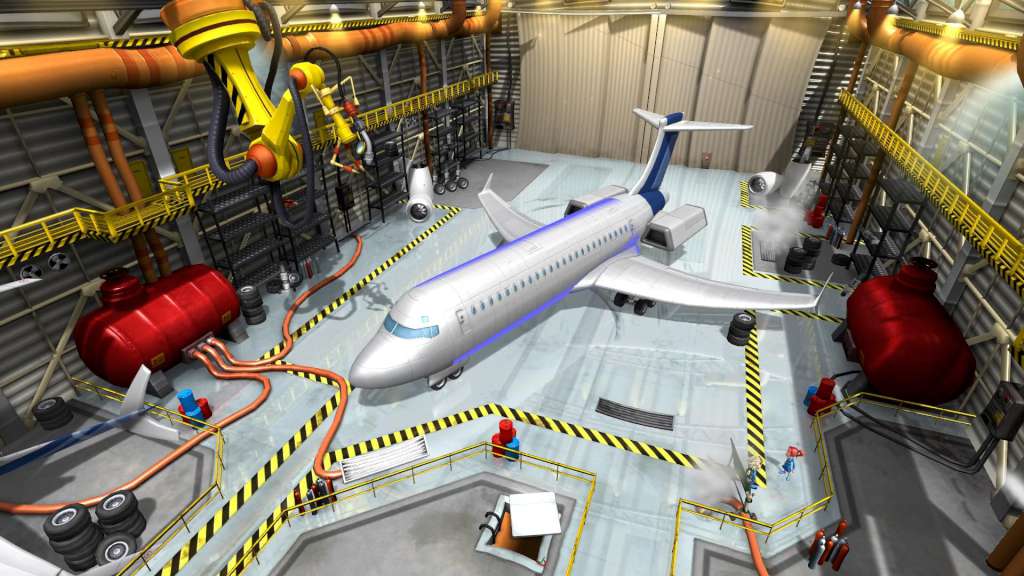
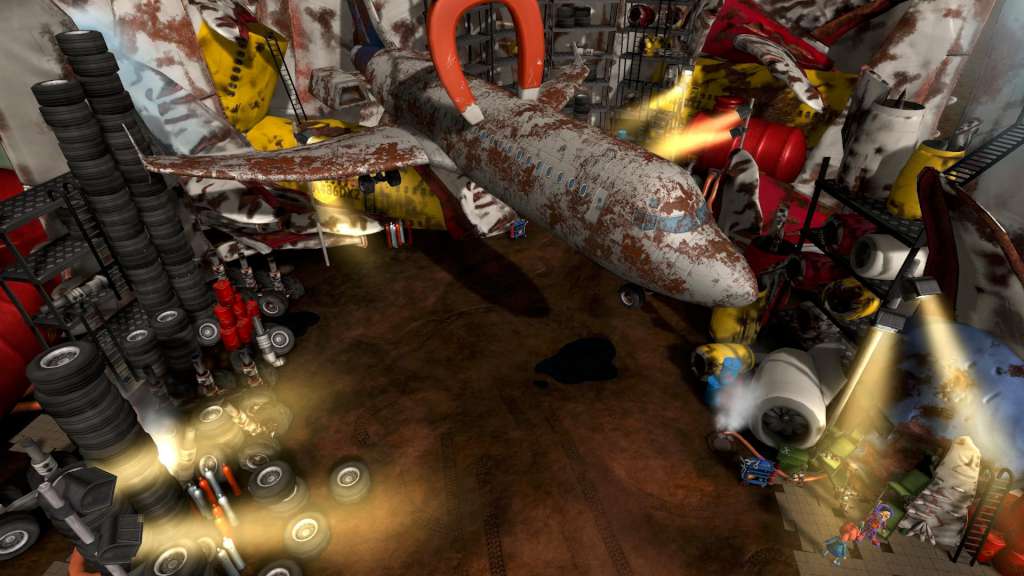
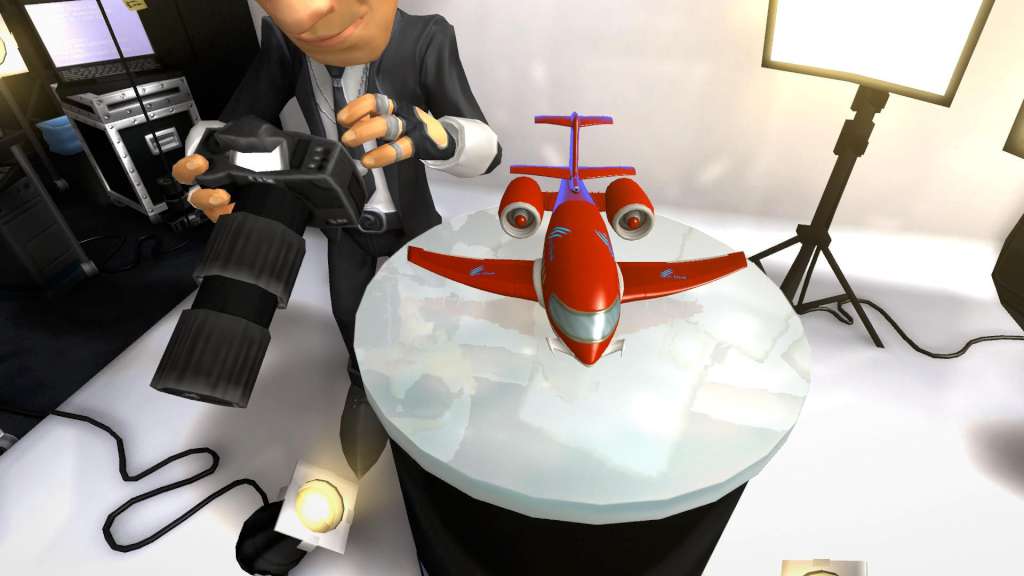
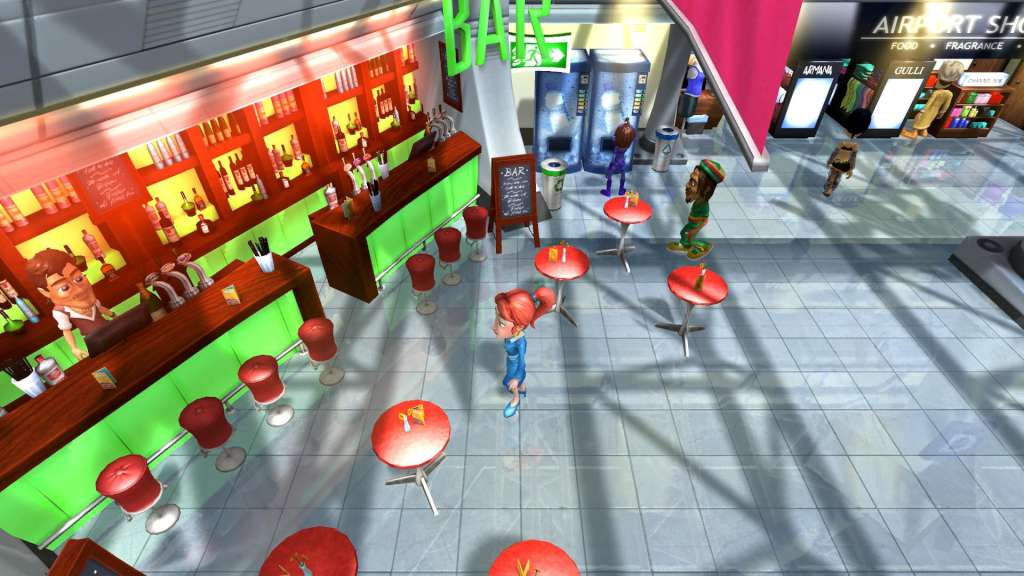
He’s back! Siggi Sorglos, synonymous with German diligence, punctuality and cuckoo clocks, returns to the airline business with this DLC for Airline Tycoon 2. Play the entire campaign form the main game plus two brand-new missions with this blonde winner and learn why he has returned from his well-deserved retirement. This DLC also brings the possibility of establishing branch offices in foreign airports and thus receiving access to a larger selection of charter flights. But that’s not enough! For even the popular last-minute counter is celebrating its comeback with this DLC. Whoever reliably fulfills the contracts offered there will rake in a lot more money. Features New character: Siggi Sorglos, completely voiced with his own story New airline: Falcon Lines Two additional campaign missions Branch offices: Open locations throughout the world! Last-minute counter: Fulfill time-critical contracts for high rewards! All new features can also be used with the existing characters.

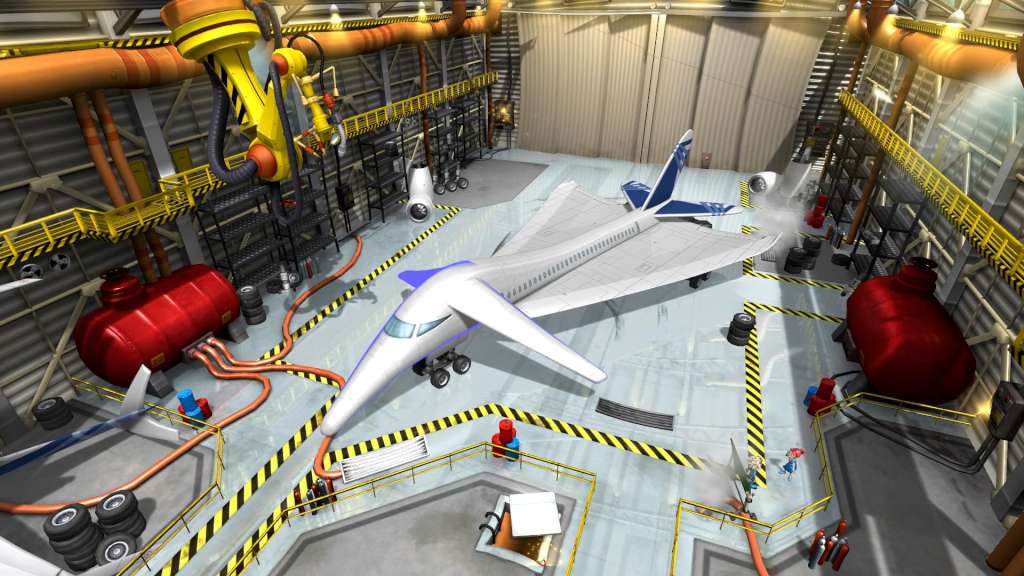
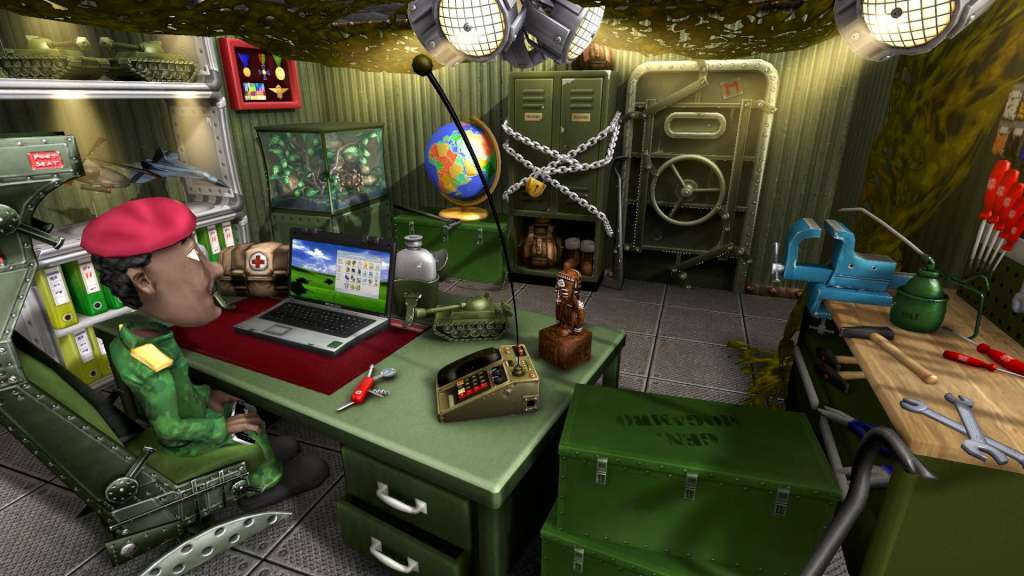
Airline Tycoon 2 - Falcon Airlines DLC screenshotAirline Tycoon 2 - Falcon Airlines DLC screenshotAirline Tycoon 2 - Falcon Airlines DLC screenshotAirline Tycoon 2 - Falcon Airlines DLC screenshotAirline Tycoon 2 - Falcon Airlines DLC screenshotAirline Tycoon 2 - Falcon Airlines DLC screenshot

How to redeem

  1. 1Check the required base game, platform and edition before purchasing.
  2. 2Find the code or supplier activation instructions in your confirmed order.
  3. 3Redeem on Steam using the supplied instructions, then install the add-on with the compatible base game.

Supplier instructions

Go to: http://store.steampowered.com/ and download STEAM client Click "Install Steam" (from the upper right corner) Install and start application, login with your Account name and Password (create one if you don't have). Please follow these instructions to activate a new retail purchase on Steam: Launch Steam and log into your Steam account. Click the Games Menu. Choose Activate a Product on Steam... Follow the onscreen instructions to complete the process. After successful code verification go to the "MY GAMES" tab and start downloading.

You might also like