Get 10% back in Relic Coins on every order
Airline Tycoon 2 - Honey Airlines DLC cover

SteamGlobal· DLC

Airline Tycoon 2 - Honey Airlines DLC

€0.67

+€0.07 cashback eligibility in Relic Coins

Check before you play

Platform
Steam
Region
Global
Product type
DLC

Check the required base game and edition before purchasing this add-on.

Developer
b-Alive
Publisher
Kalypso Media Digital
Supplier release date
2012-06-13
Genres
Strategy, Simulation

About this product

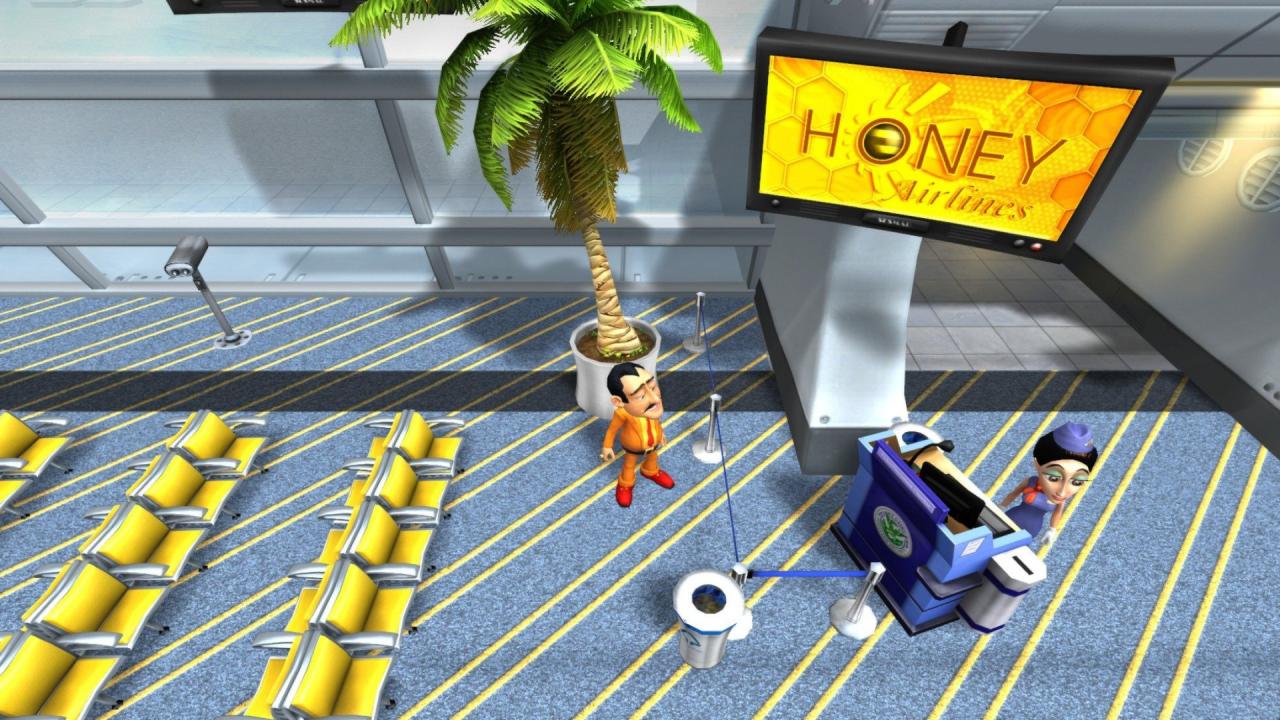
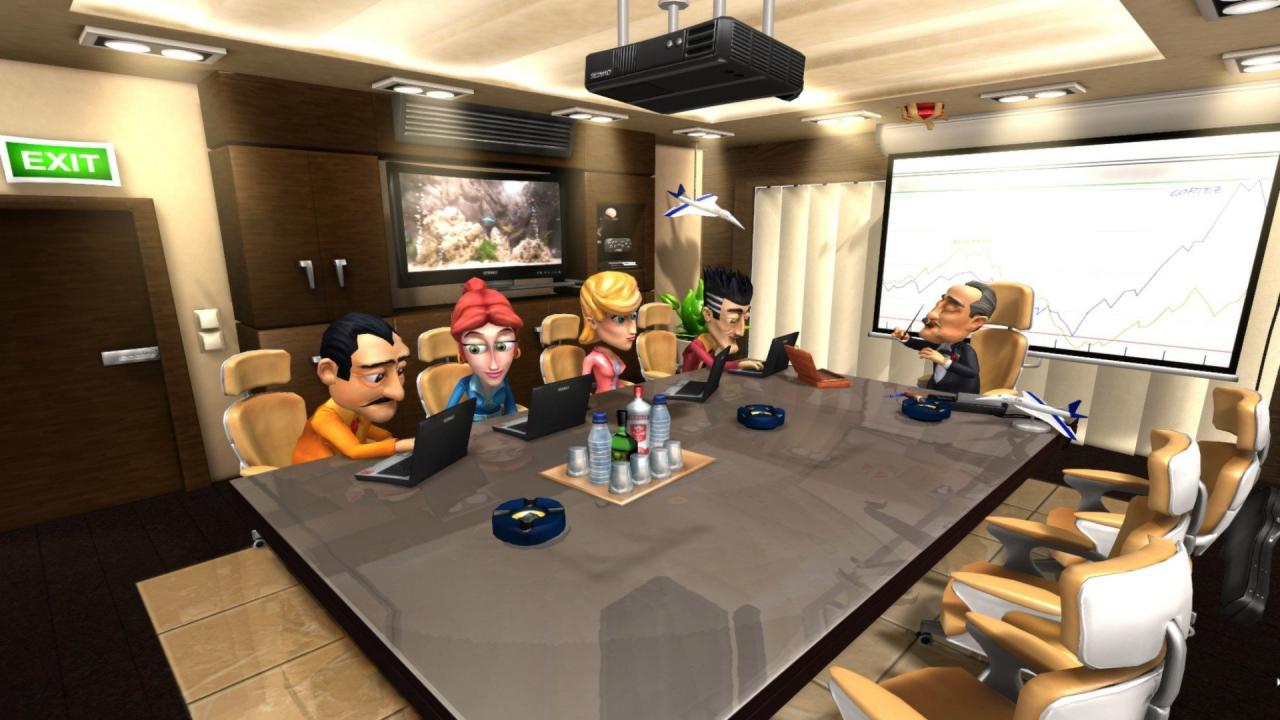
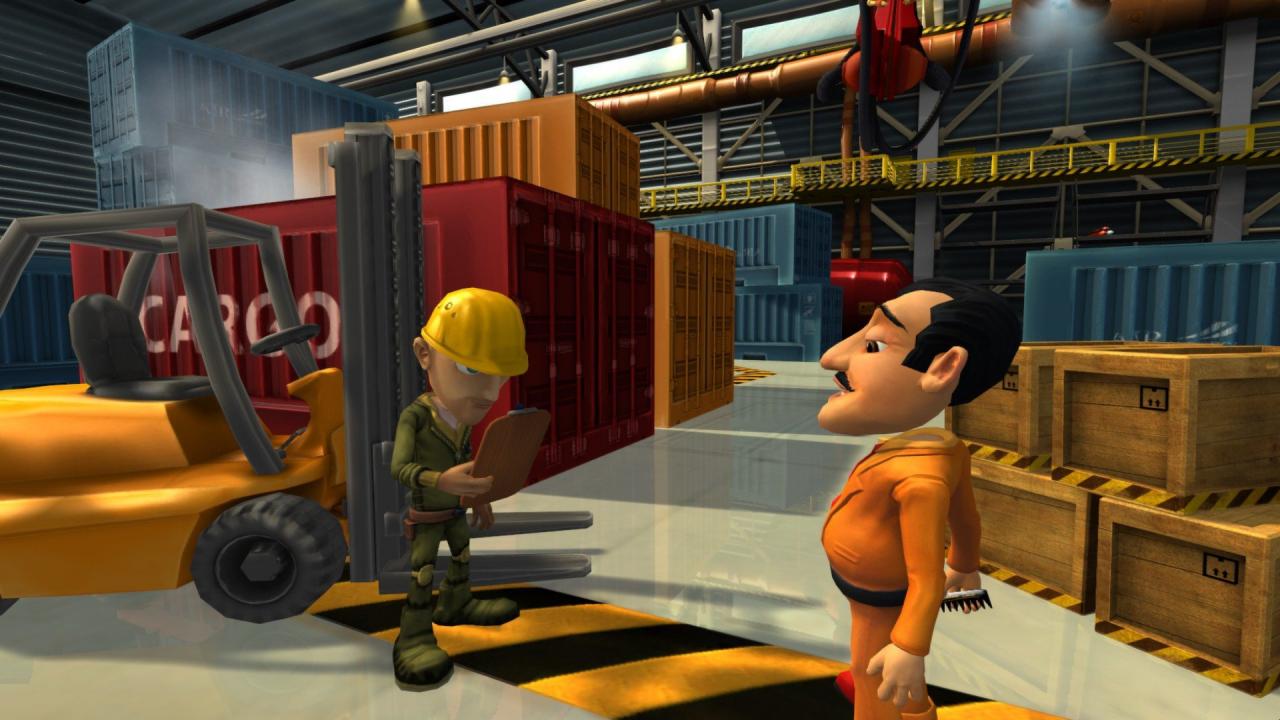
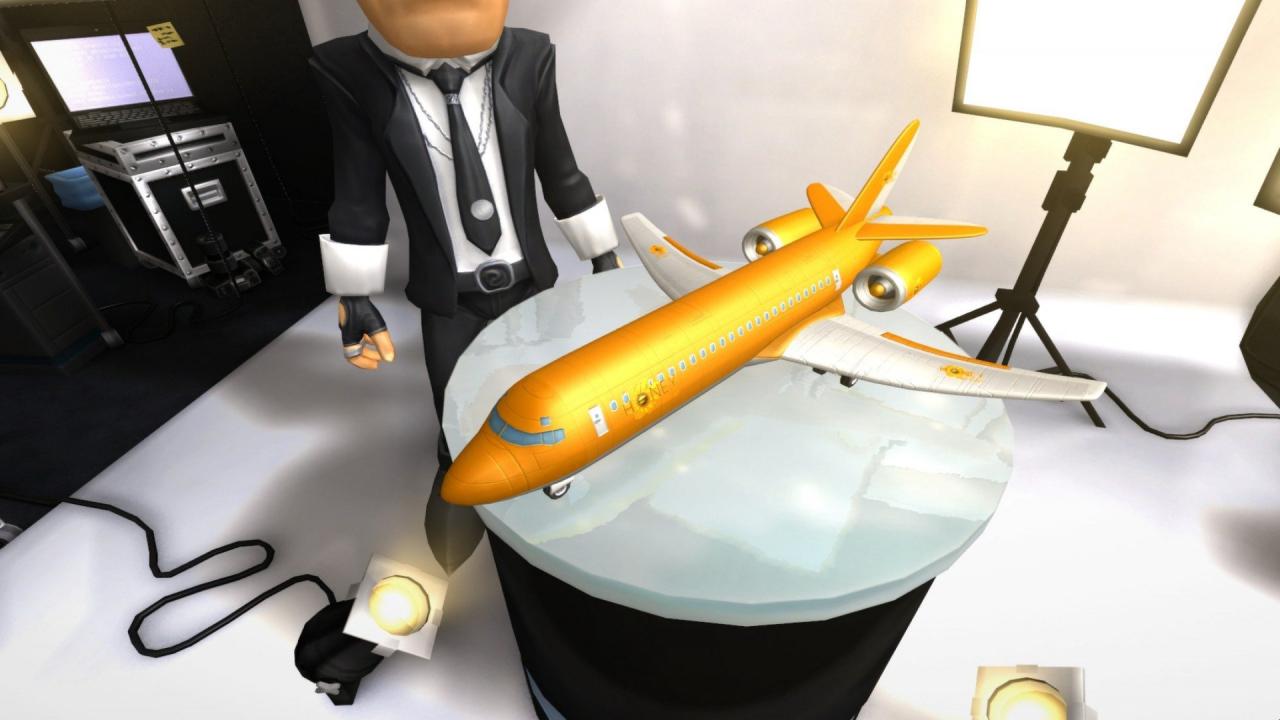
Mamma Mia! Airline Tycoon 2 gains Italian flair with this DLC. Mario Zucchero is back in the airline business, and just like in the good old days, it’s all about power, dough and amore. Play the entire previous campaign plus two new missions with Mario, and learn what’s driven the fiery Italian back to the airline business. As an additional feature, this DLC introduces cargo flights, opening another source of income to aspiring Tycoons. Features New character: Mario Zucchero, completely voiced with his own story New airline: Honey Airlines Two additional campaign missions Cargo: Visit the new cargo hangar location and transport goods all over the world! All new features can also be used with the existing characters.

Airline Tycoon 2 - Honey Airlines DLC screenshotAirline Tycoon 2 - Honey Airlines DLC screenshotAirline Tycoon 2 - Honey Airlines DLC screenshotAirline Tycoon 2 - Honey Airlines DLC screenshot

How to redeem

  1. 1Check the required base game, platform and edition before purchasing.
  2. 2Find the code or supplier activation instructions in your confirmed order.
  3. 3Redeem on Steam using the supplied instructions, then install the add-on with the compatible base game.

Supplier instructions

Go to: http://store.steampowered.com/ and download STEAM client Click "Install Steam" (from the upper right corner) Install and start application, login with your Account name and Password (create one if you don't have). Please follow these instructions to activate a new retail purchase on Steam: Launch Steam and log into your Steam account. Click the Games Menu. Choose Activate a Product on Steam... Follow the onscreen instructions to complete the process. After successful code verification go to the "MY GAMES" tab and start downloading.

You might also like