Get 10% back in Relic Coins on every order
Beautiful Japanese Scenery - Animated Jigsaws Switch cover

Nintendo Europe - All Countries· Key

Beautiful Japanese Scenery - Animated Jigsaws Switch

€6.50

+€0.65 cashback eligibility in Relic Coins

Check before you play

Platform
Nintendo
Region
Europe - All Countries
Product type
Key
Supplier release date
2016-09-15
Genres
Simulation, Casual, Puzzle

About this product

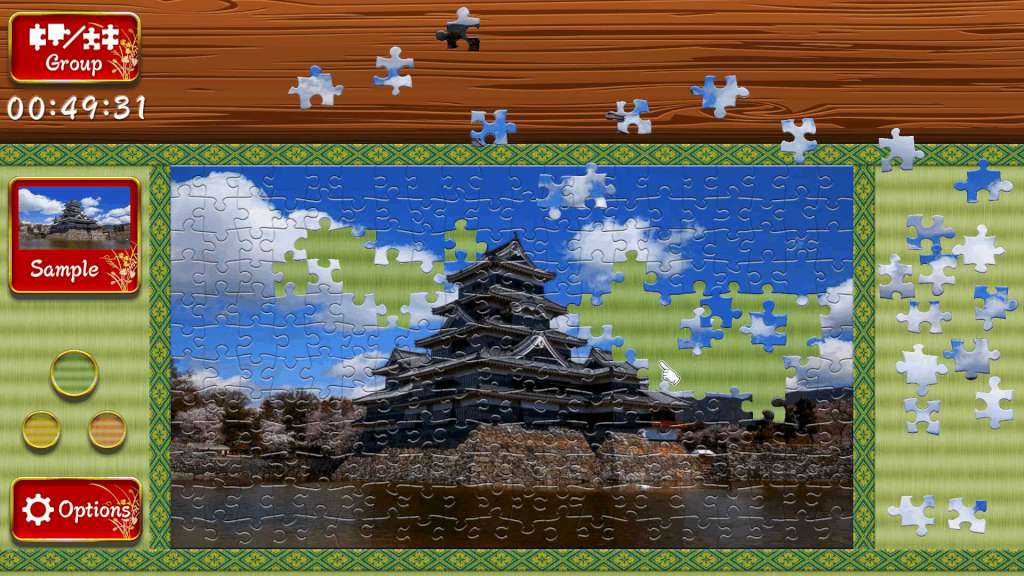
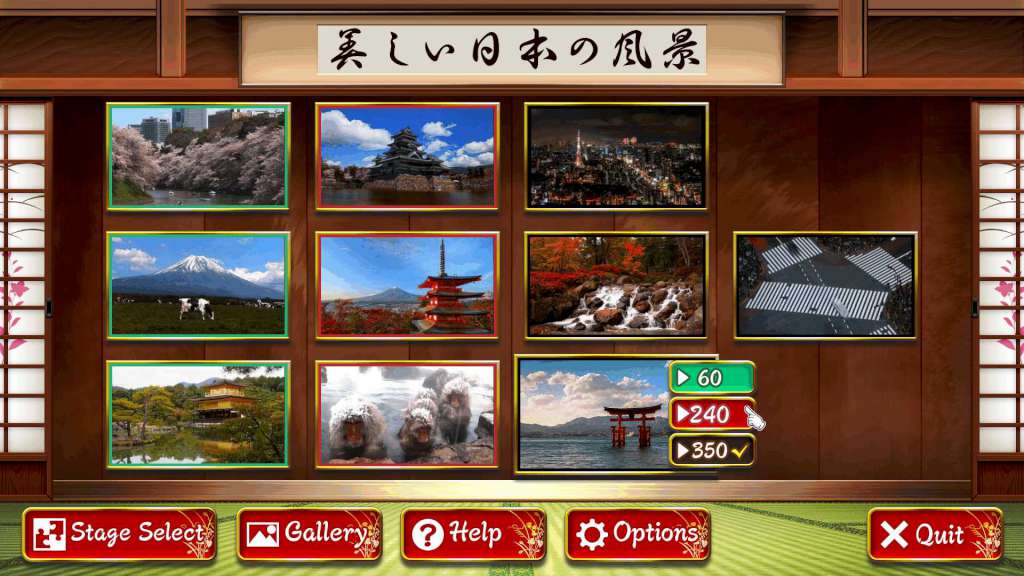
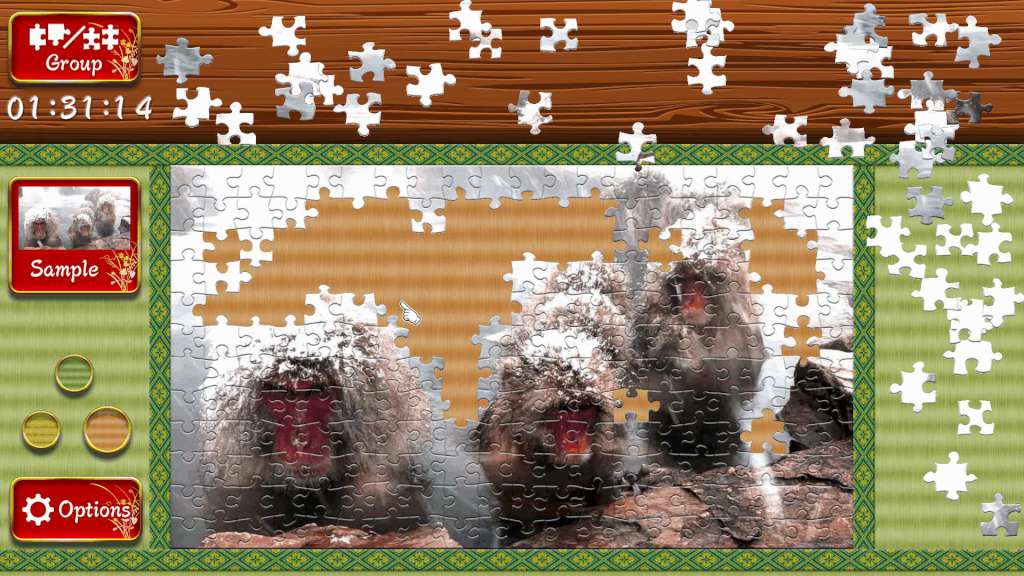
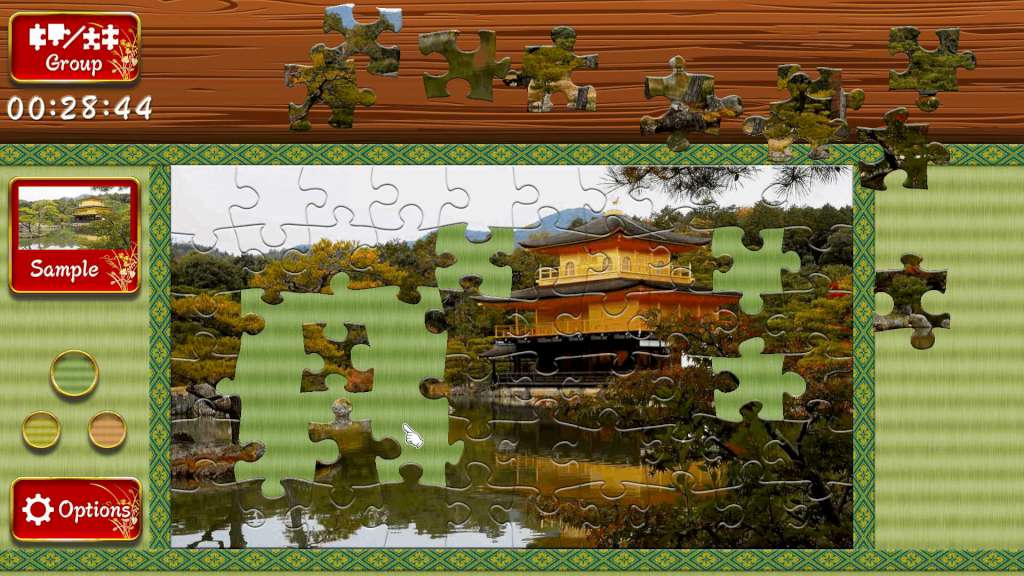
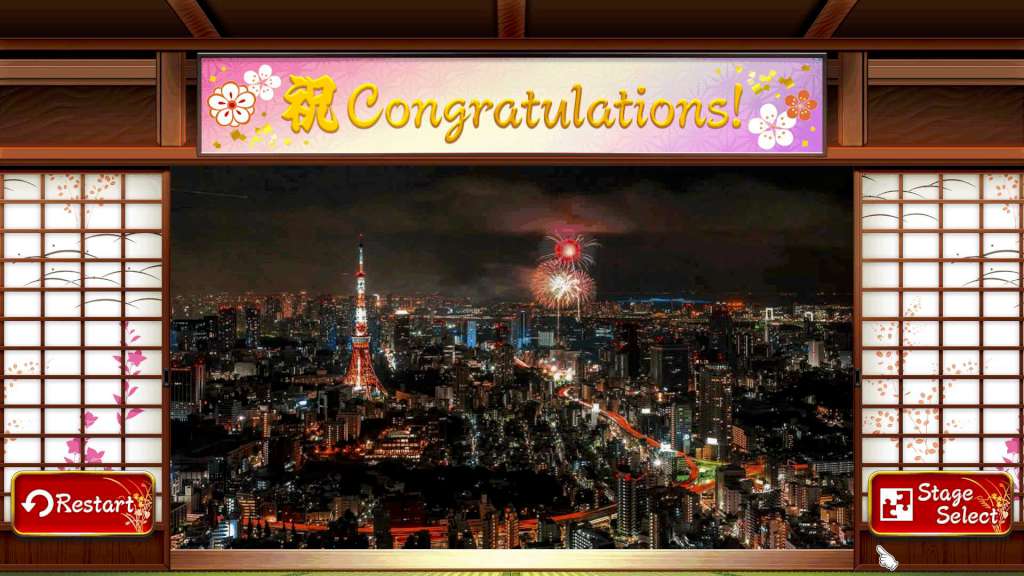
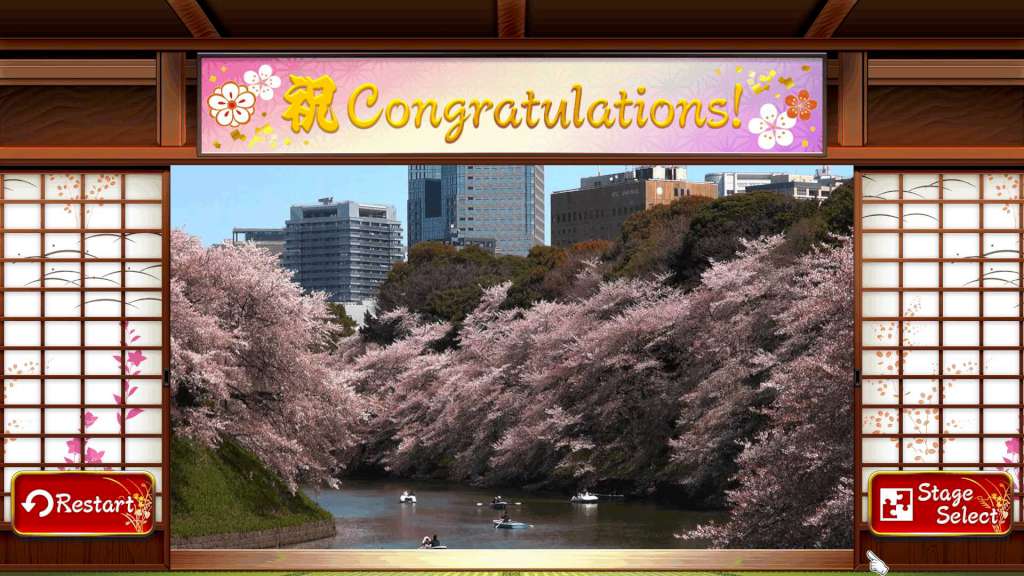
Put together the pieces of an animated jigsaw puzzle of Japan’s most beautiful scenery and watch it gradually come to life before your eyes! “Beautiful Japanese Scenery - Animated Jigsaws” contains moving images from spring, summer, autumn and winter capturing the natural beauty of Japan from all four seasons. Piece together scenes from some of Japanese most famous places including Mt. Fuji, Kyoto, Tokyo and the Snow Monkeys enjoying a bath in a natural hot spring! The hectic scramble crossing at the metropolitan Shibuya district in Tokyo is also included. An easy-to-use interface such as separating edge and inner pieces makes solving puzzles fun and relaxing. Features Easy-to-play traditional jigsaw puzzle 10 animated scenes of beautiful scenery from Japan Famous locations taken from all seasons Selection of three background colors 3 sizes for each puzzle: 60, 240 and 350 pieces Saves time spent completing each puzzle and each size Separate edge and inner pieces Each piece snaps into place for stress-free experience Save a puzzle half way and continue later Selection of traditional Japanese music to choose from

Beautiful Japanese Scenery - Animated Jigsaws Switch screenshotBeautiful Japanese Scenery - Animated Jigsaws Switch screenshotBeautiful Japanese Scenery - Animated Jigsaws Switch screenshotBeautiful Japanese Scenery - Animated Jigsaws Switch screenshotBeautiful Japanese Scenery - Animated Jigsaws Switch screenshotBeautiful Japanese Scenery - Animated Jigsaws Switch screenshot

How to redeem

  1. 1Check your Nintendo account and the listed region before purchasing.
  2. 2Find your code and supplier activation instructions in your confirmed order.
  3. 3Open the redeem-code section on Nintendo, enter the code and follow the platform’s prompts.

Supplier instructions

Select “Nintendo eShop” on the HOME Menu to launch the Nintendo eShop. Select the account you want to use. Select “Enter Code” on the left side of the screen. Enter the 16-character download code.Any letters and symbols not used with prepaid codes (i.e. O, I, Z, commas, hyphens, etc.) will be disabled from the on-screen keyboard. Select “Send” to confirm. The game will begin downloading once the code is confirmed.The game icon will appear on the HOME menu, with a download status bar. The status bar will disappear once the game download is complete.

You might also like