Get 10% back in Relic Coins on every order
Galactic Civilizations III - Lost Treasures DLC cover

SteamGlobal· DLC

Galactic Civilizations III - Lost Treasures DLC

€1.89

+€0.19 cashback eligibility in Relic Coins

Check before you play

Platform
Steam
Region
Global
Product type
DLC

Check the required base game and edition before purchasing this add-on.

Developer
Stardock
Publisher
Strategy First
Supplier release date
2017-10-24
Genres
Strategy

About this product

Explore the galaxy and discover the secrets of long-forgotten worlds. Uncover lost treasures of the past, discover ancient technologies, and guide your empire into a new age of prosperity. How you choose to handle unexpected events and challenges will have a direct impact on how each newfound treasure functions within your empire. Features New Colony Events: As you colonize planets, new colonization events will challenge your people and your integrity. Each new event provides new Ideology choices that may award unique planetary improvements and ship components. Some of these events appear later in the game, so keep your eyes open! New Planetary Improvements: During your explorations, you will uncover new and unique planetary improvements that may function differently based on your Ideology choice. Choose wisely - you can only build one improvement of each type per empire! New Ship Components: Discover dozens of new and powerful ship components like the "Ancient Singularity Cannon", "Subspace Splinter", and the "Hyper Gate Core". Your Ideology Choice may affect how these new components work on your ship. Work fast against your enemies - each of these ancient treasures is unique and you can only have one in a fleet at a time.

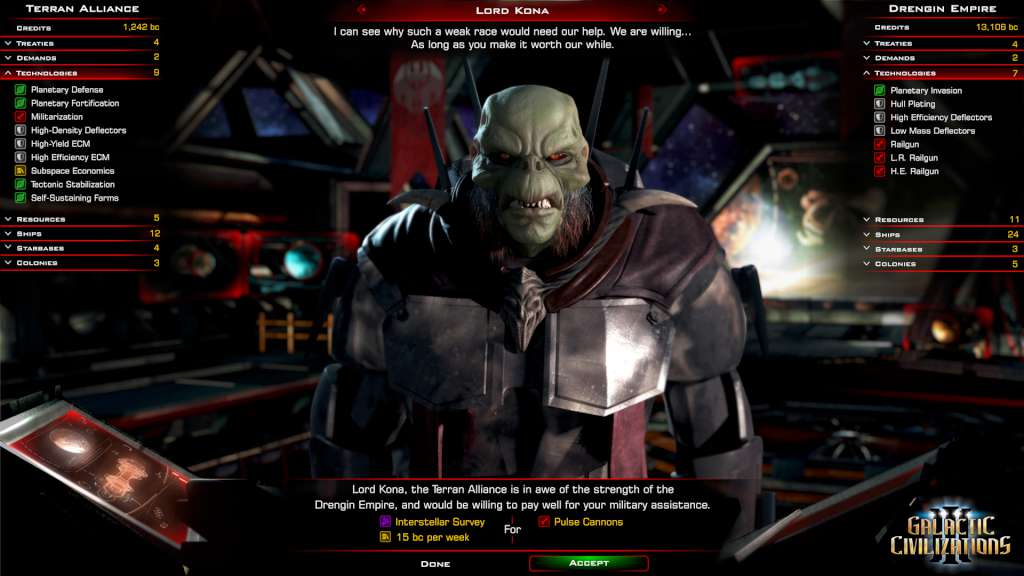
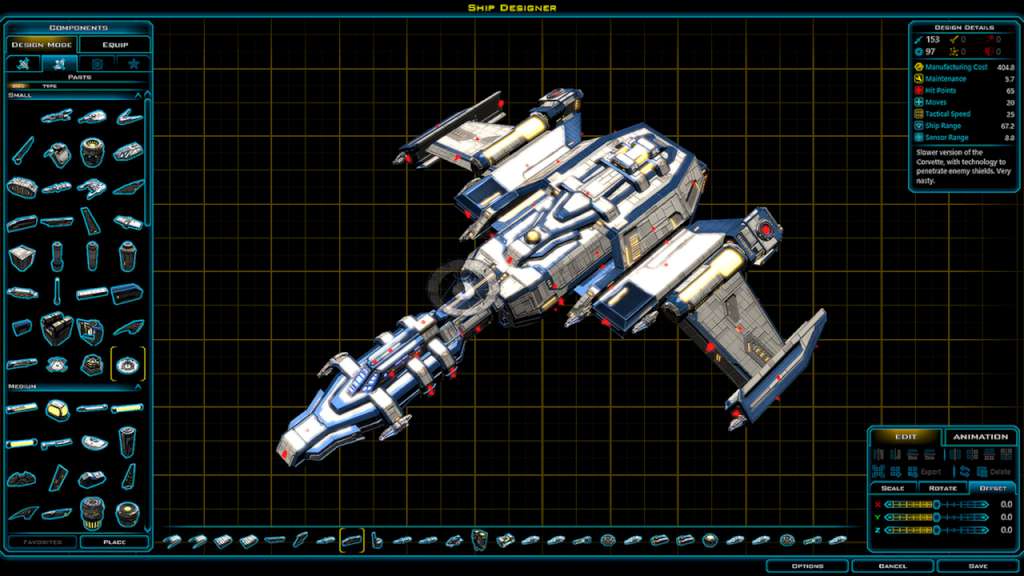
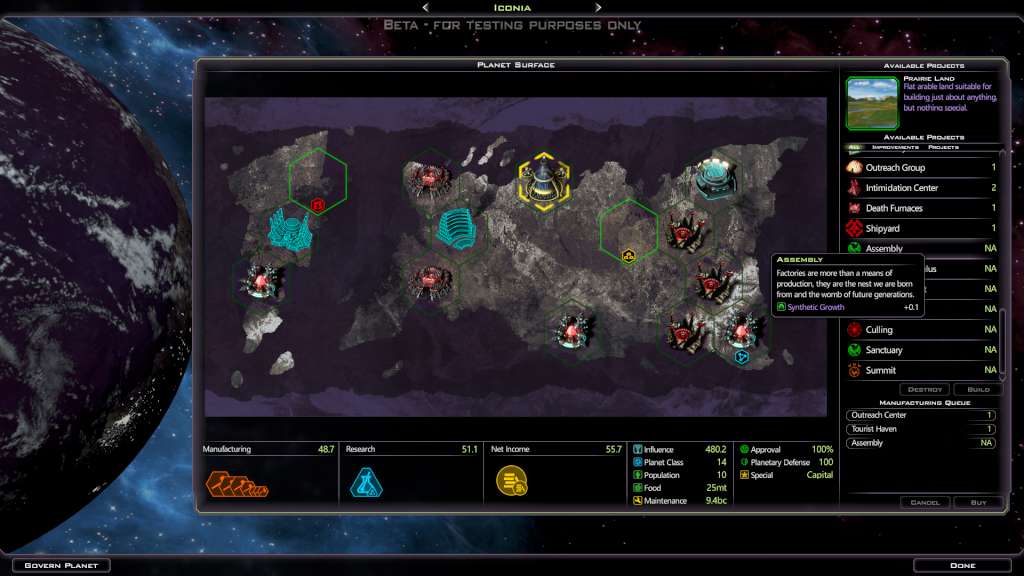
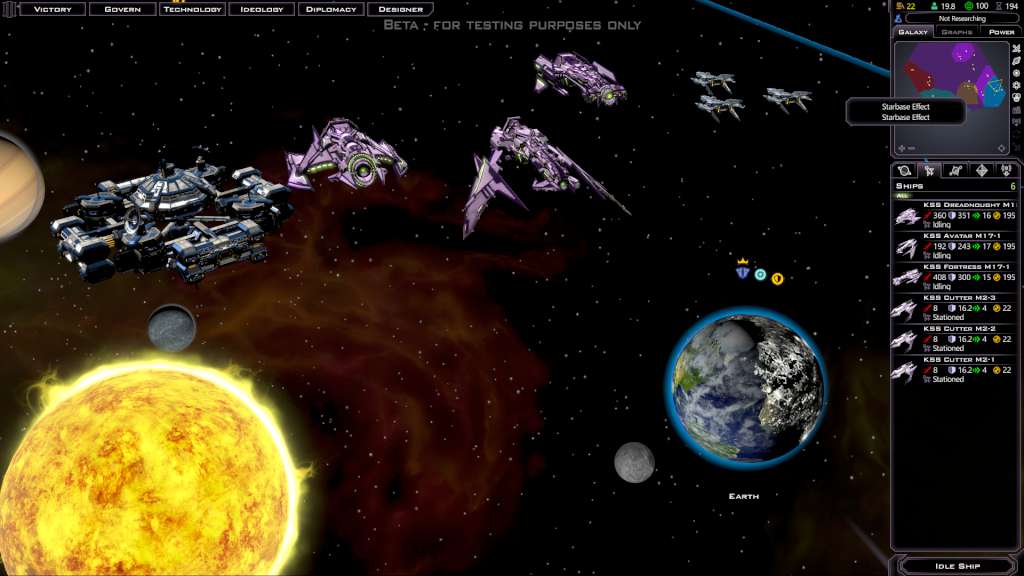
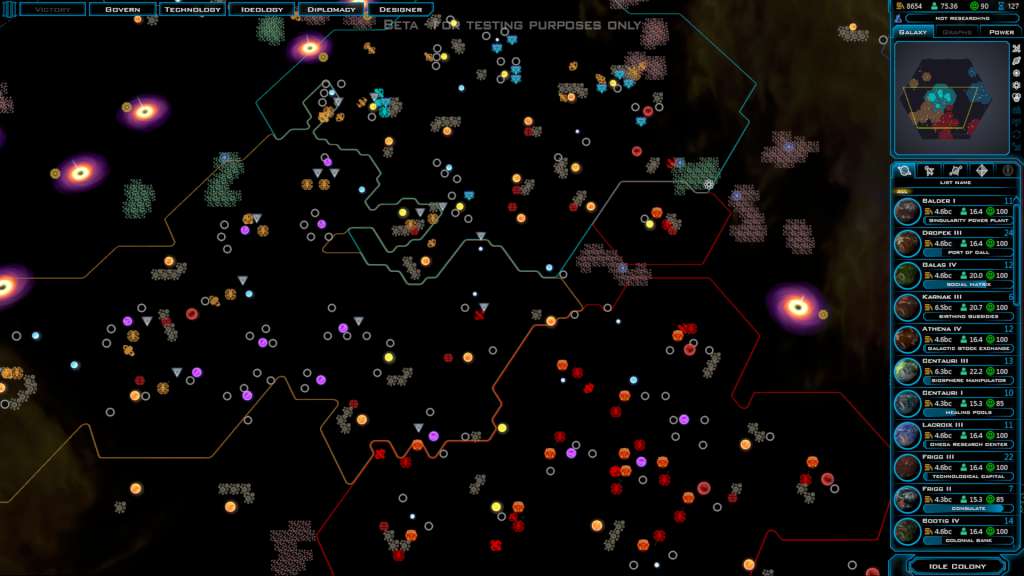
Galactic Civilizations III - Lost Treasures DLC screenshotGalactic Civilizations III - Lost Treasures DLC screenshotGalactic Civilizations III - Lost Treasures DLC screenshotGalactic Civilizations III - Lost Treasures DLC screenshotGalactic Civilizations III - Lost Treasures DLC screenshotGalactic Civilizations III - Lost Treasures DLC screenshot

How to redeem

  1. 1Check the required base game, platform and edition before purchasing.
  2. 2Find the code or supplier activation instructions in your confirmed order.
  3. 3Redeem on Steam using the supplied instructions, then install the add-on with the compatible base game.

Supplier instructions

Go to: http://store.steampowered.com/ and download STEAM client Click "Install Steam" (from the upper right corner) Install and start application, login with your Account name and Password (create one if you don't have). Please follow these instructions to activate a new retail purchase on Steam: Launch Steam and log into your Steam account. Click the Games Menu. Choose Activate a Product on Steam... Follow the onscreen instructions to complete the process. After successful code verification go to the "MY GAMES" tab and start downloading.

You might also like