Get 10% back in Relic Coins on every order
White Noise 2 - Corey & Shaira DLC cover

SteamGlobal· DLC

White Noise 2 - Corey & Shaira DLC

€0.67

+€0.07 cashback eligibility in Relic Coins

Check before you play

Platform
Steam
Region
Global
Product type
DLC

Check the required base game and edition before purchasing this add-on.

Supplier release date
2017-05-26
Genres
Adventure, Indie, Horror

About this product

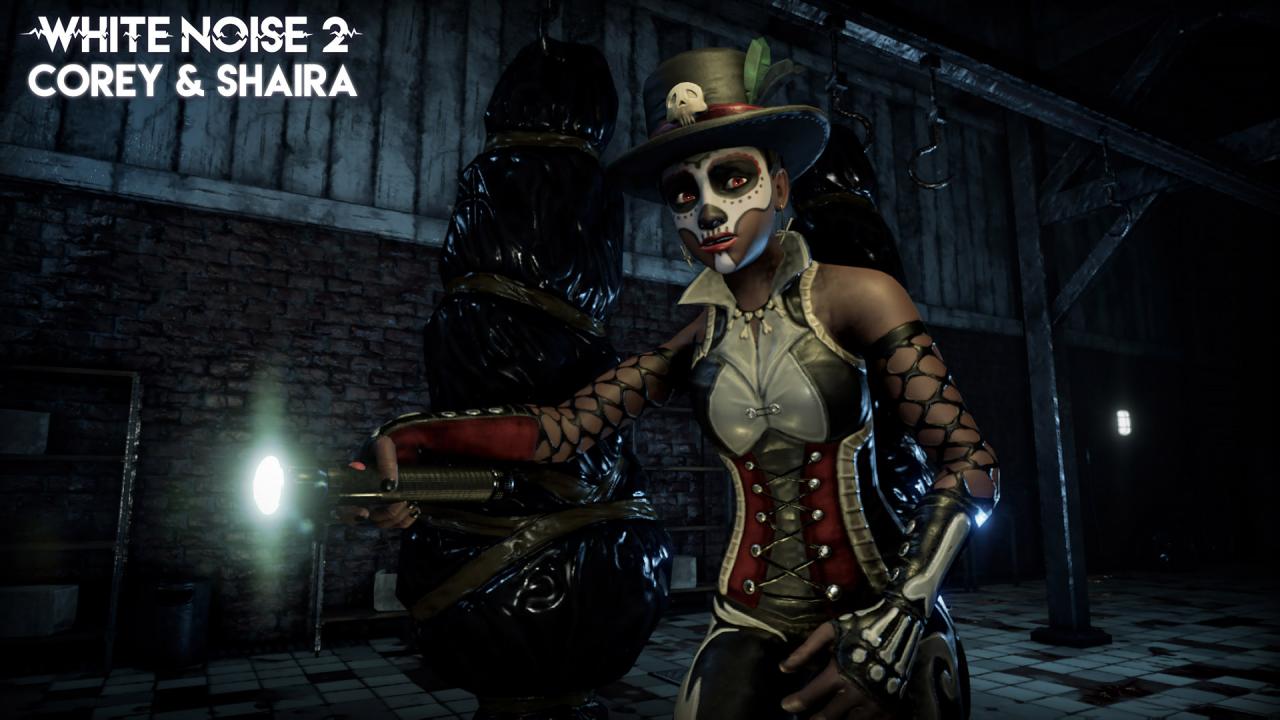
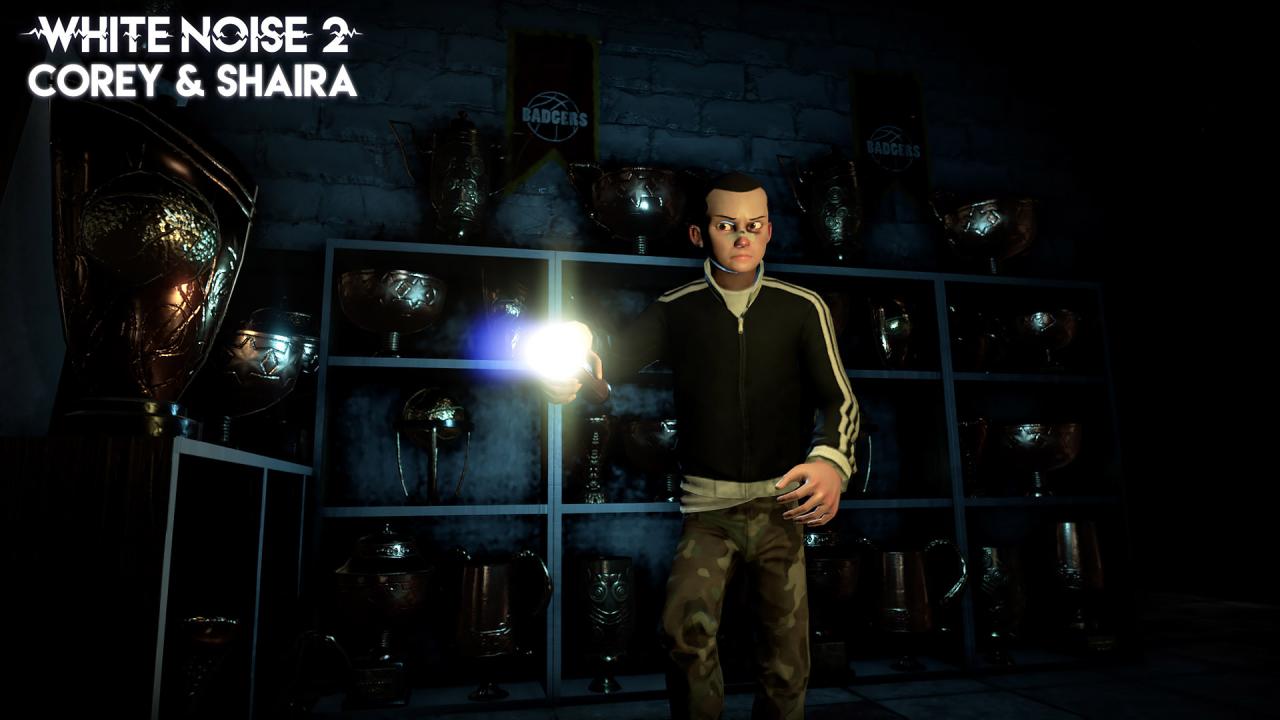
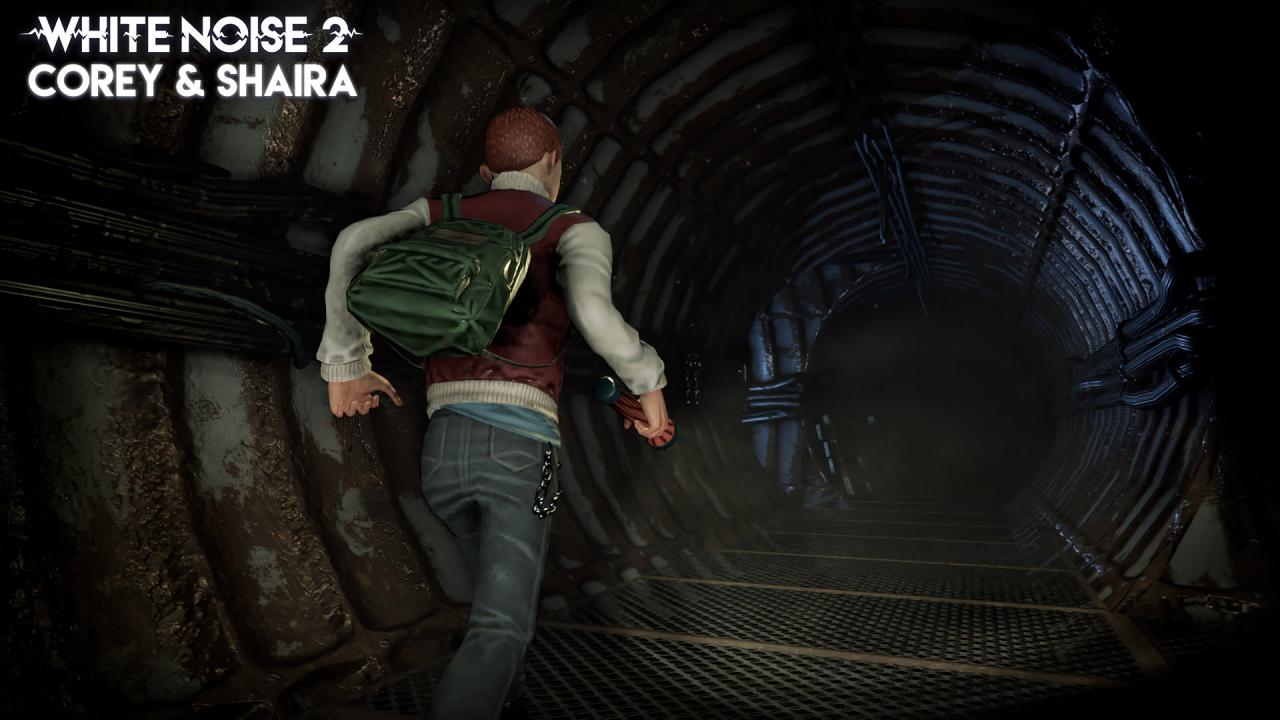
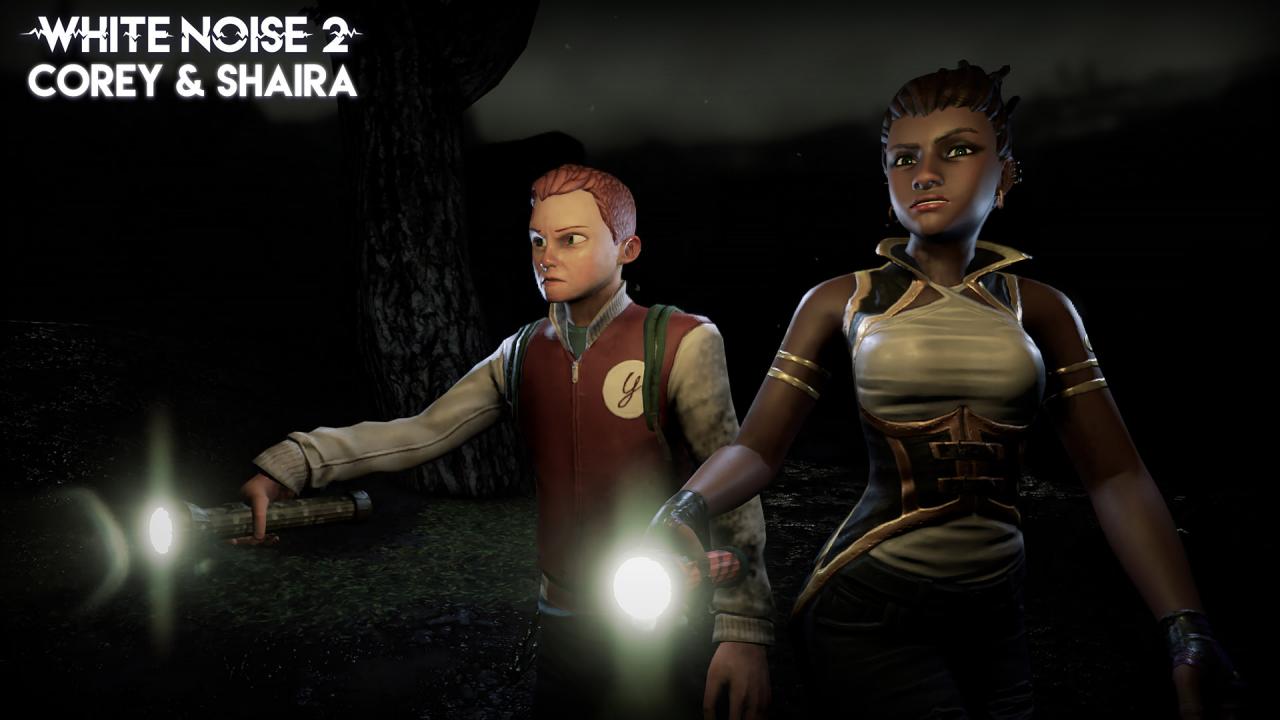
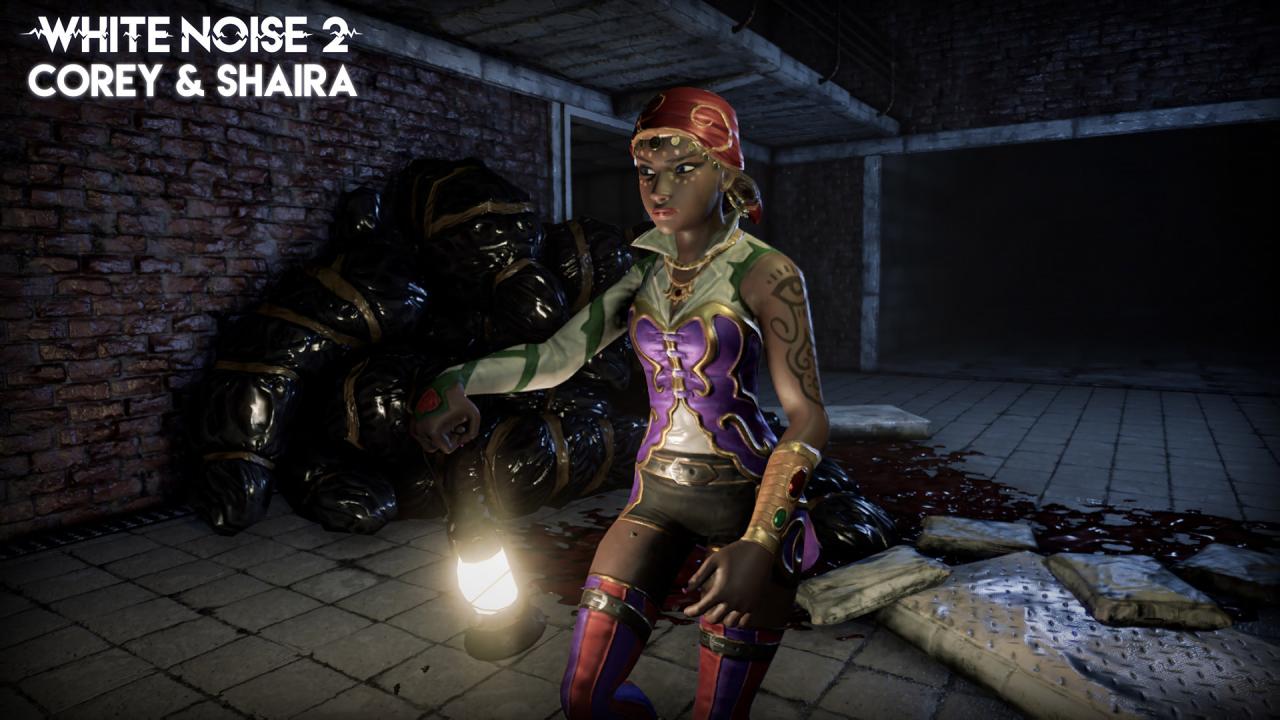
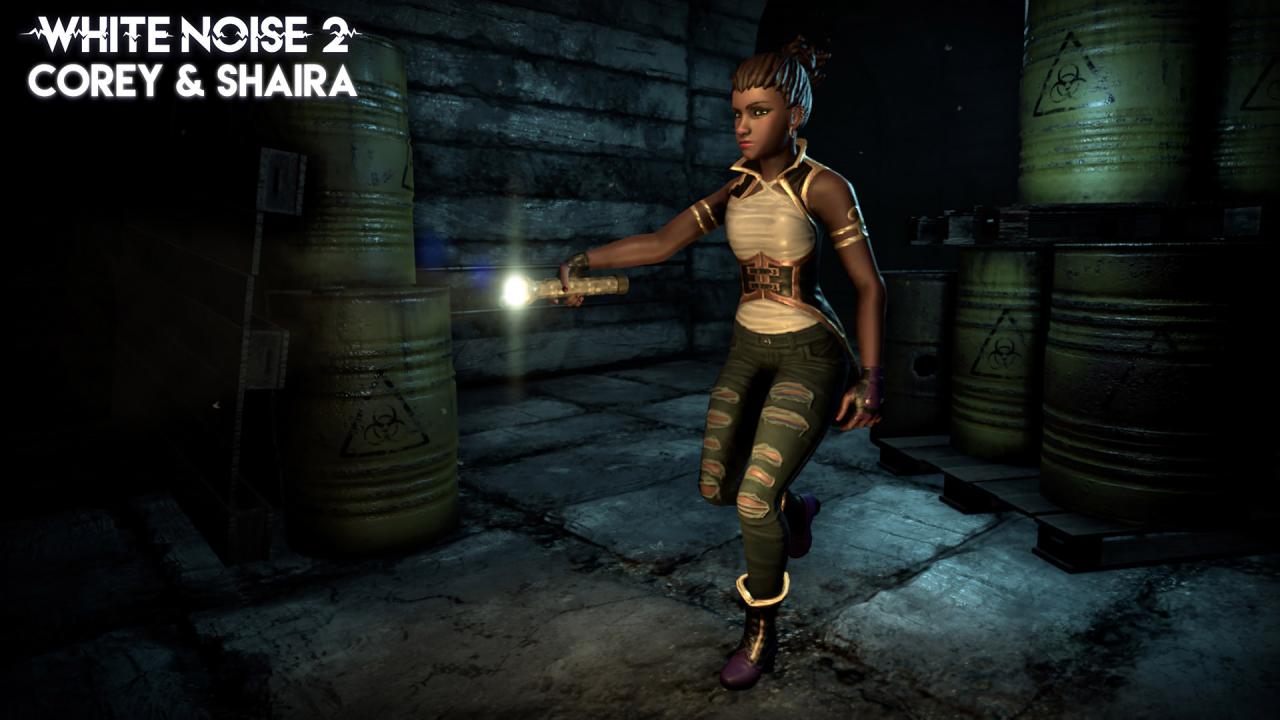
This downloadable content for White Noise 2 allows you to play with 2 new investigators, and get 2 new Flashlights: CoreyThreatened to end up in a correction home, Corey didn't hesitate for a second and ran away. His straightforwardness has brought him astray, but it's also helped him survive until today. Corey is a jack-of-all-trades investigator capable of helping the team with his mechanic skills. Sadly he has a tendency to break things... ShairaWhen not absorbed in spiritism books or ancient rites, Shaira is a renowned fortune teller. Will her extensive knowledge about paranormal events help her facing the darkest horrors? Shaira can use her spiritism skills to empower nearby ghosts. Her concentration can be easily broken, so she works better with her flashlight off. LED SpotlightIt offers noticeable battery savings, but it's not exactly built with quality materials... Railroad LanternThe main communication method between trains and stations has become a reference point in the fight against evil.

White Noise 2 - Corey & Shaira DLC screenshotWhite Noise 2 - Corey & Shaira DLC screenshotWhite Noise 2 - Corey & Shaira DLC screenshotWhite Noise 2 - Corey & Shaira DLC screenshotWhite Noise 2 - Corey & Shaira DLC screenshotWhite Noise 2 - Corey & Shaira DLC screenshot

How to redeem

  1. 1Check the required base game, platform and edition before purchasing.
  2. 2Find the code or supplier activation instructions in your confirmed order.
  3. 3Redeem on Steam using the supplied instructions, then install the add-on with the compatible base game.

Supplier instructions

Go to: http://store.steampowered.com/ and download STEAM client Click "Install Steam" (from the upper right corner) Install and start application, login with your Account name and Password (create one if you don't have). Please follow these instructions to activate a new retail purchase on Steam: Launch Steam and log into your Steam account. Click the Games Menu. Choose Activate a Product on Steam... Follow the onscreen instructions to complete the process. After successful code verification go to the "MY GAMES" tab and start downloading.

You might also like