Get 10% back in Relic Coins on every order
Empress Of The Deep 2: Song Of The Blue Whale cover

SteamGlobal· Key

Empress Of The Deep 2: Song Of The Blue Whale

€1.05

+€0.11 cashback eligibility in Relic Coins

Check before you play

Platform
Steam
Region
Global
Product type
Key
Publisher
Strategy First
Supplier release date
2007-06-11
Genres
Adventure

About this product

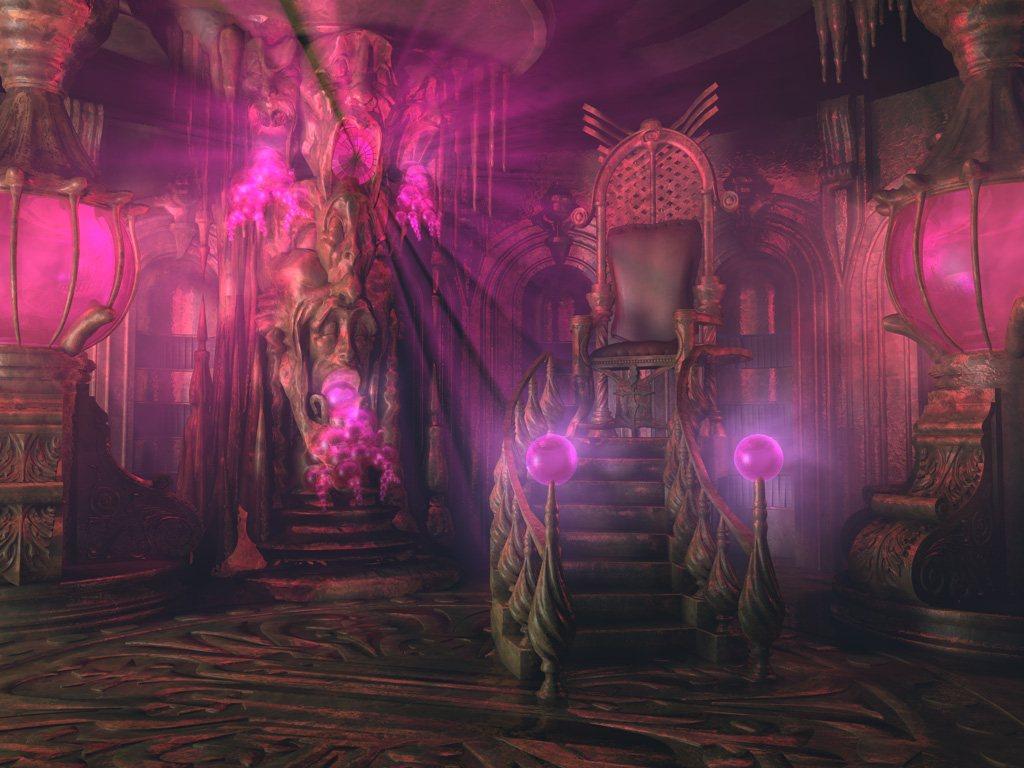
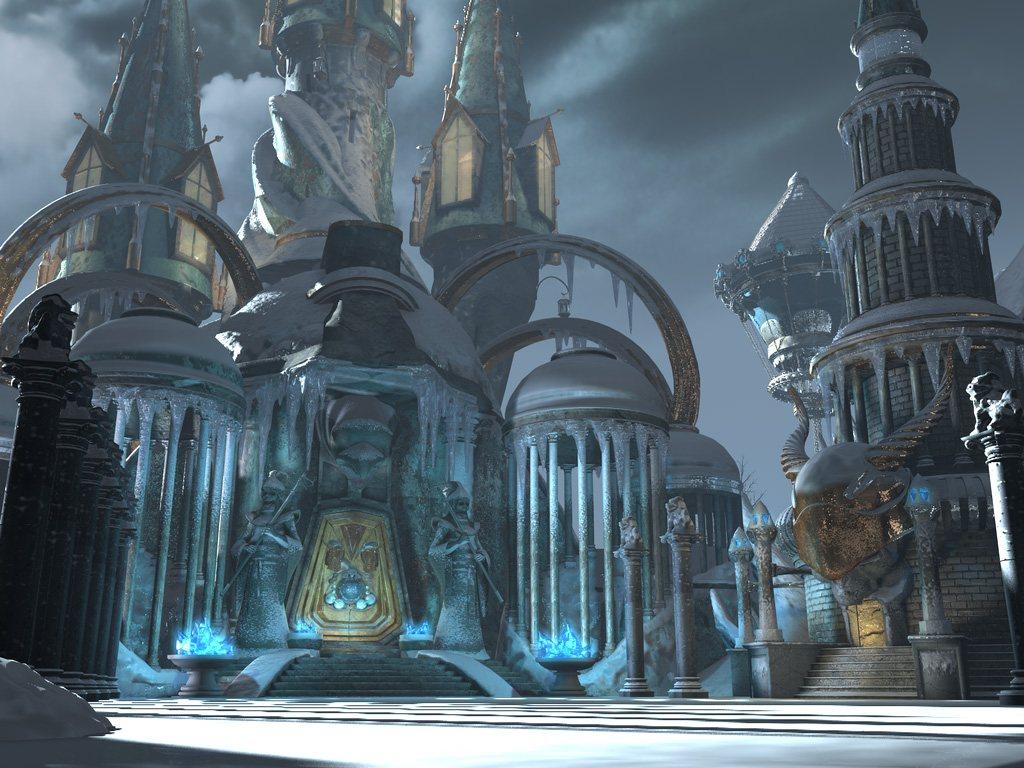
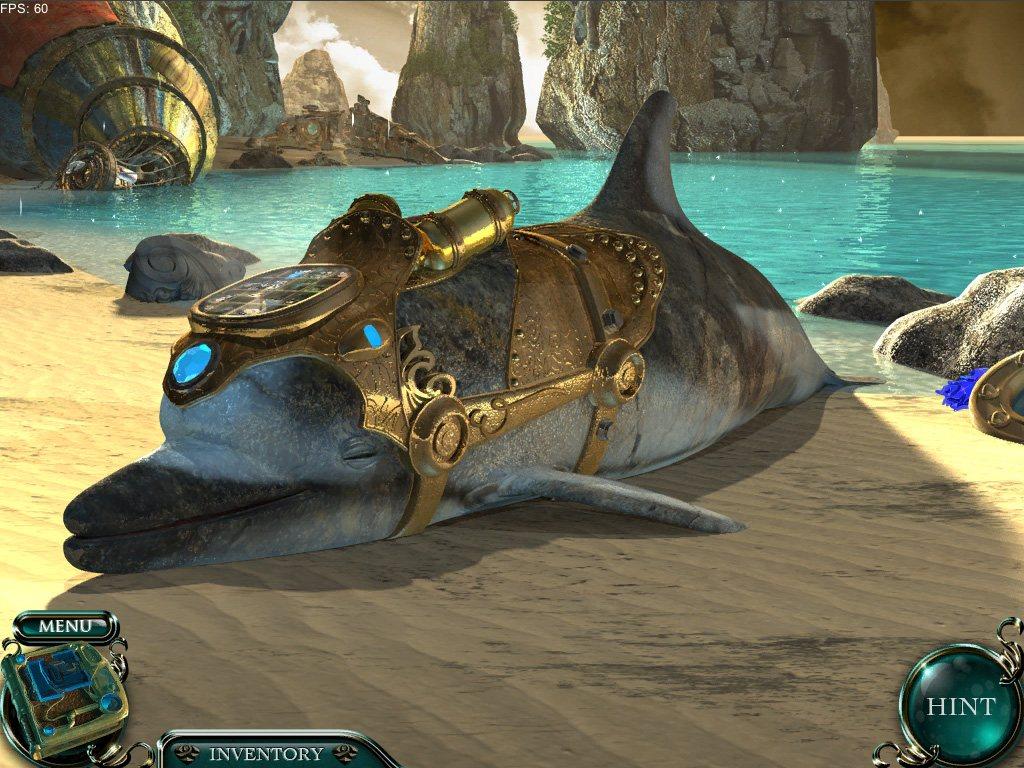
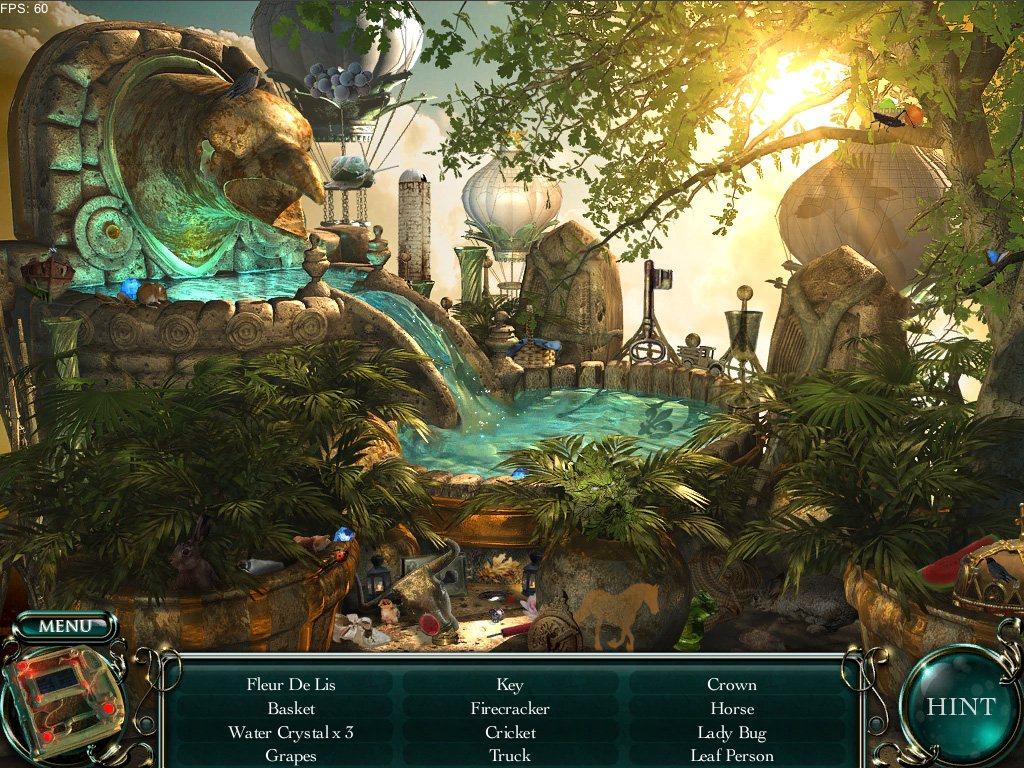
Anna awakens on a mysterious tiny island after escaping the destruction of her underwater kingdom. She must find her way to a mystical floating cloud city in the sky, seek out the four Children of Light and save them from the twisted clutches of the Evil Empress Pandora. Along the way she must rescue and heal enchanted animal slaves hidden in a vast temple complex suspended by massive balloons. Each animal becomes her friend and guide as she navigates the eerie halls and twilit chambers. She must use her wits to search the sprawling sky temples for artifacts and clues and rescue the children before the Empress succeeds in unveiling the darkest of plans. Features This sequel is twice the length of its bestselling precursor, with hours of breathtaking hidden object mystery and adventure in majestic city in the clouds. Unlock unique and beautiful animal guides to help solve each expansive puzzle level. Collect crystal dolphins to add to your healing powers. Use it to help your friends. Who can you trust? Untangle the lies of the Empress and her secret servant. Solve elaborate puzzles with found objects and magical artifacts to bring harmony to the ancient, mystical city in the clouds. Can you save the children of the Light before its too late?


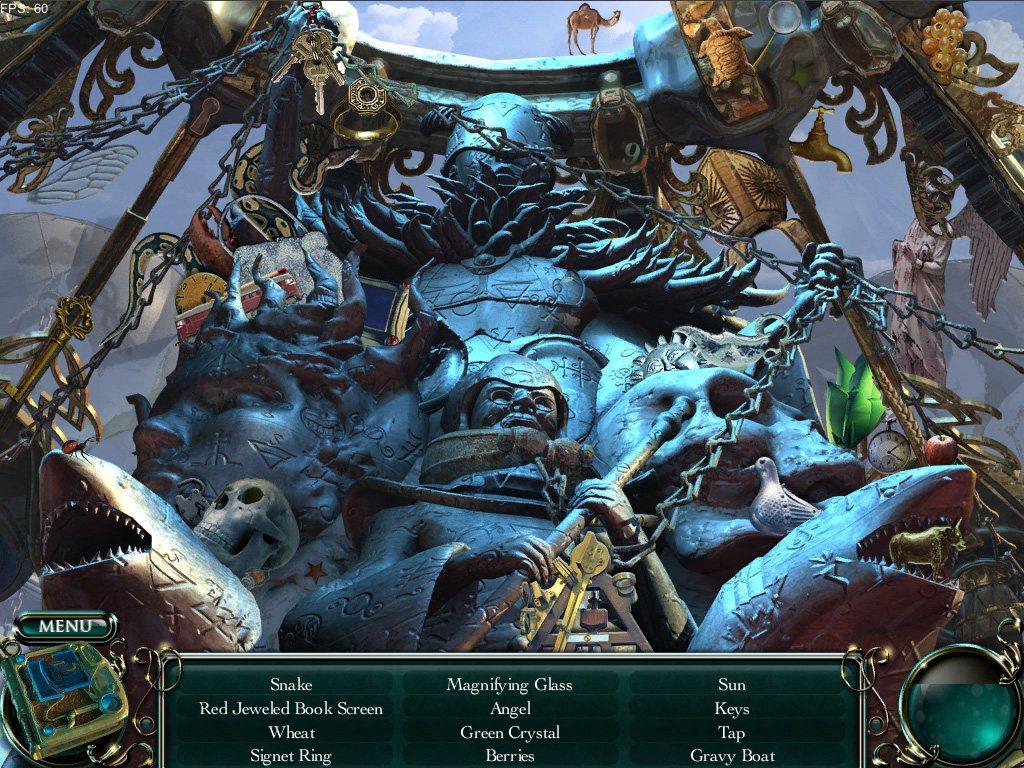
Empress Of The Deep 2: Song Of The Blue Whale screenshotEmpress Of The Deep 2: Song Of The Blue Whale screenshotEmpress Of The Deep 2: Song Of The Blue Whale screenshotEmpress Of The Deep 2: Song Of The Blue Whale screenshotEmpress Of The Deep 2: Song Of The Blue Whale screenshot

How to redeem

  1. 1Check your Steam account and the listed region before purchasing.
  2. 2Find your code and supplier activation instructions in your confirmed order.
  3. 3Open the redeem-code section on Steam, enter the code and follow the platform’s prompts.

Supplier instructions

Go to: http://store.steampowered.com/ and download STEAM client Click "Install Steam" (from the upper right corner) Install and start application, login with your Account name and Password (create one if you don't have). Please follow these instructions to activate a new retail purchase on Steam: Launch Steam and log into your Steam account. Click the Games Menu. Choose Activate a Product on Steam... Follow the onscreen instructions to complete the process. After successful code verification go to the "MY GAMES" tab and start downloading.

You might also like