

SteamGlobal· Key
Galactic Orbital Death Sport
€1.13
+€0.11 cashback eligibility in Relic Coins
Check before you play
- Platform
- Steam
- Region
- Global
- Product type
- Key
- Supplier release date
- 2018-11-09
- Genres
- Action, Indie
SteamGlobal· Key
€1.13
+€0.11 cashback eligibility in Relic Coins
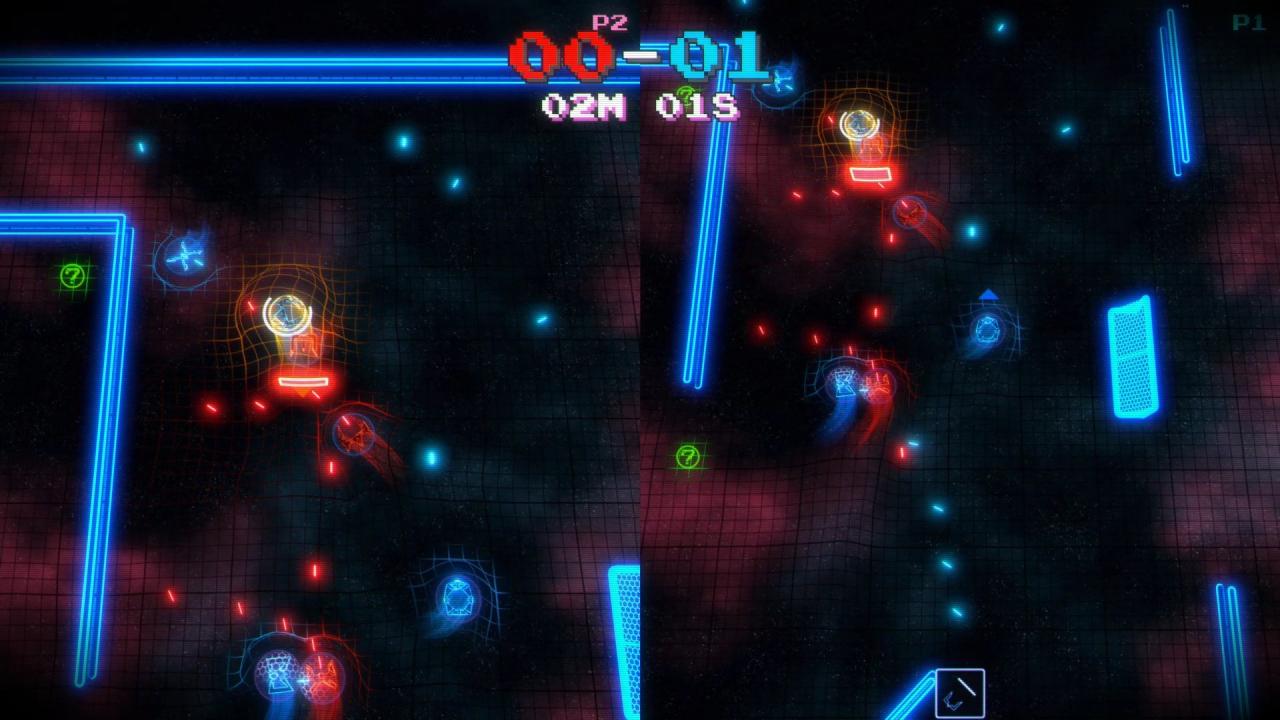
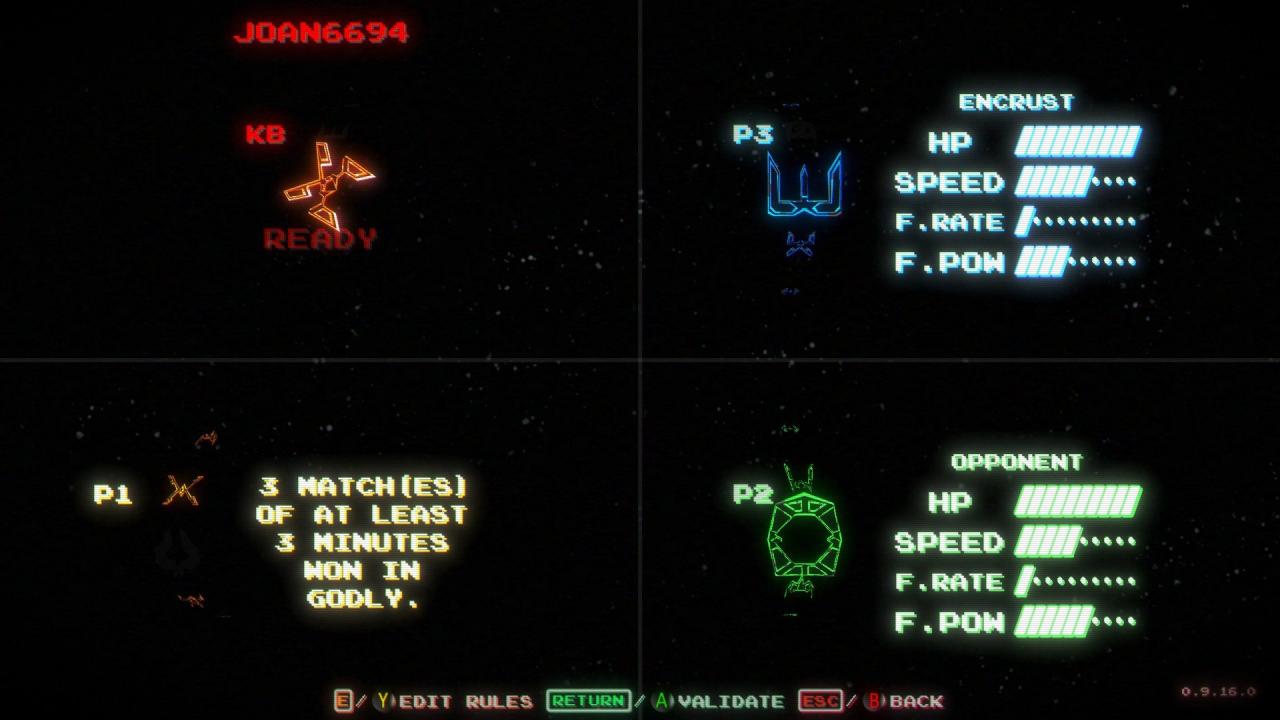
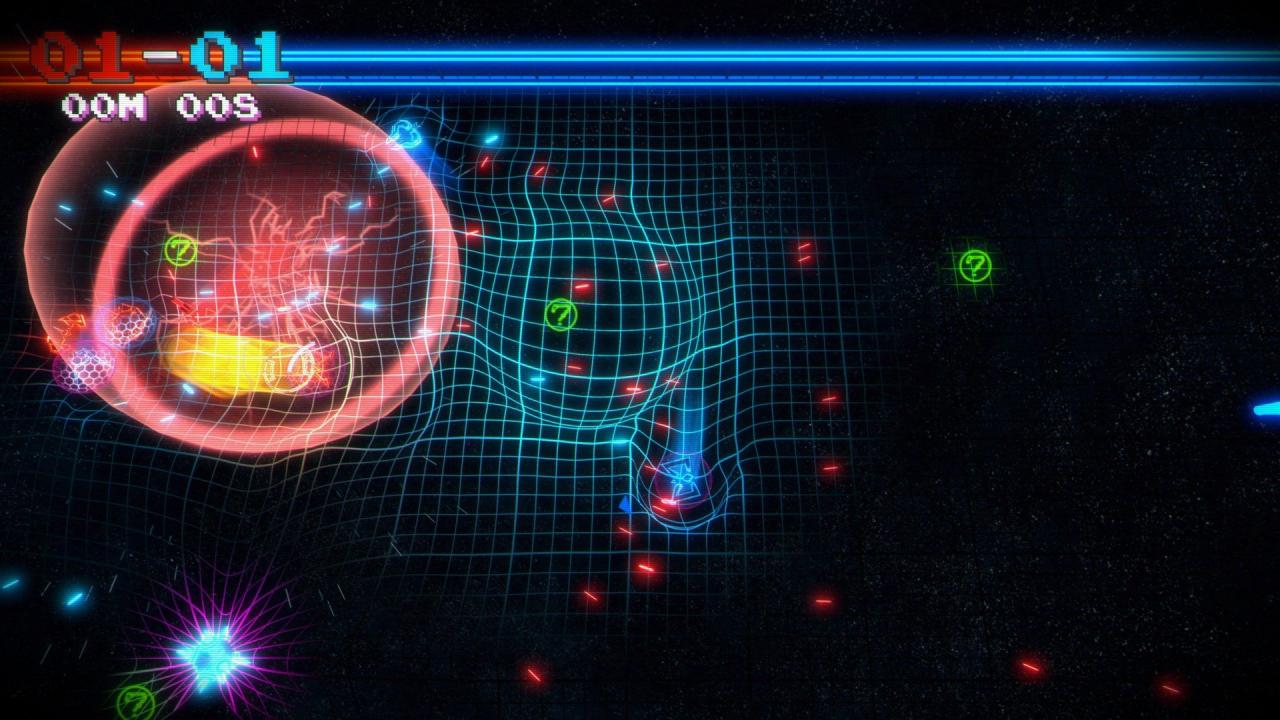
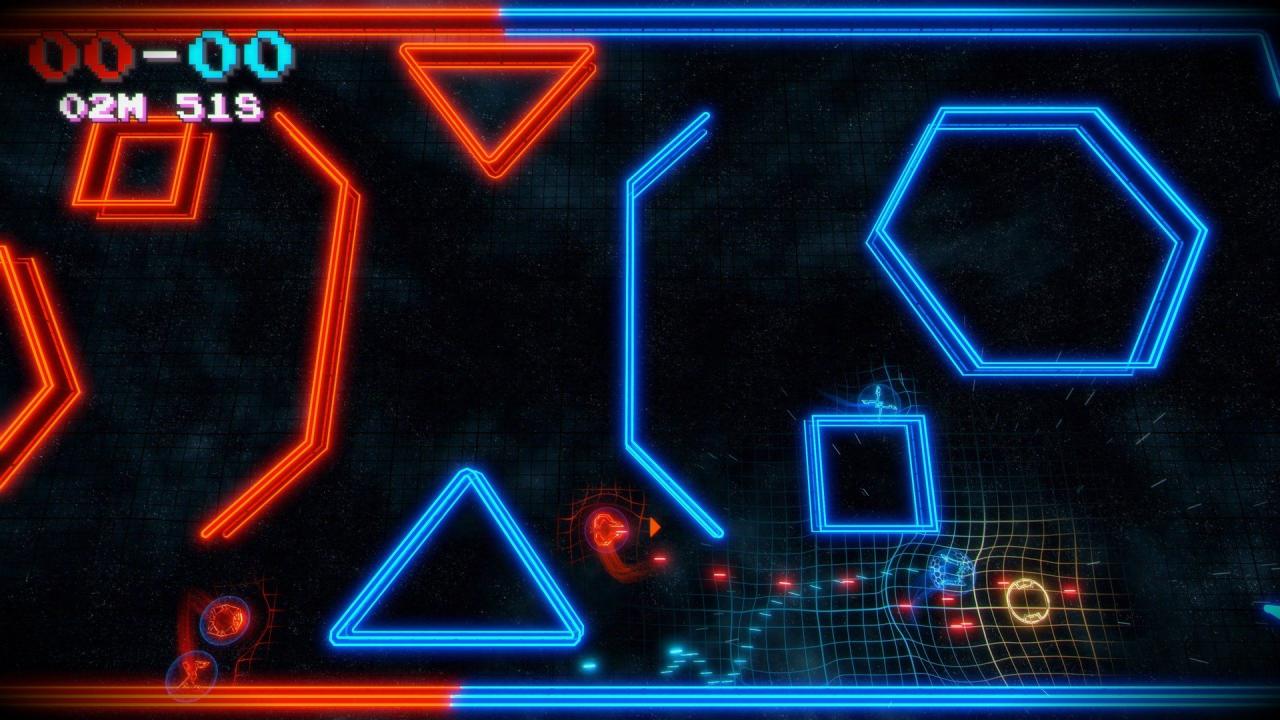
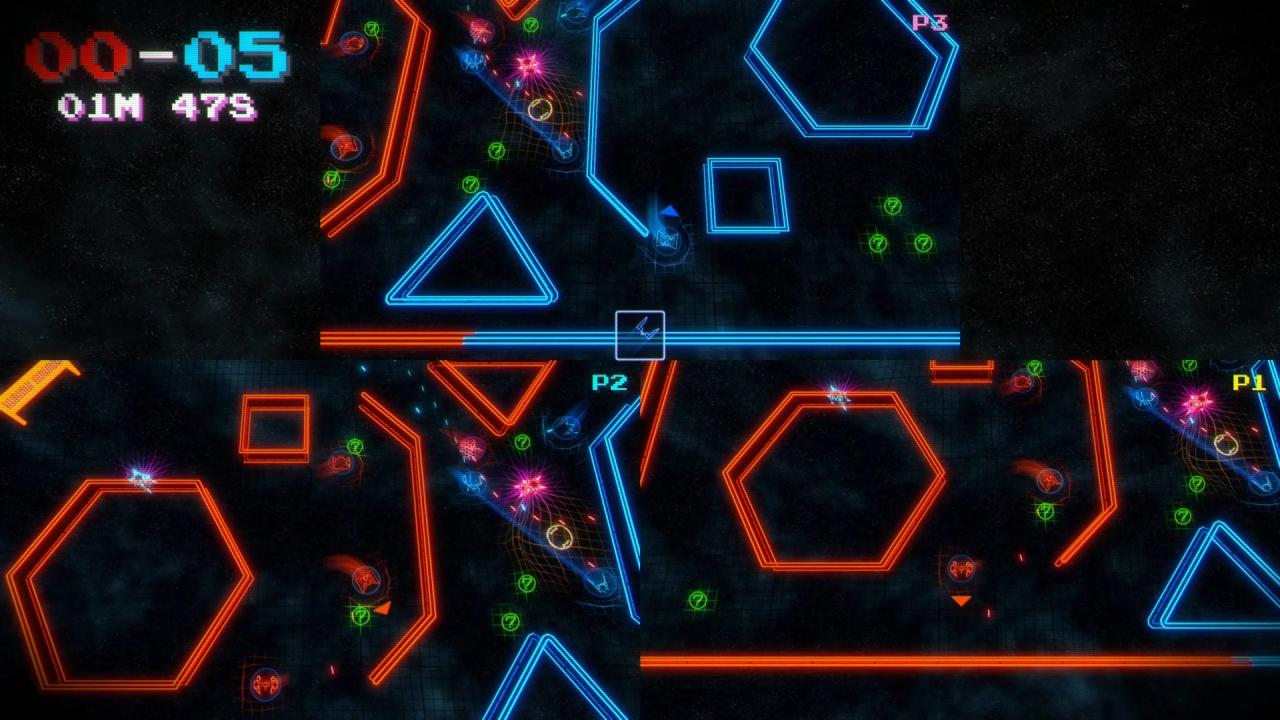
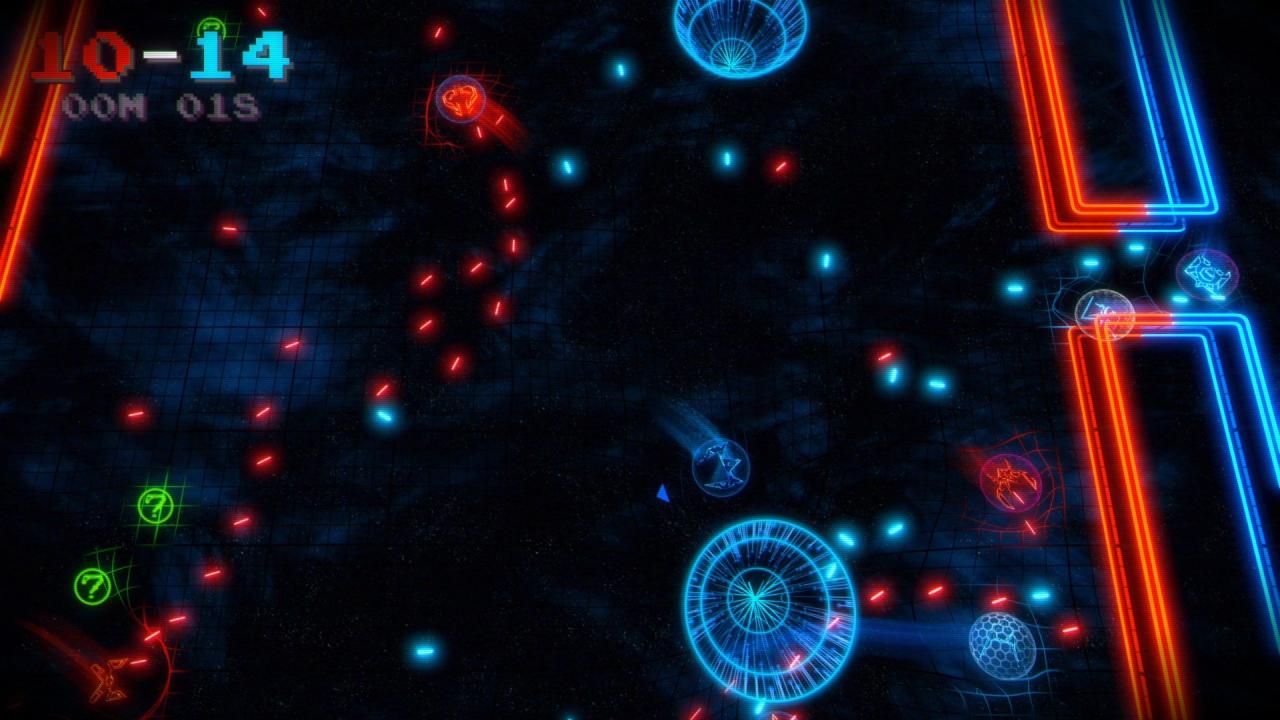
Do you like to crush your enemies? Disintegrate them, reducing them to the simple state of pixel? Welcome to G.O.D.S: the most dangerous spatial sport ever! Select the ship you prefer and destroy your enemies to not let them goal!G.O.D.S is a sport game taking place in space with different game modes. The main mode is directly inspired by the ice hockey. Each team must take possession of the puck and score a maximum of points.To fulfill this goal, your ship is provided with some cool weapons like laser cannons. You can also collect bonuses (mines, multiple shots…) in order to trap your enemies.G.O.D.S focus on the team play, each ship has its own characteristics and plays a key role for the team synergy. Features Play on the same PC up to 4 players. Various bonuses during the matches (super charge, super speed, shields…). Play with your joypad or with your mouse and keyboard Hockey Mode, Death Match, Team Death Match Immersive and competitive gameplay
Go to: http://store.steampowered.com/ and download STEAM client Click "Install Steam" (from the upper right corner) Install and start application, login with your Account name and Password (create one if you don't have). Please follow these instructions to activate a new retail purchase on Steam: Launch Steam and log into your Steam account. Click the Games Menu. Choose Activate a Product on Steam... Follow the onscreen instructions to complete the process. After successful code verification go to the "MY GAMES" tab and start downloading.