Get 10% back in Relic Coins on every order
Paladin Duty - Knights and Blades cover

SteamGlobal· Key

Paladin Duty - Knights and Blades

€0.41

+€0.04 cashback eligibility in Relic Coins

Check before you play

Platform
Steam
Region
Global
Product type
Key
Developer
Fabio Cunha
Publisher
Fabio Cunha
Supplier release date
2018-03-07
Genres
Action, Adventure, Indie, Casual

About this product

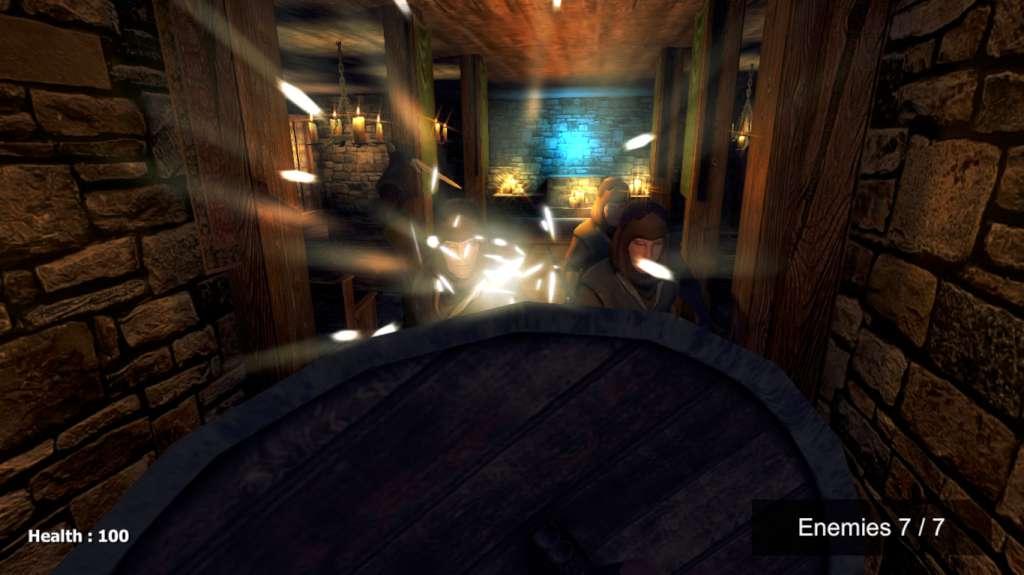
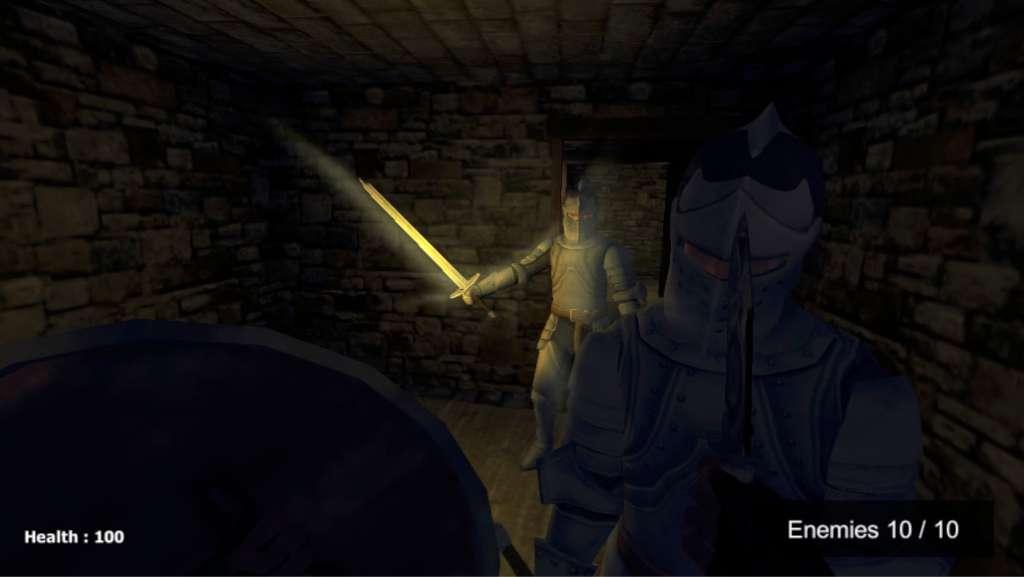
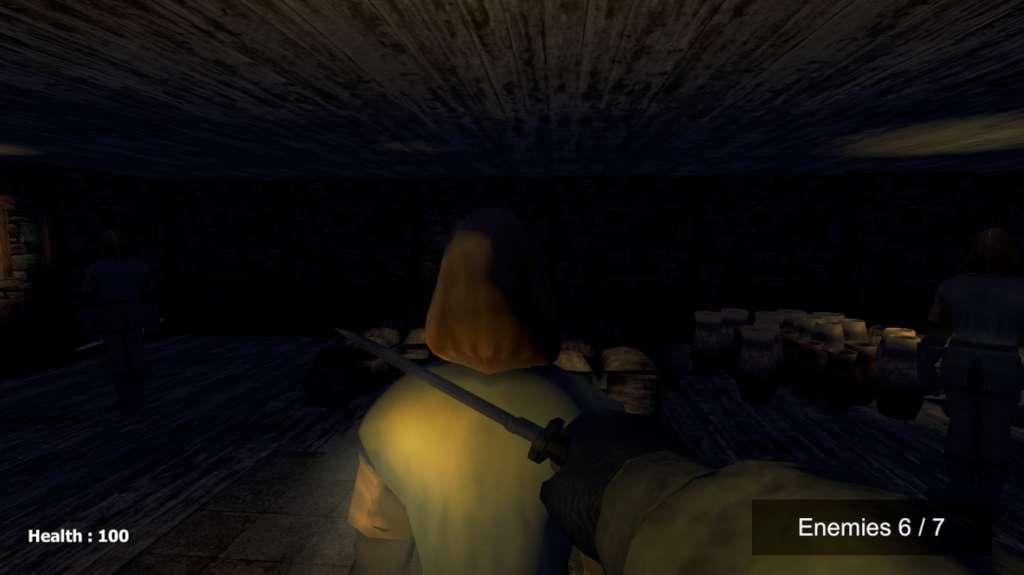
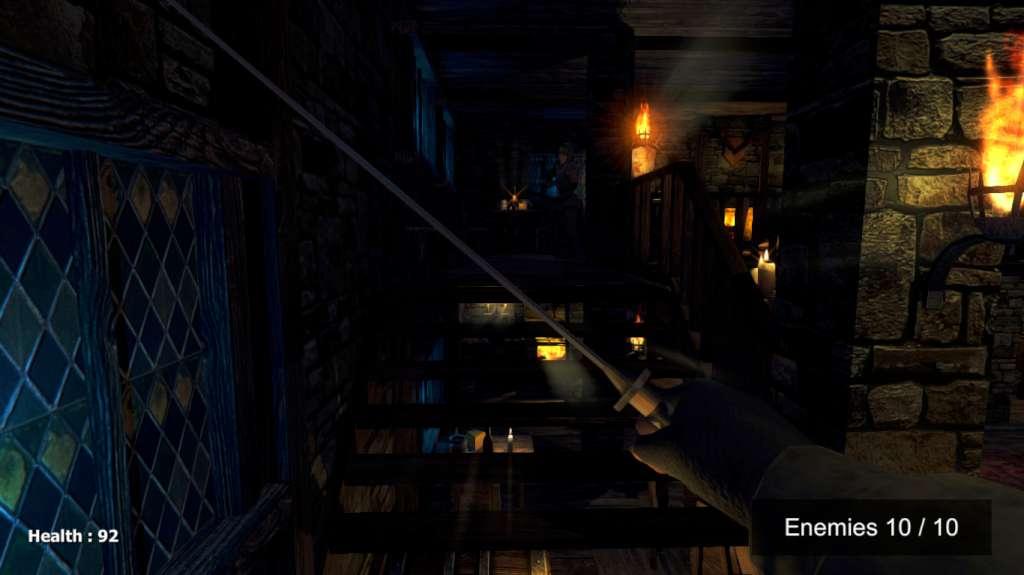
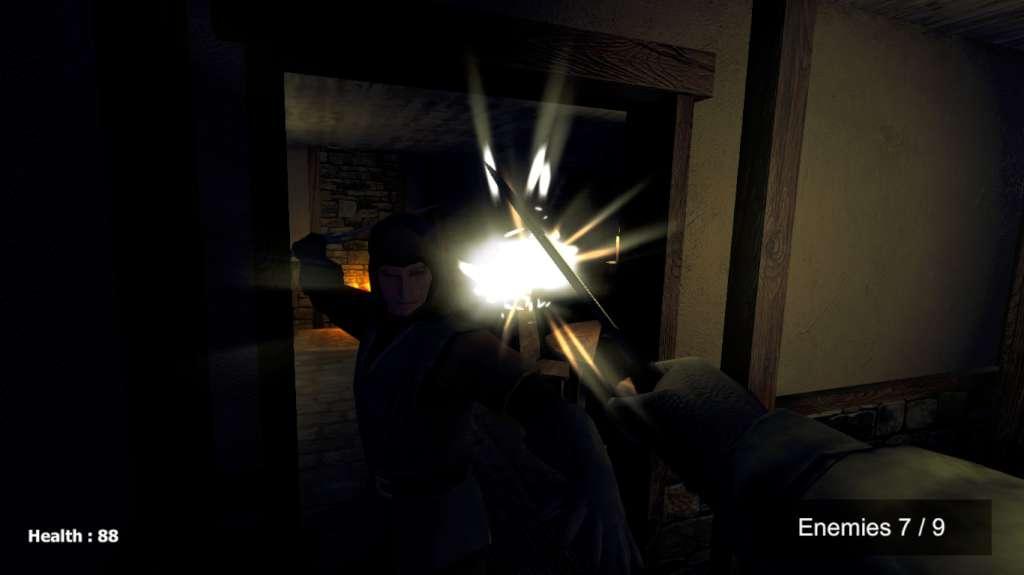
In this first person game, you are a paladin that must free the entire kingdom from thieves and invasor knights using your weapons. Don't forget to block your enemy attacks when possible, it is essential for your survival. When attacking, get them from behind or hit the head to get an instant kill.I was influenced by Elder Scrolls Skyrim and Thief (2014) when I create this game, expect people that play these games like this game too.Don't run like crazy, walk slowly and get enemies from behind, it is easier and safer. A lot of enemies are waiting for you. Features First person view Simple gameplay mechanic, attack and block using mouse buttons Simple missions, kill all enemies to complete a level Get enemy from behind to get an instant kill Hit enemy head to kill enemies easier Need to use caution to complete some levels, don't call enemy attention, otherwise you will need to face a lot of enemies at the same time

Paladin Duty - Knights and Blades screenshotPaladin Duty - Knights and Blades screenshotPaladin Duty - Knights and Blades screenshotPaladin Duty - Knights and Blades screenshotPaladin Duty - Knights and Blades screenshot

How to redeem

  1. 1Check your Steam account and the listed region before purchasing.
  2. 2Find your code and supplier activation instructions in your confirmed order.
  3. 3Open the redeem-code section on Steam, enter the code and follow the platform’s prompts.

Supplier instructions

Go to: http://store.steampowered.com/ and download STEAM client Click "Install Steam" (from the upper right corner) Install and start application, login with your Account name and Password (create one if you don't have). Please follow these instructions to activate a new retail purchase on Steam: Launch Steam and log into your Steam account. Click the Games Menu. Choose Activate a Product on Steam... Follow the onscreen instructions to complete the process. After successful code verification go to the "MY GAMES" tab and start downloading.

You might also like