Get 10% back in Relic Coins on every order
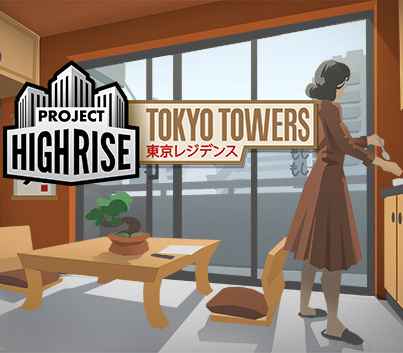
Project Highrise - Tokyo Towers DLC cover

SteamGlobal· DLC

Project Highrise - Tokyo Towers DLC

€0.96

+€0.10 cashback eligibility in Relic Coins

Check before you play

Platform
Steam
Region
Global
Product type
DLC

Check the required base game and edition before purchasing this add-on.

Developer
SomaSim
Publisher
Kasedo Games
Supplier release date
2016-09-08
Genres
Strategy, Simulation

About this product

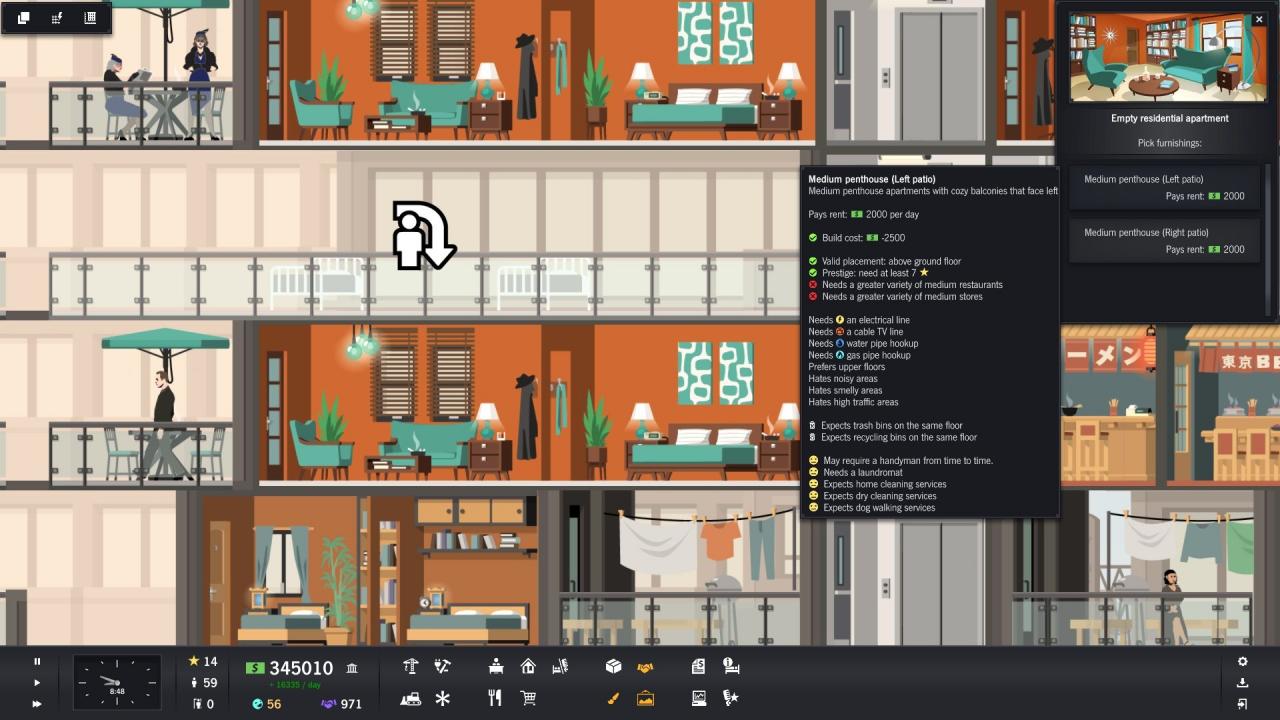
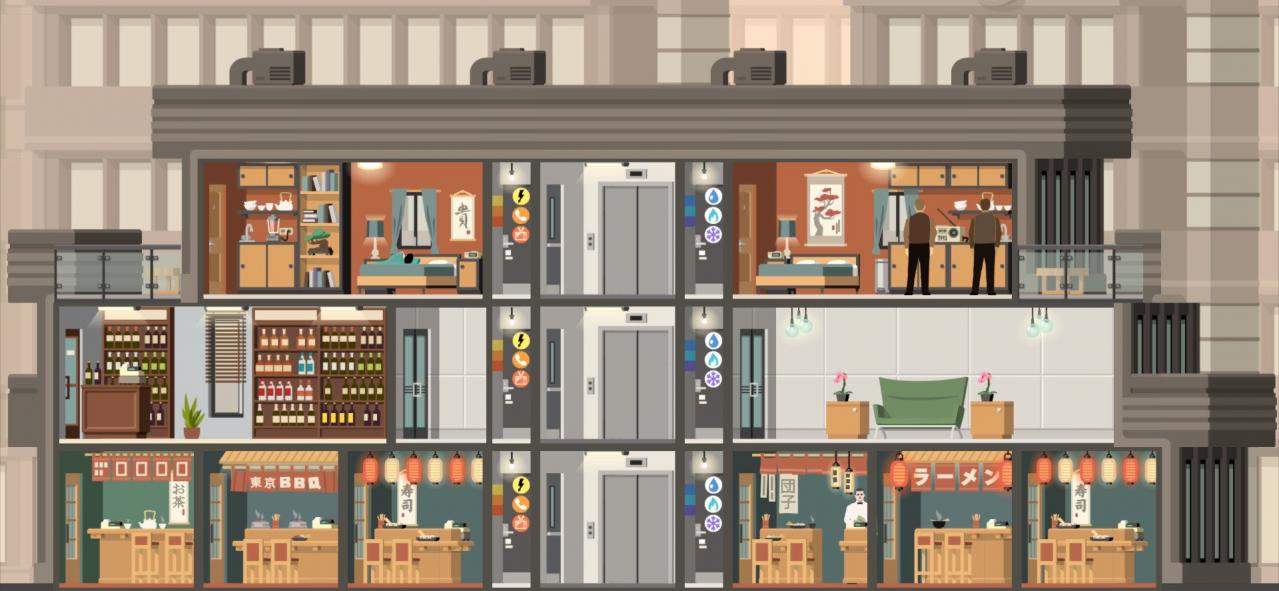
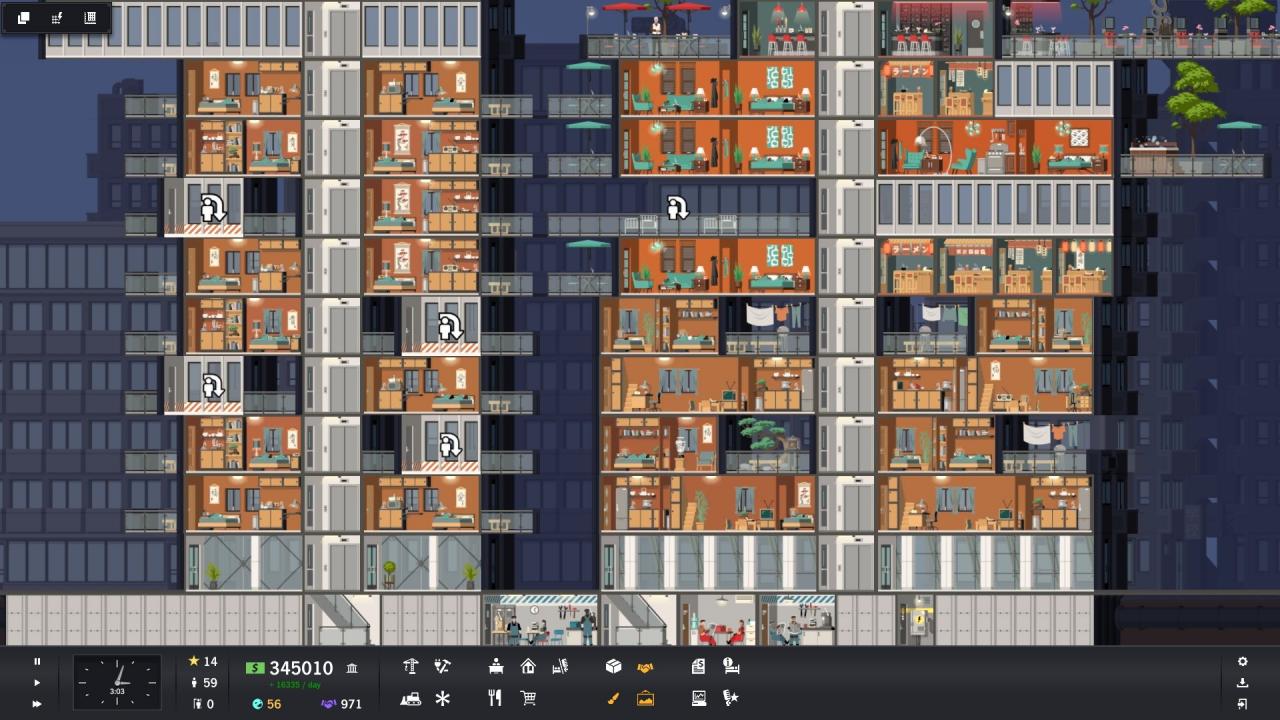
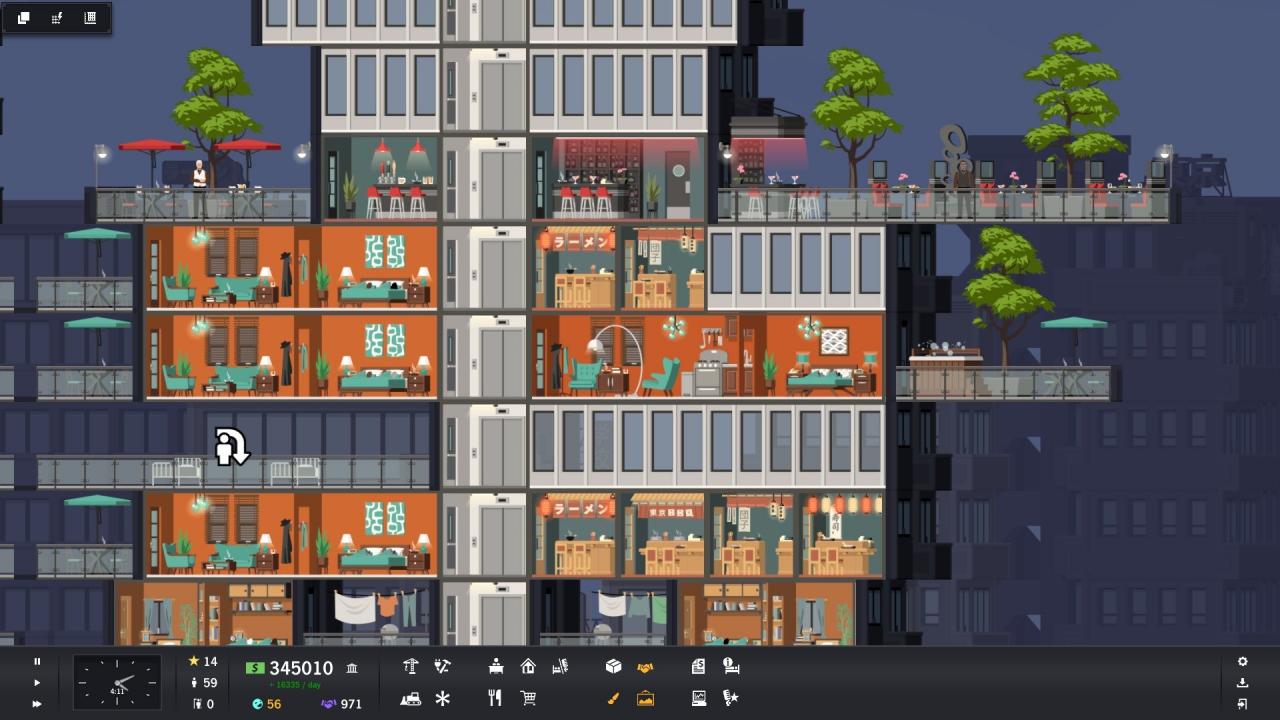
Welcome to Tokyo, a gleaming beacon of modernity and the pulsing heart of the Land of the Rising Sun. Finding a place to call home is a constant challenge in the most populous city on Earth. In the Tokyo Towers content pack, you’ll build residential towers full of apartments that cater to those seeking an urban oasis of calm amid the carefully choreographed chaos of Japan’s capital. Your towers will sprout balconies and terraces to provide a serene views of the city’s skyline far above the traffic filled streets. With new apartments, you’ll have many new choices as you seek to master the complicated, crowded (and expensive) world of Tokyo’s vibrant residential market. Ranging from smartly designed micro apartments to palatial penthouses, you’ll be able to design a quintessentially Tokyo residential block complete with matching exteriors and cityscapes inspired by Japan’s unique urban landscape. Tokyo has always been a forward-looking metropolis on the cutting edge of art and design. From fountains and gardens to prints and statues, the content pack also features an array of new artwork to improve your building’s prestige and complete your truly Tokyo tower.

Project Highrise - Tokyo Towers DLC screenshotProject Highrise - Tokyo Towers DLC screenshotProject Highrise - Tokyo Towers DLC screenshotProject Highrise - Tokyo Towers DLC screenshot

How to redeem

  1. 1Check the required base game, platform and edition before purchasing.
  2. 2Find the code or supplier activation instructions in your confirmed order.
  3. 3Redeem on Steam using the supplied instructions, then install the add-on with the compatible base game.

Supplier instructions

Go to: http://store.steampowered.com/ and download STEAM client Click "Install Steam" (from the upper right corner) Install and start application, login with your Account name and Password (create one if you don't have). Please follow these instructions to activate a new retail purchase on Steam: Launch Steam and log into your Steam account. Click the Games Menu. Choose Activate a Product on Steam... Follow the onscreen instructions to complete the process. After successful code verification go to the "MY GAMES" tab and start downloading.

You might also like