Get 10% back in Relic Coins on every order
RTS Commander: Smash the Rebels cover

SteamGlobal· Key

RTS Commander: Smash the Rebels

€5.24

+€0.52 cashback eligibility in Relic Coins

Check before you play

Platform
Steam
Region
Global
Product type
Key
Developer
F-Games
Publisher
JTS Development
Supplier release date
2018-04-07
Genres
Strategy, Indie

About this product

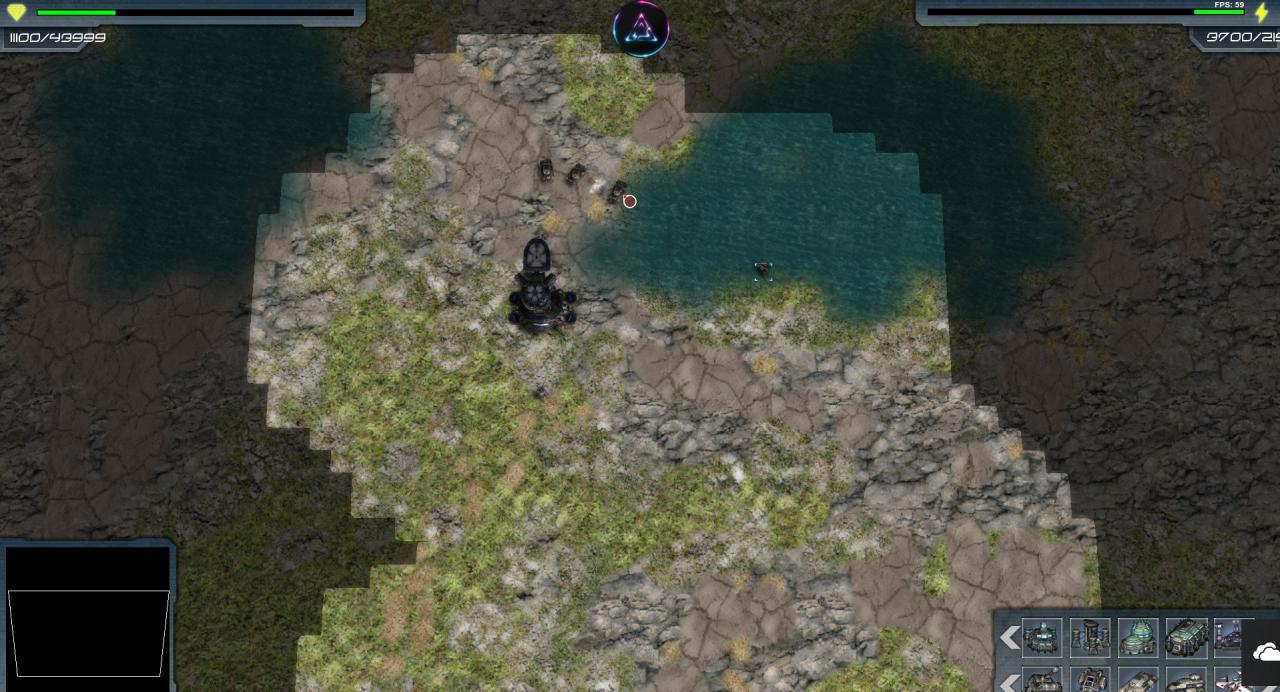
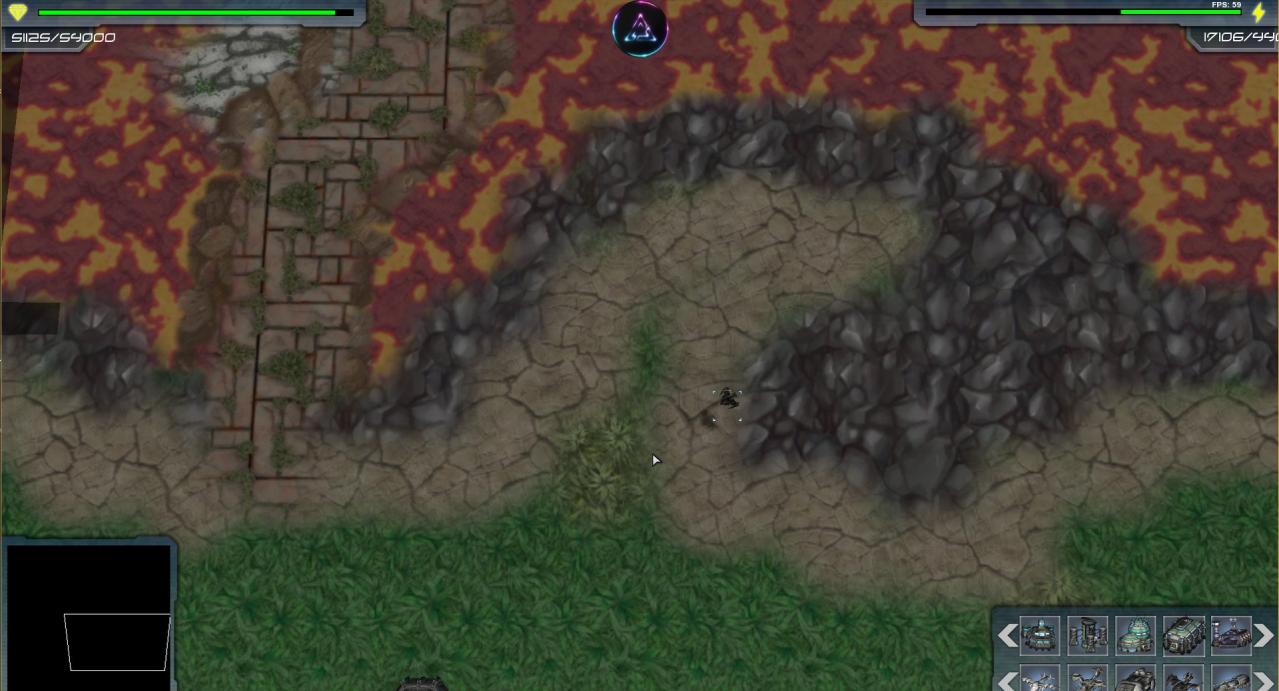
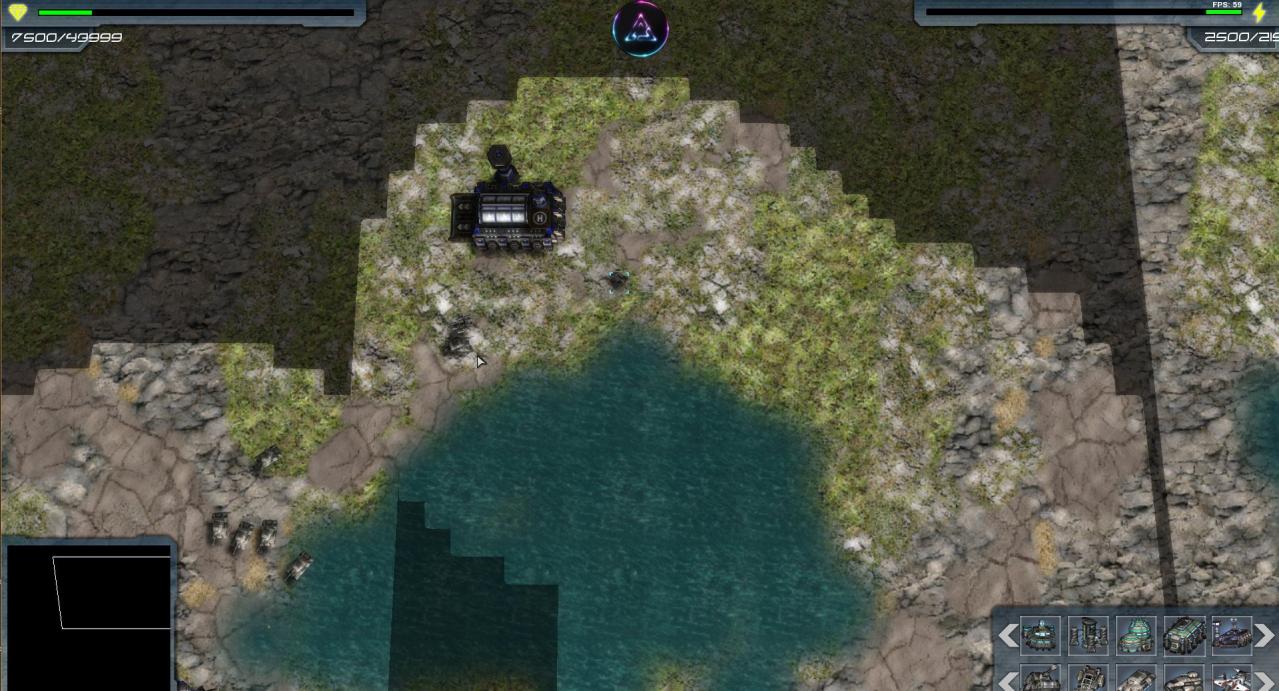
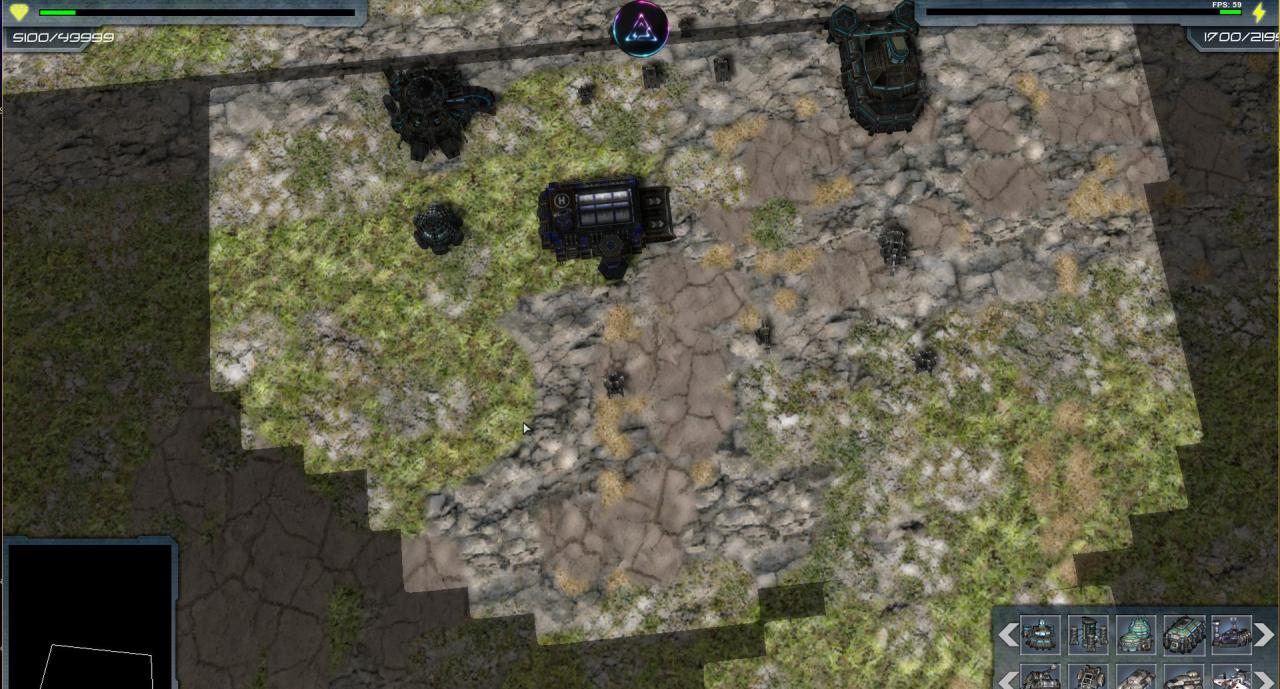
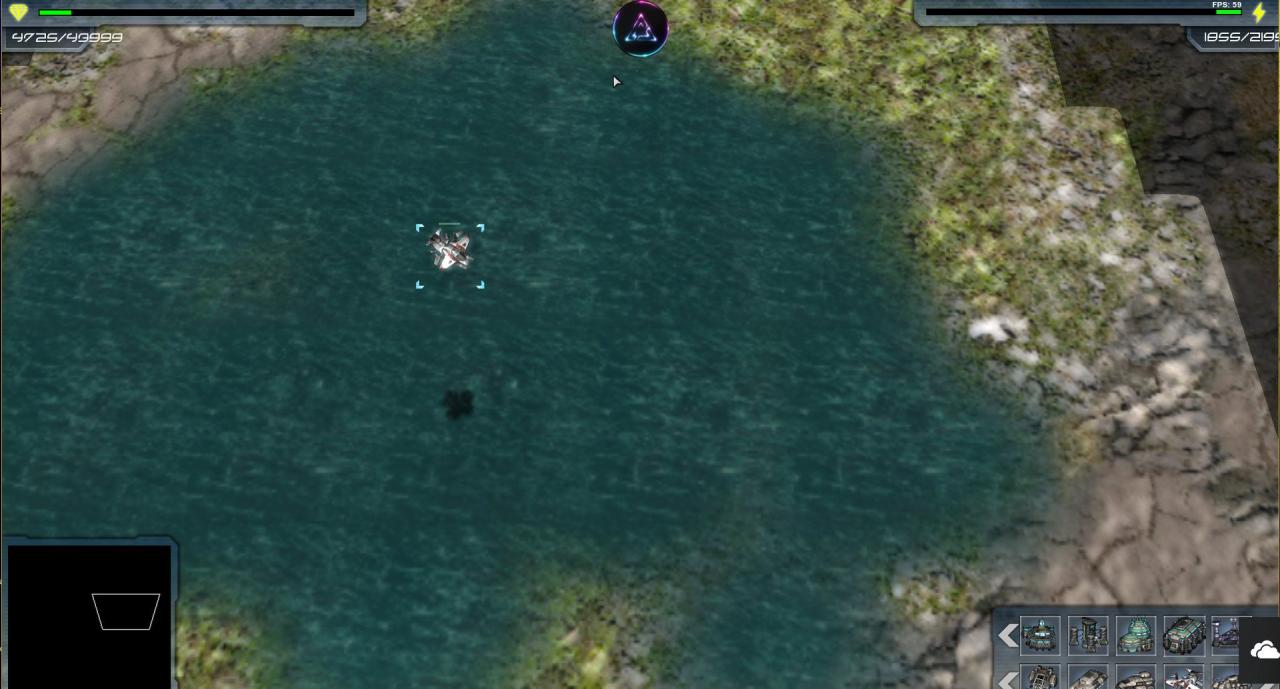
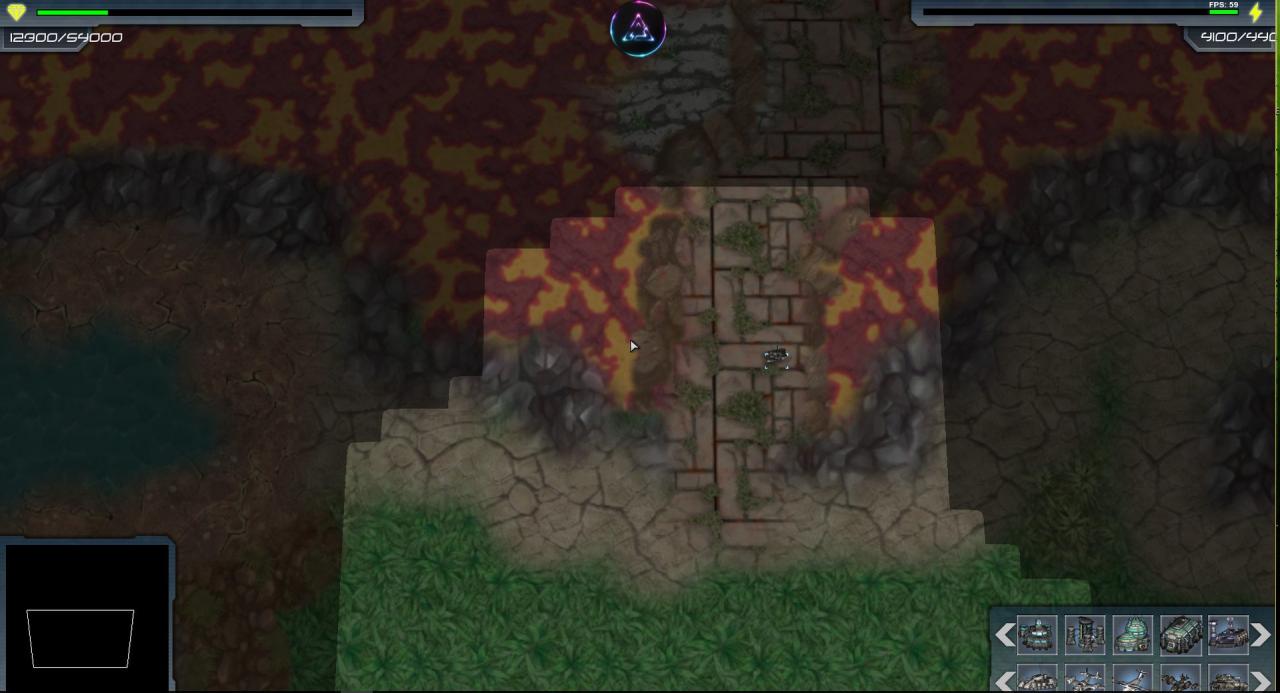
Smash the Rebels is a Real-Time-Strategy Game and part of the RTS Commander series. The game respects the traditions of good old days RTS games. Game graphical design is RETRO and it is evolving all the time. Because of this RETRO-style, game is targeted to hardcore players or players who like good old style RTS-games and therefore unfortunately game might not be for you if seeking AAA-game experience with a Hollywood-style special effects. New features and content will be added to the game at regular intervals. The game uses OpenGL, a revolutionary option to DirectX since year 1991, was originally developed by Silicon Graphics. Thanks to OpenGL Highly Optimized Code, this game will run on just about any graphics card produced in 2004 and later, so you don't need to worry much about what graphic card do you have. Features Supports a wide variety of different sceen sizes, supports also ultra wide monitors (2560x1080). 360 degrees view! (see gameplay video) clever AI Heads Up Display (HUD) Several Units Turrets Structures Factions (player, enemy) Obstacles Pause -function by pressing P -key Weapons Technology Trees Amazing 360-view battles Awesome music tracs

RTS Commander: Smash the Rebels screenshotRTS Commander: Smash the Rebels screenshotRTS Commander: Smash the Rebels screenshotRTS Commander: Smash the Rebels screenshotRTS Commander: Smash the Rebels screenshotRTS Commander: Smash the Rebels screenshot

How to redeem

  1. 1Check your Steam account and the listed region before purchasing.
  2. 2Find your code and supplier activation instructions in your confirmed order.
  3. 3Open the redeem-code section on Steam, enter the code and follow the platform’s prompts.

Supplier instructions

Go to: http://store.steampowered.com/ and download STEAM client Click "Install Steam" (from the upper right corner) Install and start application, login with your Account name and Password (create one if you don't have). Please follow these instructions to activate a new retail purchase on Steam: Launch Steam and log into your Steam account. Click the Games Menu. Choose Activate a Product on Steam... Follow the onscreen instructions to complete the process. After successful code verification go to the "MY GAMES" tab and start downloading.

You might also like