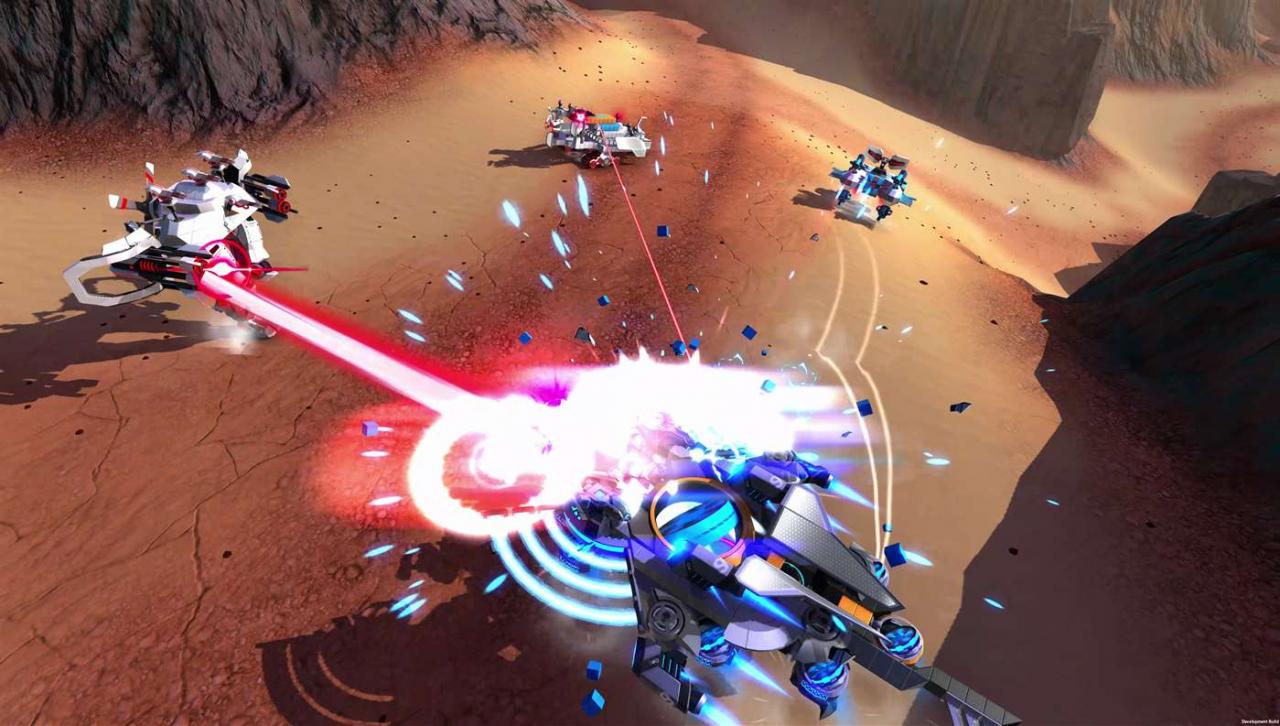
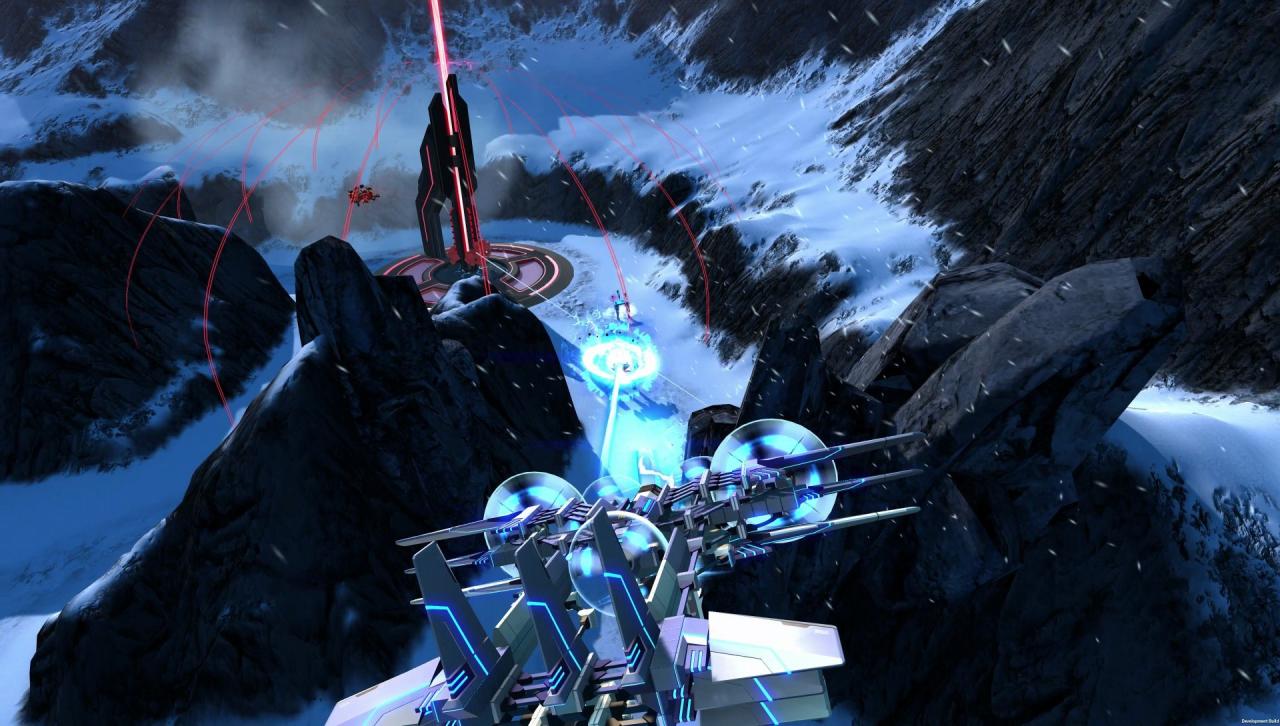
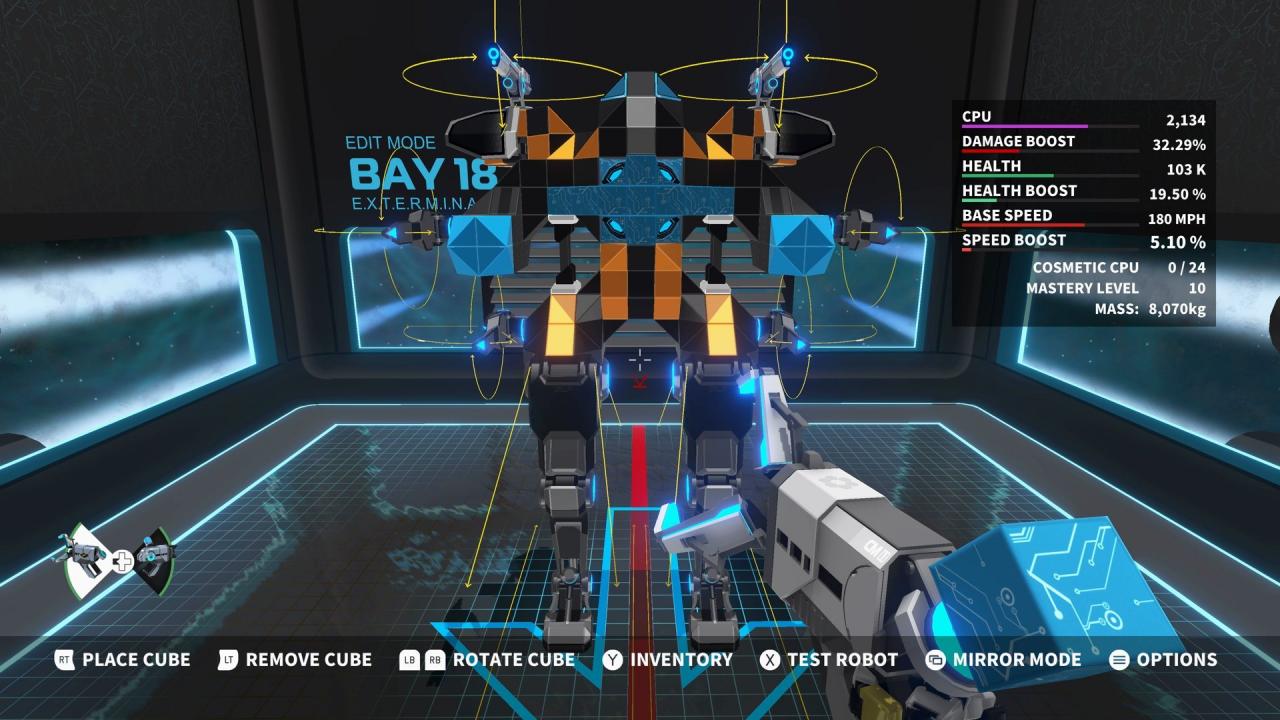
Build, drive, fight! Create fully customisable robots block-by-block that can drive, hover, walk and fly in the multiplayer combat game, Robocraft Infinity. Equip weapons from the future and jump into the driving seat as you battle for supremacy in multiple 5 vs 5 game modes against players from across the world. Combine blocks in an easy-to-use editor to create whatever robot you desire. Jet cars, tanks, flying warships, helicopters, drones, dinosaurs, scorpions – in Robocraft Infinity the creative possibilities are endless! Features Enhanced For Xbox One X Robocraft Infinity is Xbox One X Enhanced, with improved frame rate and 4k resolution for a better play experience. Share via the Factory Players can not only create their own robots, but they can also share their design online and browse other robots. Over 230 parts and counting… Join an evolving metagame with new weapons and components added to the game regularly for no extra cost An active Xbox Live subscription is required to play Robocraft Infinity. Robocraft Infinity contains user generated content (UGC). Some privacy settings will restrict access to the game. English, French, Italian, German, Spanish, Japanese, Portuguese-Brazil, Russian, Korean language options are supported