Get 10% back in Relic Coins on every order
Cities in Motion 2 - Lofty Landmarks DLC cover

SteamGlobal· DLC

Cities in Motion 2 - Lofty Landmarks DLC

€1.60

+€0.16 cashback eligibility in Relic Coins

Check before you play

Platform
Steam
Region
Global
Product type
DLC

Check the required base game and edition before purchasing this add-on.

Developer
Colossal Order Ltd.
Publisher
Paradox Interactive
Supplier release date
2013-08-29
Genres
Simulation

About this product

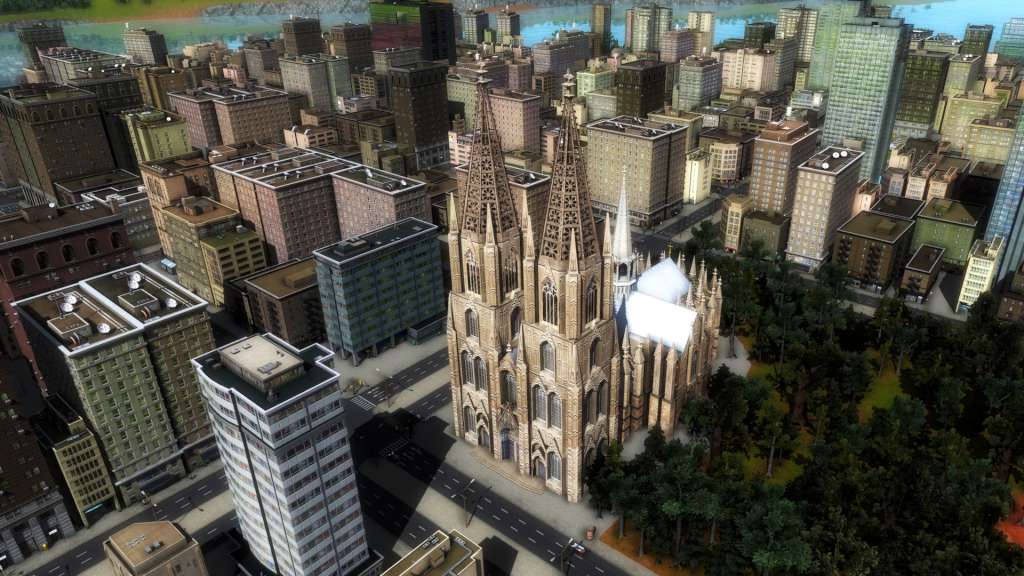
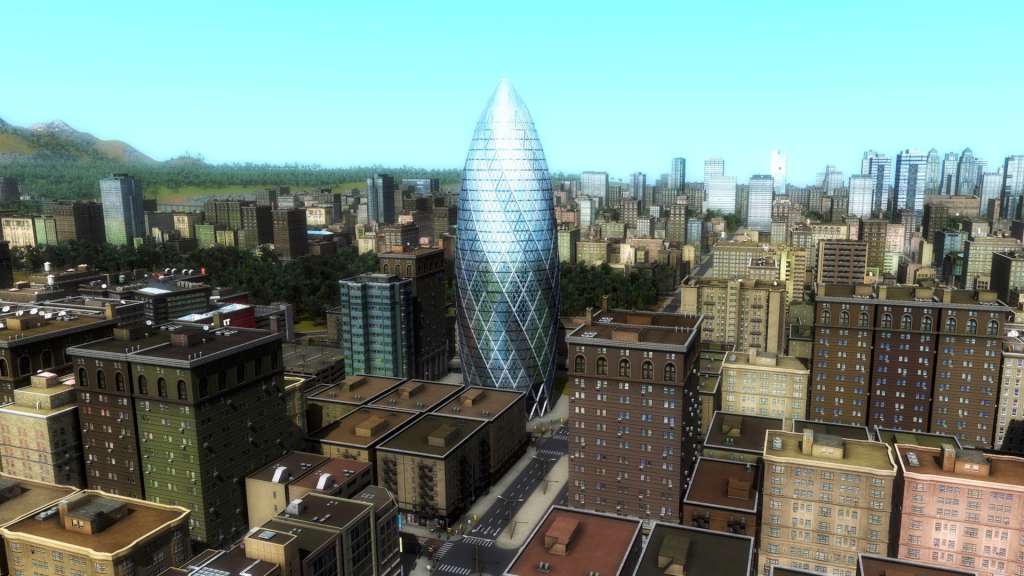
Add some lofty architecture to spice up your town with this DLC. Lofty Landmarks offers four new buildings: the formidable Cologne Cathedral, the famous Westminster Palace featuring the Elizabeth Tower and it's Big Ben bell, the renowned German Brandenburg Gate, and the 30 St. Mary Axe, commonly known as the Gherkin of London. Features Big Ben / Westminster palace: Elizabeth Tower houses the huge bell nicknamed the Big Ben. It's a part of the Westminster palace, and a sure place to attract lots of citizens on sunny days. 30 St. Mary Axe: Sleek, modern and gherkin-like, this landmark will be one of the busiest places in any town. Building a line to it will always bring you profit! Cologne Cathedral: The gothic elegance of the Cologne Cathedral is unsurpassed. Place this landmark in your city to make sure the masses flock to it. Branderburg Gate: One of the most famous landmarks in Germany, the Brandenburg gate, is a very popular destination in any city. Place it to have lots of people moving around!


Cities in Motion 2 - Lofty Landmarks DLC screenshotCities in Motion 2 - Lofty Landmarks DLC screenshotCities in Motion 2 - Lofty Landmarks DLC screenshotCities in Motion 2 - Lofty Landmarks DLC screenshotCities in Motion 2 - Lofty Landmarks DLC screenshot

How to redeem

  1. 1Check the required base game, platform and edition before purchasing.
  2. 2Find the code or supplier activation instructions in your confirmed order.
  3. 3Redeem on Steam using the supplied instructions, then install the add-on with the compatible base game.

Supplier instructions

Go to: http://store.steampowered.com/ and download STEAM client Click "Install Steam" (from the upper right corner) Install and start application, login with your Account name and Password (create one if you don't have). Please follow these instructions to activate a new retail purchase on Steam: Launch Steam and log into your Steam account. Click the Games Menu. Choose Activate a Product on Steam... Follow the onscreen instructions to complete the process. After successful code verification go to the "MY GAMES" tab and start downloading.

You might also like