Get 10% back in Relic Coins on every order
Osozaki 遅咲き Late Blooming - First cover

SteamGlobal· Key

Osozaki 遅咲き Late Blooming - First

€25.49

+€2.55 cashback eligibility in Relic Coins

Check before you play

Platform
Steam
Region
Global
Product type
Key
Developer
Kurisu no Patto
Publisher
Kurisu no Patto
Supplier release date
2016-06-24
Genres
Simulation, Indie, Visual Novel

About this product

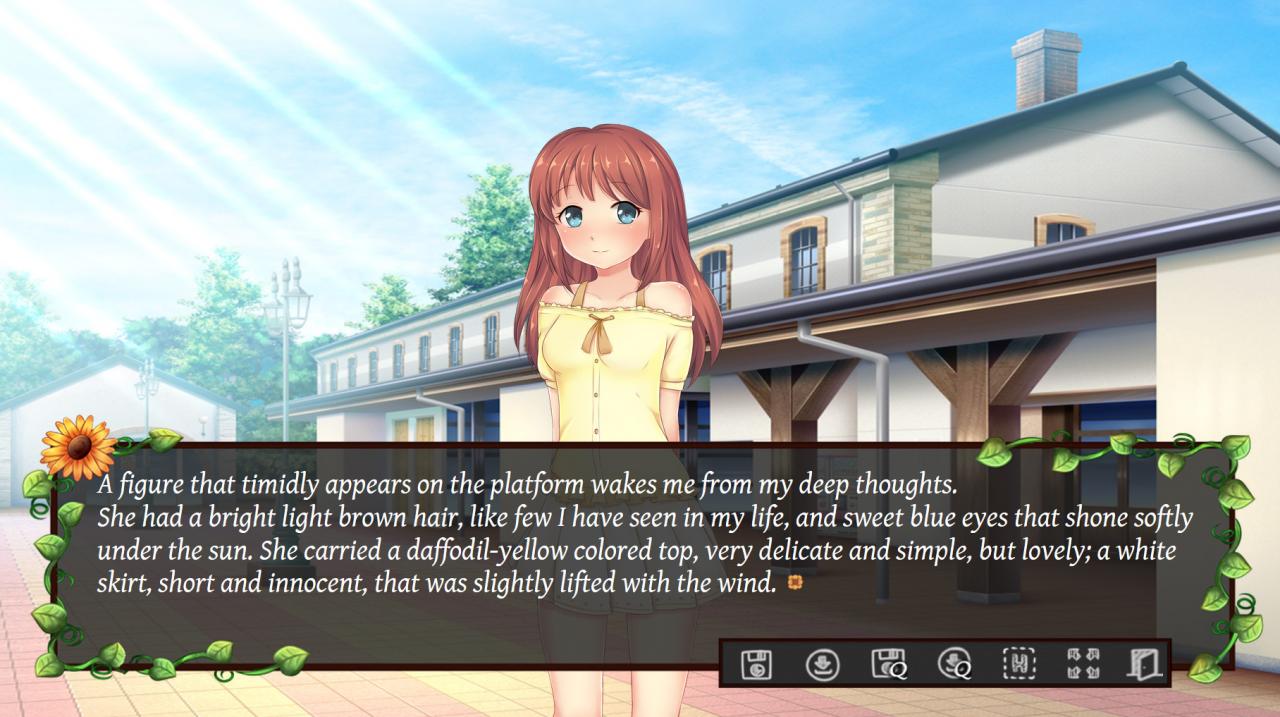
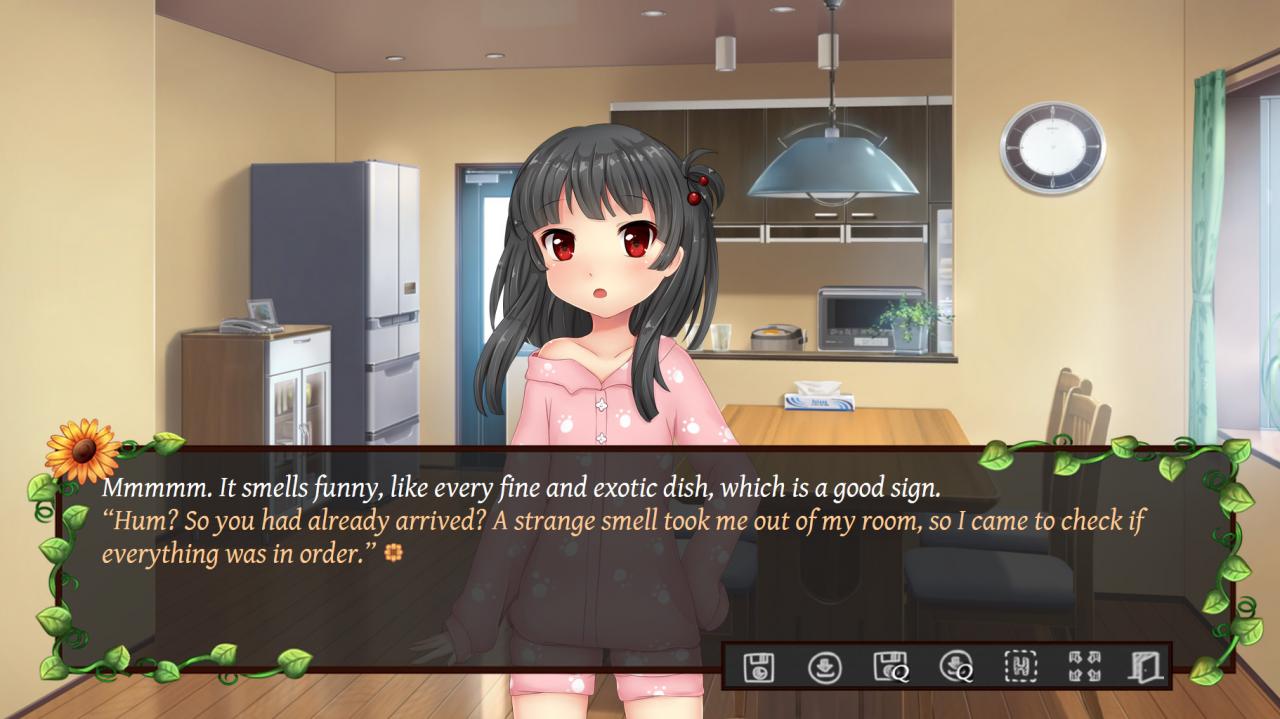
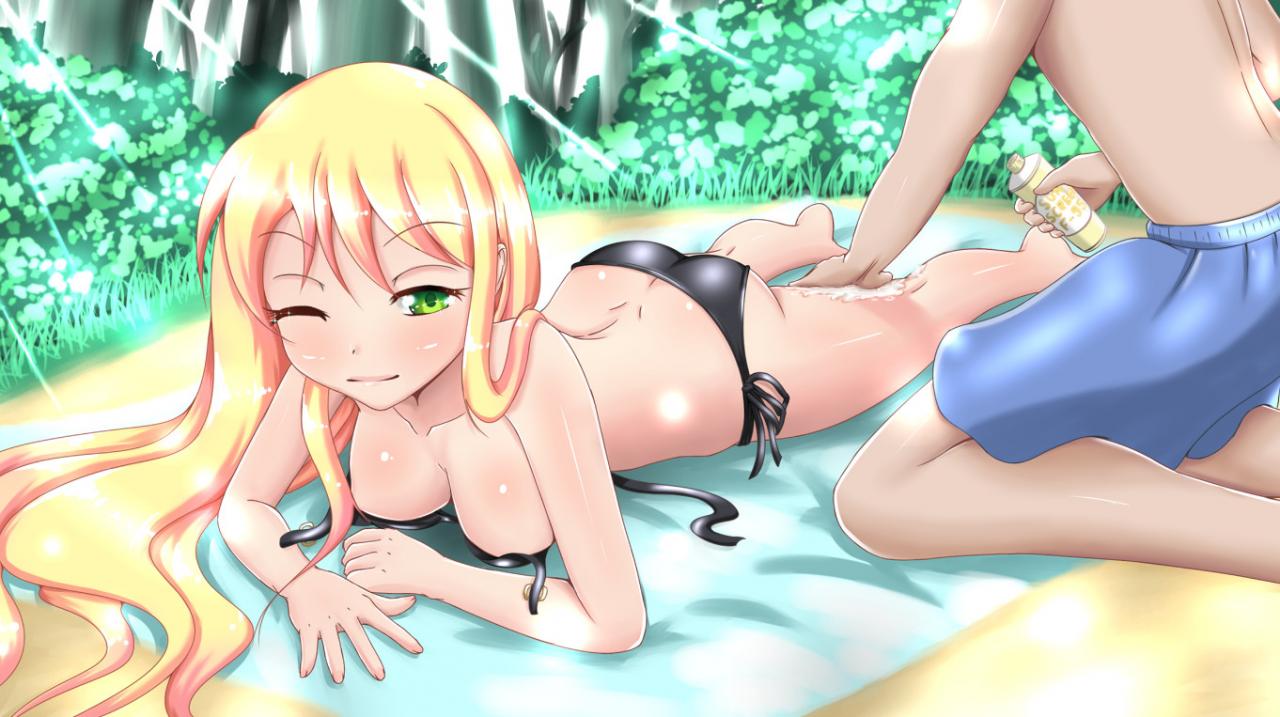
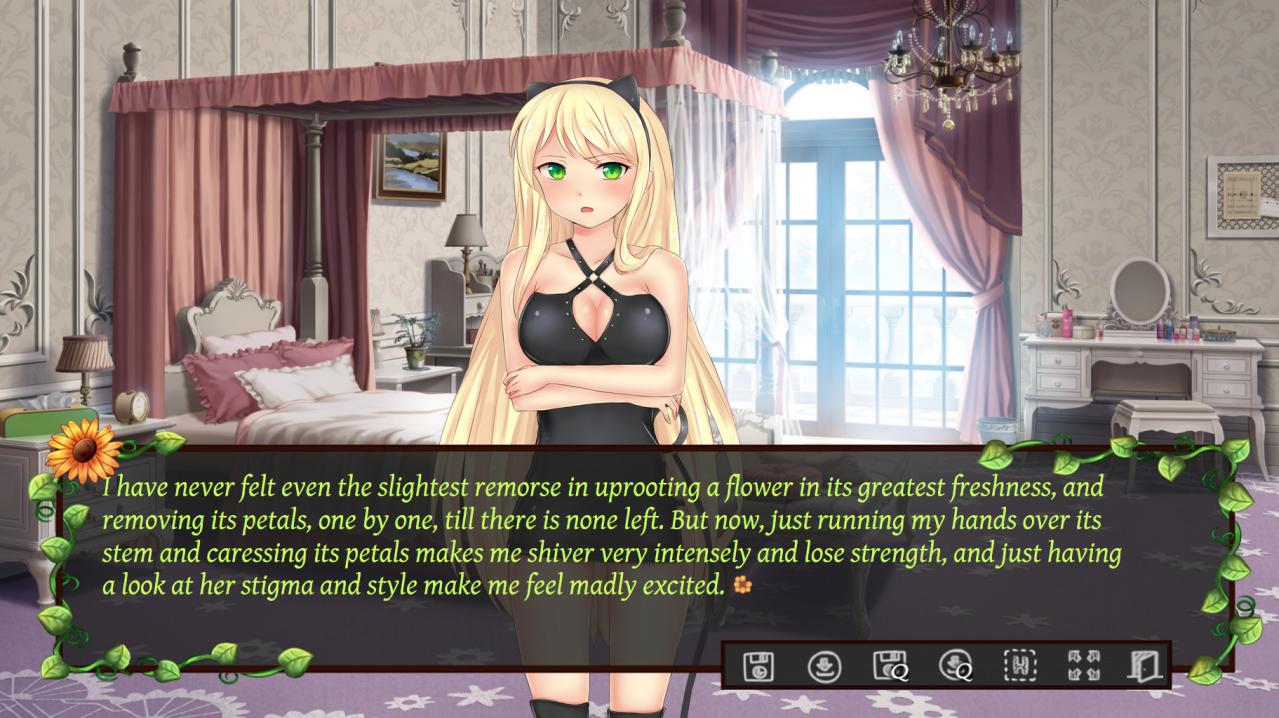
Late Blooming is a romantic comedy about drama and tragedy set in Thais, a quiet little town lost in the world. You will have to play the role of the protagonist, an ordinary young man whose life has given him a second chance. Your mission will be to guide the protagonist in his decisions, and figure out the mysteries that hide inside the hearts of the three girls. As in real life, our efforts can have unintended consequences; in the same way, Late Blooming incorporates a modality of decision that requires a much deeper analysis than simply choose a girl and wait for the desired event. Many decisions will require a choice between different moral values of equal caliber, or between different types of love: fraternal, romantic and sensual. Features Deep personalities and character development. 3 Main characters and 2 secondary characters (+ kočička). 44 Facial expressions, 9 costumes, different poses. 5 Romantic and non-romantic endings. Choices greatly change the story. More than 65.000 words (and more than 250.000 in all routes). More than 70 CGs included variations. Steam trading cards.


Osozaki 遅咲き Late Blooming - First screenshotOsozaki 遅咲き Late Blooming - First screenshotOsozaki 遅咲き Late Blooming - First screenshotOsozaki 遅咲き Late Blooming - First screenshotOsozaki 遅咲き Late Blooming - First screenshotOsozaki 遅咲き Late Blooming - First screenshot

How to redeem

  1. 1Check your Steam account and the listed region before purchasing.
  2. 2Find your code and supplier activation instructions in your confirmed order.
  3. 3Open the redeem-code section on Steam, enter the code and follow the platform’s prompts.

Supplier instructions

Go to: http://store.steampowered.com/ and download STEAM client Click "Install Steam" (from the upper right corner) Install and start application, login with your Account name and Password (create one if you don't have). Please follow these instructions to activate a new retail purchase on Steam: Launch Steam and log into your Steam account. Click the Games Menu. Choose Activate a Product on Steam... Follow the onscreen instructions to complete the process. After successful code verification go to the "MY GAMES" tab and start downloading.

You might also like