

SteamGlobal· Key
Battles of Norghan
€1.51
+€0.15 cashback eligibility in Relic Coins
Check before you play
- Platform
- Steam
- Region
- Global
- Product type
- Key
- Supplier release date
- 2018-09-27
- Genres
- Strategy, RPG, Indie
SteamGlobal· Key
€1.51
+€0.15 cashback eligibility in Relic Coins
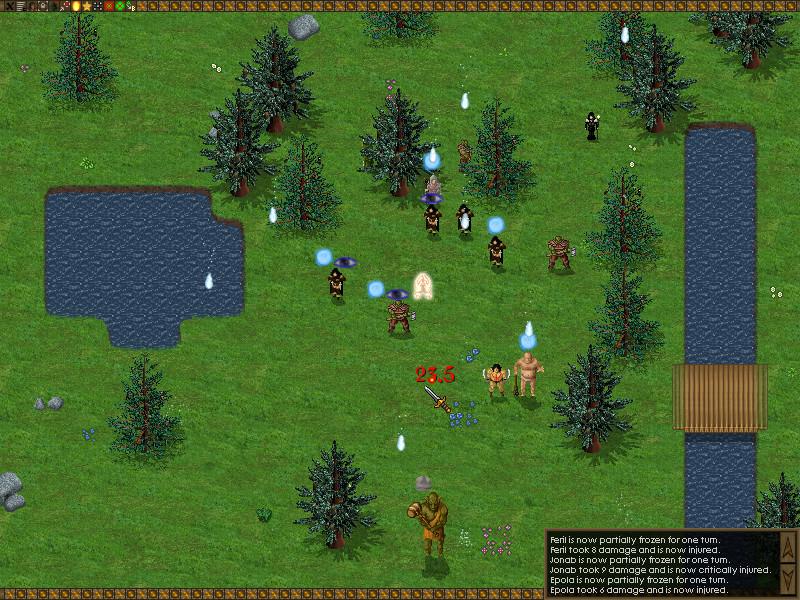
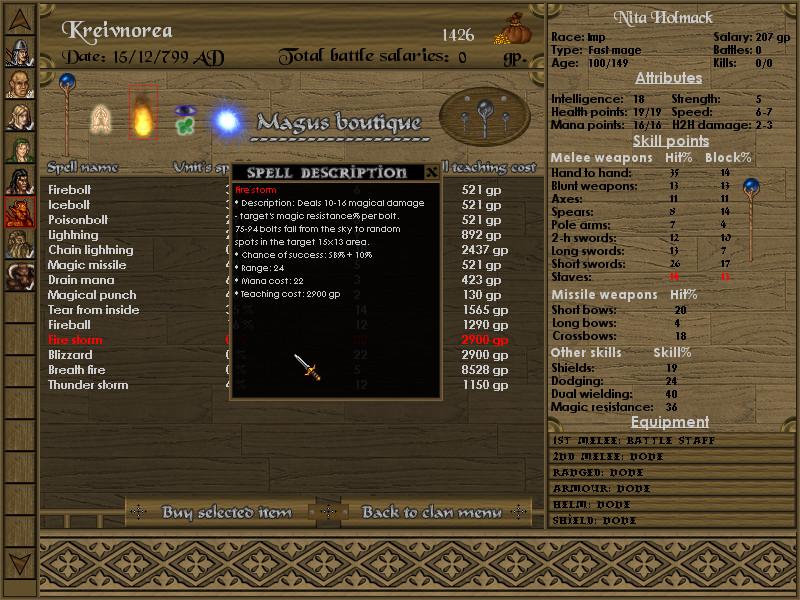
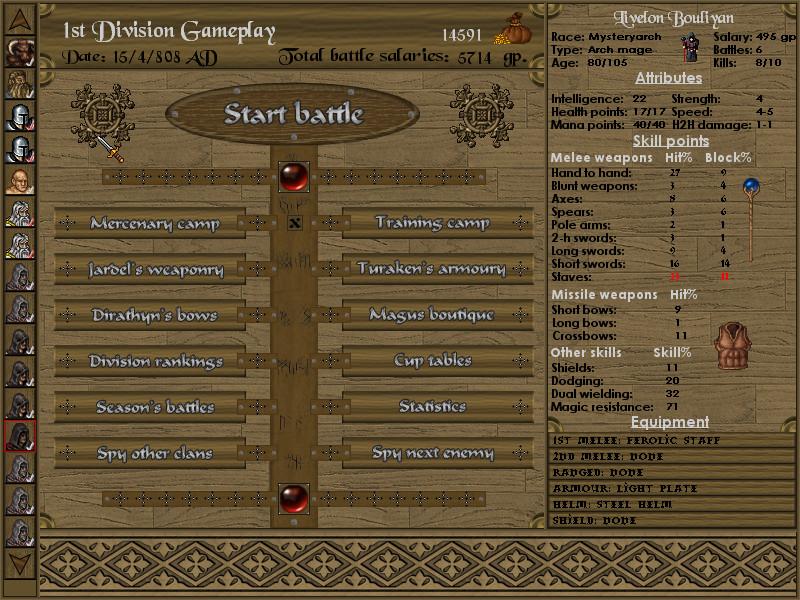
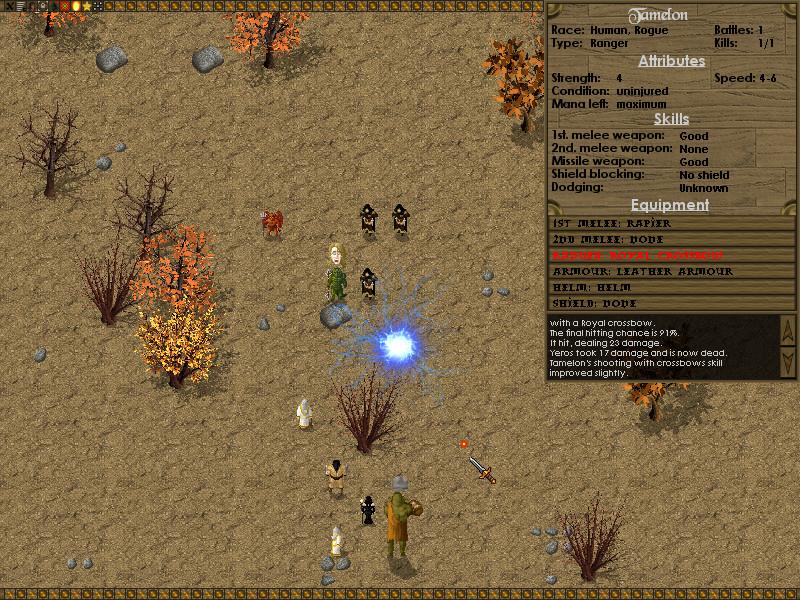
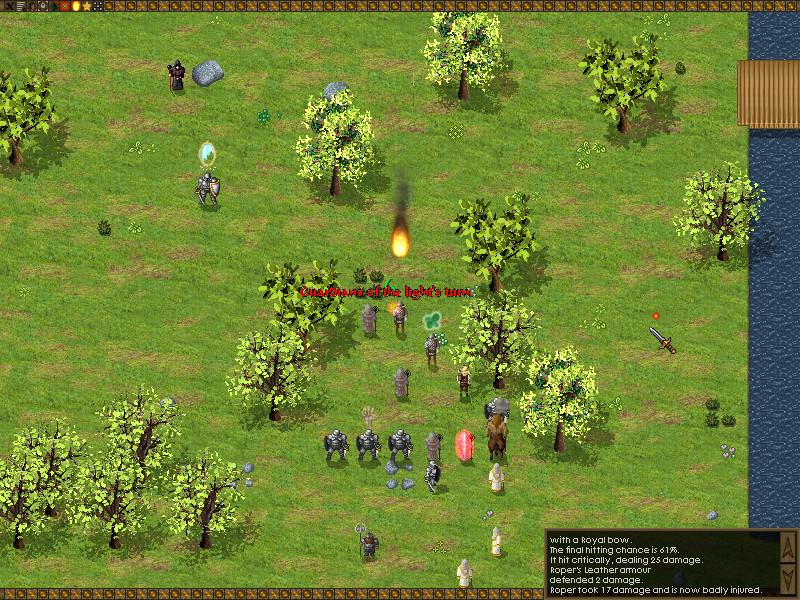
Battles of Norghan is a unique gladiatorial management and strategy game where you not only must recruit, train, and equip fantasy gladiators, but also control them on a tactical grid in turn-based combat as your team fights their way to the top division. This game has a lot of depth and replayability. Imagine a football manager game with fantasy world creatures such as orcs, drakes and minotaurs and turn-based strategy battles instead of football matches. Recruit mercenaries from 22 different fantasy races and classes and manage dozens of fighters as they battle in a variety of different terrains against easy to highly intelligent AI or other player-controlled clans. Train and hone each fighter’s skill through monthly training as well as directly in combat. Build secondary skills such as dodging, shield blocking and dual wielding as well as attributes such as strength, intelligence, hit points, and magic points. There are 200 items and 42 spells available to equip your gladiators, including armors, bows, weapons, magical staves, and more! As each combatant grows with your clan they will age as well and eventually retire. Careful planning and management of your clan can ensure you never have an off season. Original release dates outside Steam: V.1.0 in August 2005. Version 1.12 in October 11 2016.
Go to: http://store.steampowered.com/ and download STEAM client Click "Install Steam" (from the upper right corner) Install and start application, login with your Account name and Password (create one if you don't have). Please follow these instructions to activate a new retail purchase on Steam: Launch Steam and log into your Steam account. Click the Games Menu. Choose Activate a Product on Steam... Follow the onscreen instructions to complete the process. After successful code verification go to the "MY GAMES" tab and start downloading.