Get 10% back in Relic Coins on every order
Japanese School Life (valid until April 2027) cover

SteamGlobal· Key

Japanese School Life (valid until April 2027)

€0.35

+€0.03 cashback eligibility in Relic Coins

Check before you play

Platform
Steam
Region
Global
Product type
Key
Developer
code:jp
Publisher
Sekai Project
Supplier release date
2016-11-22
Genres
Adventure, Indie, Casual, Visual Novel, Anime

About this product

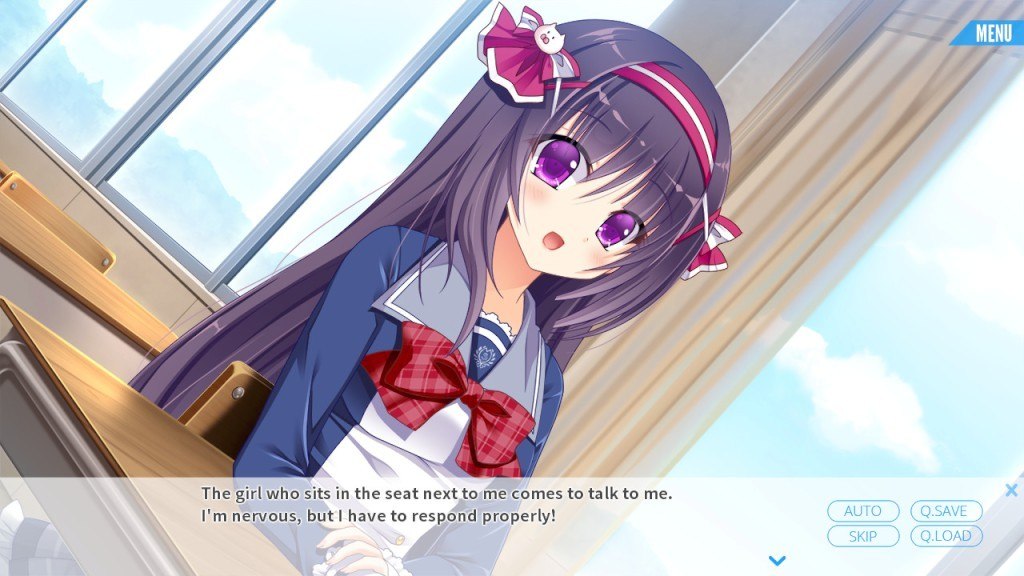
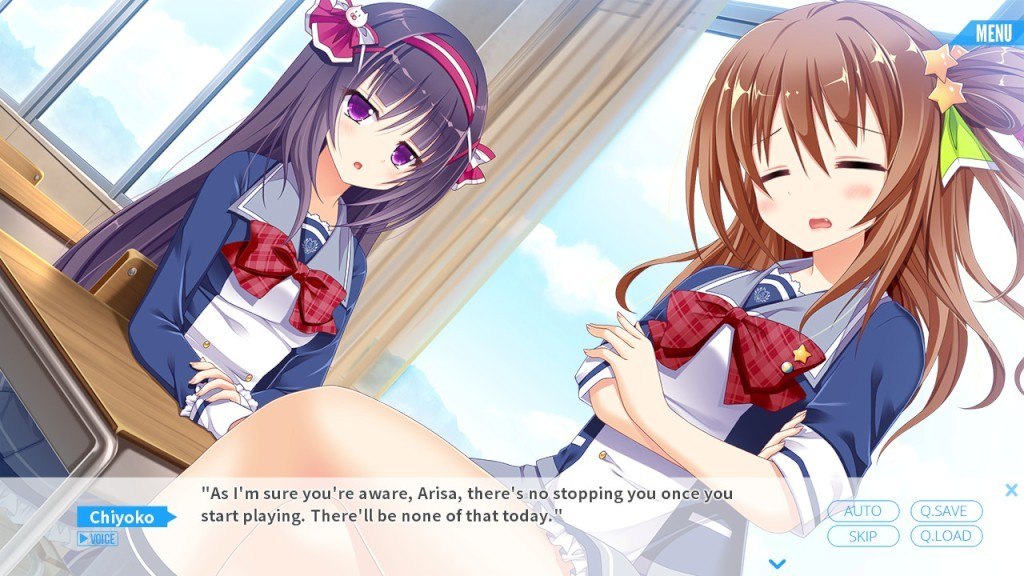
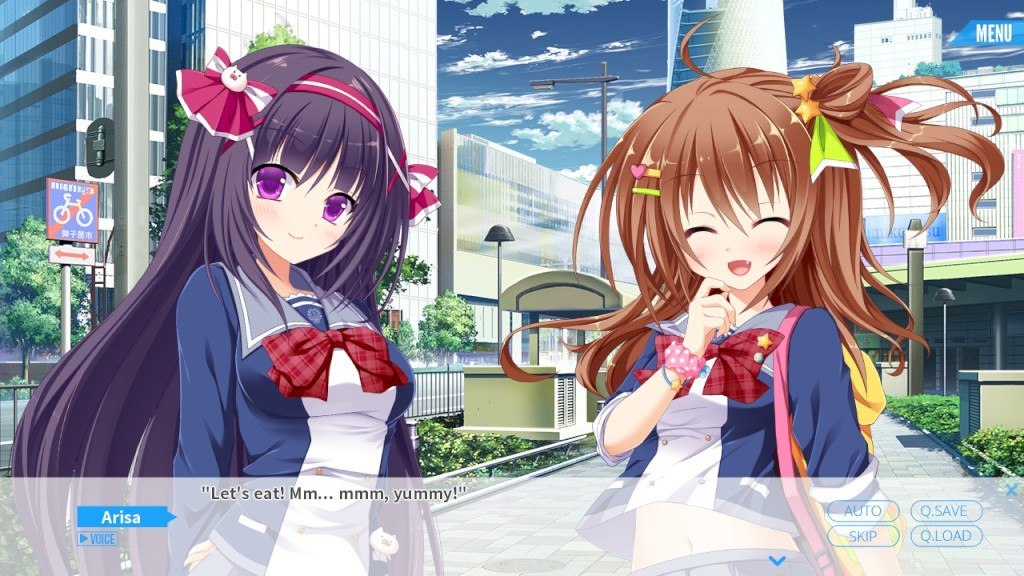
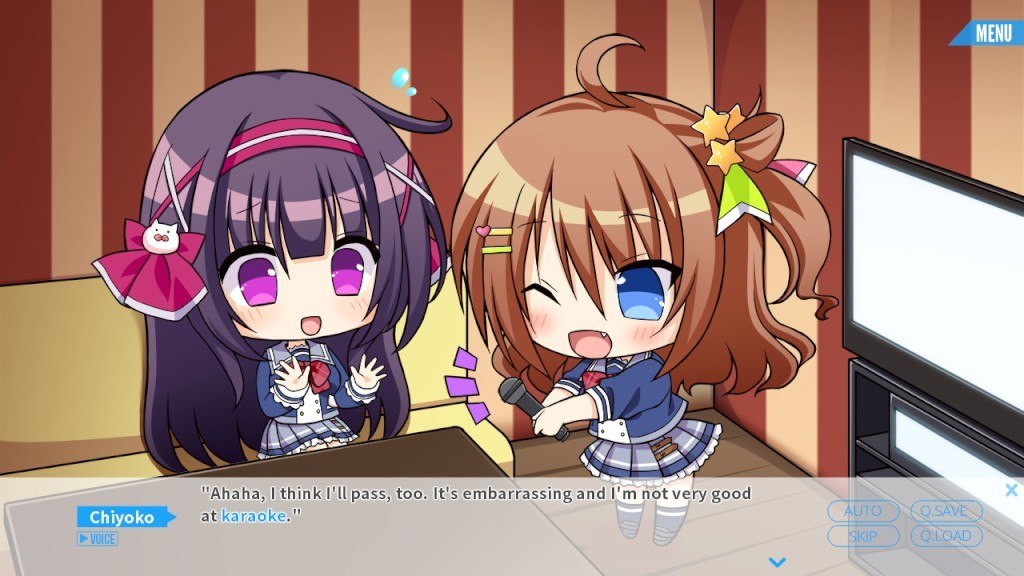
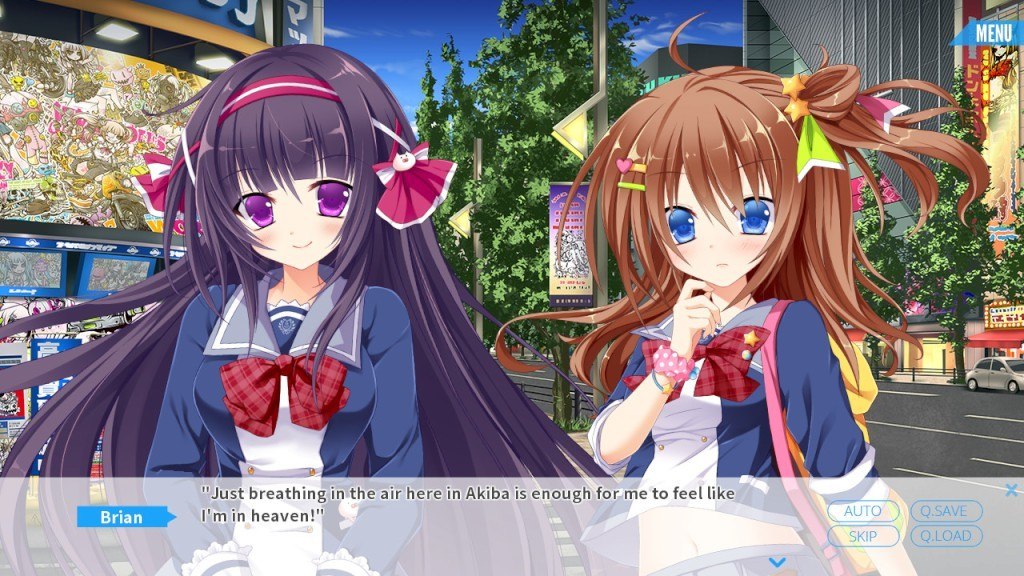
Welcomed by the fluttering of cherry blossom, the main character, Brian, starts a new high school life in Japan. Brian soon starts to get along with two girls in the same class after they start to talk to him. With their help, Brian gradually learns Japanese culture and customs. He deepens his friendships with each girl as they teach him how to study and spend time together after school. He gradually is able to survive through the commuter rush, May sickness, the rainy season, and more as he experiences Japanese culture for the first time. Features See the characters come to life through the power of the e-mote system! In-game text available in both English and Japanese. An in-game accessible tips glossary with Japanese cultural and otaku terminology to enhance your game experience. Nekomimi Mode! because everything is better with cat ears.

Japanese School Life (valid until April 2027) screenshotJapanese School Life (valid until April 2027) screenshotJapanese School Life (valid until April 2027) screenshotJapanese School Life (valid until April 2027) screenshotJapanese School Life (valid until April 2027) screenshot

How to redeem

  1. 1Check your Steam account and the listed region before purchasing.
  2. 2Find your code and supplier activation instructions in your confirmed order.
  3. 3Open the redeem-code section on Steam, enter the code and follow the platform’s prompts.

Supplier instructions

Go to: http://store.steampowered.com/ and download STEAM client Click "Install Steam" (from the upper right corner) Install and start application, login with your Account name and Password (create one if you don't have). Please follow these instructions to activate a new retail purchase on Steam: Launch Steam and log into your Steam account. Click the Games Menu. Choose Activate a Product on Steam... Follow the onscreen instructions to complete the process. After successful code verification go to the "MY GAMES" tab and start downloading.

You might also like