Get 10% back in Relic Coins on every order
WORLD END ECONOMiCA episode.03 (valid until April 2027) cover

SteamGlobal· Key

WORLD END ECONOMiCA episode.03 (valid until April 2027)

€0.47

+€0.05 cashback eligibility in Relic Coins

Check before you play

Platform
Steam
Region
Global
Product type
Key
Developer
Spicy Tails
Publisher
Sekai Project
Supplier release date
2016-12-21
Genres
Casual, Indie

About this product

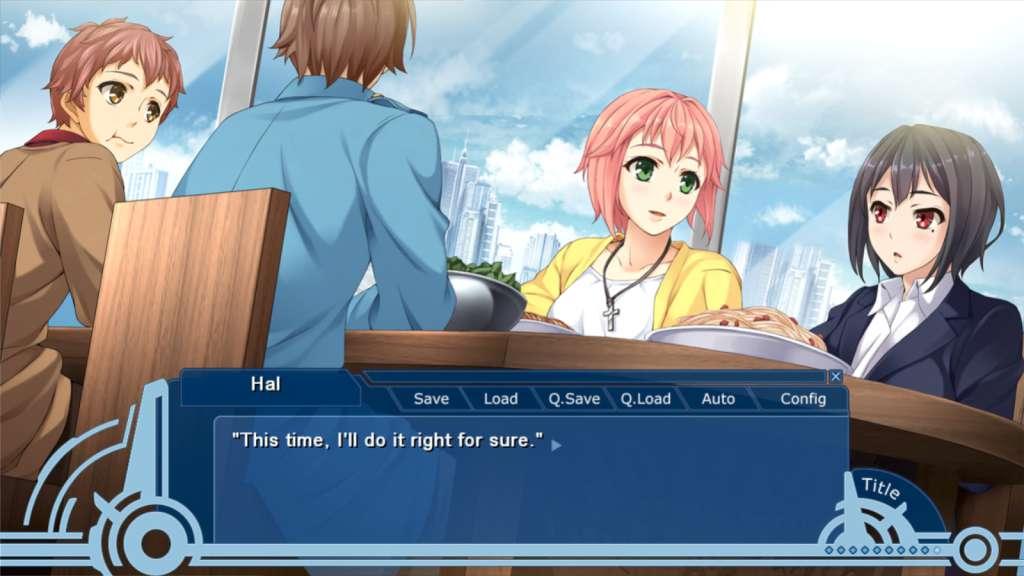
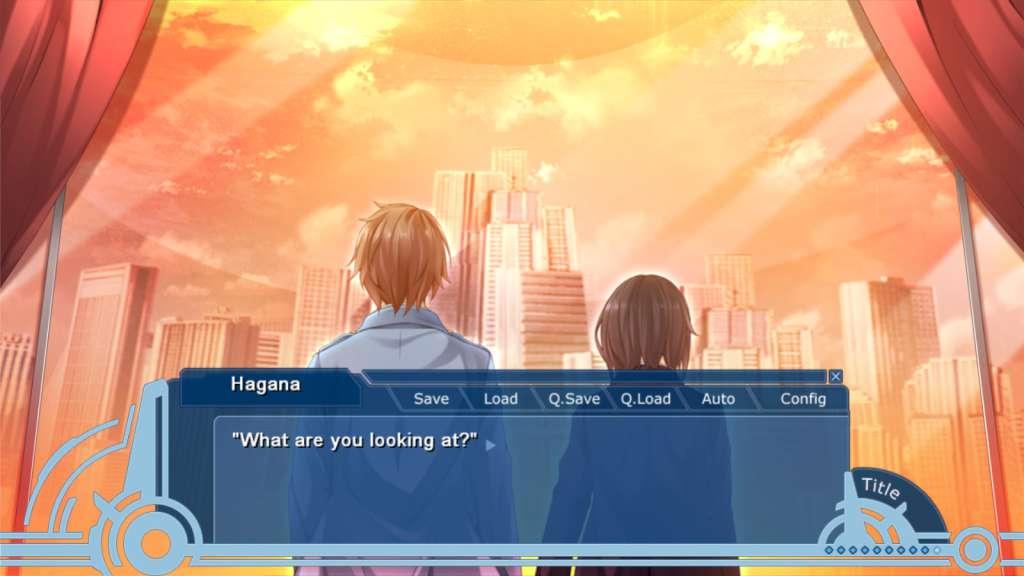
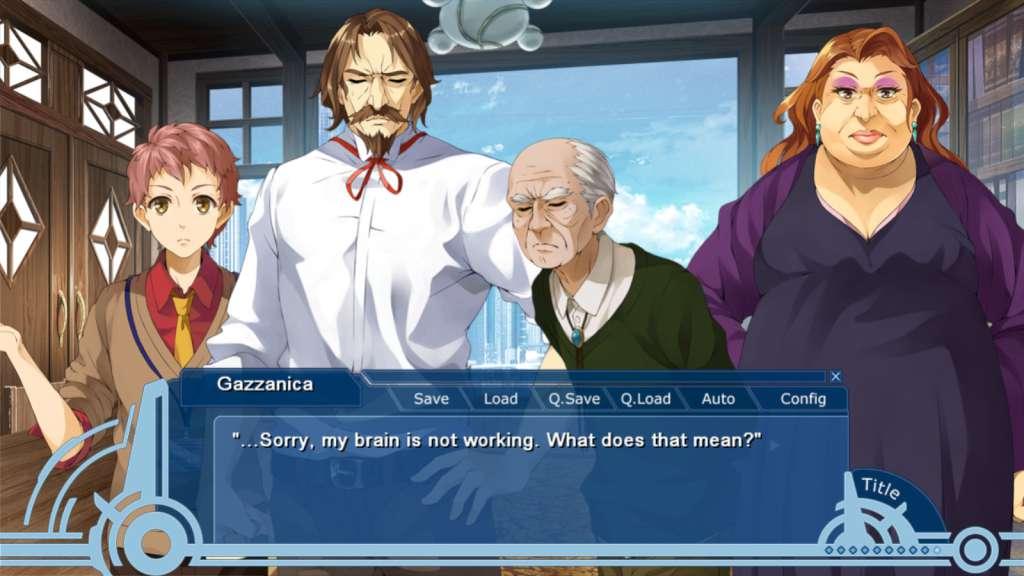
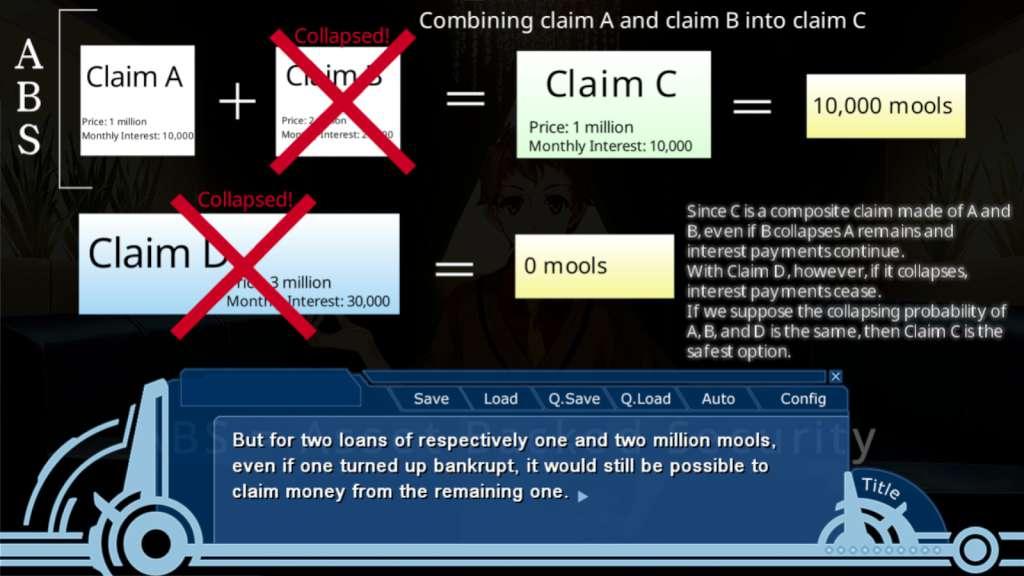
The conclusive episode in this visual novel trilogy is set in the far future on the moon, 16 years after humans have begun to colonize it. Will Hal's dream be realized? It's been 8 years since the events of episode.01 and his dream is still to stand where no man has stood before, and in order to do so he still needs a ludicrous amount of capital. With the economics of lunar city going out of control what is going to happen next?From the author of Spice and Wolf, Isuna Hasekura, comes WORLD END ECONOMiCA episode.03. The opening video features music by Kishida Kyoudan & The Akeboshi Rockets, known for the opening songs for High School of the Dead, Strike the Blood, and GATE!

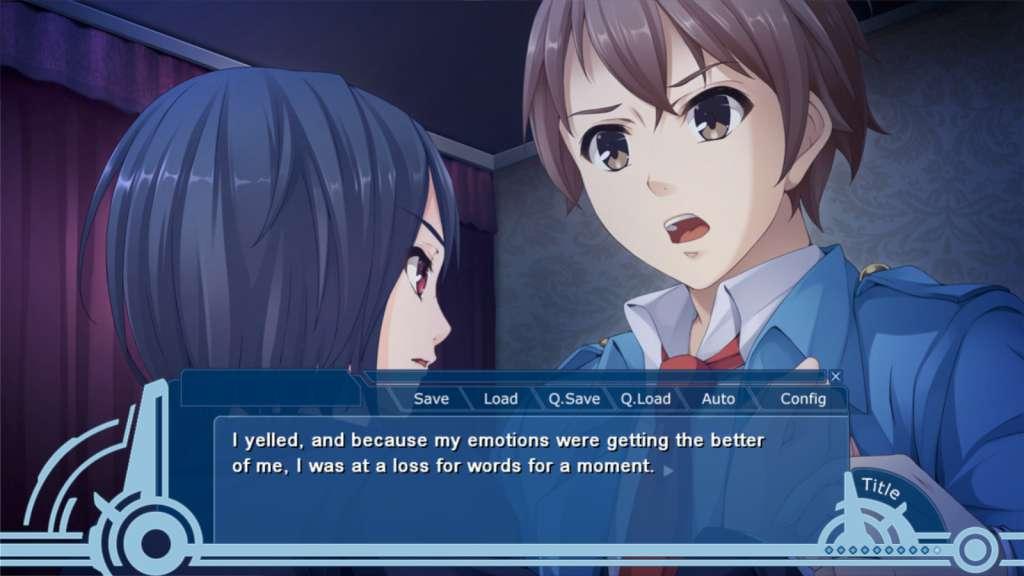
WORLD END ECONOMiCA episode.03 (valid until April 2027) screenshotWORLD END ECONOMiCA episode.03 (valid until April 2027) screenshotWORLD END ECONOMiCA episode.03 (valid until April 2027) screenshotWORLD END ECONOMiCA episode.03 (valid until April 2027) screenshotWORLD END ECONOMiCA episode.03 (valid until April 2027) screenshot

How to redeem

  1. 1Check your Steam account and the listed region before purchasing.
  2. 2Find your code and supplier activation instructions in your confirmed order.
  3. 3Open the redeem-code section on Steam, enter the code and follow the platform’s prompts.

Supplier instructions

Go to: http://store.steampowered.com/ and download STEAM client Click "Install Steam" (from the upper right corner) Install and start application, login with your Account name and Password (create one if you don't have). Please follow these instructions to activate a new retail purchase on Steam: Launch Steam and log into your Steam account. Click the Games Menu. Choose Activate a Product on Steam... Follow the onscreen instructions to complete the process. After successful code verification go to the "MY GAMES" tab and start downloading.

You might also like