Get 10% back in Relic Coins on every order
King's Table - The Legend of Ragnarok cover

SteamGlobal· Key

King's Table - The Legend of Ragnarok

€0.19

+€0.02 cashback eligibility in Relic Coins

Check before you play

Platform
Steam
Region
Global
Product type
Key
Developer
Imagitec
Publisher
Piko Interactive LLC, Classics Digital
Supplier release date
1993-12-01
Genres
Strategy, Simulation

About this product

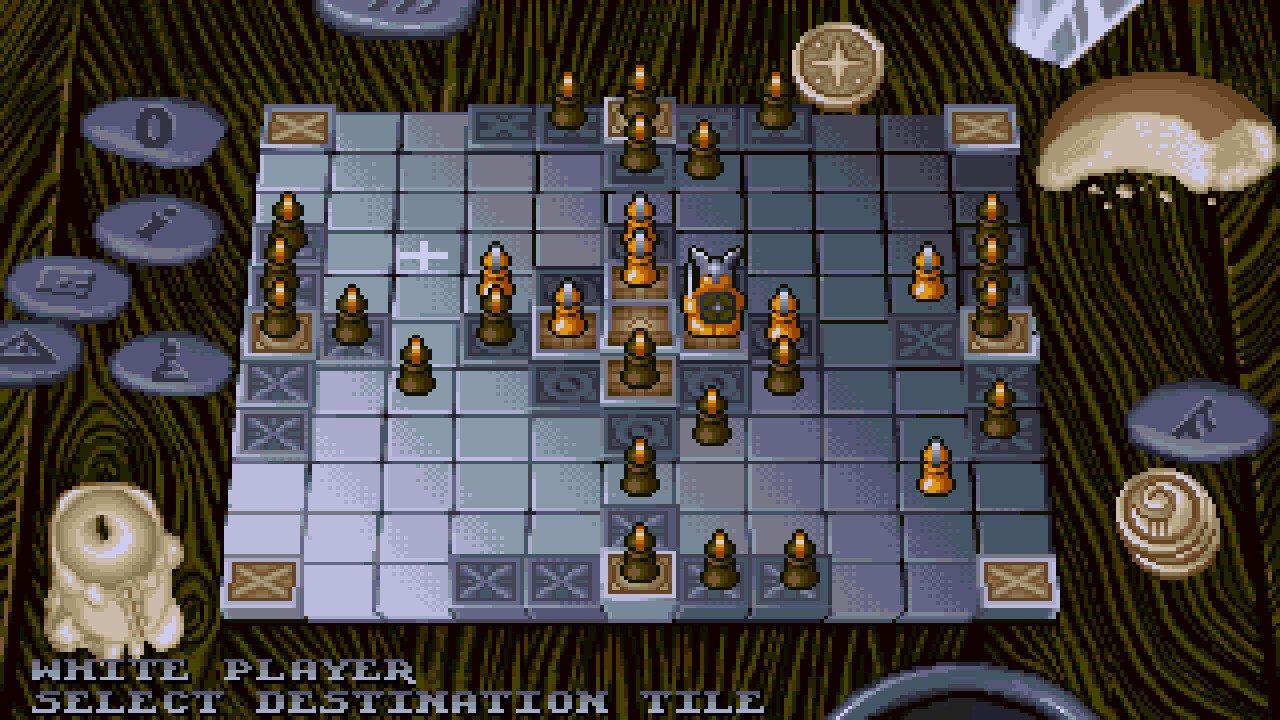
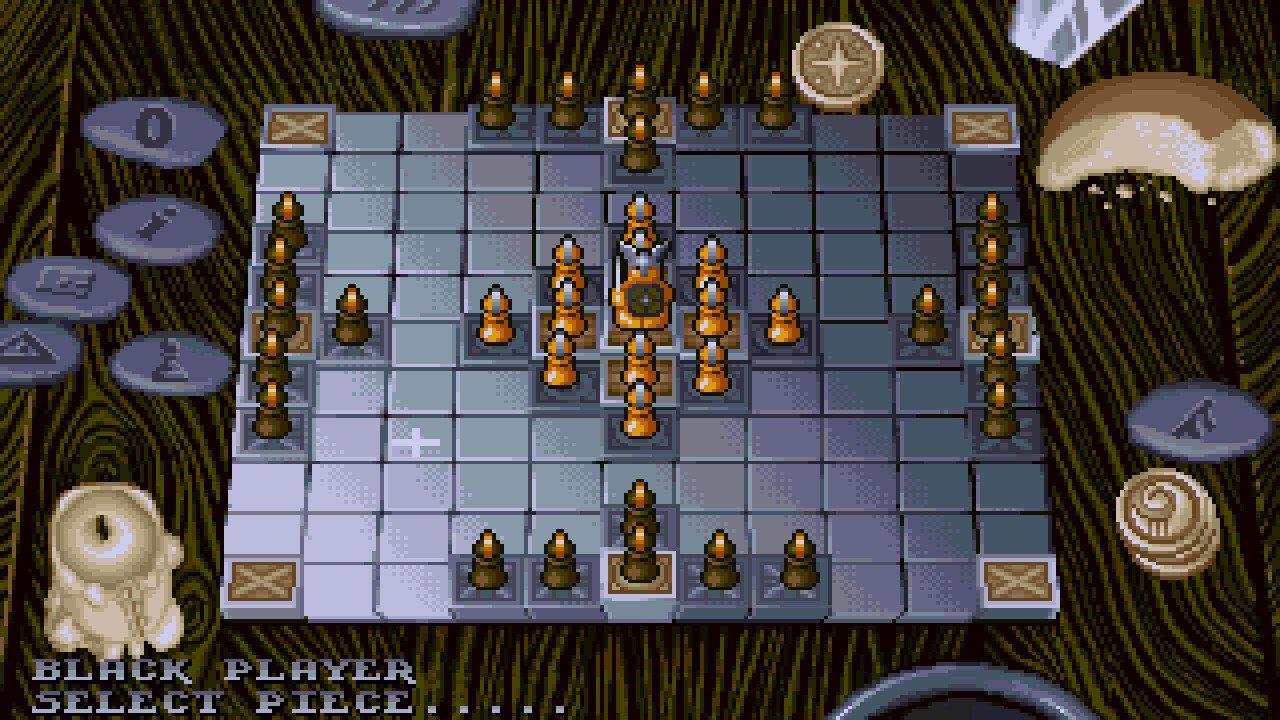
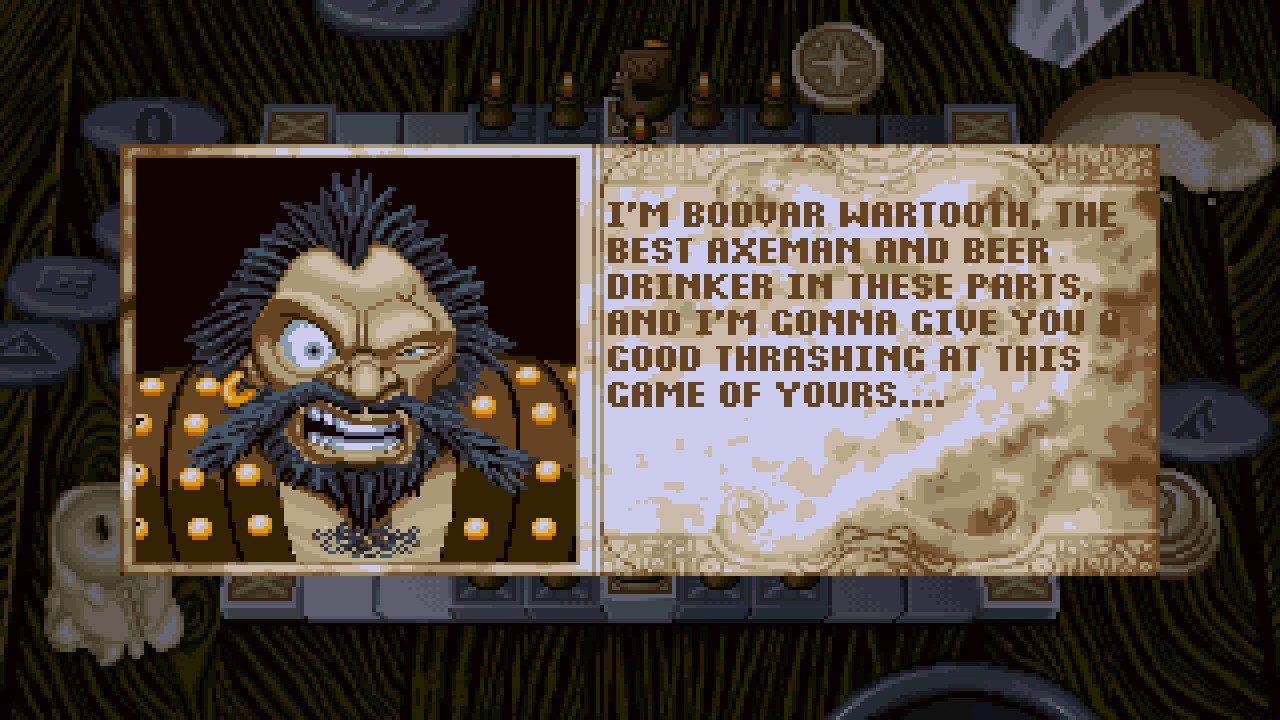
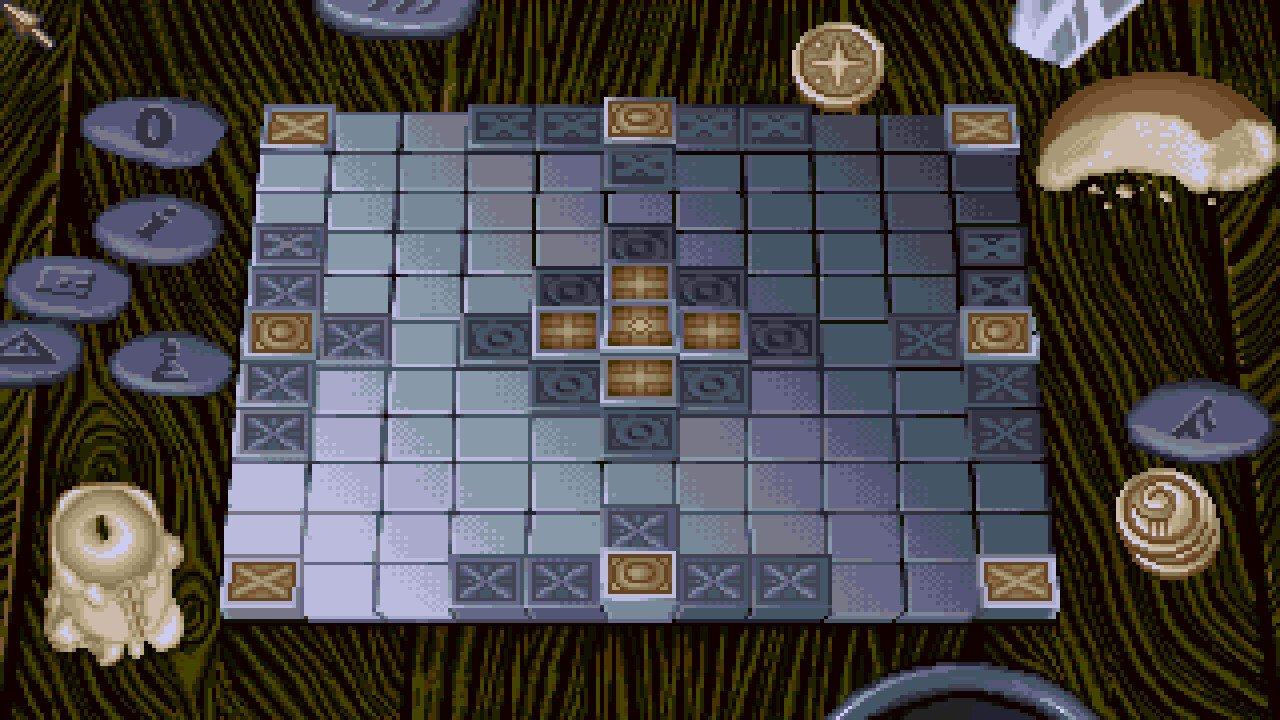
A version of an old Norse board game called King's Table. The game has black and white teams, like chess, but each team has different pieces and a different raison d'etre. The white team has a total of 13 pieces, the most important one being Odin the King, who starts in the centre of the 10x10 board and moves in the same way as a chess King, whereas black has 20 pawns and four other pieces. White wins if Odin can reach one of the corner squares; black wins if it surrounds Odin on all 4 sides. The pawns actually move the same way as chess queens, but pieces are captured by surrounding them on 2 sides (although some special pieces must be surrounded on 3 sides). The specials are chosen from the selection at the start of the game, and have a variety of abilities, some 'borrowed' from chess. The presentation of this interpretation is similar to Battle Chess, with bold 3D graphics and lots of animation.

King's Table - The Legend of Ragnarok screenshotKing's Table - The Legend of Ragnarok screenshotKing's Table - The Legend of Ragnarok screenshotKing's Table - The Legend of Ragnarok screenshotKing's Table - The Legend of Ragnarok screenshotKing's Table - The Legend of Ragnarok screenshot

How to redeem

  1. 1Check your Steam account and the listed region before purchasing.
  2. 2Find your code and supplier activation instructions in your confirmed order.
  3. 3Open the redeem-code section on Steam, enter the code and follow the platform’s prompts.

Supplier instructions

Go to: http://store.steampowered.com/ and download STEAM client Click "Install Steam" (from the upper right corner) Install and start application, login with your Account name and Password (create one if you don't have). Please follow these instructions to activate a new retail purchase on Steam: Launch Steam and log into your Steam account. Click the Games Menu. Choose Activate a Product on Steam... Follow the onscreen instructions to complete the process. After successful code verification go to the "MY GAMES" tab and start downloading.

You might also like