Get 10% back in Relic Coins on every order
Making History: The Great War - The Red Army DLC cover

SteamGlobal· DLC

Making History: The Great War - The Red Army DLC

€1.98

+€0.20 cashback eligibility in Relic Coins

Check before you play

Platform
Steam
Region
Global
Product type
DLC

Check the required base game and edition before purchasing this add-on.

Developer
Muzzy Lane
Publisher
Strategy First
Supplier release date
2016-02-23
Genres
Strategy, Simulation, Indie

About this product

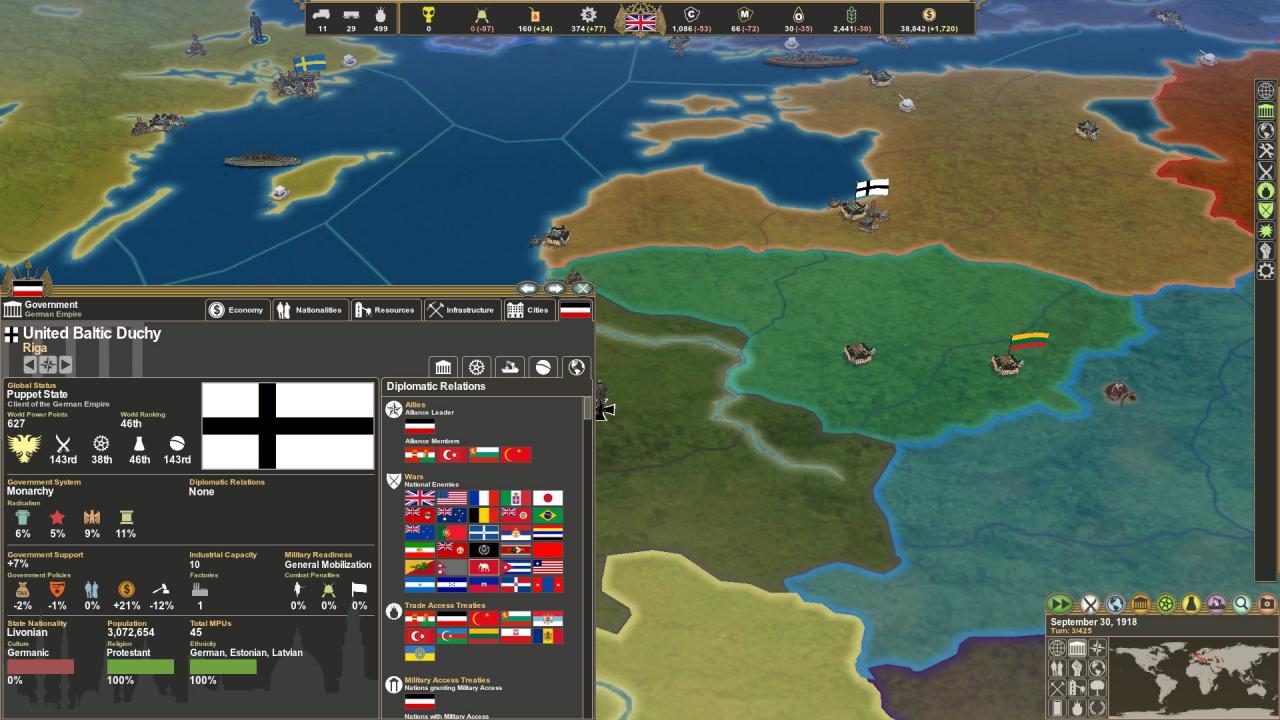
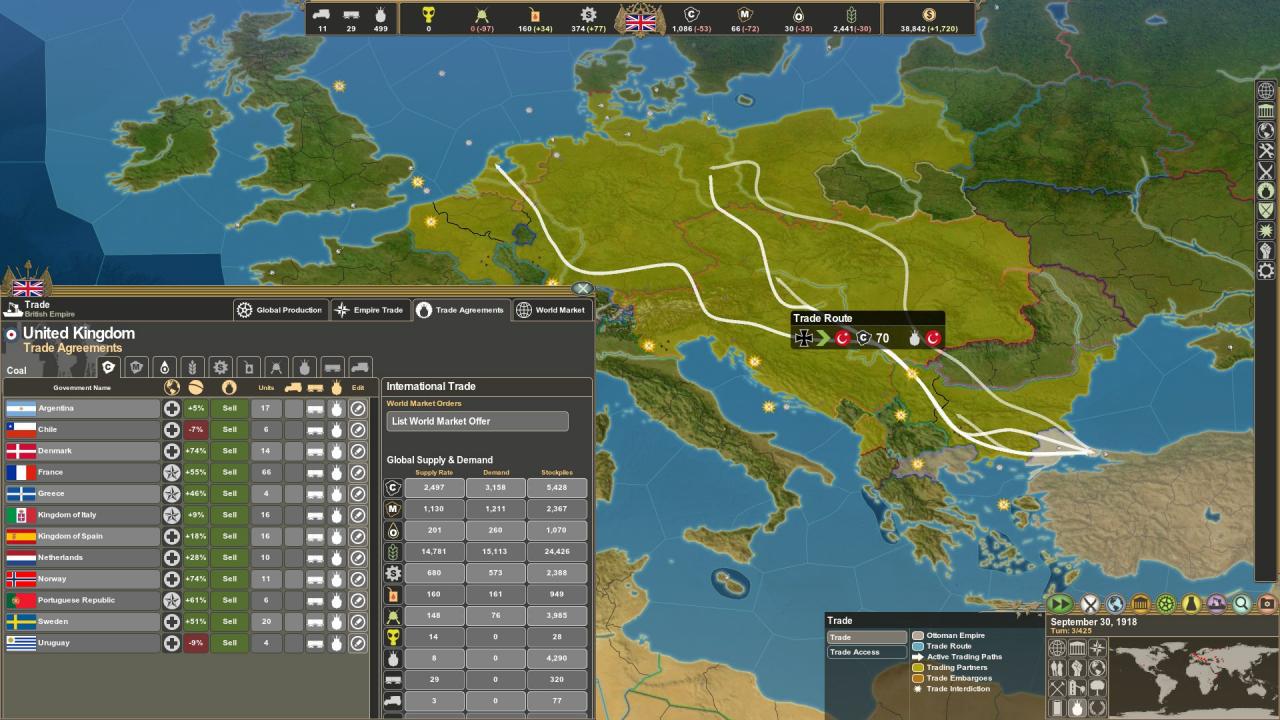
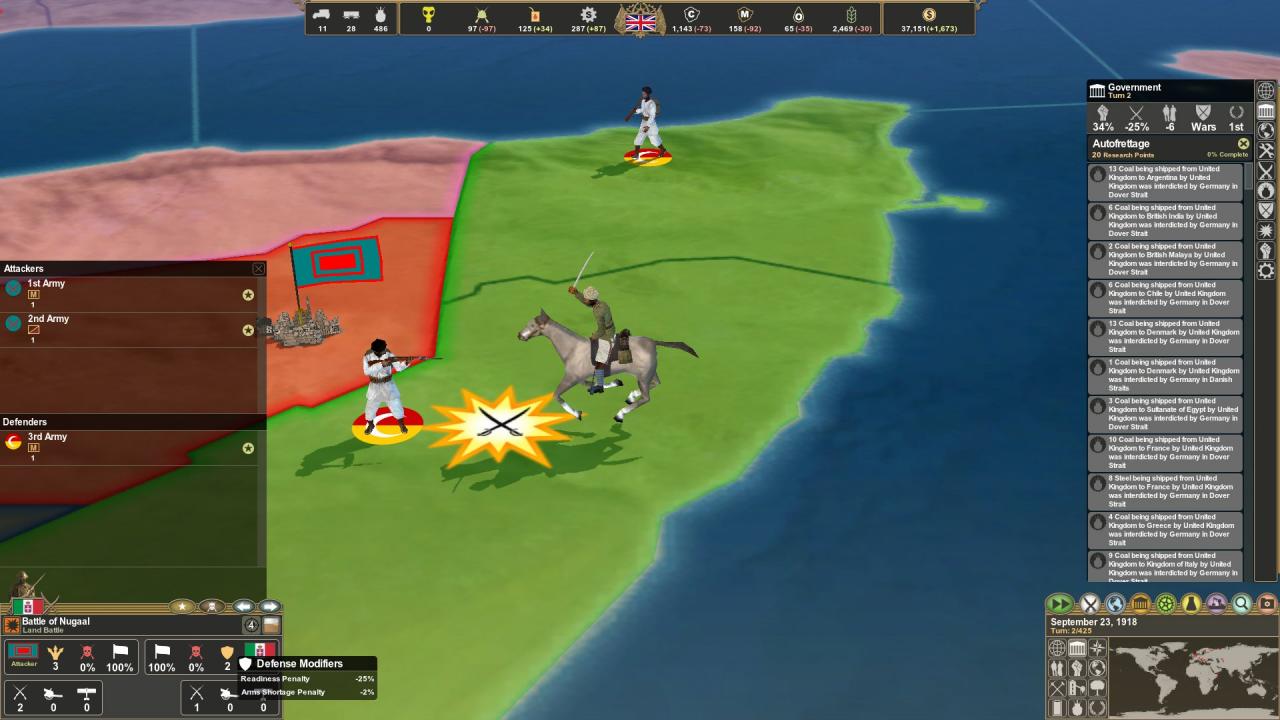
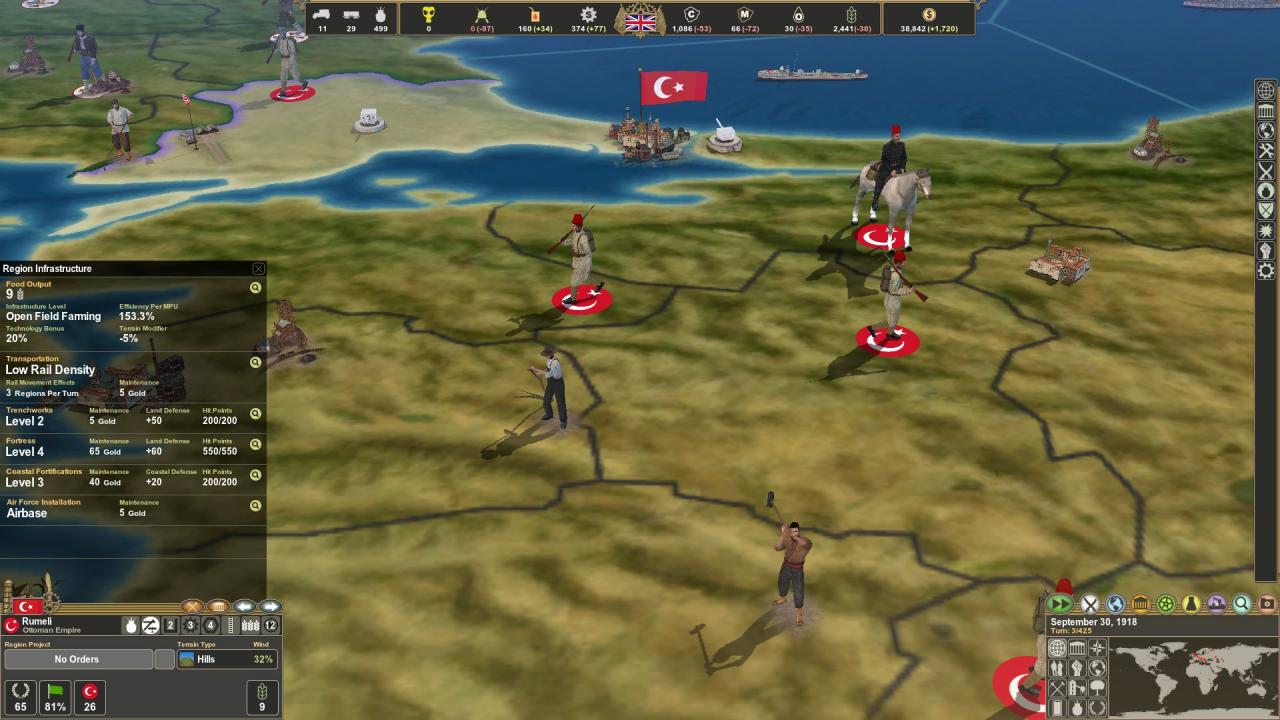
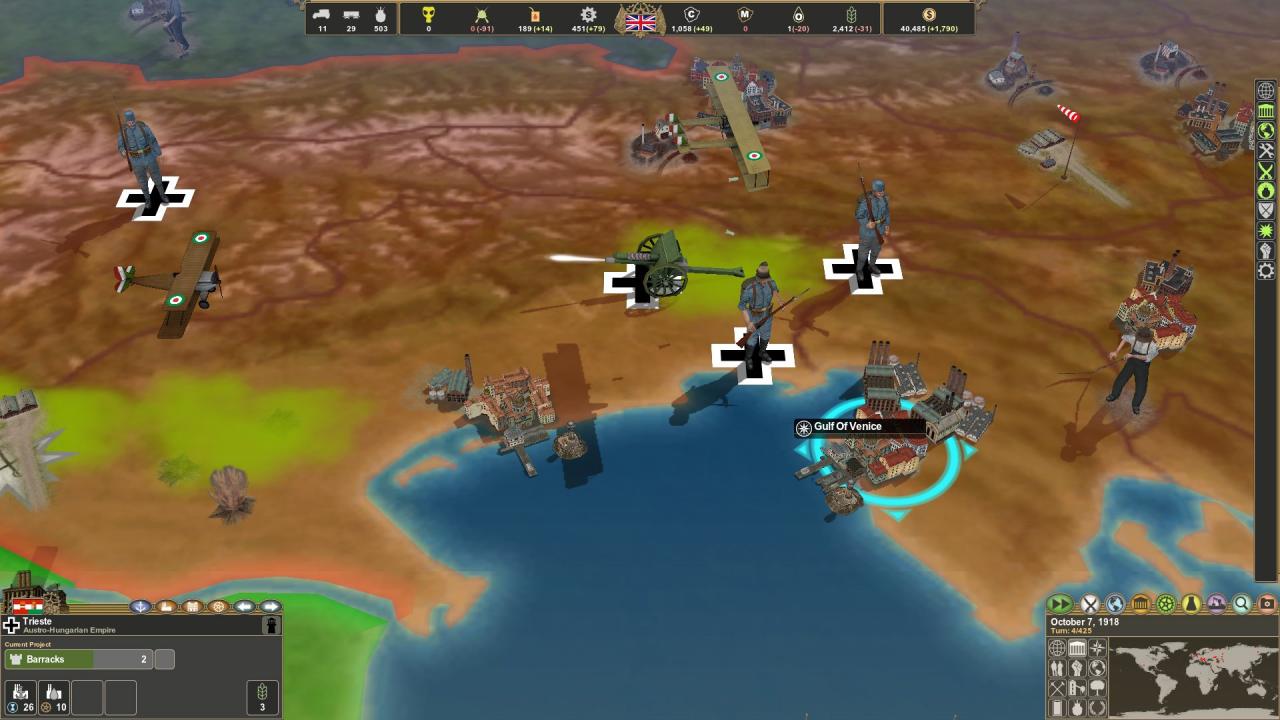
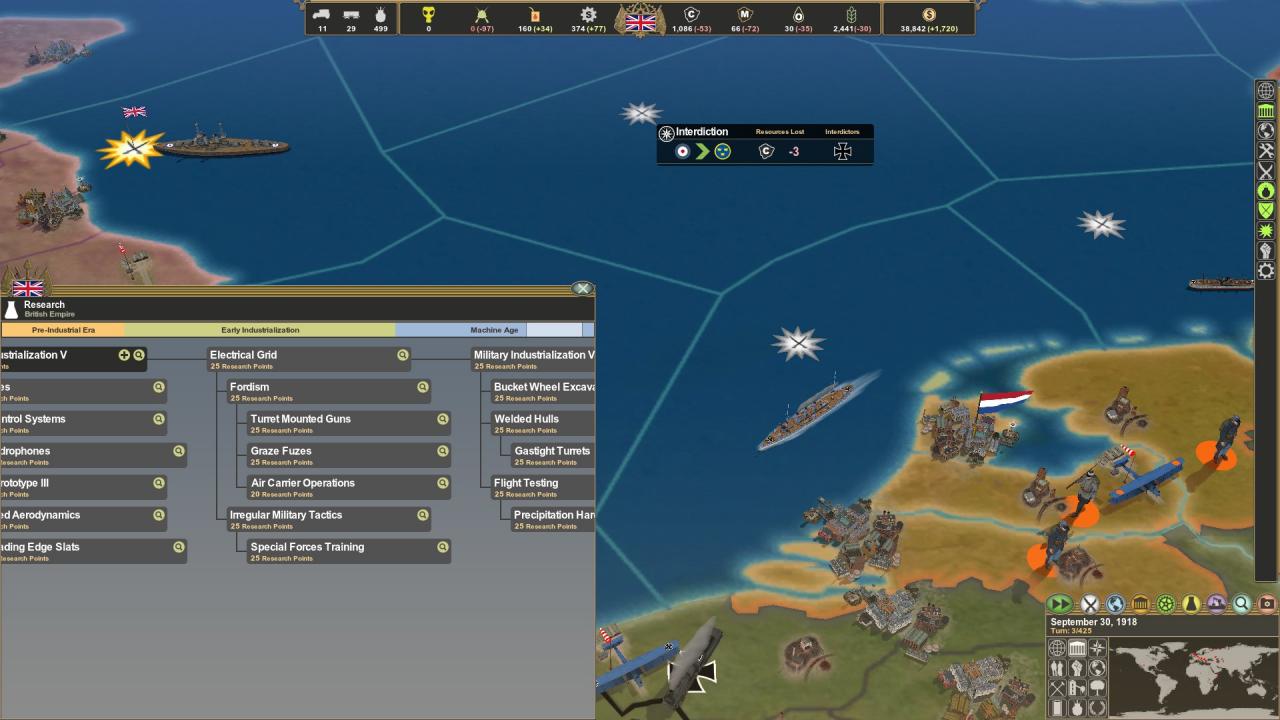
The first expansion to the acclaimed WWI strategy game Making History: The Great War takes the action into the turbulent period as the war is ending and empires are falling. The Russians have already quit the war and fallen into civil war, and on the western front the final showdown is in progress. Who will emerge with the spoils? Features New Late War Scenario: "Armistice and Carnage" begins in September of 1918 as the war is reaching it's climax in the West and in the East the Russian Empire has already fallen into Civil War. New Features: Upgrade land units, convert Cruisers to Carriers, break down ships for Steel, and more! New Nations: Play as the Soviet Socialist Republic, the White Movement, or many of the other successor states of the falling empires. 15 New Unit Types: New land, air, and naval units, including Light and Heavy Bombers, extend the action into the post-war period. 4 New City Buildings: New upgrade options for your core city infrastructure are now available. 19 New Research Projects: Research tree has been extended to unlock new capabilities and upgrades, including Turret Mounted Guns and Air Carrier Operations. New 3D Models: Coastal Batteries, 9 new nationalities added and unique model sets, resource prospecting, and more!


Making History: The Great War - The Red Army DLC screenshotMaking History: The Great War - The Red Army DLC screenshotMaking History: The Great War - The Red Army DLC screenshotMaking History: The Great War - The Red Army DLC screenshotMaking History: The Great War - The Red Army DLC screenshotMaking History: The Great War - The Red Army DLC screenshot

How to redeem

  1. 1Check the required base game, platform and edition before purchasing.
  2. 2Find the code or supplier activation instructions in your confirmed order.
  3. 3Redeem on Steam using the supplied instructions, then install the add-on with the compatible base game.

Supplier instructions

Go to: http://store.steampowered.com/ and download STEAM client Click "Install Steam" (from the upper right corner) Install and start application, login with your Account name and Password (create one if you don't have). Please follow these instructions to activate a new retail purchase on Steam: Launch Steam and log into your Steam account. Click the Games Menu. Choose Activate a Product on Steam... Follow the onscreen instructions to complete the process. After successful code verification go to the "MY GAMES" tab and start downloading.

You might also like