Get 10% back in Relic Coins on every order
Where Time Stood Still cover

SteamGlobal· Key

Where Time Stood Still

€2.04

+€0.20 cashback eligibility in Relic Coins

Check before you play

Platform
Steam
Region
Global
Product type
Key
Developer
Denton Designs
Publisher
Ocean Software
Supplier release date
2018-04-13
Genres
Action, Adventure, Simulation

About this product

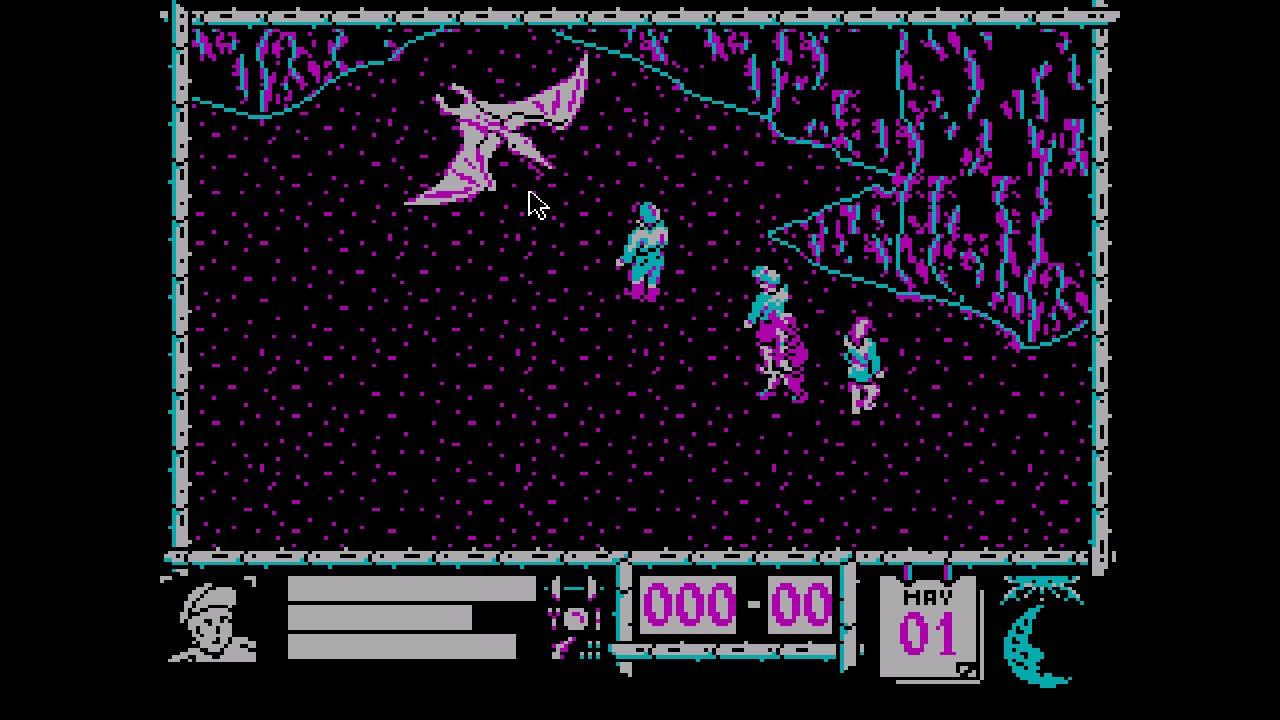
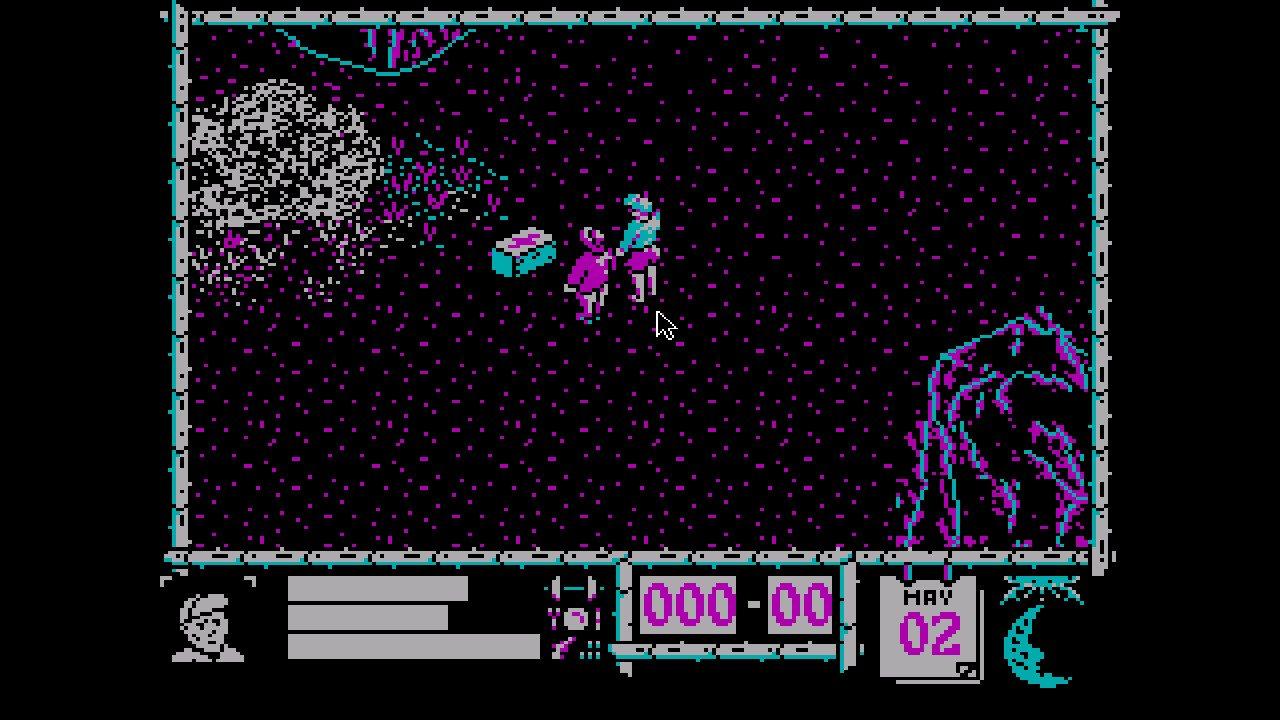
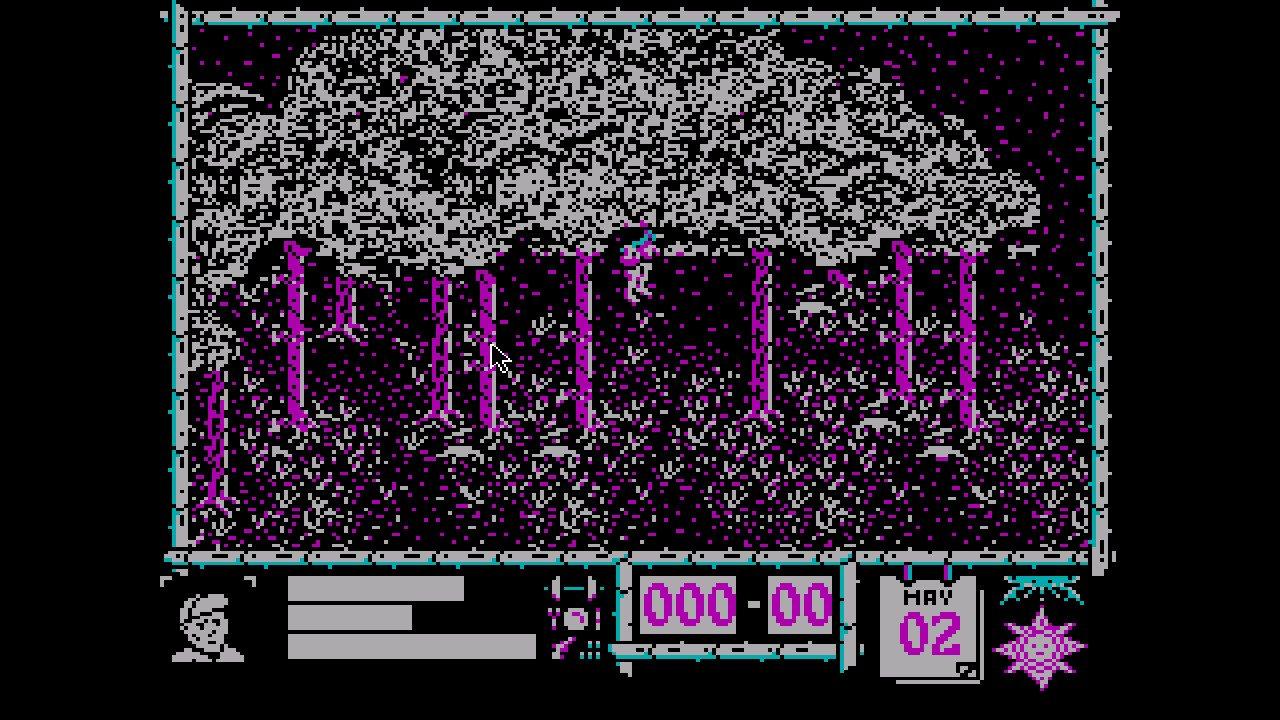
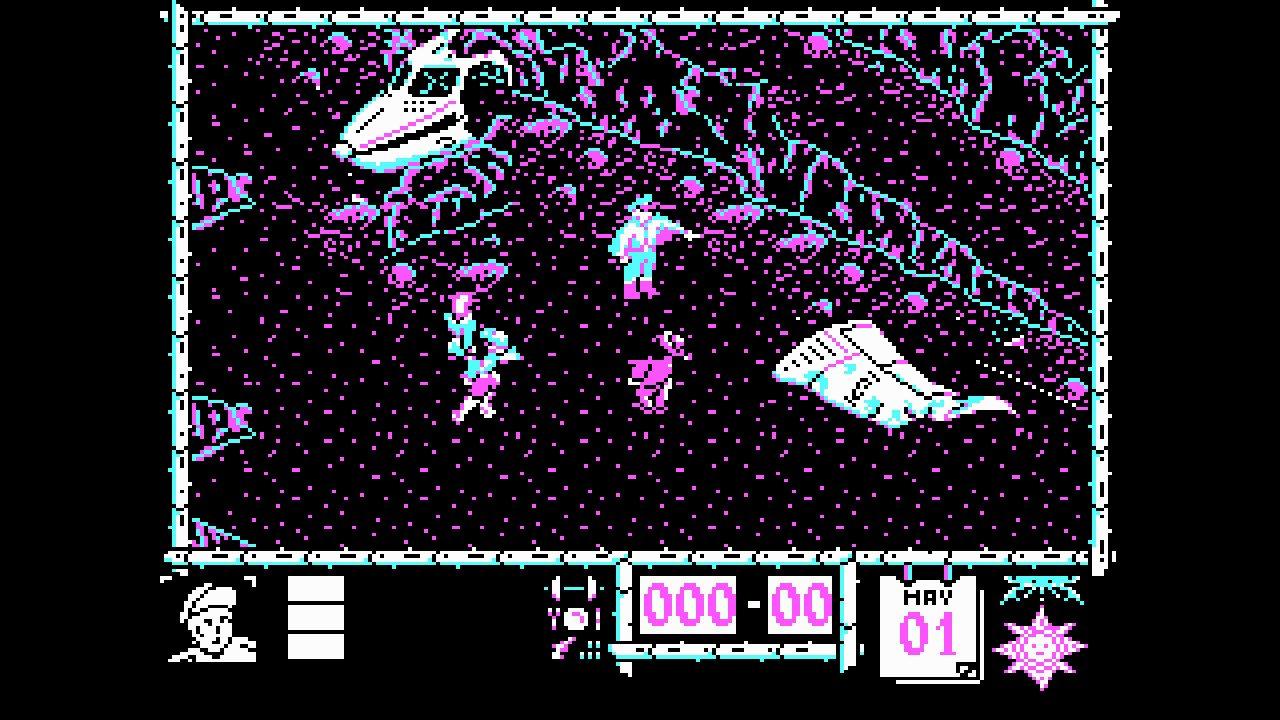
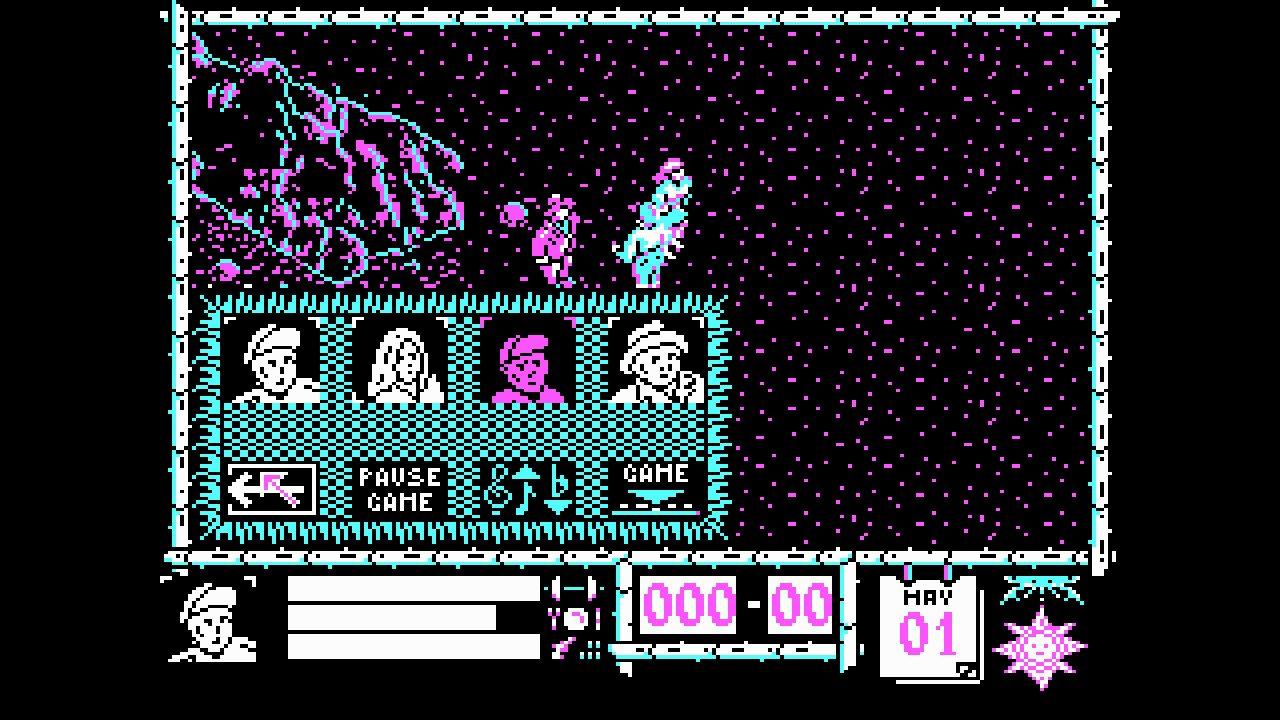
Your plane has ditched on a mountain plateau somewhere in deepest Tibet. You and your companions are alive, but recovery from the impact is short lived; a large shape is moving towards you. As it gets closer you rub your eyes in disbelief: a Dinosaur! Where are you?... and when? Now learn to survive in a world untouched by modern life; a world frozen in time.Stunning graphics and startling action in this thrilling innovative game.Hazards to be faced include the aforementioned dinosaurs and cavemen, as well as sea monsters, precarious mountainous ledges and dilapidated bridges. Objects including weapons and first aid kits can be collected. Each character has his own distinct behaviors - one becomes hungry easily, while another is only really competent while his fiancée survives. Although the ultimate aim is to save all four characters, you can continue while at least one is alive.


Where Time Stood Still screenshotWhere Time Stood Still screenshotWhere Time Stood Still screenshotWhere Time Stood Still screenshotWhere Time Stood Still screenshot

How to redeem

  1. 1Check your Steam account and the listed region before purchasing.
  2. 2Find your code and supplier activation instructions in your confirmed order.
  3. 3Open the redeem-code section on Steam, enter the code and follow the platform’s prompts.

Supplier instructions

Go to: http://store.steampowered.com/ and download STEAM client Click "Install Steam" (from the upper right corner) Install and start application, login with your Account name and Password (create one if you don't have). Please follow these instructions to activate a new retail purchase on Steam: Launch Steam and log into your Steam account. Click the Games Menu. Choose Activate a Product on Steam... Follow the onscreen instructions to complete the process. After successful code verification go to the "MY GAMES" tab and start downloading.

You might also like