
SteamGlobal· Key
Legion TD 2
€2.55
+€0.26 cashback eligibility in Relic Coins
Check before you play
- Platform
- Steam
- Region
- Global
- Product type
- Key
- Developer
- AutoAttack Games
- Publisher
- AutoAttack Games
- Supplier release date
- 2017-11-20
- Genres
- Indie
SteamGlobal· Key
€2.55
+€0.26 cashback eligibility in Relic Coins
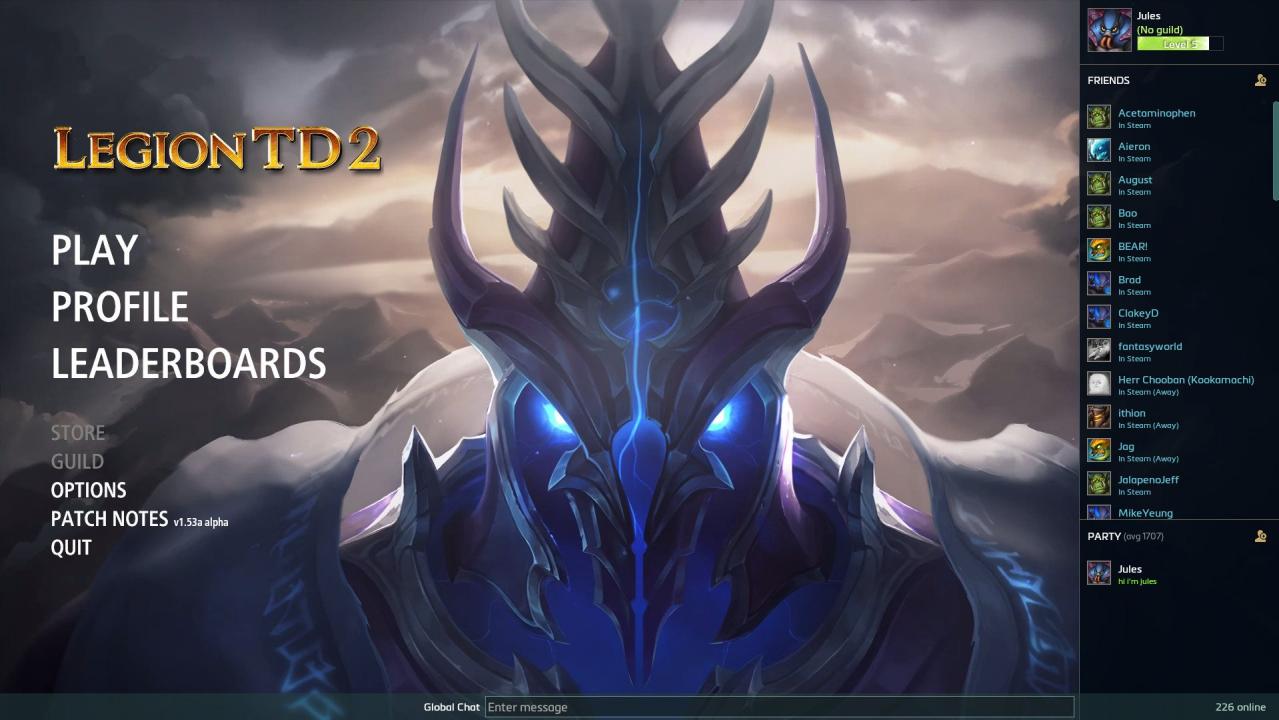
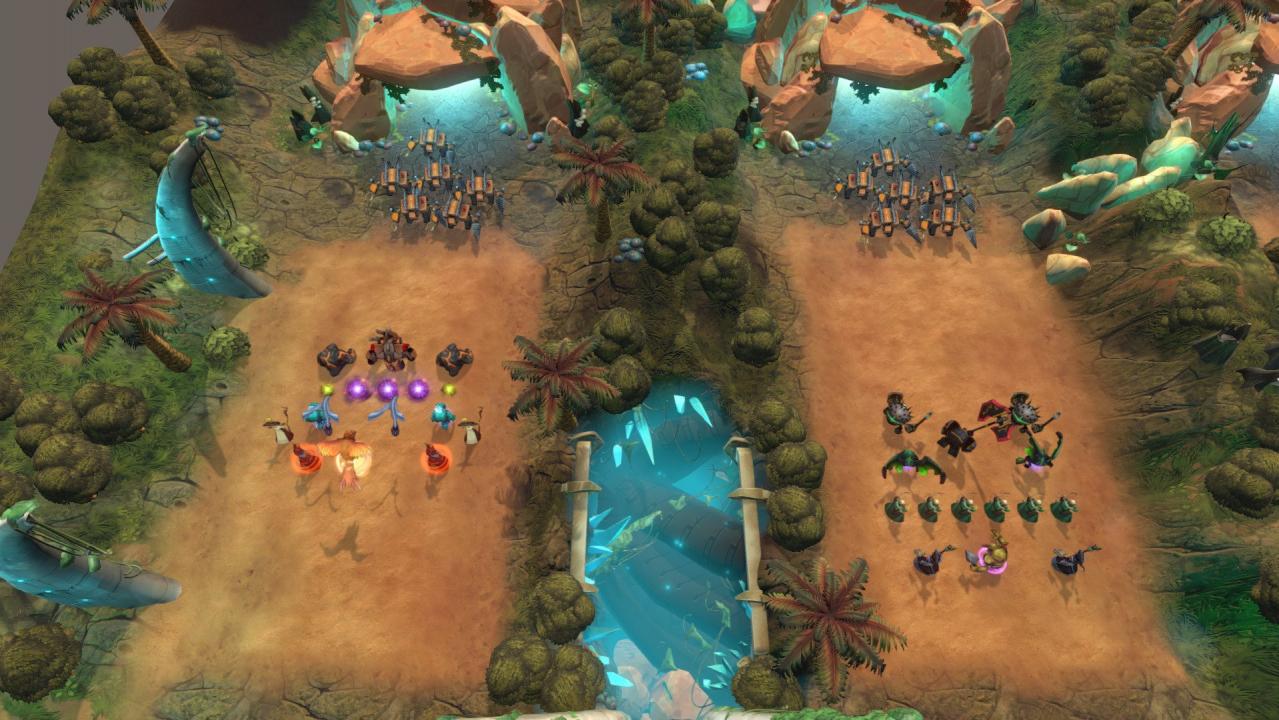
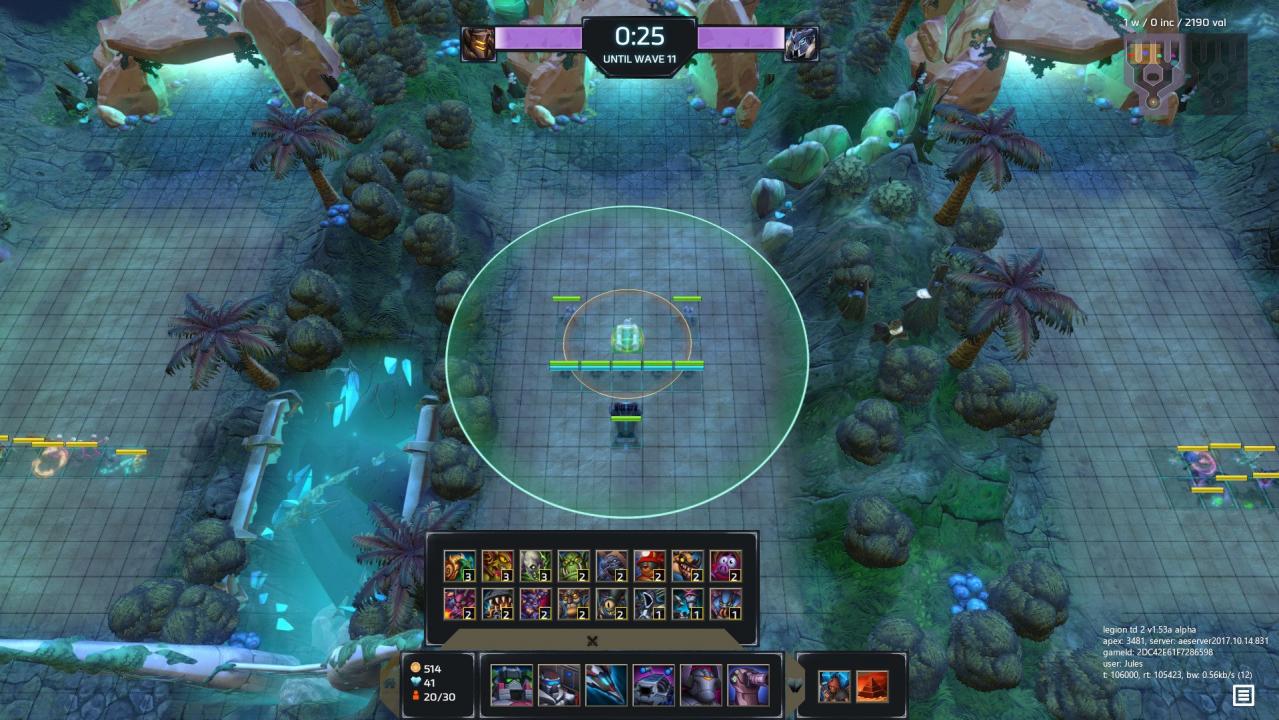
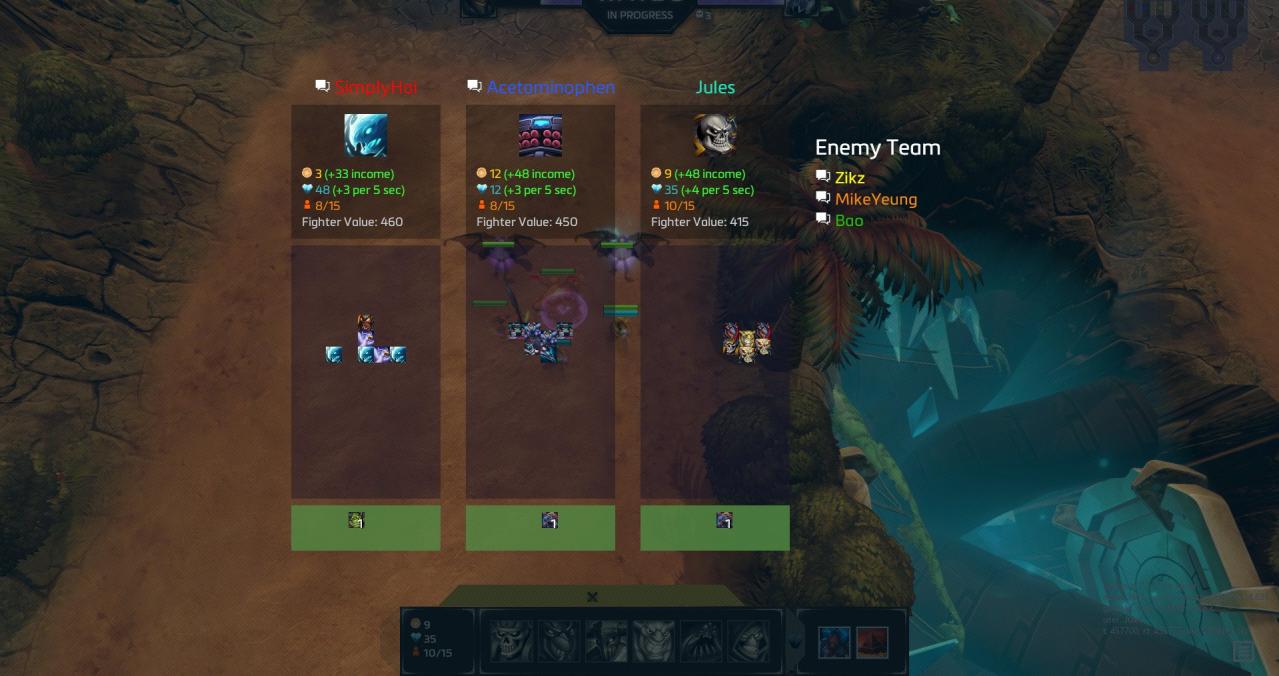
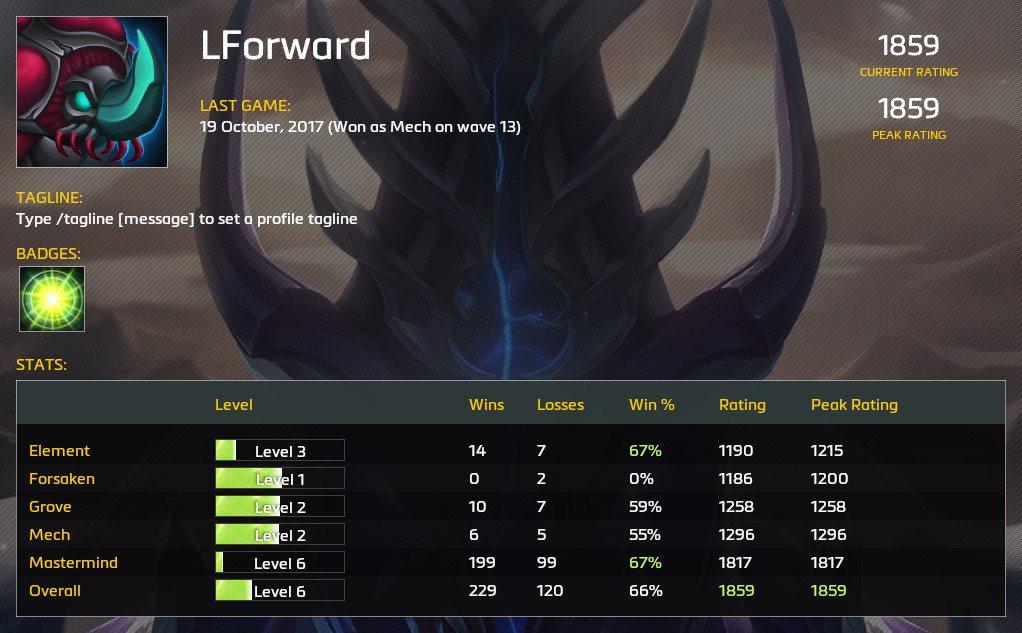
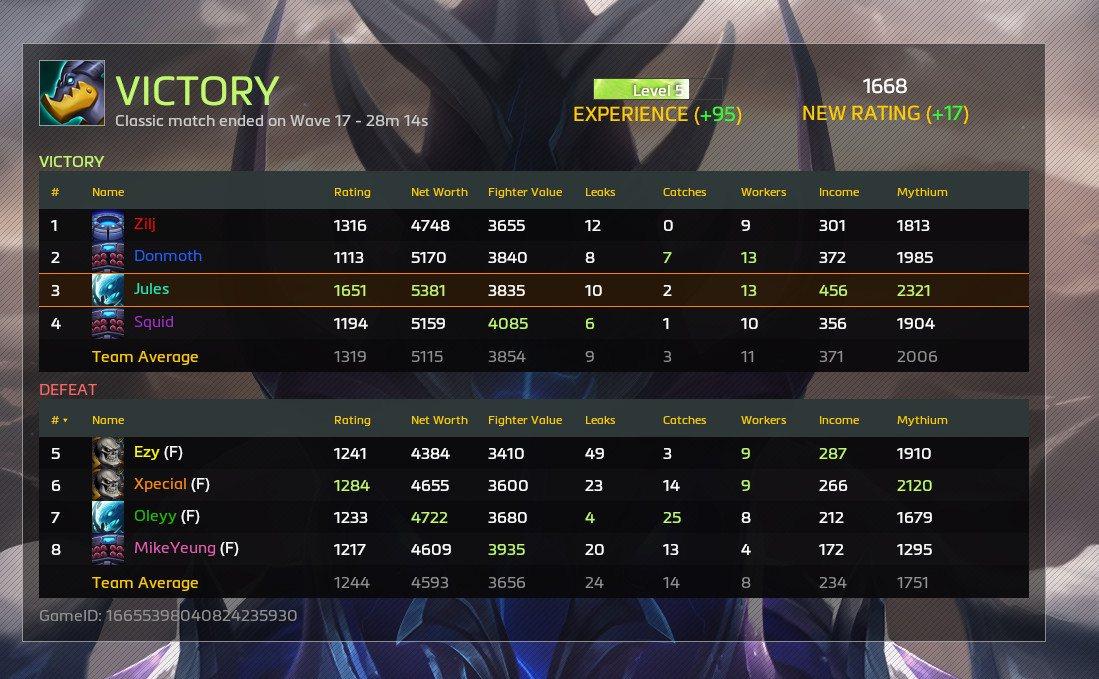
It's like a tower defense, but instead of building towers, you deploy dynamic fighters that come to life and move, attack, and cast spells automatically. Defend your lane against waves of enemies and hire mercenaries to attack your opponents. To win, you must defeat the opposing team's king before they defeat yours. From start to finish, a match lasts around 25 minutes. Legion TD 2 is the standalone sequel to the hugely popular Warcraft III mod, Legion TD, which inspired StarCraft II’s Squadron TD and Dota 2’s Legion TD: Reborn. Legion TD 2 is made by the same team that created the original mod. Legion TD 2 was made by an indie team of 2 best friends: Brent 'Lisk' Batas and Julian 'Jules' Gari. Lisk and Jules have been best friends for over 20 years and have been playing and designing games together since they were kids. Features 2v2 competitive strategy game Global Servers: Compete against players from around the world 50 unique fighters, 4 playable legions, and Mastermind mode (more to come) Matchmaking, reconnecting, anti-leaver/AFK/griefer detection, leaderboards, achievements, player profiles, and stat-tracking Balanced for competitive play with weekly balance patches Frequent content and feature updates
Go to: http://store.steampowered.com/ and download STEAM client Click "Install Steam" (from the upper right corner) Install and start application, login with your Account name and Password (create one if you don't have). Please follow these instructions to activate a new retail purchase on Steam: Launch Steam and log into your Steam account. Click the Games Menu. Choose Activate a Product on Steam... Follow the onscreen instructions to complete the process. After successful code verification go to the "MY GAMES" tab and start downloading.