Get 10% back in Relic Coins on every order
Sanctum 2 - The Pursuit DLC cover

SteamGlobal· DLC

Sanctum 2 - The Pursuit DLC

€5.25

+€0.53 cashback eligibility in Relic Coins

Check before you play

Platform
Steam
Region
Global
Product type
DLC

Check the required base game and edition before purchasing this add-on.

Developer
ARVI VR
Publisher
ARVI VR
Supplier release date
2013-10-25
Genres
Action, Strategy, Indie

About this product

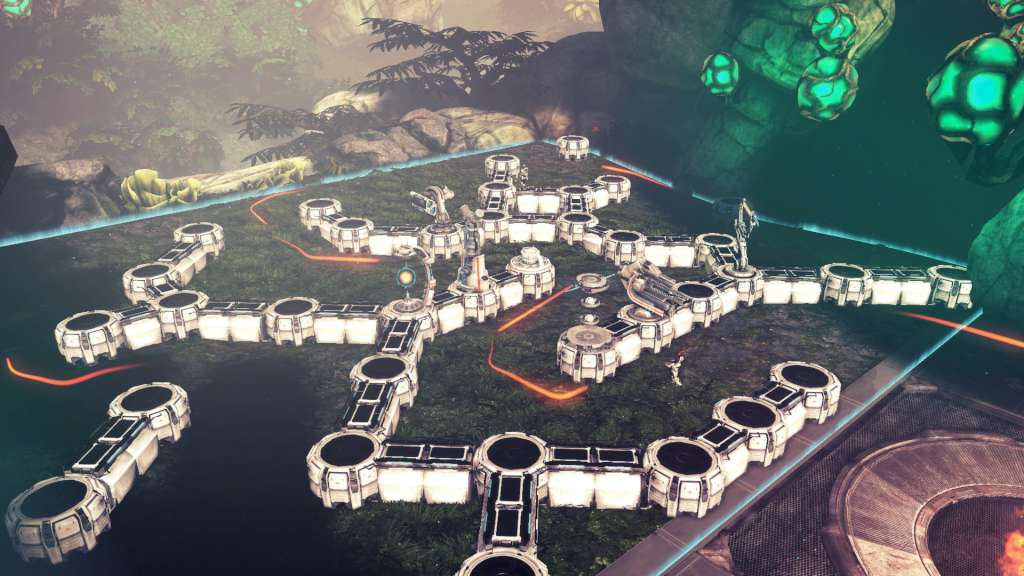
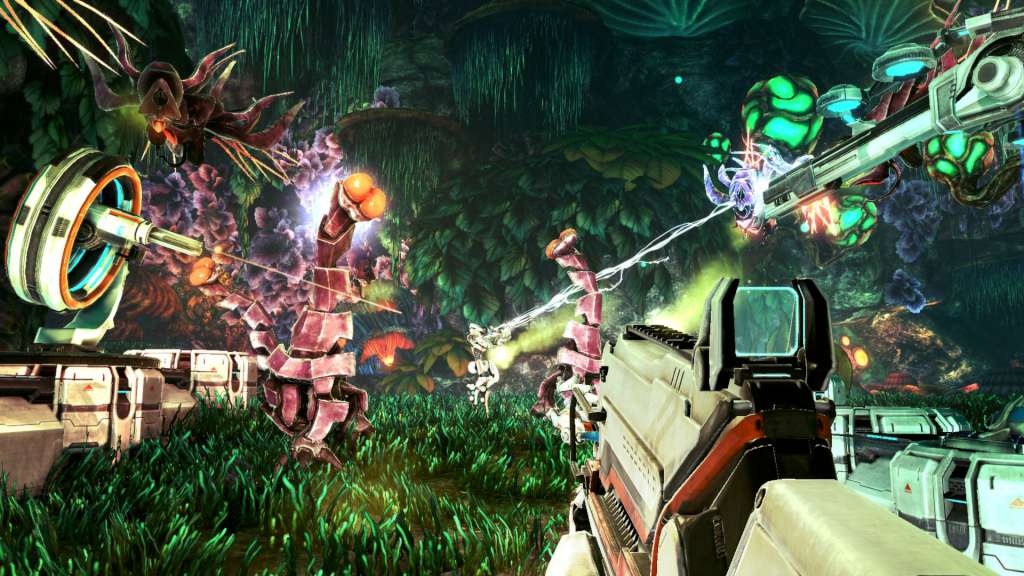
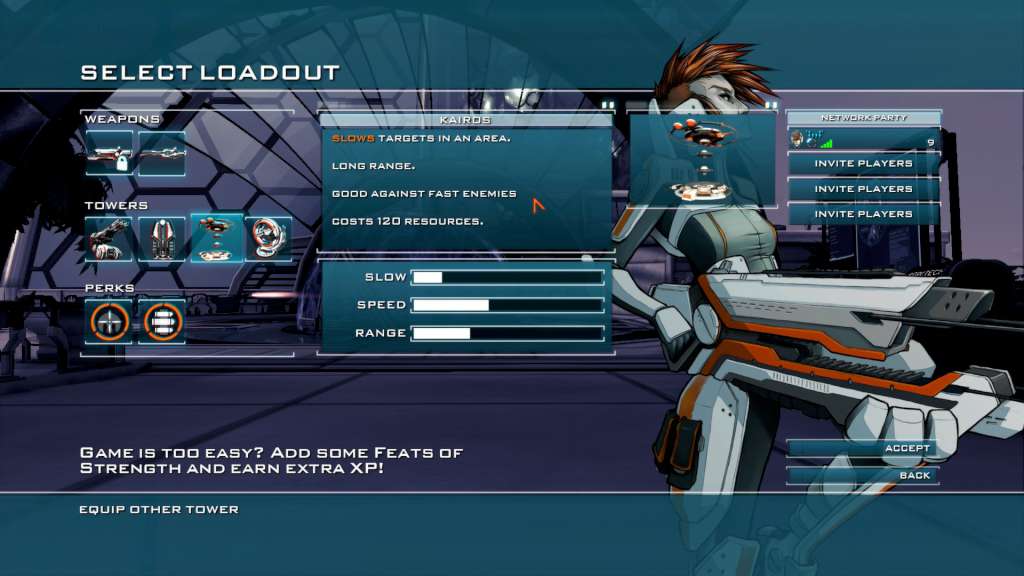
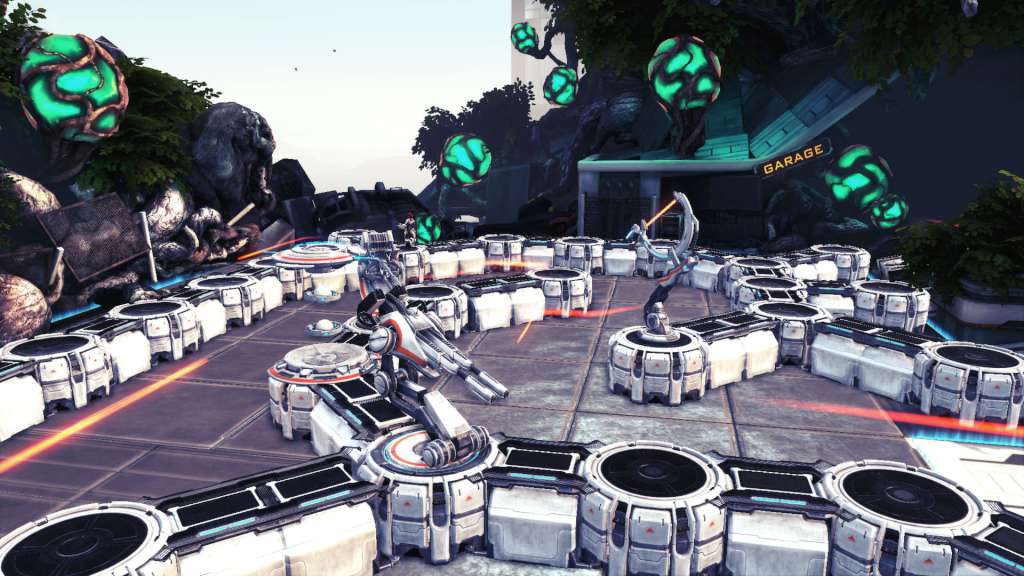
Pursue the Titan through the outskirts of Elysion One! This expansion adds even more replayability through four completely new maps! Use two new towers, including the Mind-Control Spire that takes control of enemies and lets them fight for you! Unlock new devastating weapons, such as the Drone Launcher, that launches target-seeking drones that home in on enemies and shoot lazors at them. They'll be all like "NOO NOT THE BEEES!" Of course, there are going to be new enemies as well, such as the Heavy Pup that's far more aggressive than it's older equivalent, and the flying Bliskeblaske, which you'll just have to see for yourself. Finally, you'll be getting seven new unlockable perks as well - for example, the Reinforcements perk has a chance to spawn Explorers with shields every time you kill an enemy! Note: The Pursuit is included in the Sanctum 2 Season Pass and is part 3/4 in a series of DLC for Sanctum 2


Sanctum 2 - The Pursuit DLC screenshotSanctum 2 - The Pursuit DLC screenshotSanctum 2 - The Pursuit DLC screenshotSanctum 2 - The Pursuit DLC screenshotSanctum 2 - The Pursuit DLC screenshot

How to redeem

  1. 1Check the required base game, platform and edition before purchasing.
  2. 2Find the code or supplier activation instructions in your confirmed order.
  3. 3Redeem on Steam using the supplied instructions, then install the add-on with the compatible base game.

Supplier instructions

Go to: http://store.steampowered.com/ and download STEAM client Click "Install Steam" (from the upper right corner) Install and start application, login with your Account name and Password (create one if you don't have). Please follow these instructions to activate a new retail purchase on Steam: Launch Steam and log into your Steam account. Click the Games Menu. Choose Activate a Product on Steam... Follow the onscreen instructions to complete the process. After successful code verification go to the "MY GAMES" tab and start downloading.

You might also like