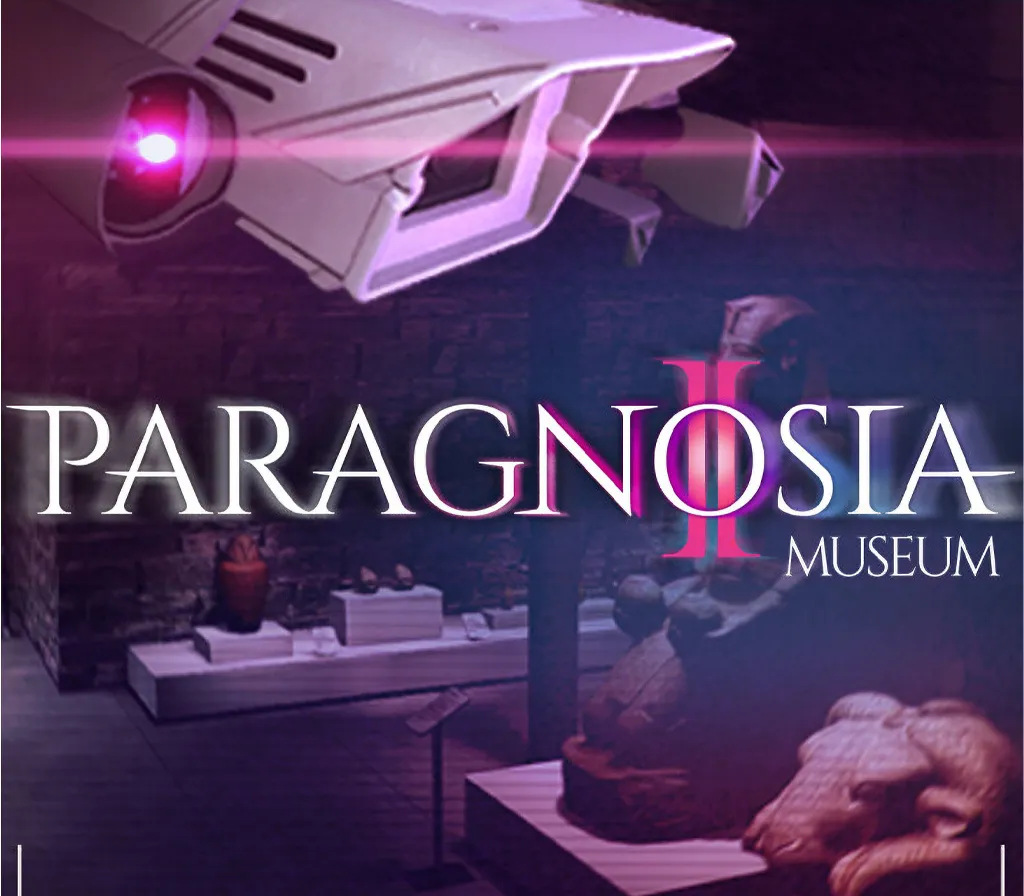
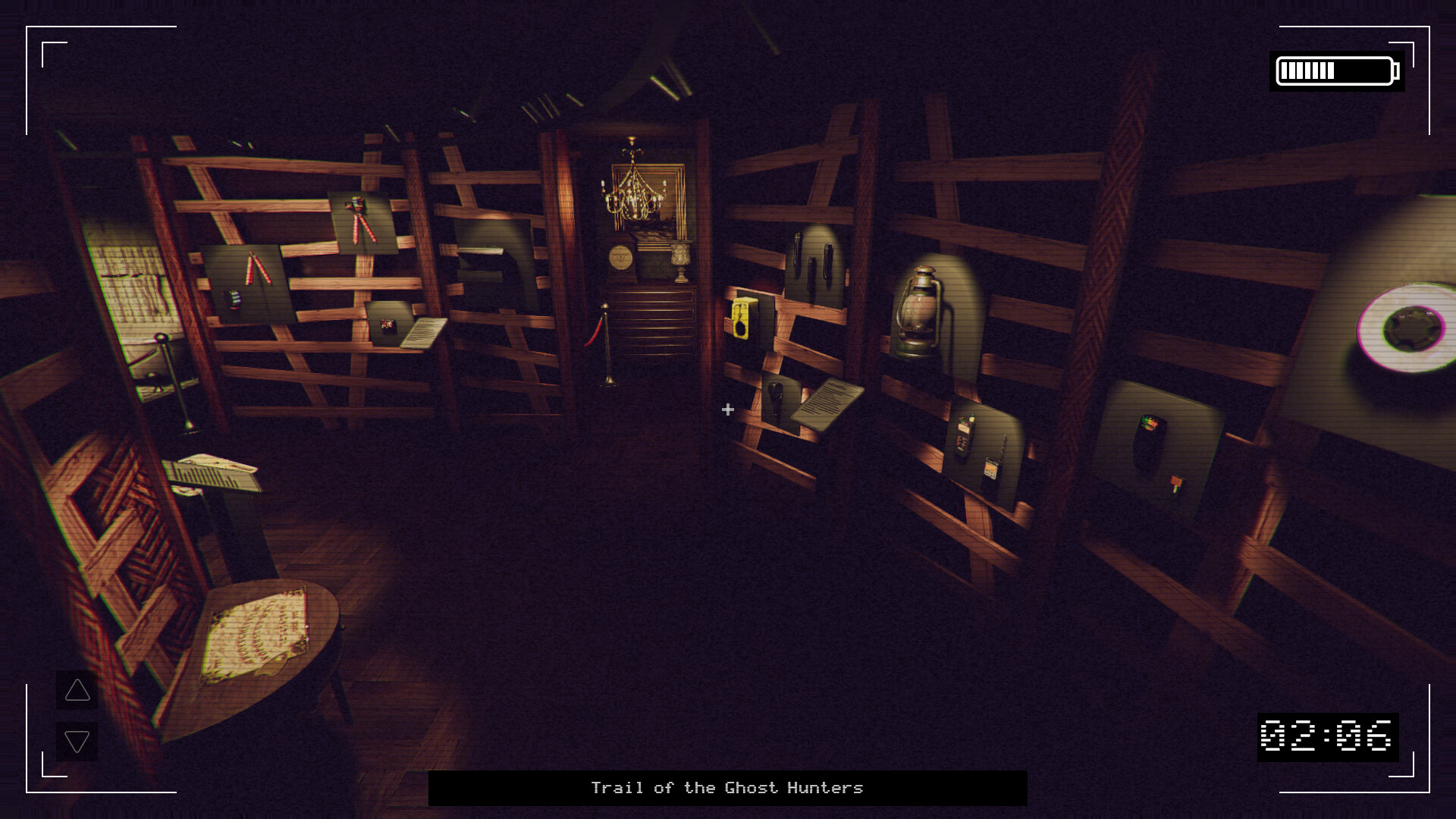
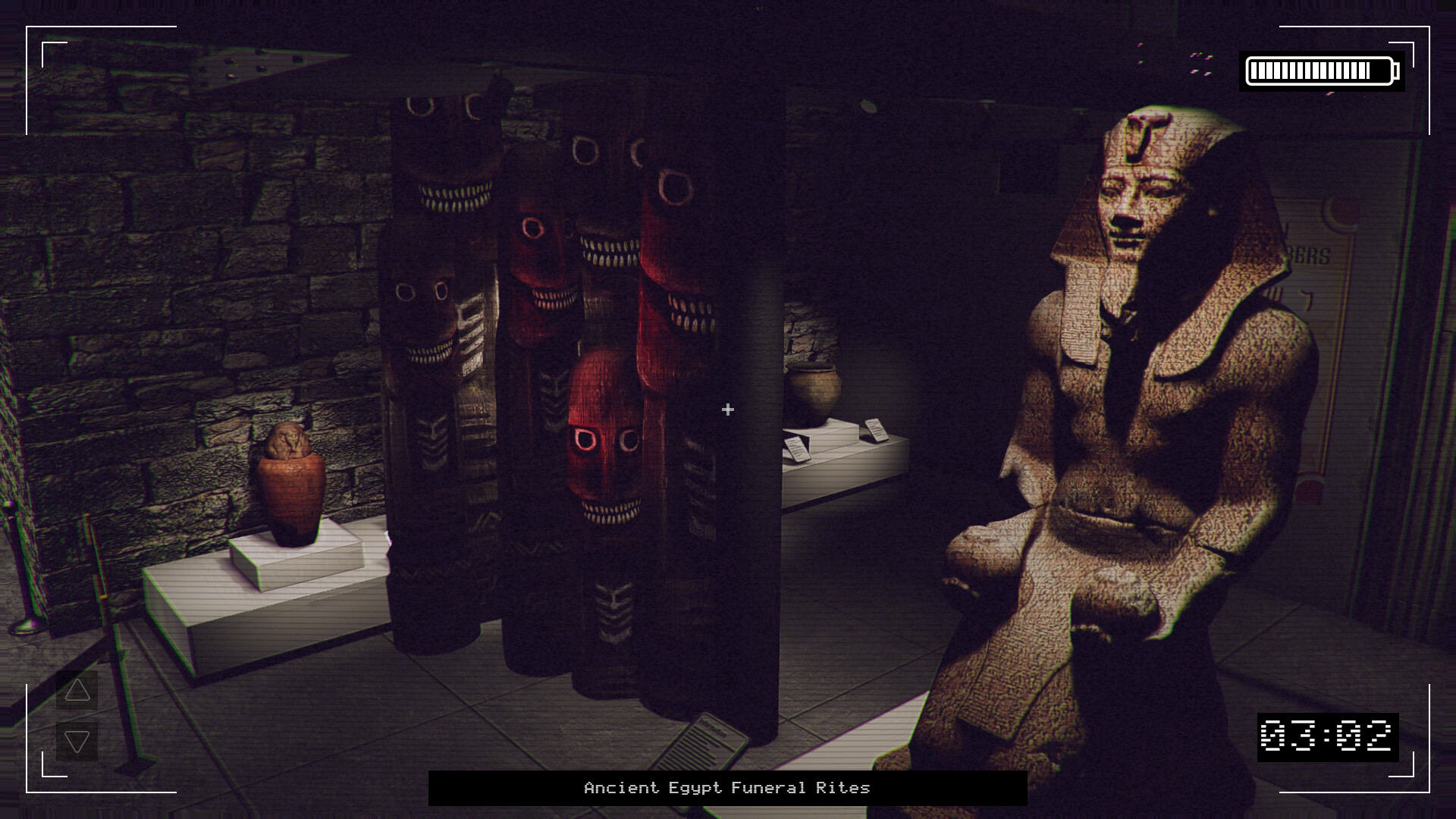
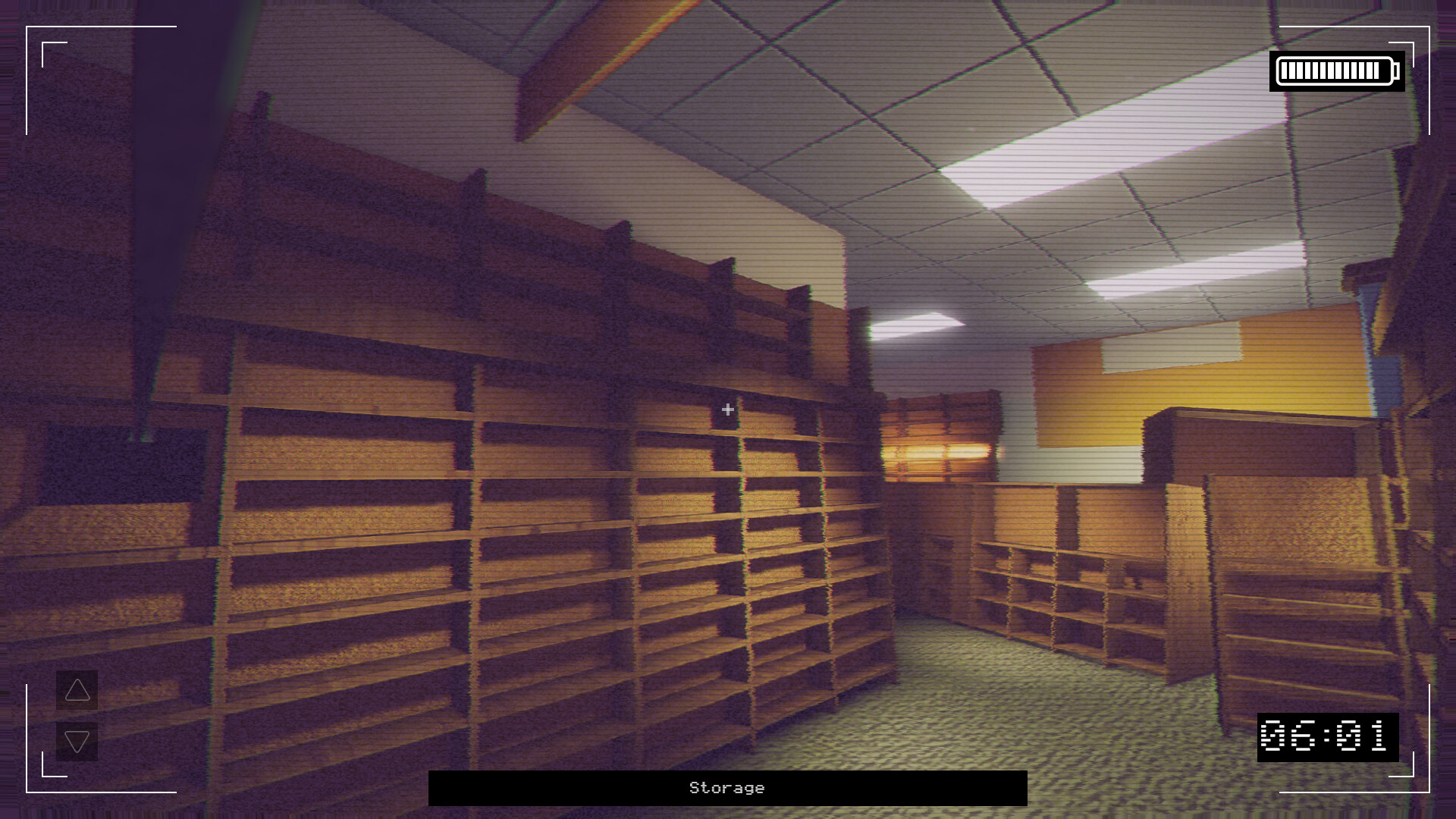
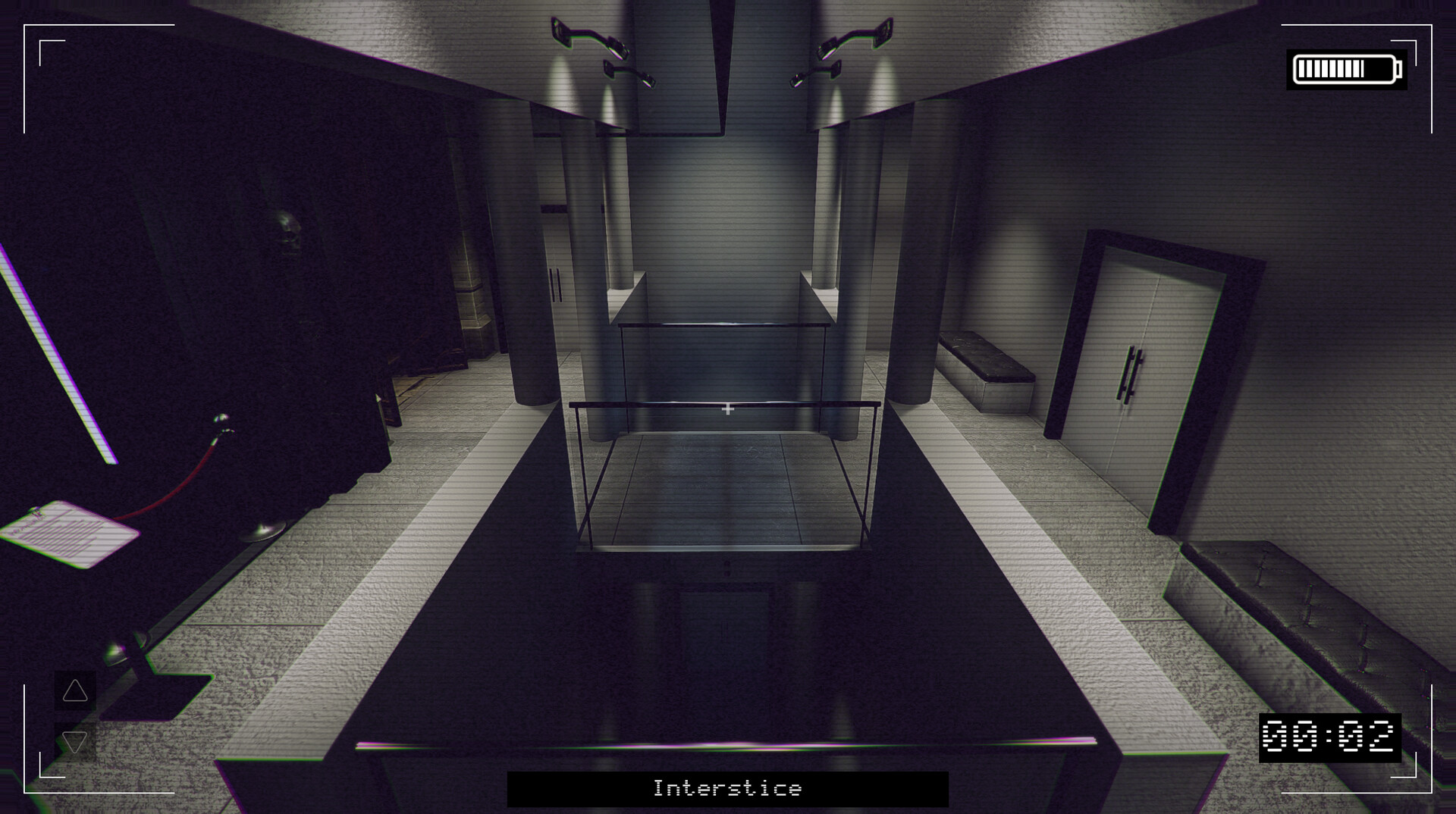
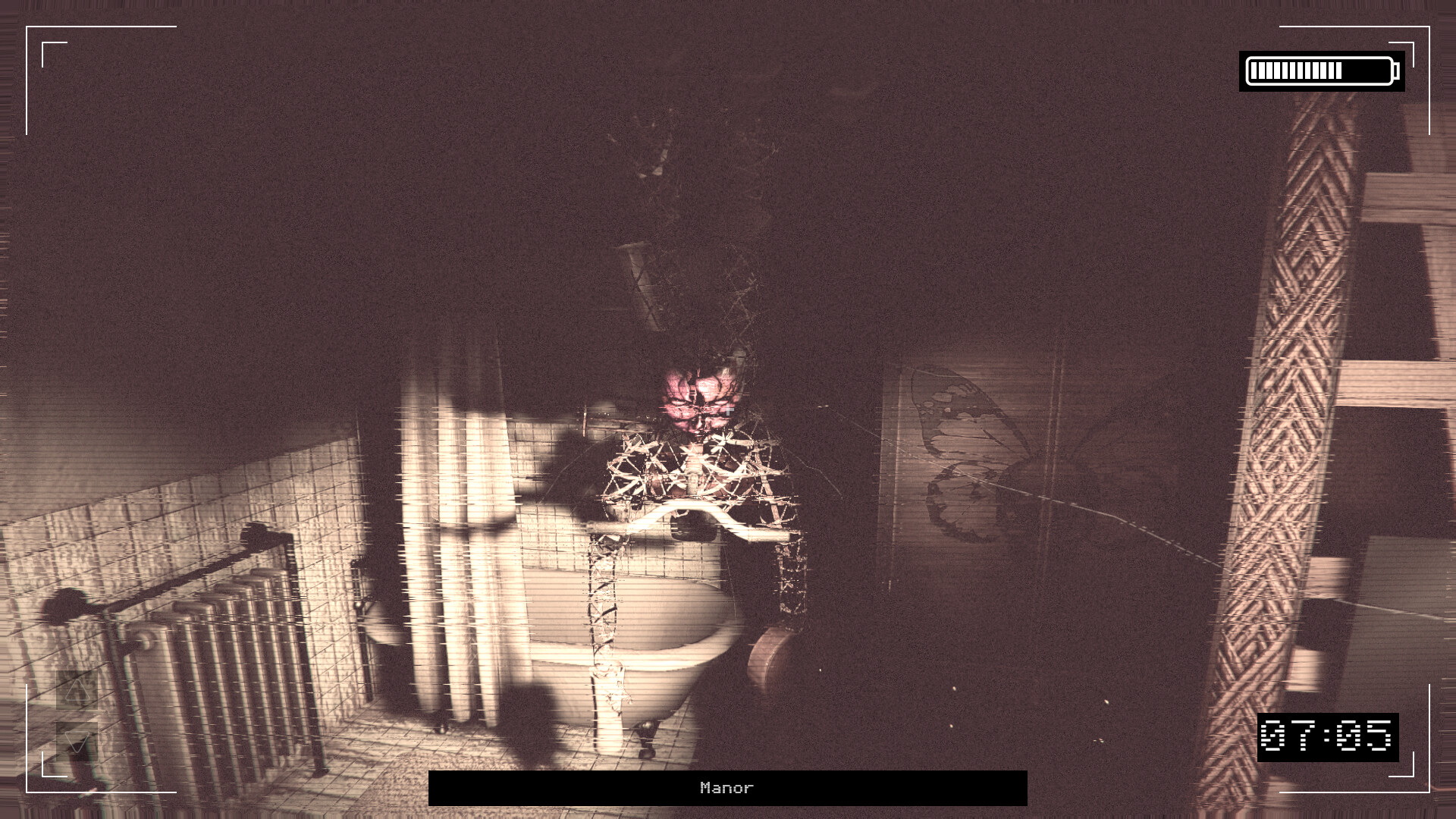
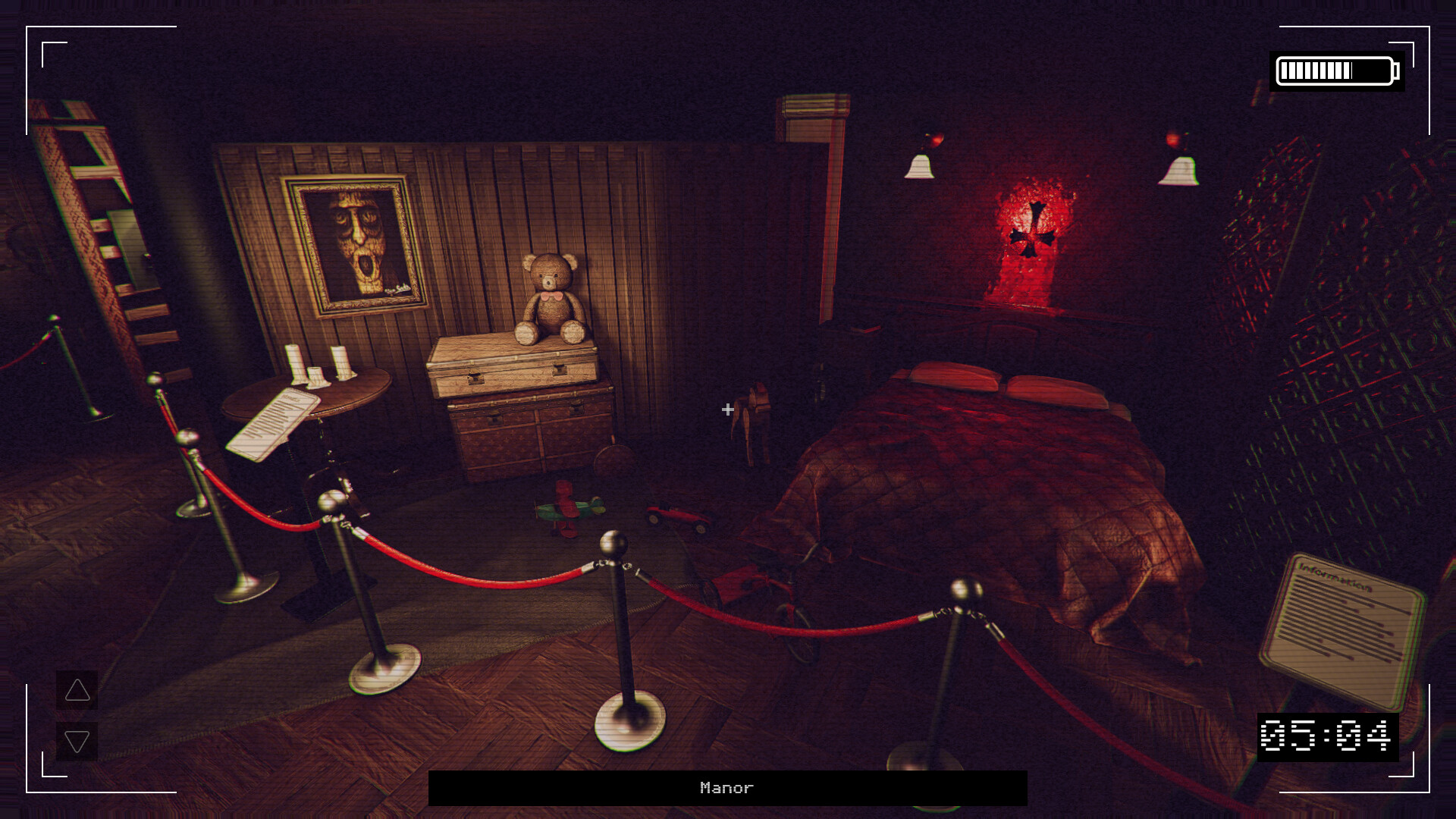
Paragnosia: Museum blends anomaly-spotting with tense camera-observation gameplay. You play as Claire Ballard, an exorcist dispatched by the Cam-on-Rail Company. Your mission: monitor the museum throughout the night and neutralise any paranormal activity before it’s too late. STAY FOCUSED Every hour brings new supernatural changes, from the obvious to the very subtle. Observe carefully, compare, and identify newly appearing anomalies. At the end of every round, the system reveals how many you missed. Remember: the devil is in the details, and some anomalies can only be seen from very specific angles. STAY ALIVE Each missed anomaly breaks one of the six locks protecting you from the evil within. Lose them all before 8:00 AM, and whatever haunts the museum will come at you. To survive and banish this entity, your vigilance is your only weapon. Tick tock, the clock’s ticking… STAY VIGILANT Some spirits require precise actions at specific moments to be exorcised. Sharpen your observation skills, adapt your strategy, and prepare to face a terrifying anima. With up to 130 anomalies to uncover, completionists will have their work cut out for them. The game takes place in the Duskheath Museum, a disturbing exhibition dedicated to the occult and communication with the dead. Explore ancient Egypt, pre-Columbian civilizations, cursed artifacts, funeral relics, and countless other mysterious objects steeped in dark history. Will you uncover the truth… or become part of the exhibit? GAME DURATION 45-200 minutes