Get 10% back in Relic Coins on every order
Orcs Must Die! - Lost Adventures DLC cover

SteamGlobal· DLC

Orcs Must Die! - Lost Adventures DLC

€0.82

+€0.08 cashback eligibility in Relic Coins

Check before you play

Platform
Steam
Region
Global
Product type
DLC

Check the required base game and edition before purchasing this add-on.

Developer
Robot Entertainment
Publisher
Microsoft Game Studios
Supplier release date
2011-11-08
Genres
Action, Strategy, Indie

About this product

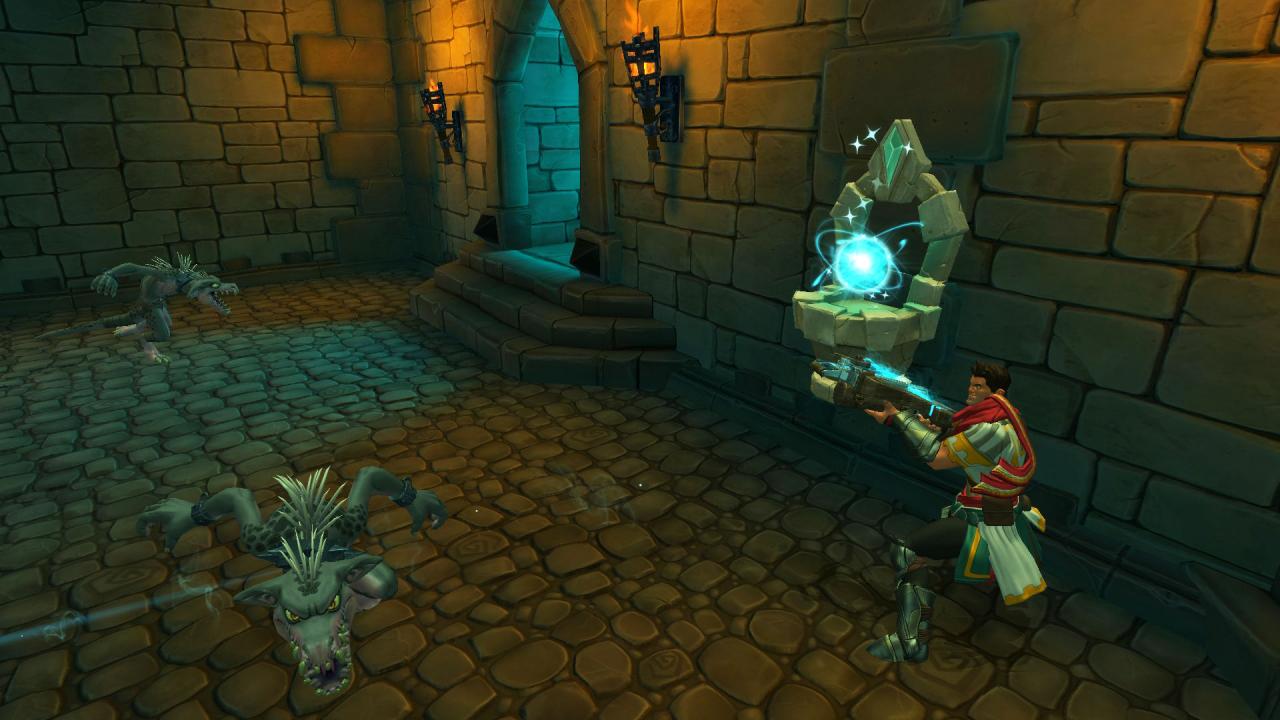
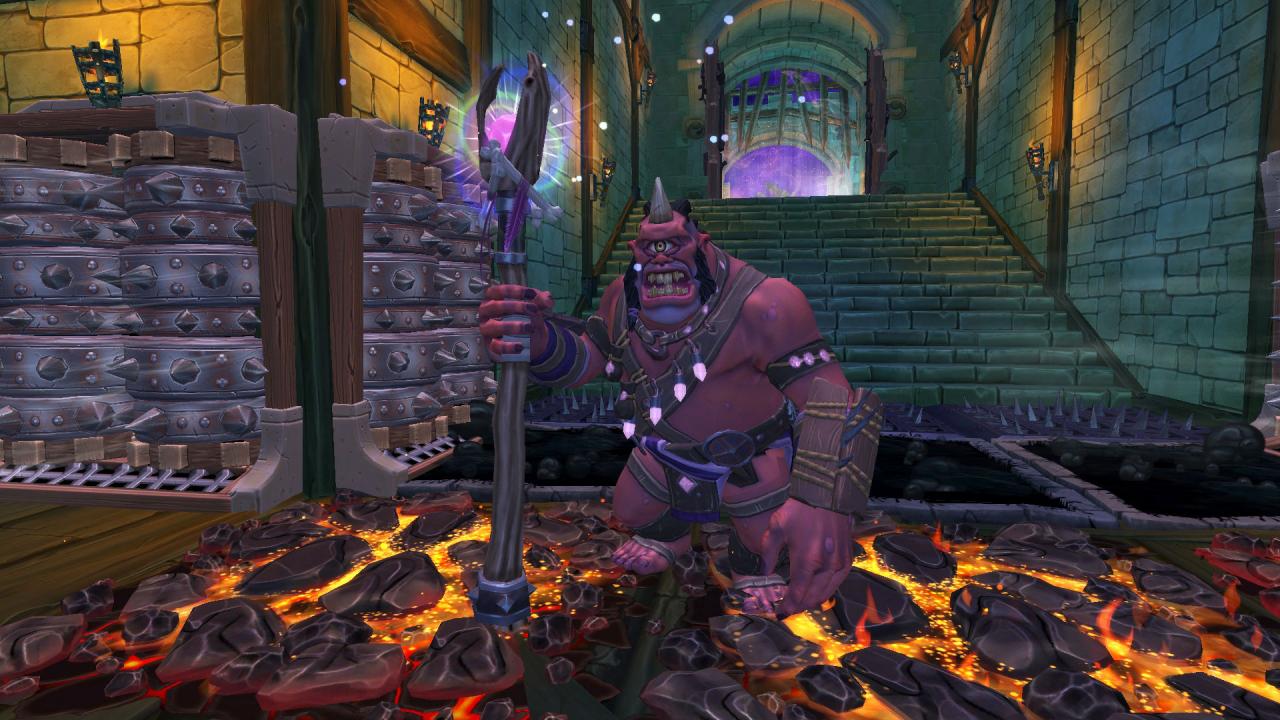
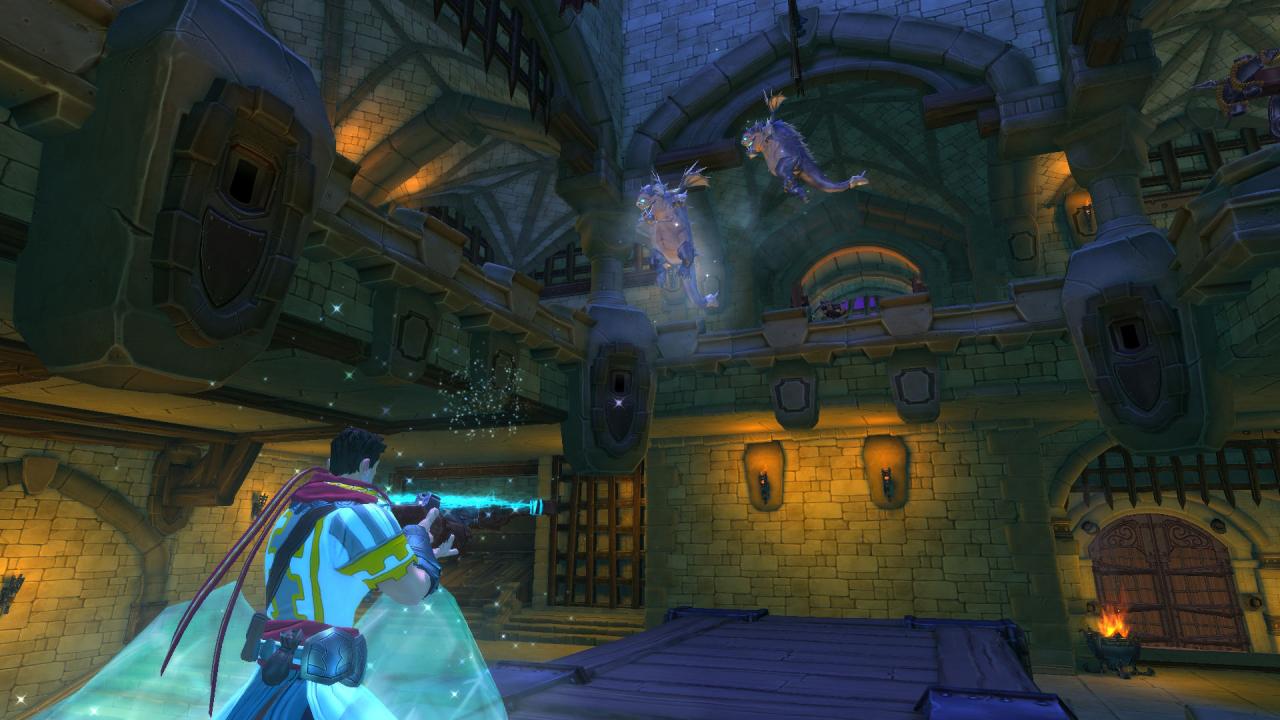
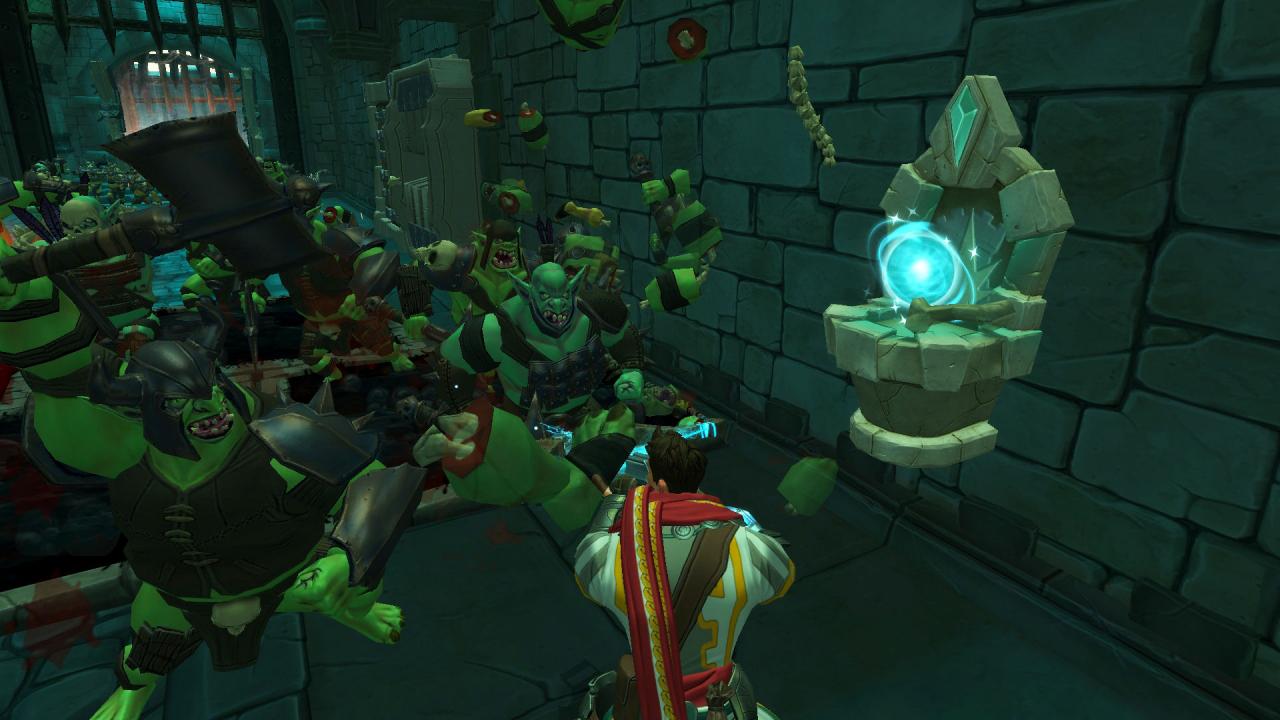
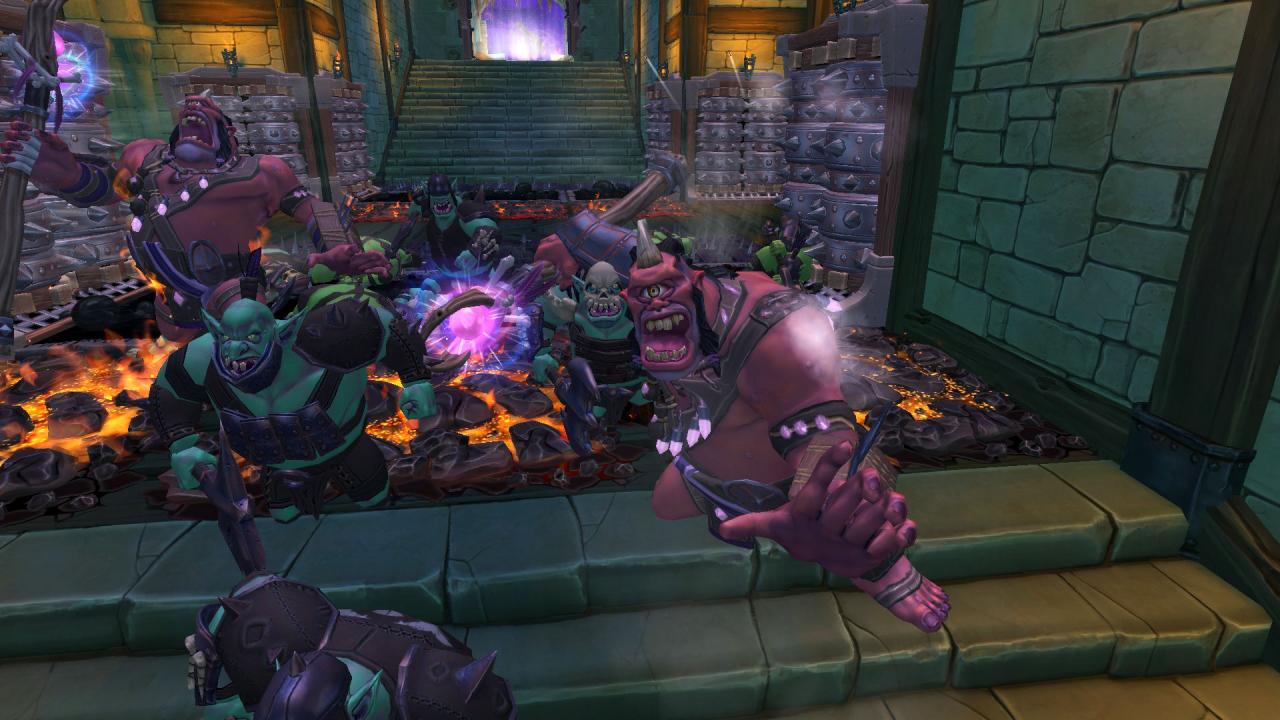
Think you’ve killed enough orcs? Think again! Return to the dead world beyond the rifts and conquer a new series of challenging fortresses under siege by the orc mob. In Orcs Must Die! – Lost Adventures you’ll travel from the depths of the Pit to the narrow passages high over the Great Gorge. The Lost Adventures are five of the most deadly rift assaults the War Mage has ever faced! Features Five new levels: Test your orc-slaughtering skills in a challenging series of fortresses! Two new enemies: Fear the icy breath of the Frost Bat, and beware the draining magical attack of the Cyclops Mage! New leaderboards: Challenge your friends for the highest score on leaderboards for the five new levels. New skull rewards: Earn up to fifty additional skulls to further upgrade your arsenal of traps! New bonus trap!: Place the Mana Well in strategic locations around a fortress for a burst of magical energy at just the right moment.

Orcs Must Die! - Lost Adventures DLC screenshotOrcs Must Die! - Lost Adventures DLC screenshotOrcs Must Die! - Lost Adventures DLC screenshotOrcs Must Die! - Lost Adventures DLC screenshotOrcs Must Die! - Lost Adventures DLC screenshot

How to redeem

  1. 1Check the required base game, platform and edition before purchasing.
  2. 2Find the code or supplier activation instructions in your confirmed order.
  3. 3Redeem on Steam using the supplied instructions, then install the add-on with the compatible base game.

Supplier instructions

Go to: http://store.steampowered.com/ and download STEAM client Click "Install Steam" (from the upper right corner) Install and start application, login with your Account name and Password (create one if you don't have). Please follow these instructions to activate a new retail purchase on Steam: Launch Steam and log into your Steam account. Click the Games Menu. Choose Activate a Product on Steam... Follow the onscreen instructions to complete the process. After successful code verification go to the "MY GAMES" tab and start downloading.

You might also like