Get 10% back in Relic Coins on every order
Pajama Sam 2: Thunder and Lightning Aren't So Frightening cover

SteamGlobal· Key

Pajama Sam 2: Thunder and Lightning Aren't So Frightening

€3.86

+€0.39 cashback eligibility in Relic Coins

Check before you play

Platform
Steam
Region
Global
Product type
Key
Developer
Humongous Entertainment
Publisher
Humongous Entertainment, Nightdive Studios
Supplier release date
1998-10-02
Genres
Adventure, Casual, Point & click

About this product

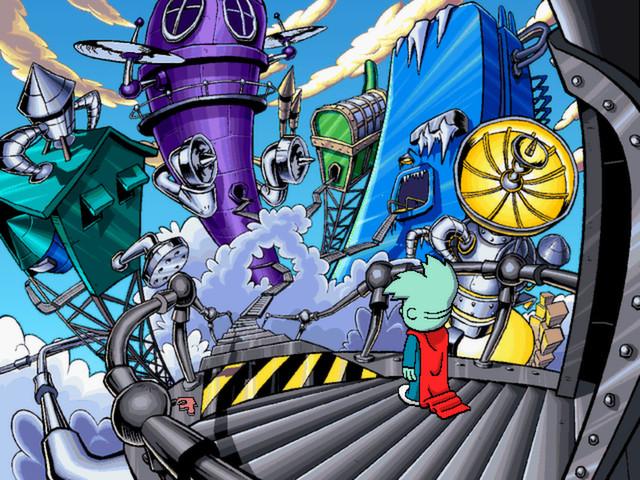
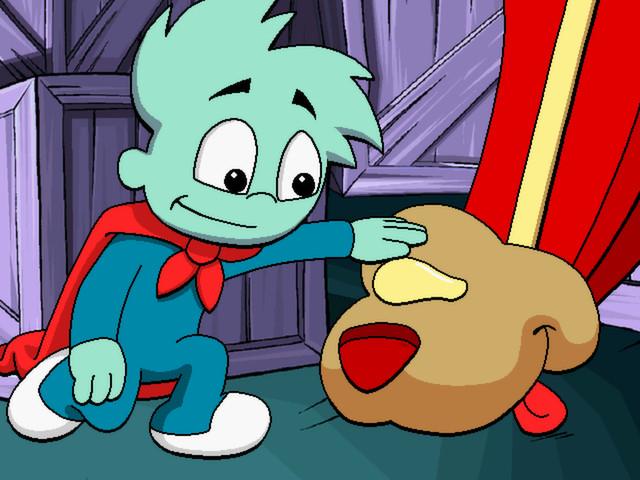
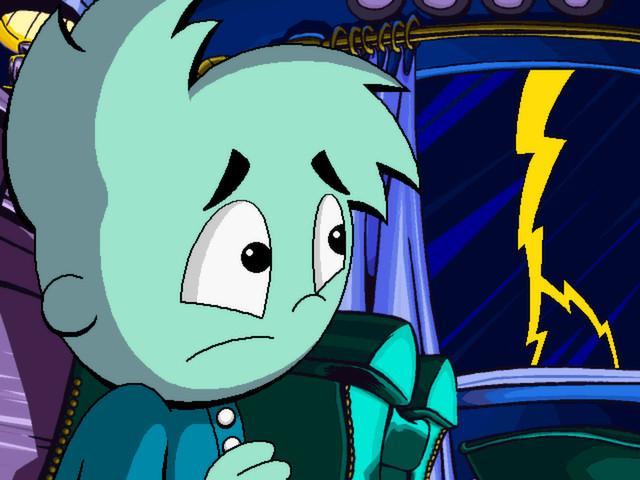
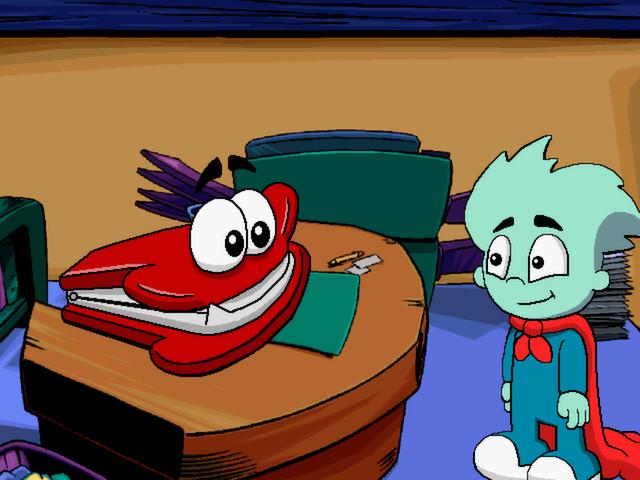
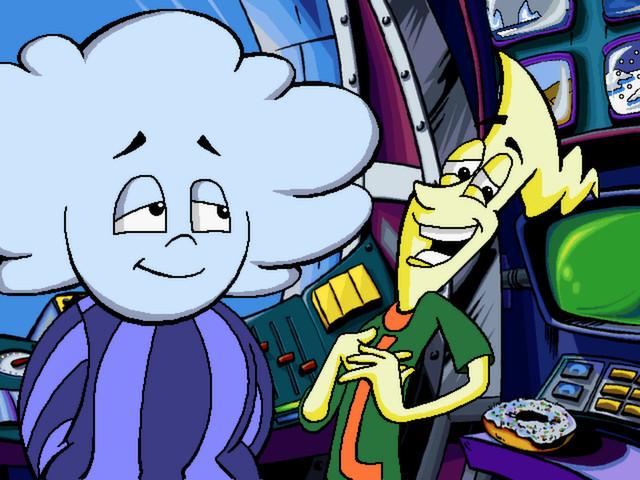
Join Pajama Sam, the world's youngest superhero! ...as he journeys to World Wide Weather, the storm-stirring factory in the sky! Sam's spent on to many evenings cowering under the couch, so he sets out to conquest his fear of thunderstorms. Just as our little guy begins to learn that storms aren't as bad as they seem, Sam accidentally send the weather system into a frenzy. Now, there is snow in Saigon, and sunshine in Seattle! He'll need your child's help to explore this wonderful world filled with challenging puzzles, fun games, and fantastic new friends as they help Thunder and Lightning fix the broken machines and return the world's weather to normal before Mother Nature finds out! Features Play again and again, New puzzles, new friends and new challenges await each time you play! Click points reveal hundreds and hundreds of hidden surprises! Special games and activities encourage creativity, help teach spatial-relations and sharpen problem-solving skills. Out of time? Save the game and finish it later.

Pajama Sam 2: Thunder and Lightning Aren't So Frightening screenshotPajama Sam 2: Thunder and Lightning Aren't So Frightening screenshotPajama Sam 2: Thunder and Lightning Aren't So Frightening screenshotPajama Sam 2: Thunder and Lightning Aren't So Frightening screenshotPajama Sam 2: Thunder and Lightning Aren't So Frightening screenshot

How to redeem

  1. 1Check your Steam account and the listed region before purchasing.
  2. 2Find your code and supplier activation instructions in your confirmed order.
  3. 3Open the redeem-code section on Steam, enter the code and follow the platform’s prompts.

Supplier instructions

Go to: http://store.steampowered.com/ and download STEAM client Click "Install Steam" (from the upper right corner) Install and start application, login with your Account name and Password (create one if you don't have). Please follow these instructions to activate a new retail purchase on Steam: Launch Steam and log into your Steam account. Click the Games Menu. Choose Activate a Product on Steam... Follow the onscreen instructions to complete the process. After successful code verification go to the "MY GAMES" tab and start downloading.

You might also like