Get 10% back in Relic Coins on every order
Pajama Sam 4: Life Is Rough When You Lose Your Stuff! cover

SteamGlobal· Key

Pajama Sam 4: Life Is Rough When You Lose Your Stuff!

€2.00

+€0.20 cashback eligibility in Relic Coins

Check before you play

Platform
Steam
Region
Global
Product type
Key
Developer
Humongous Entertainment
Publisher
Humongous Entertainment, Nightdive Studios
Supplier release date
1998-10-02
Genres
Adventure, Casual, Point & click

About this product

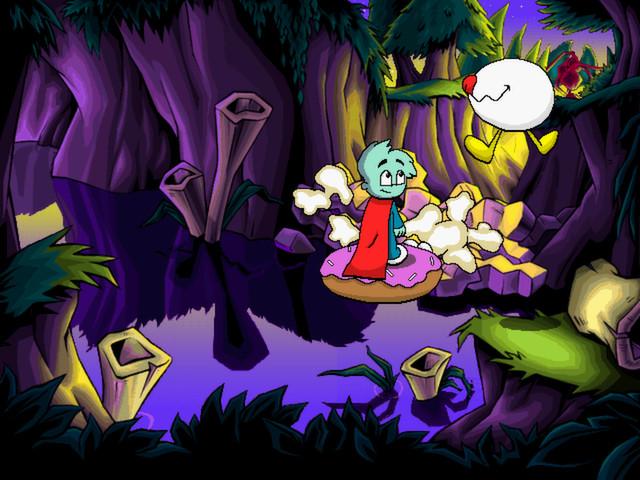
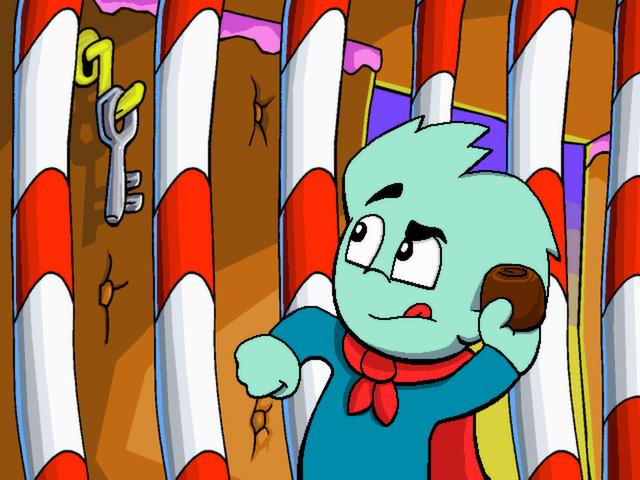
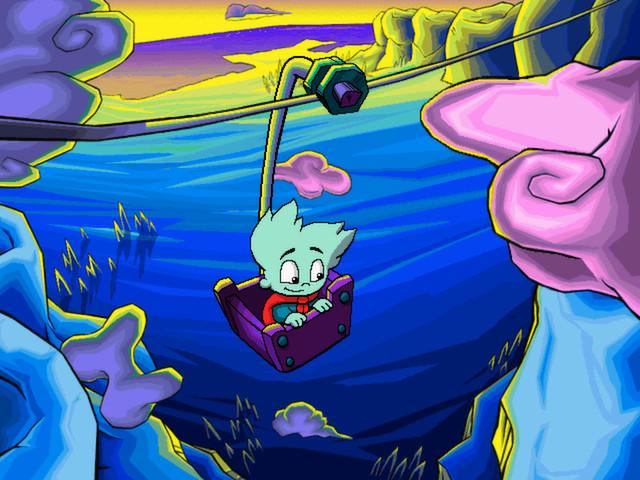
Sam's bedroom is a mess! Lost among the piles of clothes and toys is his prized comic book. Donning his red cape, Pajama Sam dives into the chaos only to land in a strange and fantastic world that resembles his messy room. Pajama Sam sets off on a series of adventures in search of his lost comic book, looking for lost socks in Agitator Lake, rounding up dust bunnies at the Dust Bunny Corral, exploring the Spilled Soda Swamp and much more. In the end, Sam finds his comic book and realizes that life wouldn't be so rough if he put away his stuff! Throughout the story, kids meet lots of interesting new friends and tackle fun challenges that will inspire them to solve problems in creative ways.

Pajama Sam 4: Life Is Rough When You Lose Your Stuff! screenshotPajama Sam 4: Life Is Rough When You Lose Your Stuff! screenshotPajama Sam 4: Life Is Rough When You Lose Your Stuff! screenshotPajama Sam 4: Life Is Rough When You Lose Your Stuff! screenshotPajama Sam 4: Life Is Rough When You Lose Your Stuff! screenshot

How to redeem

  1. 1Check your Steam account and the listed region before purchasing.
  2. 2Find your code and supplier activation instructions in your confirmed order.
  3. 3Open the redeem-code section on Steam, enter the code and follow the platform’s prompts.

Supplier instructions

Go to: http://store.steampowered.com/ and download STEAM client Click "Install Steam" (from the upper right corner) Install and start application, login with your Account name and Password (create one if you don't have). Please follow these instructions to activate a new retail purchase on Steam: Launch Steam and log into your Steam account. Click the Games Menu. Choose Activate a Product on Steam... Follow the onscreen instructions to complete the process. After successful code verification go to the "MY GAMES" tab and start downloading.

You might also like