Get 10% back in Relic Coins on every order
Paper Shakespeare: To Date Or Not To Date? cover

SteamGlobal· Key

Paper Shakespeare: To Date Or Not To Date?

€0.97

+€0.10 cashback eligibility in Relic Coins

Check before you play

Platform
Steam
Region
Global
Product type
Key
Developer
Stegalosaurus Game Development
Publisher
Stegalosaurus Game Development
Supplier release date
2018-04-04
Genres
Adventure, Indie, Casual, Visual Novel, Dating Simulator

About this product

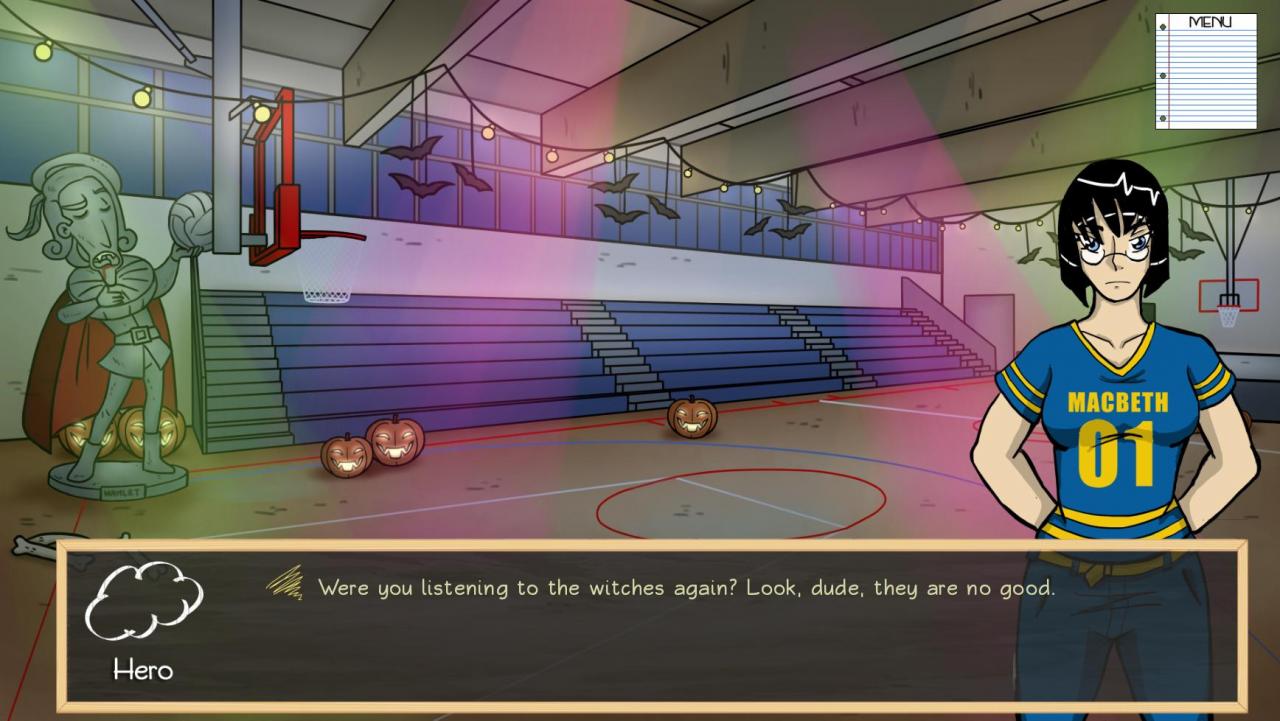
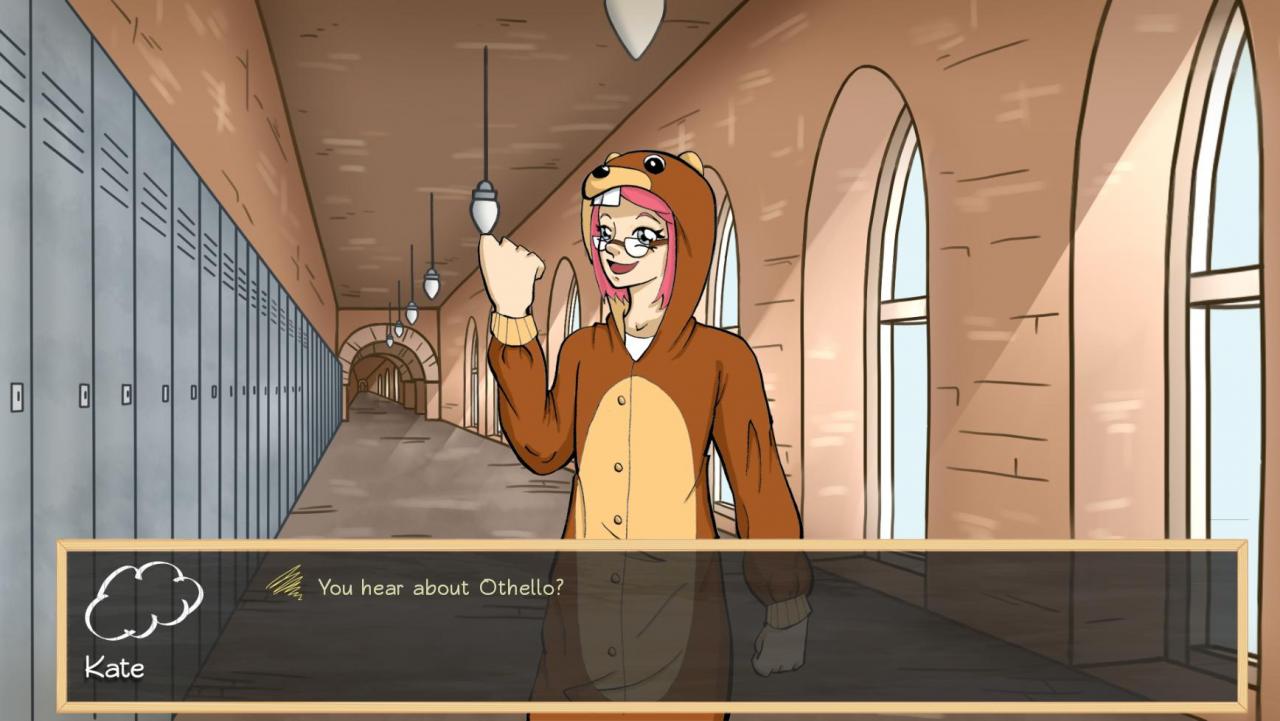
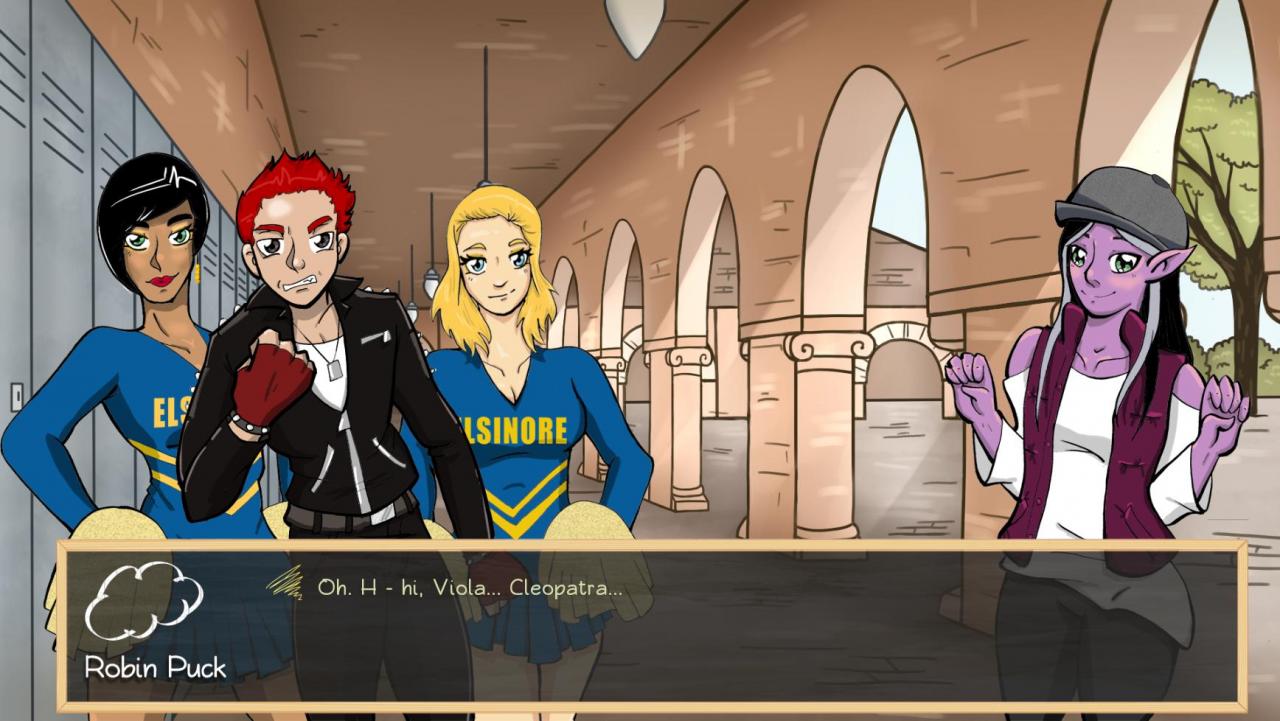
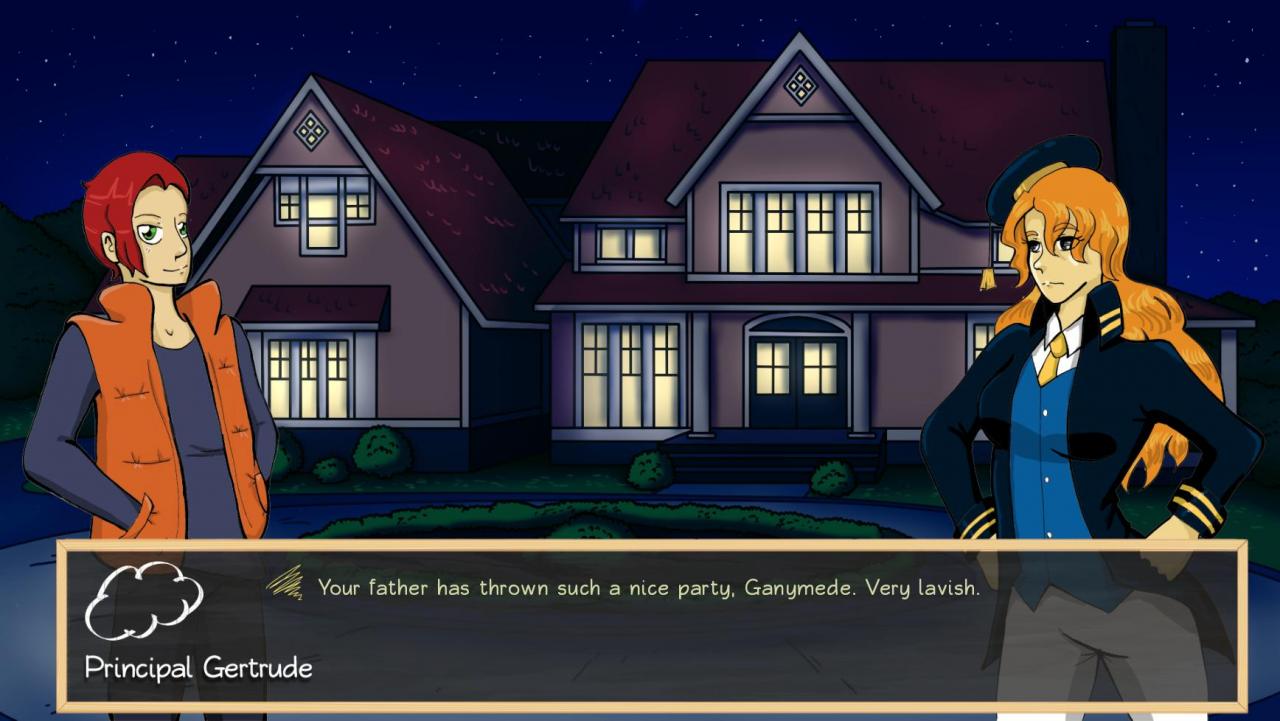
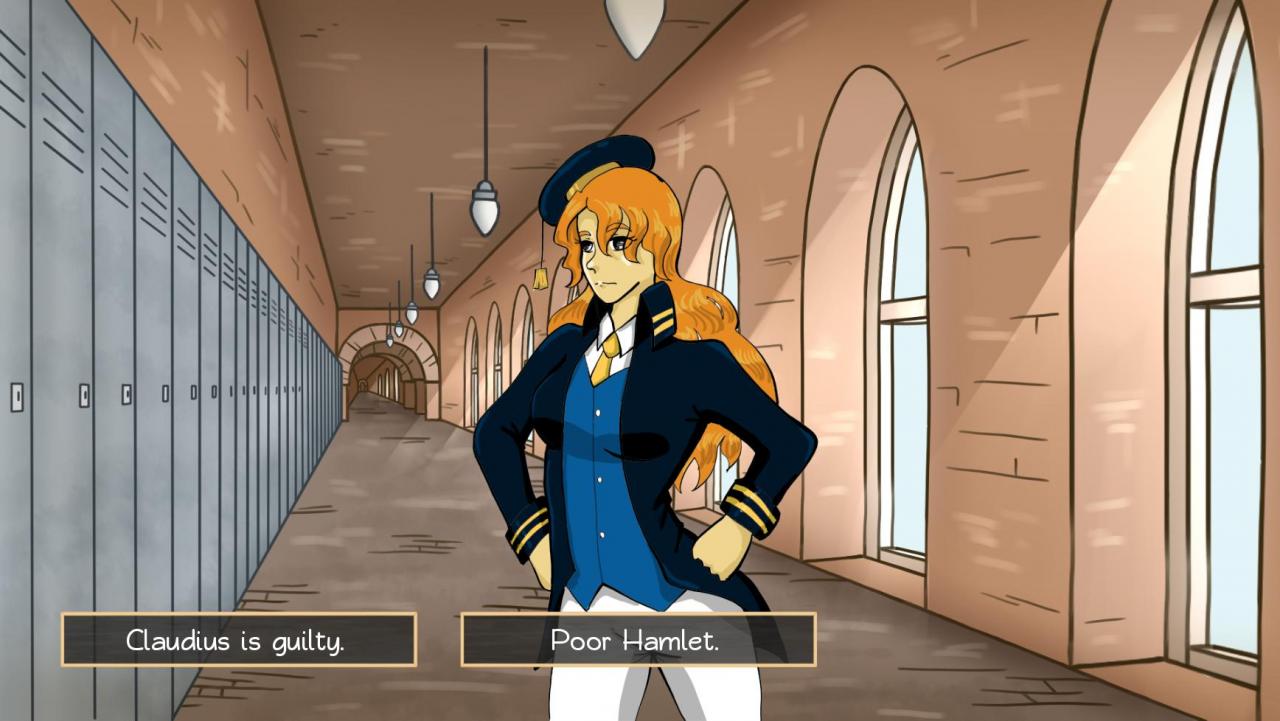
Elsinore Academy is a proving ground for princes and princesses, heirs and heiresses; where people from all over the globe come for higher learning, and the cheerleaders are literal witches.It is months after the unfortunate events that brought shame to Castle Hamlet, and everyone is on edge. What better way to shake off the blues than to engage in a dating simulator? But soon, what starts as a simple excursion into romantic pursuits because something much more complex. Dare we say..... Shakespearian?F-bombs are dropped. Sexual innuendo abounds. Can you survive your freshman year? Who knows! Features Gather information on classmates as you navigate the weird dating scene of Elsinore Academy Romance six classic Shakespeare characters Explore both the Academy as well as the surrounding town of Elsinore Gossip/time/class system Determine the fate of your classmates Try to survive a freshman year full of branching story paths


Paper Shakespeare: To Date Or Not To Date? screenshotPaper Shakespeare: To Date Or Not To Date? screenshotPaper Shakespeare: To Date Or Not To Date? screenshotPaper Shakespeare: To Date Or Not To Date? screenshotPaper Shakespeare: To Date Or Not To Date? screenshotPaper Shakespeare: To Date Or Not To Date? screenshot

How to redeem

  1. 1Check your Steam account and the listed region before purchasing.
  2. 2Find your code and supplier activation instructions in your confirmed order.
  3. 3Open the redeem-code section on Steam, enter the code and follow the platform’s prompts.

Supplier instructions

Go to: http://store.steampowered.com/ and download STEAM client Click "Install Steam" (from the upper right corner) Install and start application, login with your Account name and Password (create one if you don't have). Please follow these instructions to activate a new retail purchase on Steam: Launch Steam and log into your Steam account. Click the Games Menu. Choose Activate a Product on Steam... Follow the onscreen instructions to complete the process. After successful code verification go to the "MY GAMES" tab and start downloading.

You might also like