Get 10% back in Relic Coins on every order
Fallen Enchantress: Legendary Heroes - Quest Pack DLC cover

SteamGlobal· DLC

Fallen Enchantress: Legendary Heroes - Quest Pack DLC

€1.04

+€0.10 cashback eligibility in Relic Coins

Check before you play

Platform
Steam
Region
Global
Product type
DLC

Check the required base game and edition before purchasing this add-on.

Developer
Stardock
Publisher
Stardock
Supplier release date
2013-06-20
Genres
Strategy

About this product

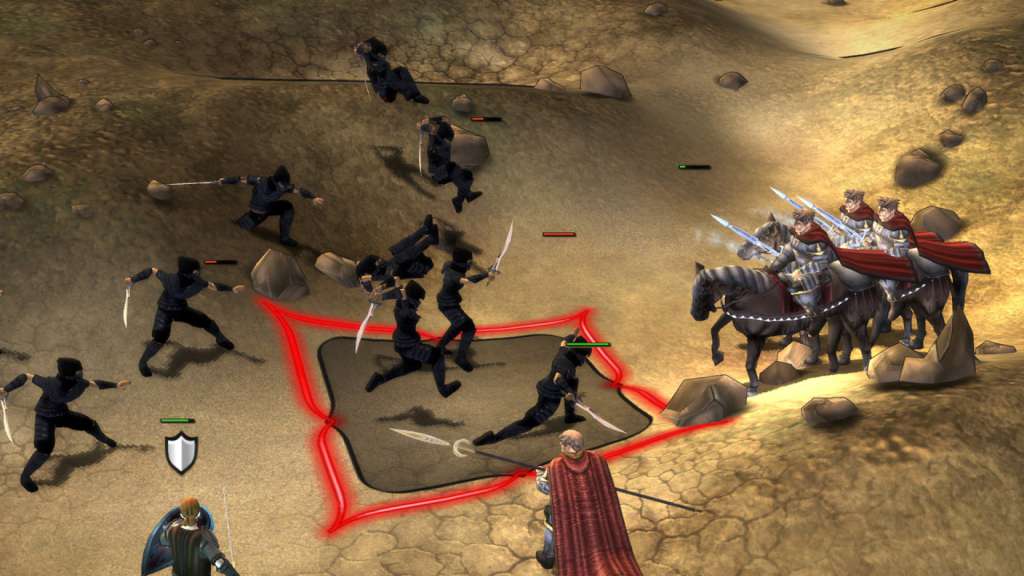
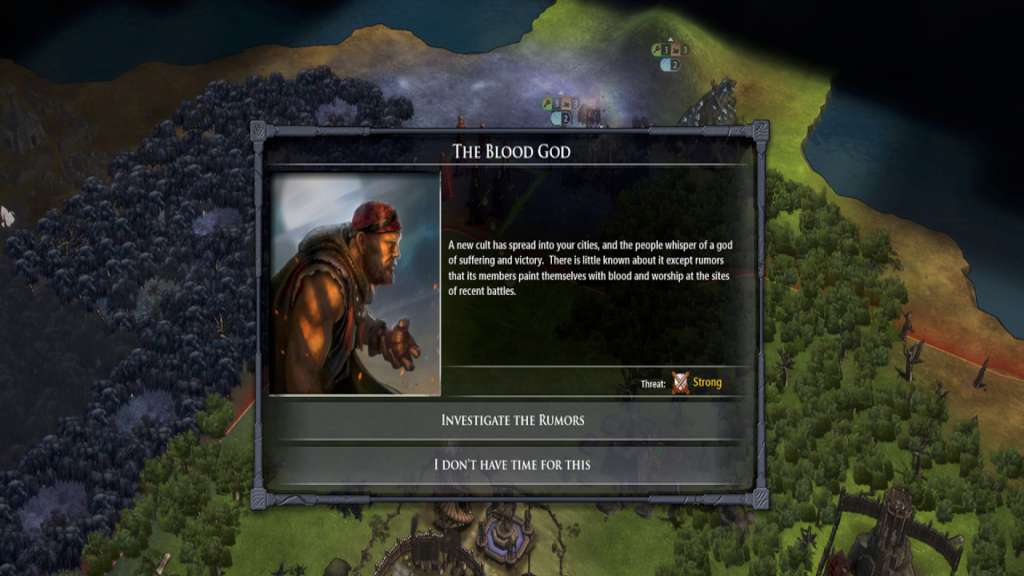
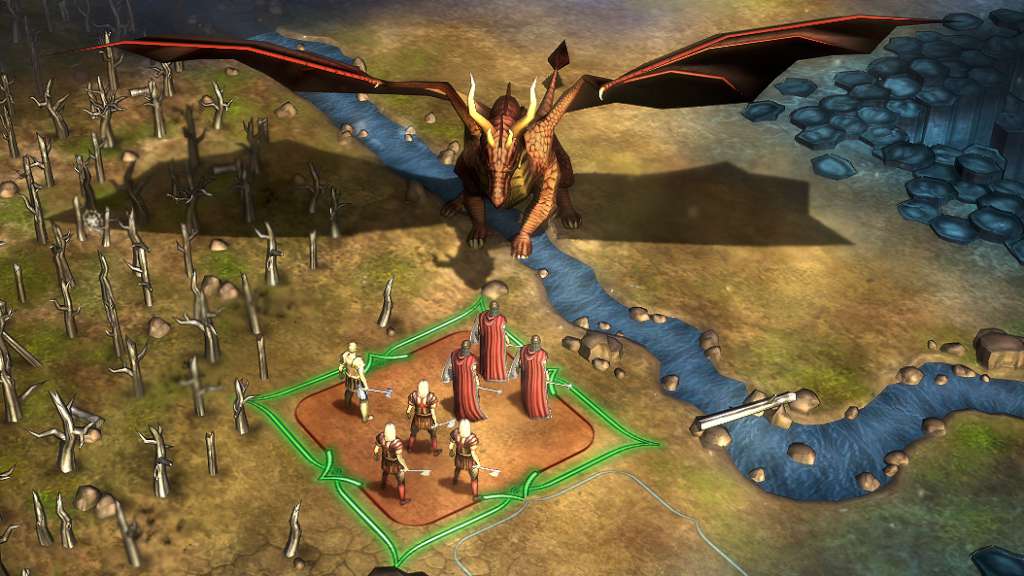
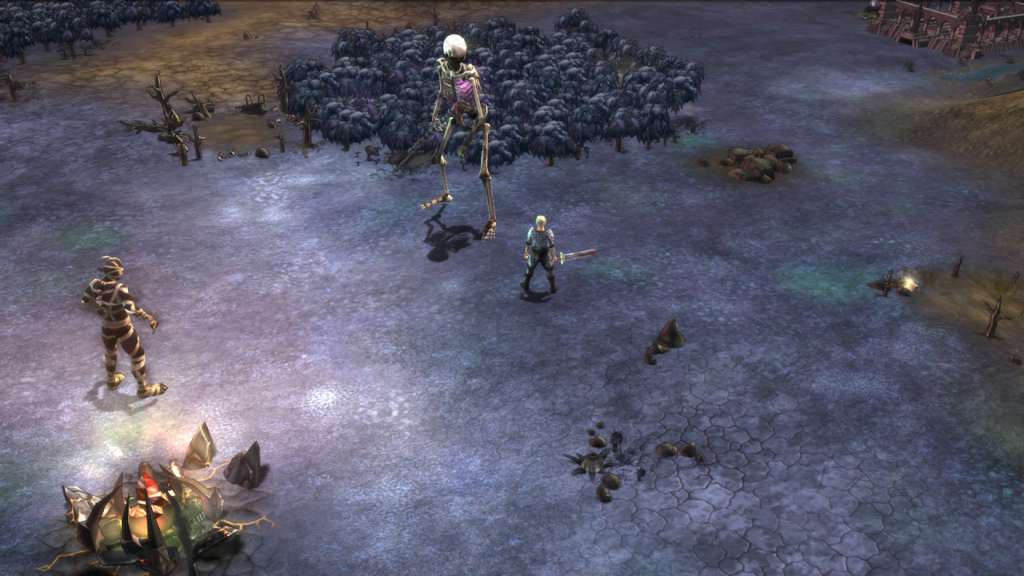
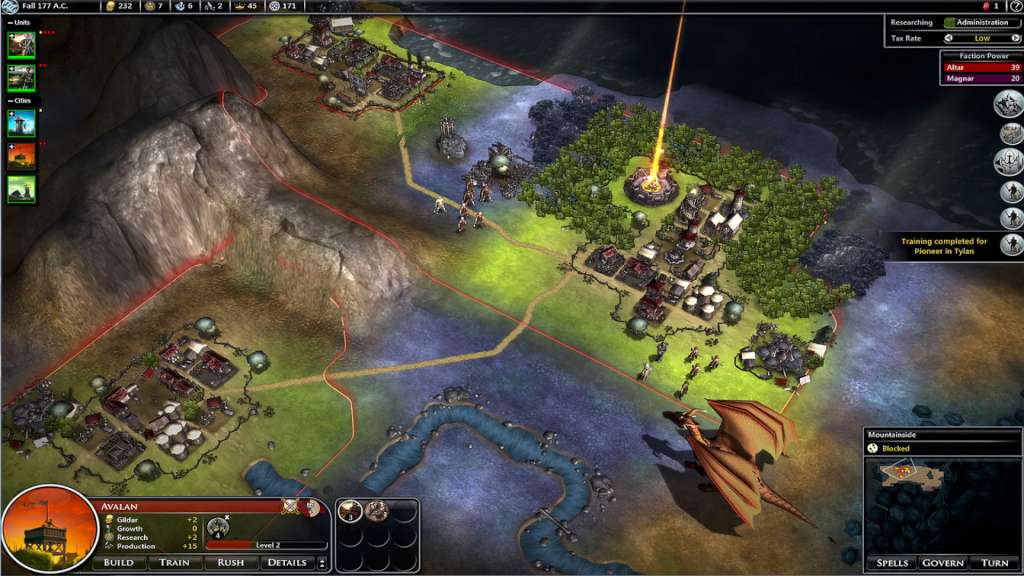
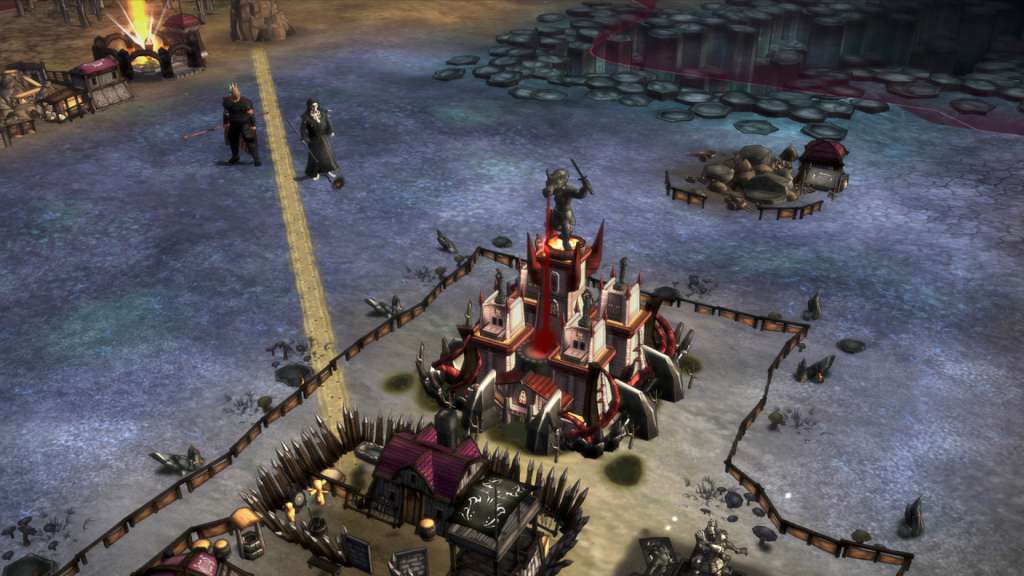
Cults have arisen around the worship of strange gods. Will you embrace these new religions and build wonders to them in your cities, or purge them from your land? Will you hunt down rumors of dark clad warriors, when those that ignore their orders end up dead? Will you join a cult drinking and celebrating as they burn ancient libraries to the ground, or save the books and burn the cultists instead? As this happens new, unique, creatures have appeared in Elemental. The demon Cnotta, who has long been restrained beneath Umber's Adytum Orphanage, has been freed. A diminutive alchemist's attempt to permanently increase his size only affected his skeleton, a tragedy a necromancer has taken advantage of to create a colossal skeleton. Many more surprises await in the Quest Pack including new improvements, weapons, armor, items, monsters and of course new events that make every game different.

Fallen Enchantress: Legendary Heroes - Quest Pack DLC screenshotFallen Enchantress: Legendary Heroes - Quest Pack DLC screenshotFallen Enchantress: Legendary Heroes - Quest Pack DLC screenshotFallen Enchantress: Legendary Heroes - Quest Pack DLC screenshotFallen Enchantress: Legendary Heroes - Quest Pack DLC screenshotFallen Enchantress: Legendary Heroes - Quest Pack DLC screenshot

How to redeem

  1. 1Check the required base game, platform and edition before purchasing.
  2. 2Find the code or supplier activation instructions in your confirmed order.
  3. 3Redeem on Steam using the supplied instructions, then install the add-on with the compatible base game.

Supplier instructions

Go to: http://store.steampowered.com/ and download STEAM client Click "Install Steam" (from the upper right corner) Install and start application, login with your Account name and Password (create one if you don't have). Please follow these instructions to activate a new retail purchase on Steam: Launch Steam and log into your Steam account. Click the Games Menu. Choose Activate a Product on Steam... Follow the onscreen instructions to complete the process. After successful code verification go to the "MY GAMES" tab and start downloading.

You might also like