Get 10% back in Relic Coins on every order
Dysfunctional Systems: Learning to Manage Chaos cover

SteamGlobal· Key

Dysfunctional Systems: Learning to Manage Chaos

€3.01

+€0.30 cashback eligibility in Relic Coins

Check before you play

Platform
Steam
Region
Global
Product type
Key
Developer
Dischan Media
Publisher
Dischan Media
Genres
Adventure, Indie, Casual

About this product

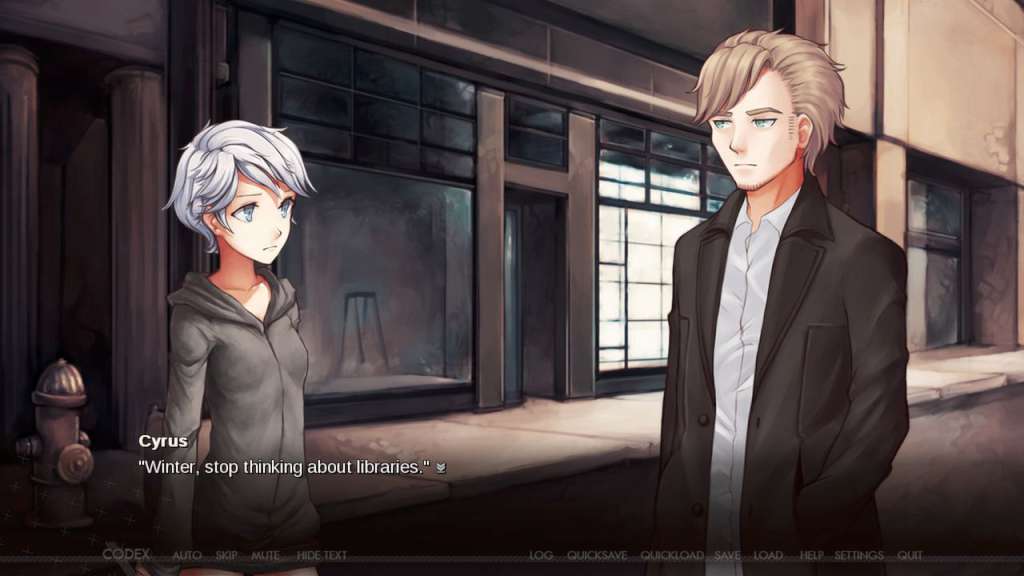
Dysfunctional Systems: Learning to Manage Chaos Steam Key Platform: Steam Release Date: 4 Apr, 2013 Product Description From Dischan Media, creators of the highly acclaimed Juniper's Knot, comes Dysfunctional Systems: Learning to Manage Chaos. Dysfunctional Systems is a visual novel series featuring Winter Harrison, a student mediator from a utopian world. Learning to Manage Chaos is the first entry in the series. What is a mediator? A mediator is someone who travels to chaotic worlds, attempting to resolve the issues plaguing them. The first entry in the series follows Winter's second mediation, where she shadows the experienced and aloof mediator: Cyrus Addington. Dysfunctional Systems: Learning to Manage Chaos features two distinct endings, unlockable bonus art, an animated opening video, and a jukebox of in-game music. System Requirements PC System Requirements OS: Windows XP Processor: 1.2 GHz Pentium 4 Memory: 1 GB RAM Graphics: Integrated Graphics Hard Drive: 500 MB available space Mac System Requirements OS: OS X 10.6 Processor: Any 64 bit processor Memory: 1 GB RAM Graphics: Integrated Graphics Hard Drive: 500 MB available space Linux System Requirements Processor: 1.2 GHz Pentium 4 Memory: 1 GB RAM Graphics: Integrated Graphics Hard Drive: 500 MB available space Additional Notes: "ia32-libs" package required for 64-bit Linux users


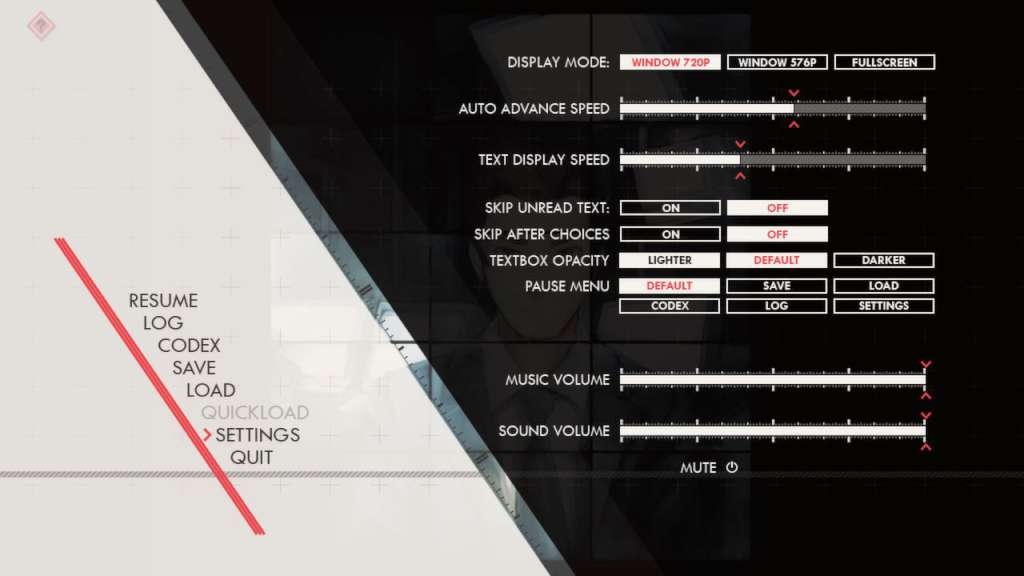
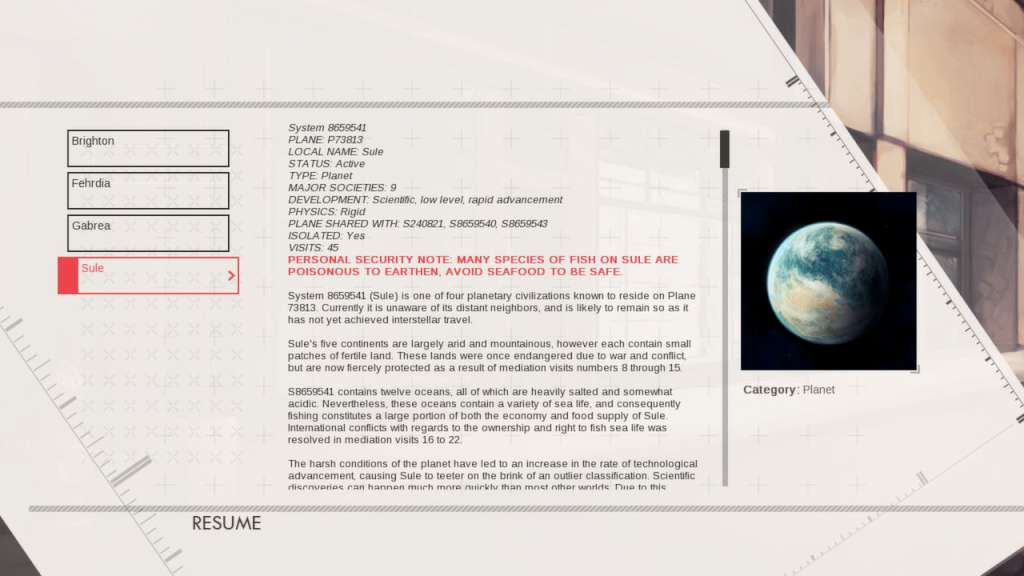
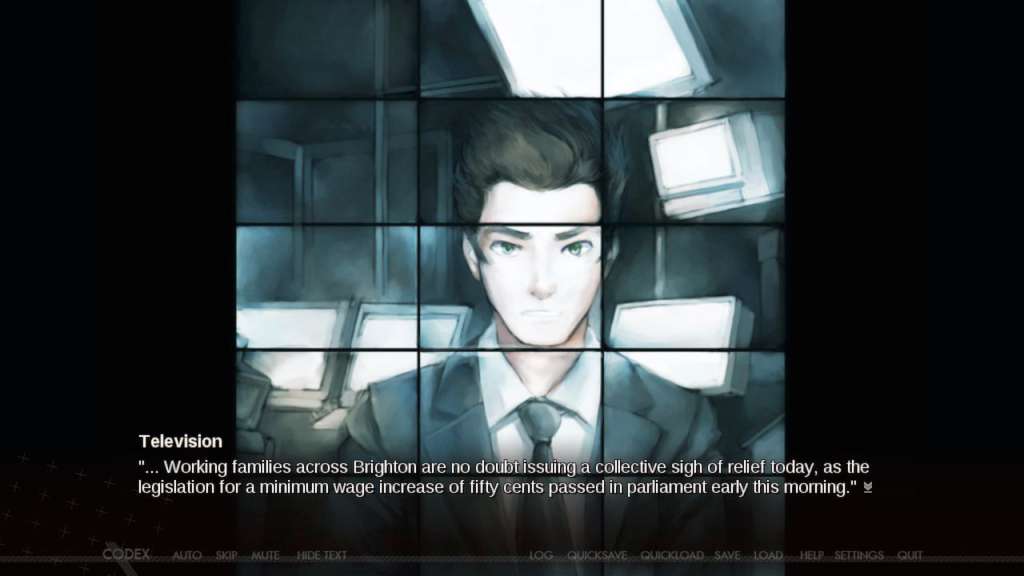
Dysfunctional Systems: Learning to Manage Chaos screenshotDysfunctional Systems: Learning to Manage Chaos screenshotDysfunctional Systems: Learning to Manage Chaos screenshotDysfunctional Systems: Learning to Manage Chaos screenshotDysfunctional Systems: Learning to Manage Chaos screenshot

How to redeem

  1. 1Check your Steam account and the listed region before purchasing.
  2. 2Find your code and supplier activation instructions in your confirmed order.
  3. 3Open the redeem-code section on Steam, enter the code and follow the platform’s prompts.

Supplier instructions

Go to: http://store.steampowered.com/ and download STEAM client Click "Install Steam" (from the upper right corner) Install and start application, login with your Account name and Password (create one if you don't have). Please follow these instructions to activate a new retail purchase on Steam: Launch Steam and log into your Steam account. Click the Games Menu. Choose Activate a Product on Steam... Follow the onscreen instructions to complete the process. After successful code verification go to the "MY GAMES" tab and start downloading.

You might also like