Get 10% back in Relic Coins on every order
Alien Spidy - Easy Breezy DLC cover

SteamGlobal· DLC

Alien Spidy - Easy Breezy DLC

€1.56

+€0.16 cashback eligibility in Relic Coins

Check before you play

Platform
Steam
Region
Global
Product type
DLC

Check the required base game and edition before purchasing this add-on.

Publisher
Kalypso Media Digital
Supplier release date
2013-07-25
Genres
Action, Adventure, Indie

About this product

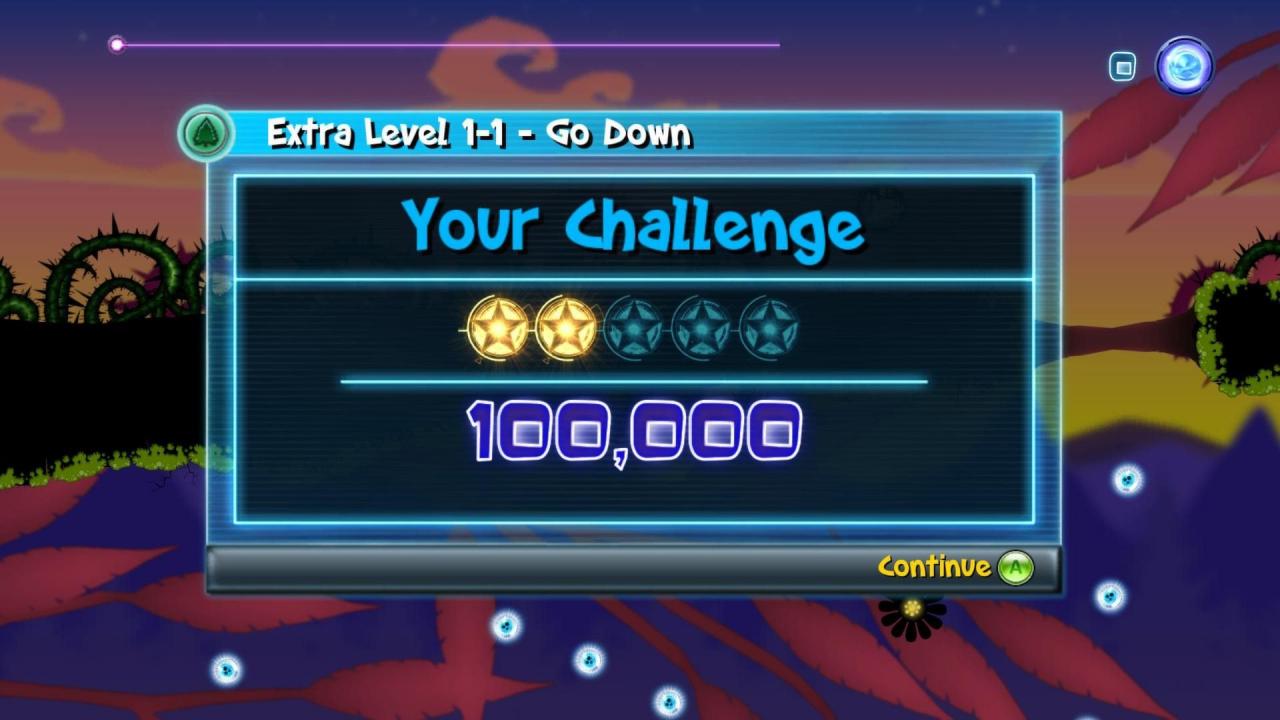
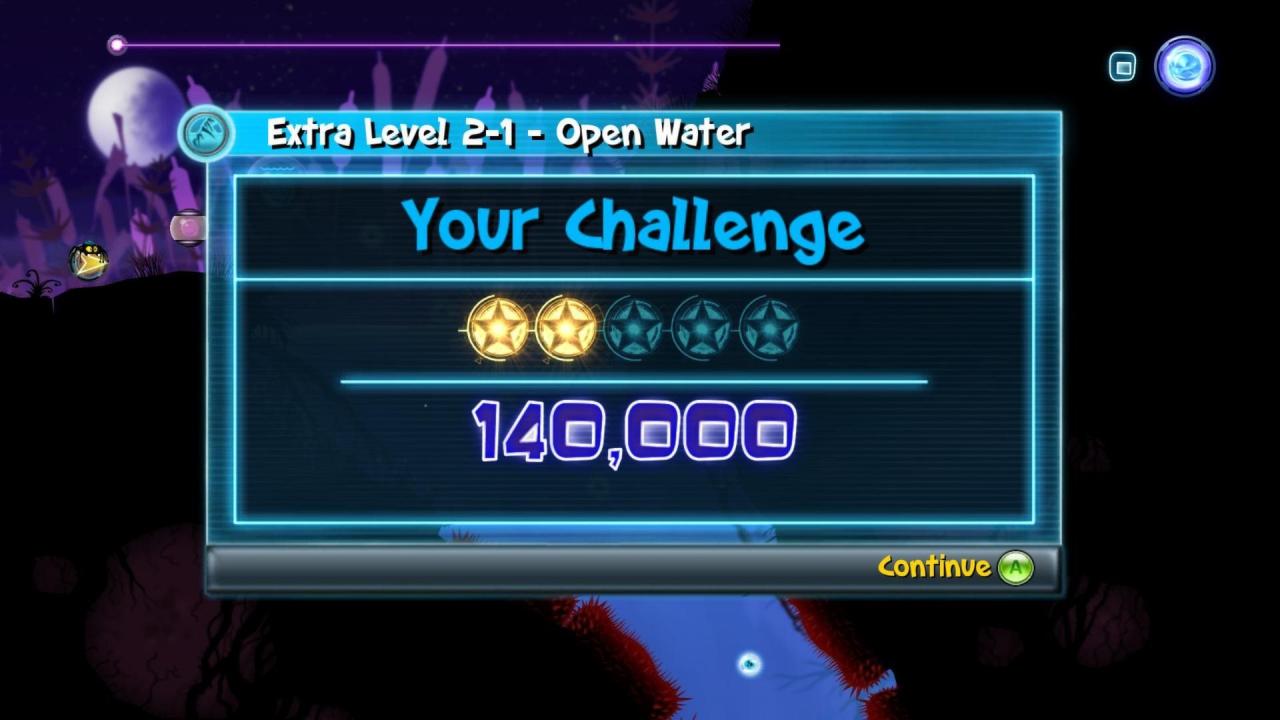
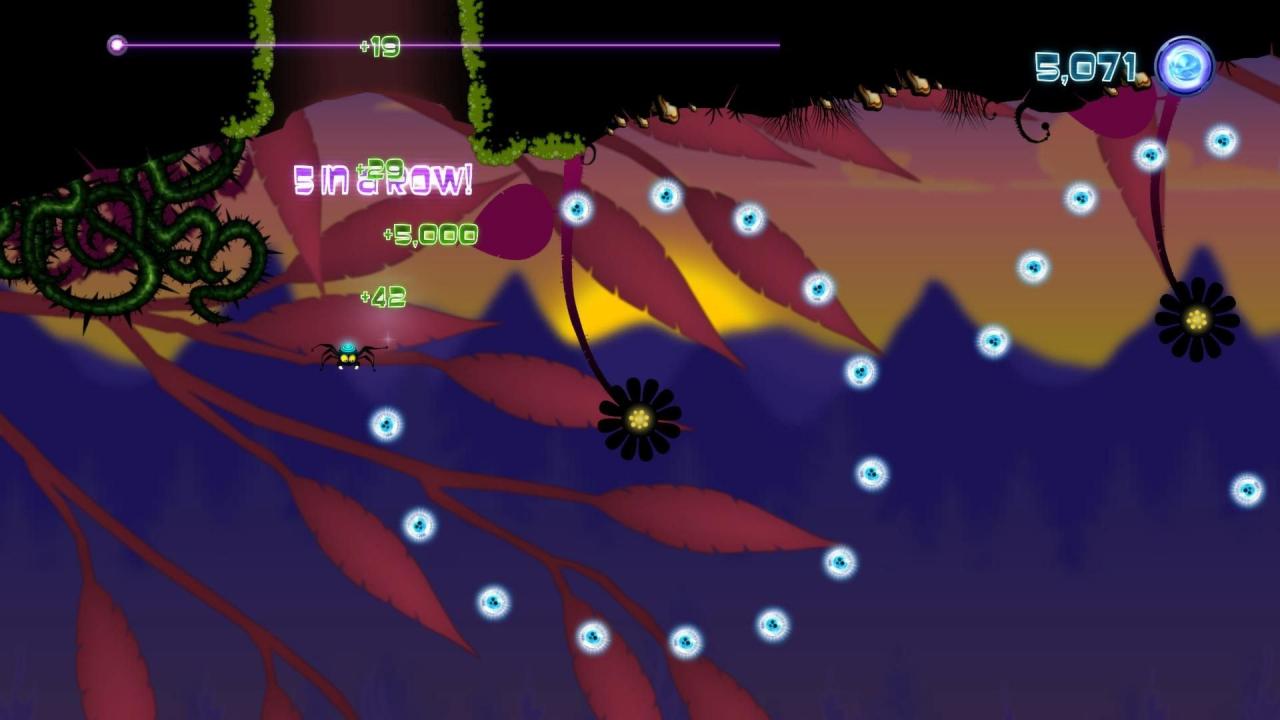
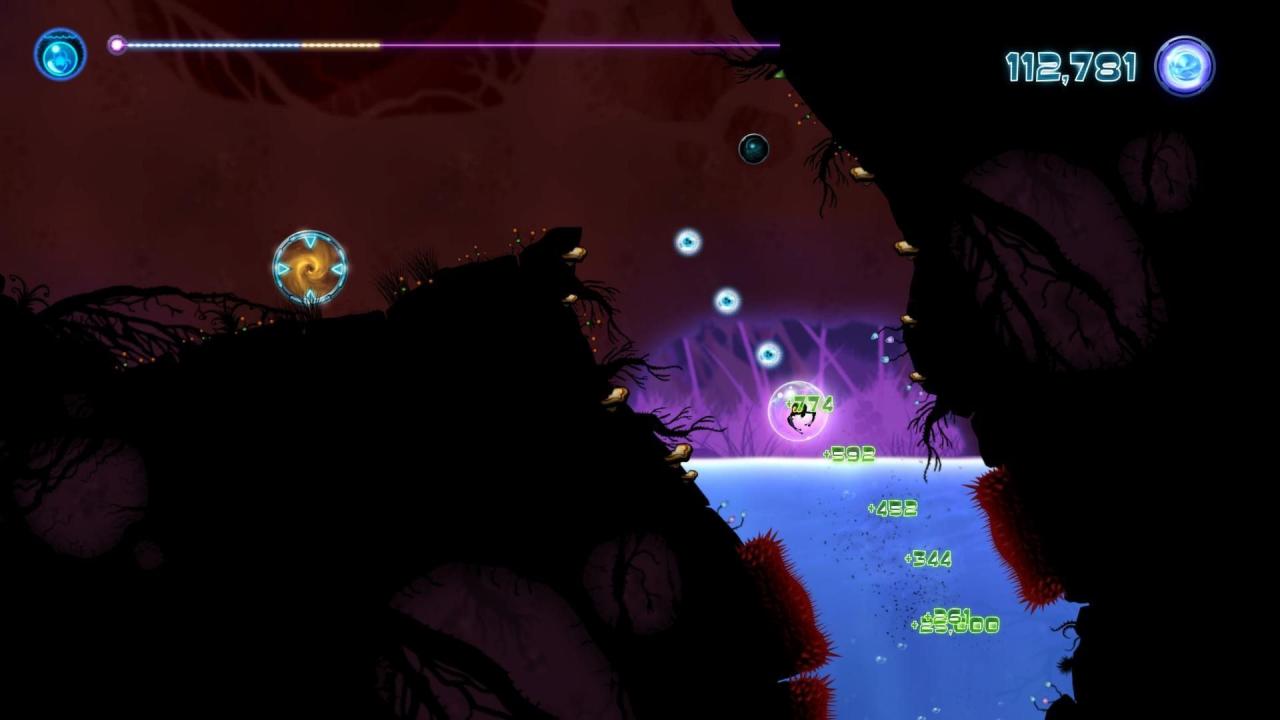
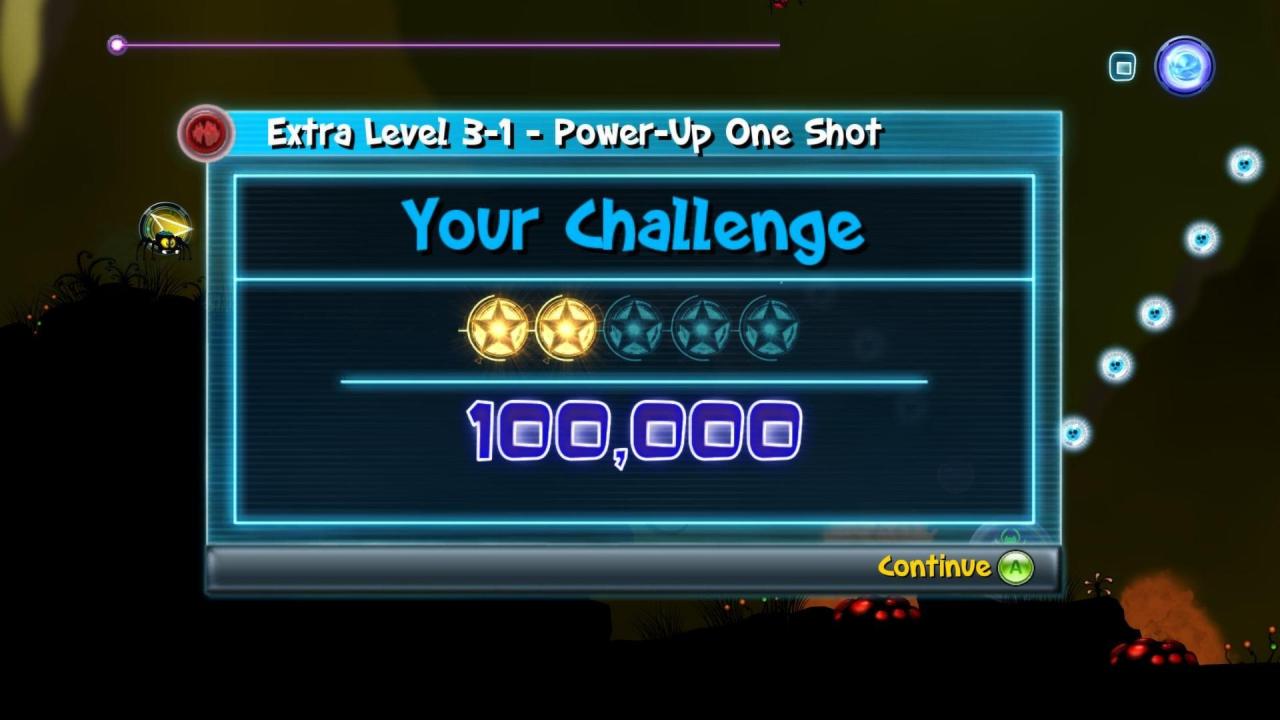
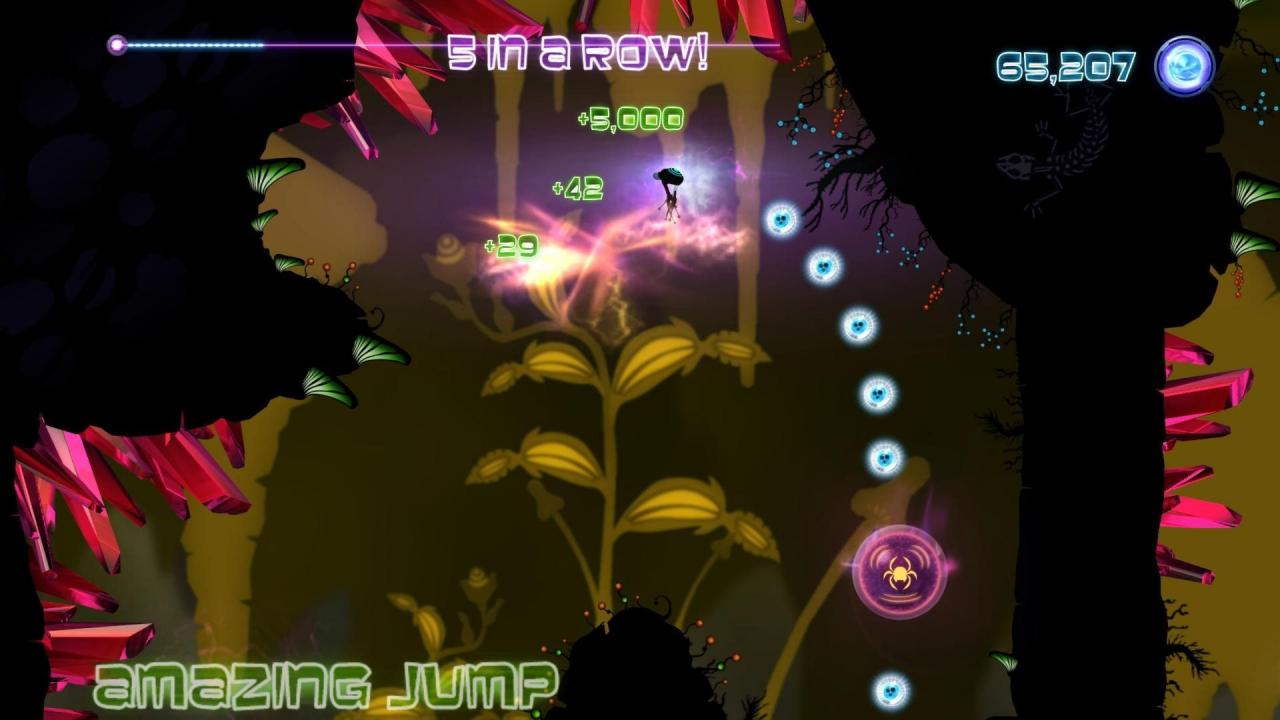
Unlock 3 more challenging “Special” levels, one within each environment. Go back to the forest and really learn how to spin your web and swing the way gravity intended! Take this with a pinch of salt, as the level is easy to complete but ridiculously challenging to unlock your stars. Do you think you can master this? Venture through the ponds once more and find yourself avoiding alien fish, spikes and deadly under water plants. This challenge is dedicated to perfection. Will you be able to out manoeuvre the Alien Fish before your protective bubble runs out of energy? Did we mention that once this is done you still have to get all your stars as well? Find yourself trapped in a cave! Don’t worry though… if the sharp red crystals, poisonous fungus or deadly mosquitos are avoided, you will be just fine! Escape this challenging cave with the help of a large number of power-ups, but no help from re-spawn checkpoints. Can you escape? New Levels: Go Down - Forest Open Water - Ponds Power-up one shot - Caves


Alien Spidy - Easy Breezy DLC screenshotAlien Spidy - Easy Breezy DLC screenshotAlien Spidy - Easy Breezy DLC screenshotAlien Spidy - Easy Breezy DLC screenshotAlien Spidy - Easy Breezy DLC screenshotAlien Spidy - Easy Breezy DLC screenshot

How to redeem

  1. 1Check the required base game, platform and edition before purchasing.
  2. 2Find the code or supplier activation instructions in your confirmed order.
  3. 3Redeem on Steam using the supplied instructions, then install the add-on with the compatible base game.

Supplier instructions

Go to: http://store.steampowered.com/ and download STEAM client Click "Install Steam" (from the upper right corner) Install and start application, login with your Account name and Password (create one if you don't have). Please follow these instructions to activate a new retail purchase on Steam: Launch Steam and log into your Steam account. Click the Games Menu. Choose Activate a Product on Steam... Follow the onscreen instructions to complete the process. After successful code verification go to the "MY GAMES" tab and start downloading.

You might also like