Get 10% back in Relic Coins on every order
Forbidden Clicker Party cover

SteamGlobal· Key

Forbidden Clicker Party

€1.87

+€0.19 cashback eligibility in Relic Coins

Check before you play

Platform
Steam
Region
Global
Product type
Key
Developer
OneShark
Publisher
OneShark
Supplier release date
2018-01-29
Genres
Adventure, Strategy, RPG, Indie, Casual

About this product

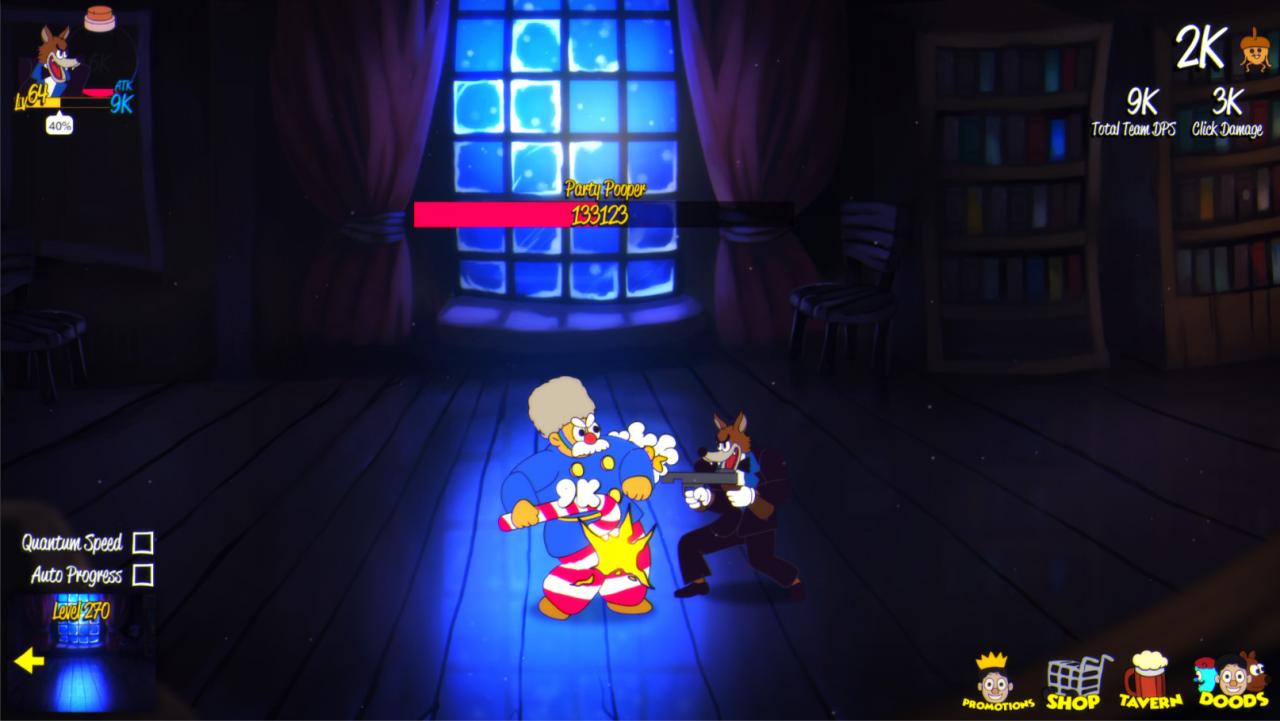
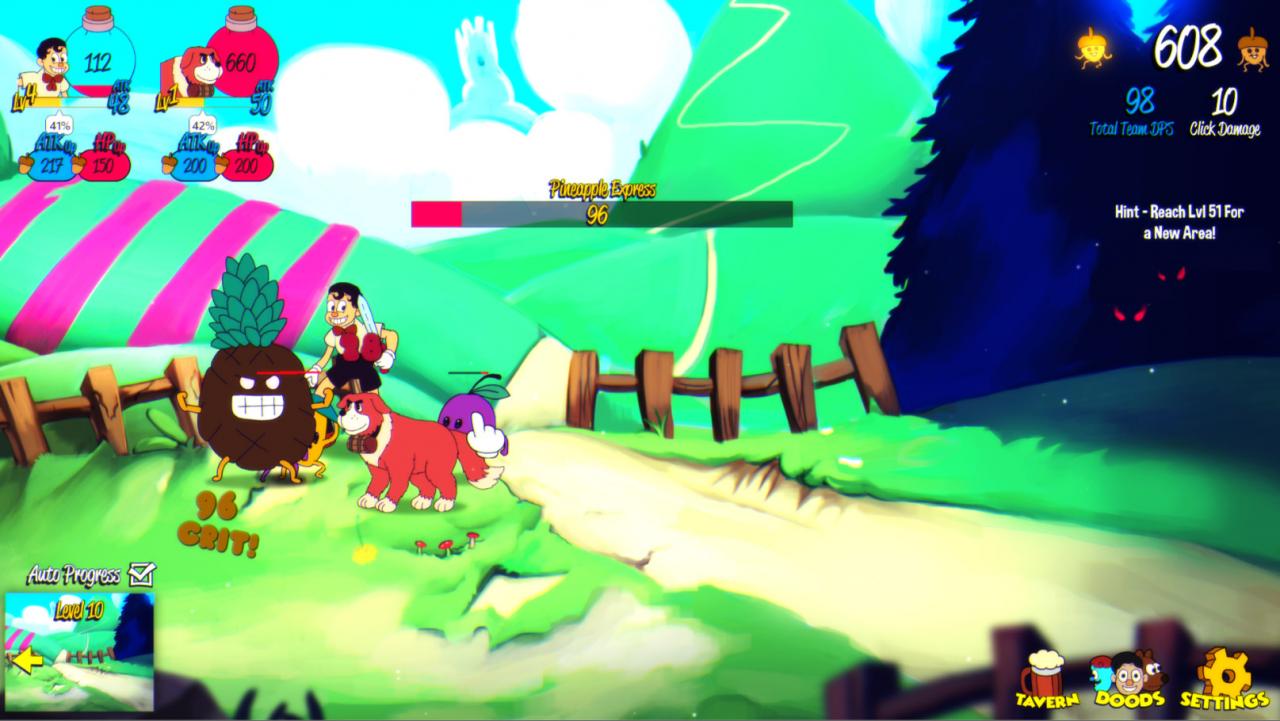
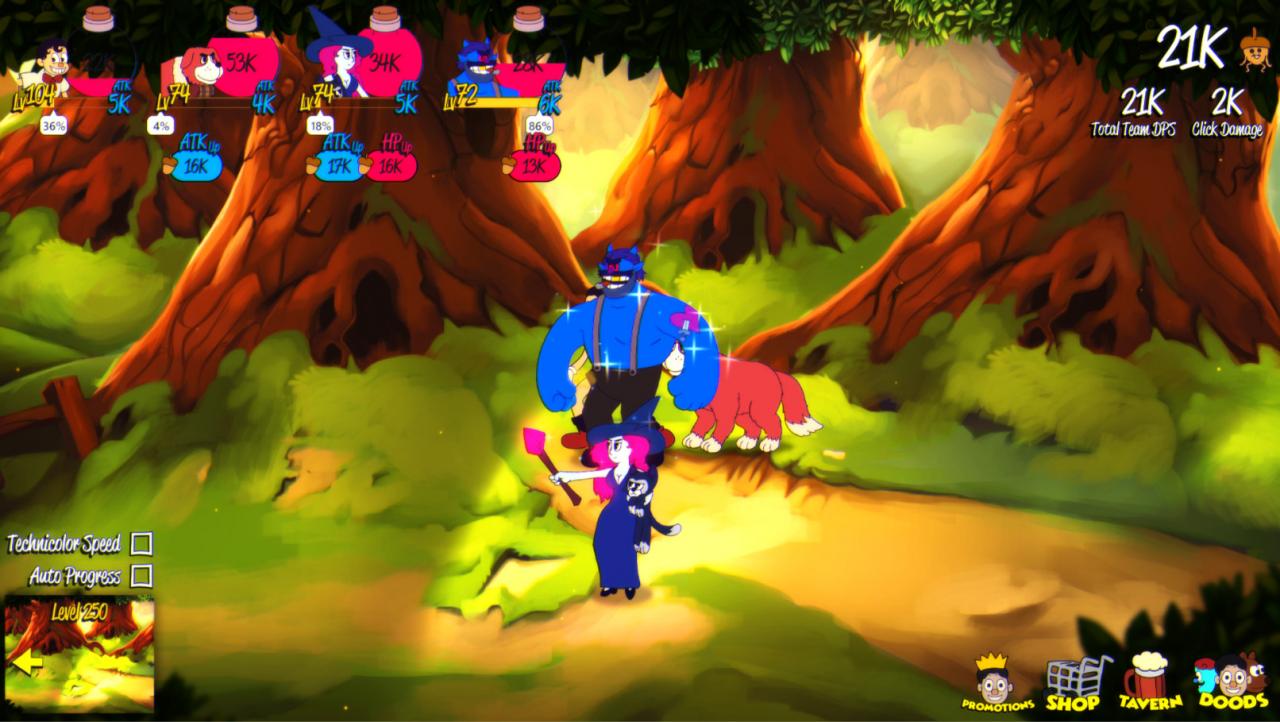
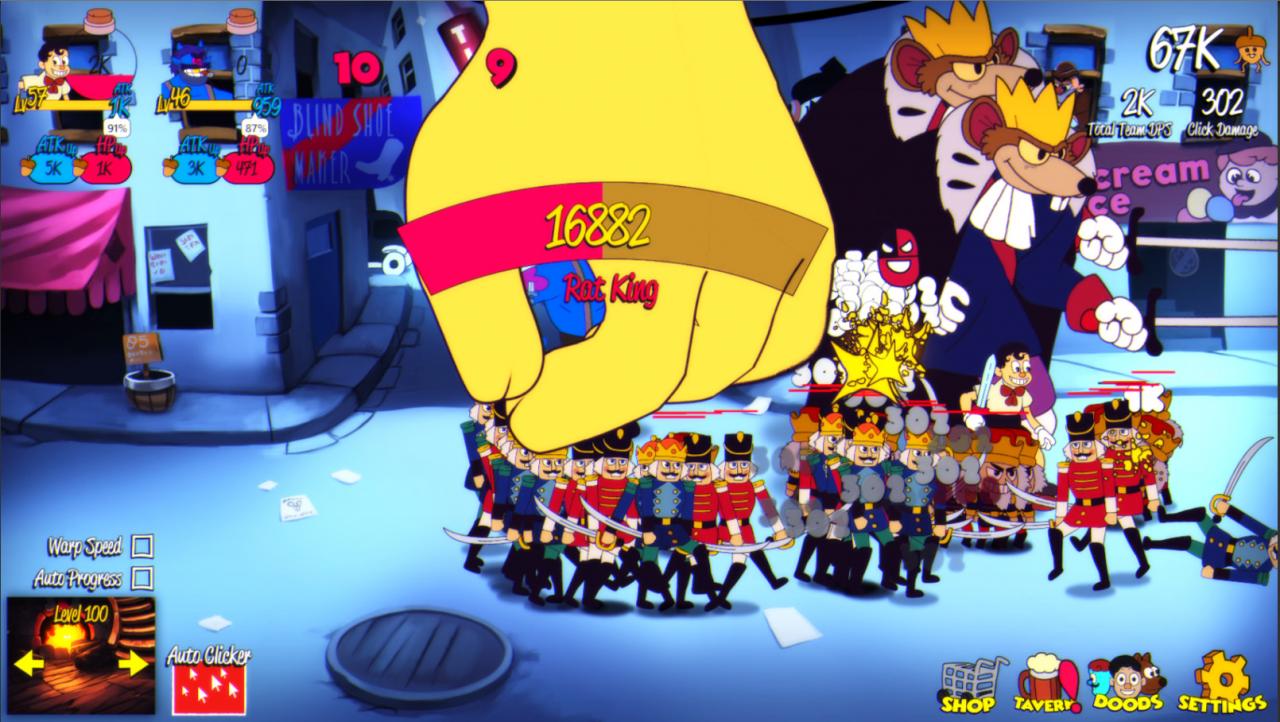
Ever wanted to watch little cartoon characters fight hordes of enemies set in early 1930s cartoons fantasy settings? Forbidden Clicker Party does exactly that and more, in this infinity idle clicker game. Sit back and let your doods do all the fighting, unless you like to be in control of things. In that case you can upgrade your click damage and do multitasking to have the most efficient team! Just make sure your doods keep getting stronger & stronger if you want to keep going further in this ever growing difficulty game. Fight hordes of all sorts of galactic creatures throughout the different parts of the world. You can unlock 10 unique animated characters to form your dream team. Who are we? OneShark is a 3 person indie dev team based in the US and Latvia making hand-made, quality content. Our goal is to make art that you will not forget, and that you will return to play for years! We DO NOT support asset store games, cash grab games or AAA clones. We are passionate about our, work and engaging with our awesome community of fans and fellow players. We'd appreciate it if you join us on Discord, and follow along with our projects on Youtube, Twitter and our Blogspot. Please don't forget to drop by and say hello!


Forbidden Clicker Party screenshotForbidden Clicker Party screenshotForbidden Clicker Party screenshotForbidden Clicker Party screenshot

How to redeem

  1. 1Check your Steam account and the listed region before purchasing.
  2. 2Find your code and supplier activation instructions in your confirmed order.
  3. 3Open the redeem-code section on Steam, enter the code and follow the platform’s prompts.

Supplier instructions

Go to: http://store.steampowered.com/ and download STEAM client Click "Install Steam" (from the upper right corner) Install and start application, login with your Account name and Password (create one if you don't have). Please follow these instructions to activate a new retail purchase on Steam: Launch Steam and log into your Steam account. Click the Games Menu. Choose Activate a Product on Steam... Follow the onscreen instructions to complete the process. After successful code verification go to the "MY GAMES" tab and start downloading.

You might also like