Get 10% back in Relic Coins on every order
Train Simulator - Miami Commuter Rail F40PHL-2 Loco Add-On DLC cover

SteamGlobal· DLC

Train Simulator - Miami Commuter Rail F40PHL-2 Loco Add-On DLC

€2.98

+€0.30 cashback eligibility in Relic Coins

Check before you play

Platform
Steam
Region
Global
Product type
DLC

Check the required base game and edition before purchasing this add-on.

Developer
Dovetail Games
Publisher
Dovetail Games
Supplier release date
2015-02-26
Genres
Simulation

About this product

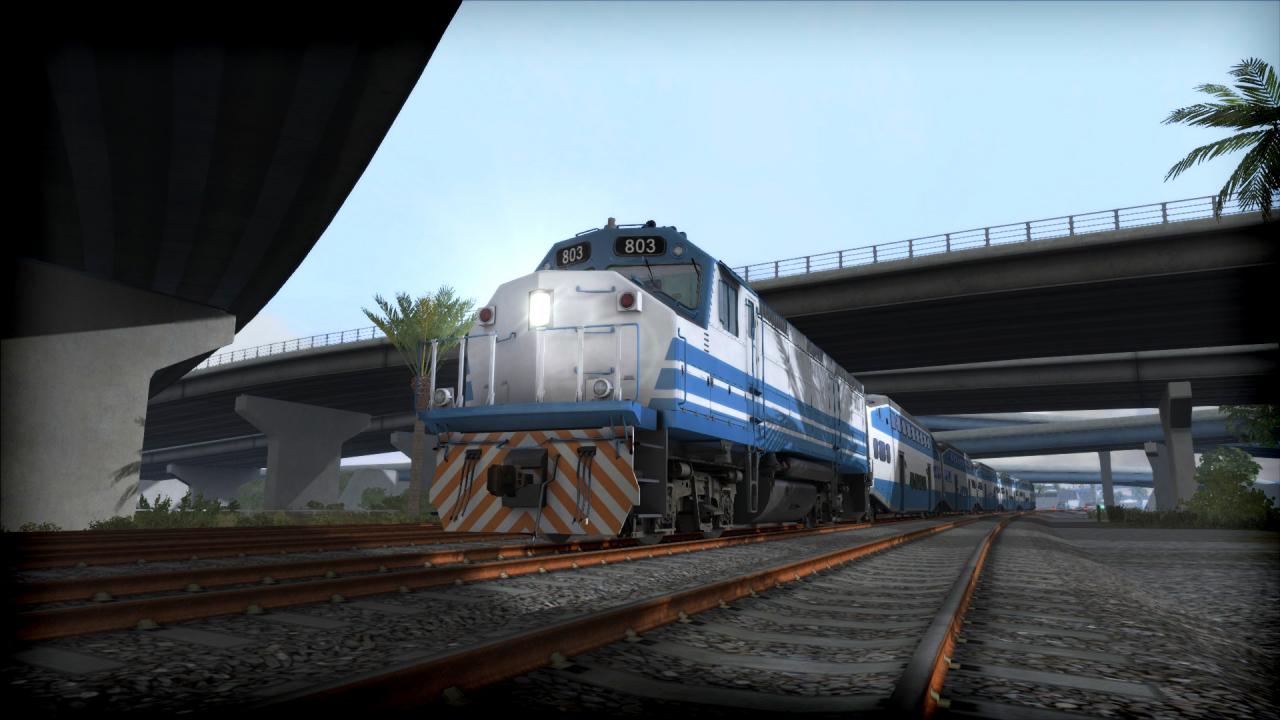
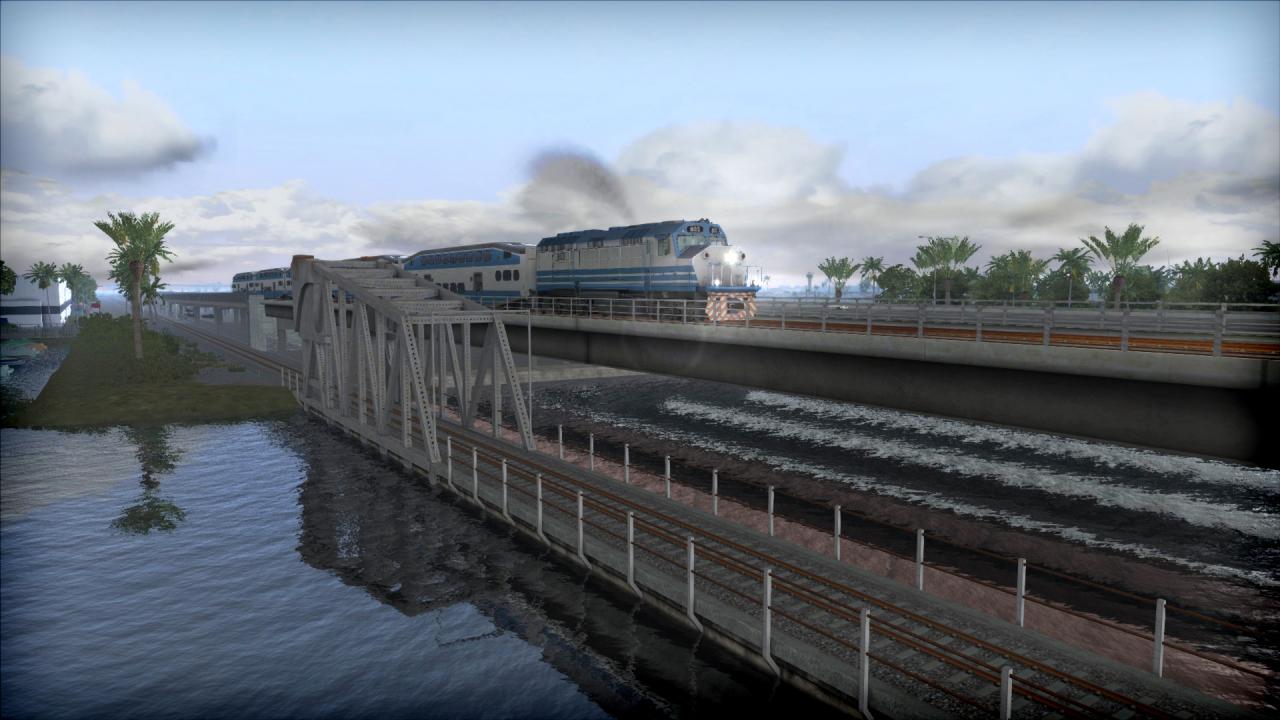
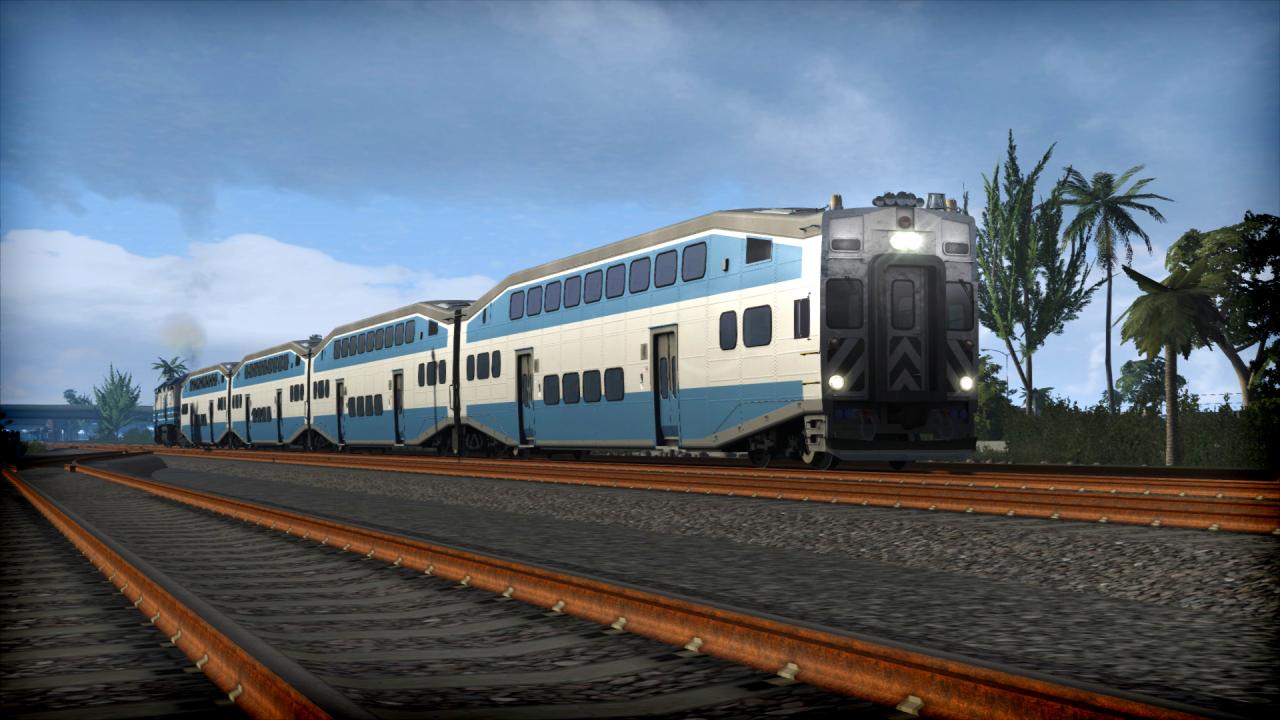
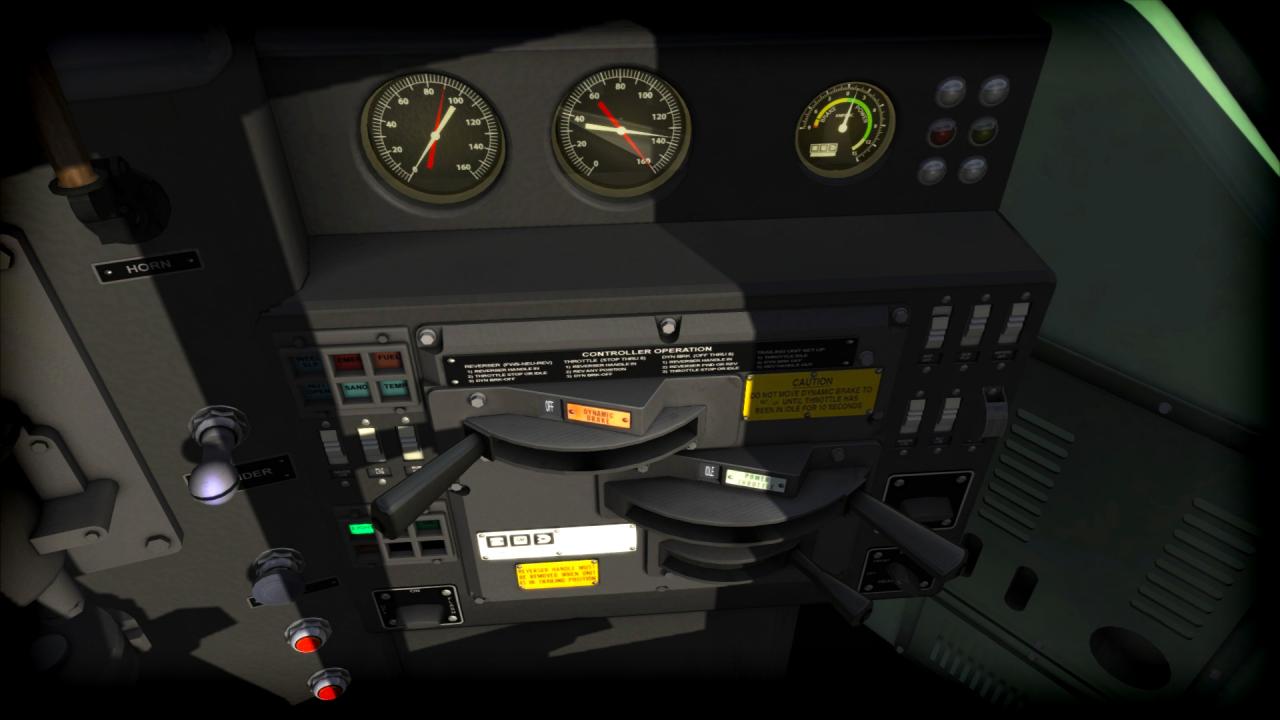
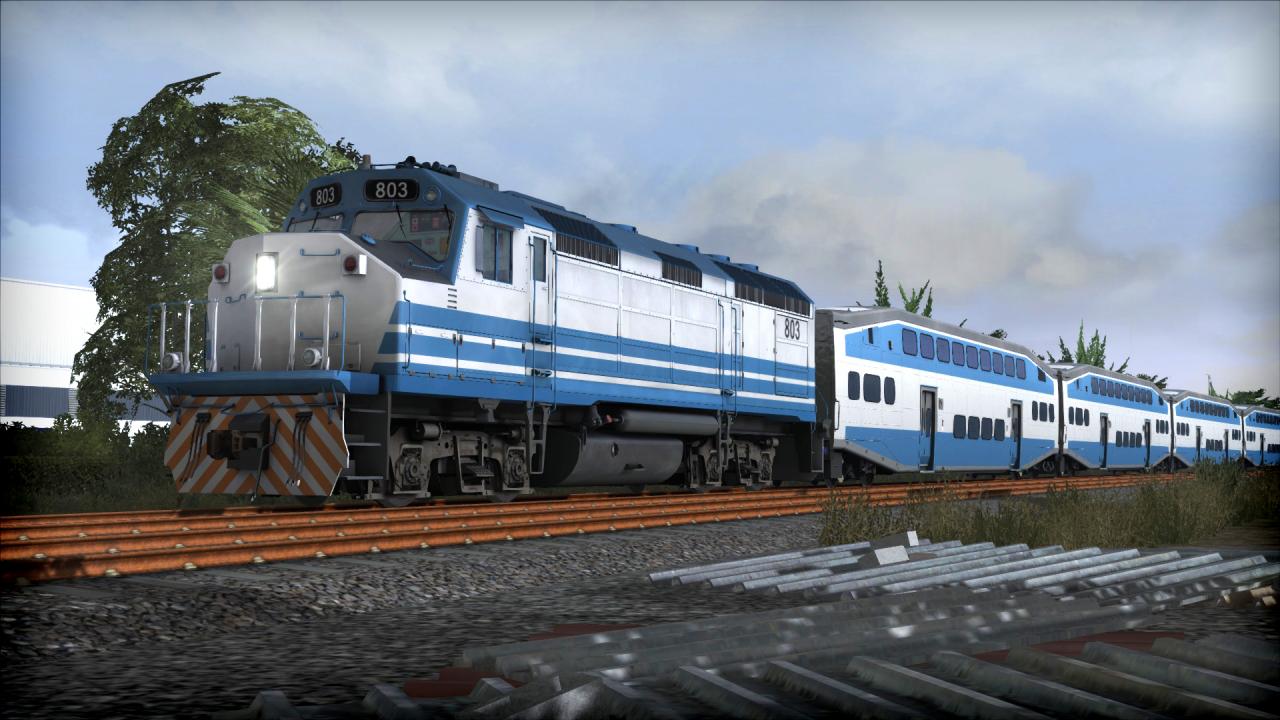
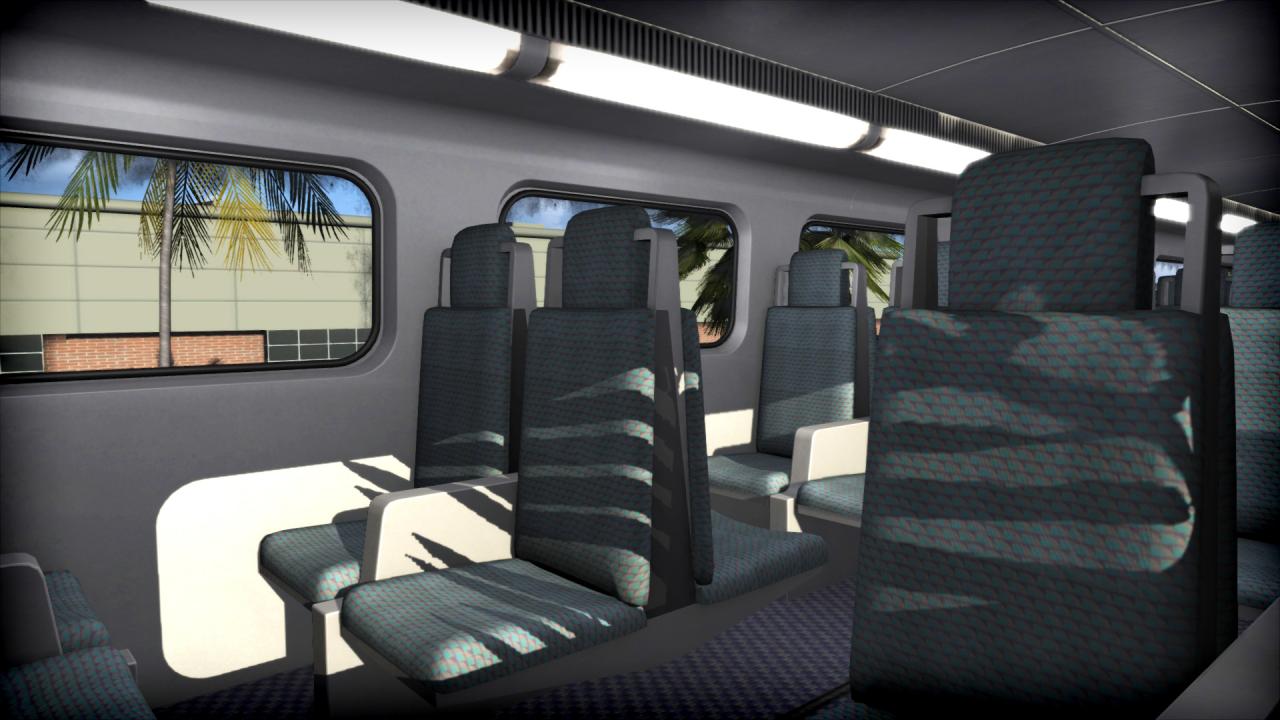
The F40PHL-2 diesel locomotive is perfect for commuter services in sunny South Florida, and is now here for Train Simulator, complete with bi-level commuter coaches and driveable cab car.The F40PHL-2 is among the most unique and fascinating locomotives found in the U. S. While similar in design and purpose to the famed Electro-Motive F40PH diesel, the F40PHL-2 model was custom-built in 1988 for South Florida’s Tri-Rail commuter agency by locomotive remanufacturer Morrison-Knudsen, a firm also known as a construction and engineering company, building such famed infrastructure projects as the Hoover Dam and the Trans-Alaska Pipeline.The locomotive is also Quick Drive compatible, giving you the freedom to drive the Miami on any Quick Drive enabled route for Train Simulator, such as those available through Steam. Also included are scenarios specifically for the Miami – West Palm Beach route (available separately and required to play these scenarios). Features EMD F40PHL-2 in ‘Miami Commuter Rail’ livery Features include dynamic braking, ditch lights, and instrument lights Bombardier bi-level commuter coaches Driveable cabcar Quick Drive compatible Scenarios for the Miami – West Palm Beach route Download size: 302mb

Train Simulator - Miami Commuter Rail F40PHL-2 Loco Add-On DLC screenshotTrain Simulator - Miami Commuter Rail F40PHL-2 Loco Add-On DLC screenshotTrain Simulator - Miami Commuter Rail F40PHL-2 Loco Add-On DLC screenshotTrain Simulator - Miami Commuter Rail F40PHL-2 Loco Add-On DLC screenshotTrain Simulator - Miami Commuter Rail F40PHL-2 Loco Add-On DLC screenshotTrain Simulator - Miami Commuter Rail F40PHL-2 Loco Add-On DLC screenshot

How to redeem

  1. 1Check the required base game, platform and edition before purchasing.
  2. 2Find the code or supplier activation instructions in your confirmed order.
  3. 3Redeem on Steam using the supplied instructions, then install the add-on with the compatible base game.

Supplier instructions

Go to: http://store.steampowered.com/ and download STEAM client Click "Install Steam" (from the upper right corner) Install and start application, login with your Account name and Password (create one if you don't have). Please follow these instructions to activate a new retail purchase on Steam: Launch Steam and log into your Steam account. Click the Games Menu. Choose Activate a Product on Steam... Follow the onscreen instructions to complete the process. After successful code verification go to the "MY GAMES" tab and start downloading.

You might also like