Get 10% back in Relic Coins on every order
Ironclads: Anglo Russian War 1866 cover

SteamGlobal· Key

Ironclads: Anglo Russian War 1866

€1.20

+€0.12 cashback eligibility in Relic Coins

Check before you play

Platform
Steam
Region
Global
Product type
Key
Developer
Totem games
Publisher
Strategy First
Supplier release date
2011-06-21
Genres
Strategy

About this product

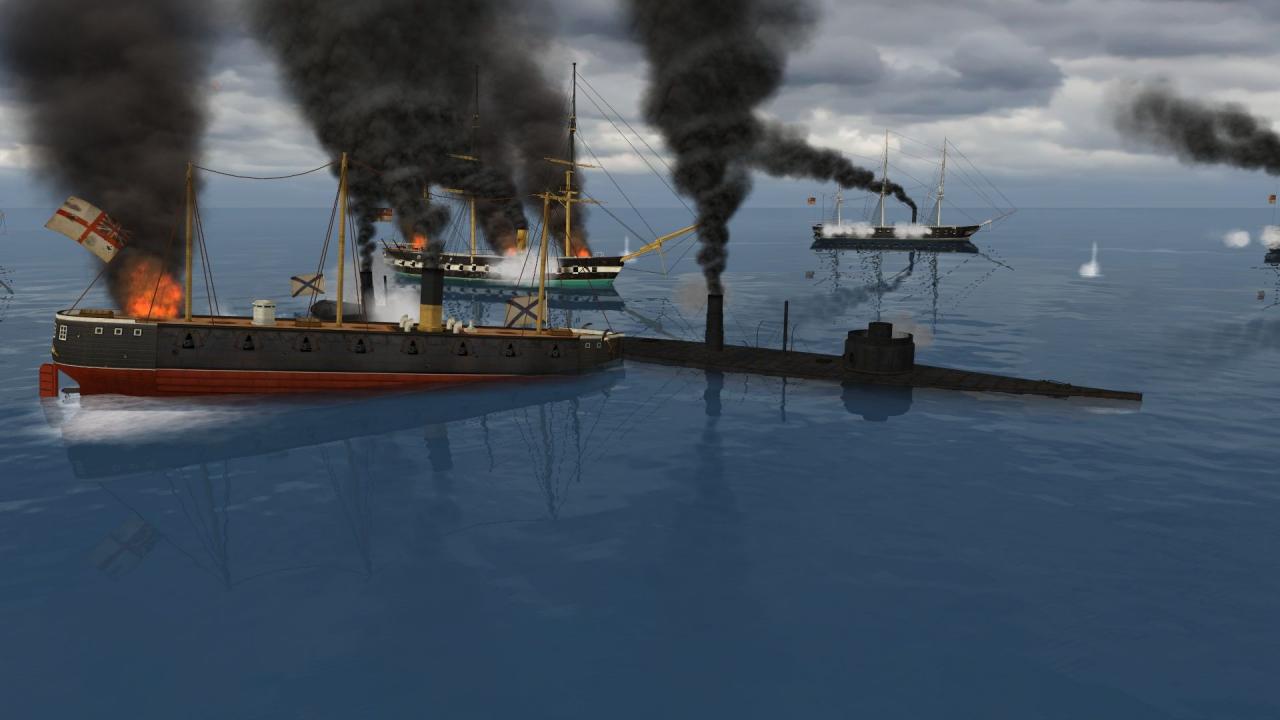
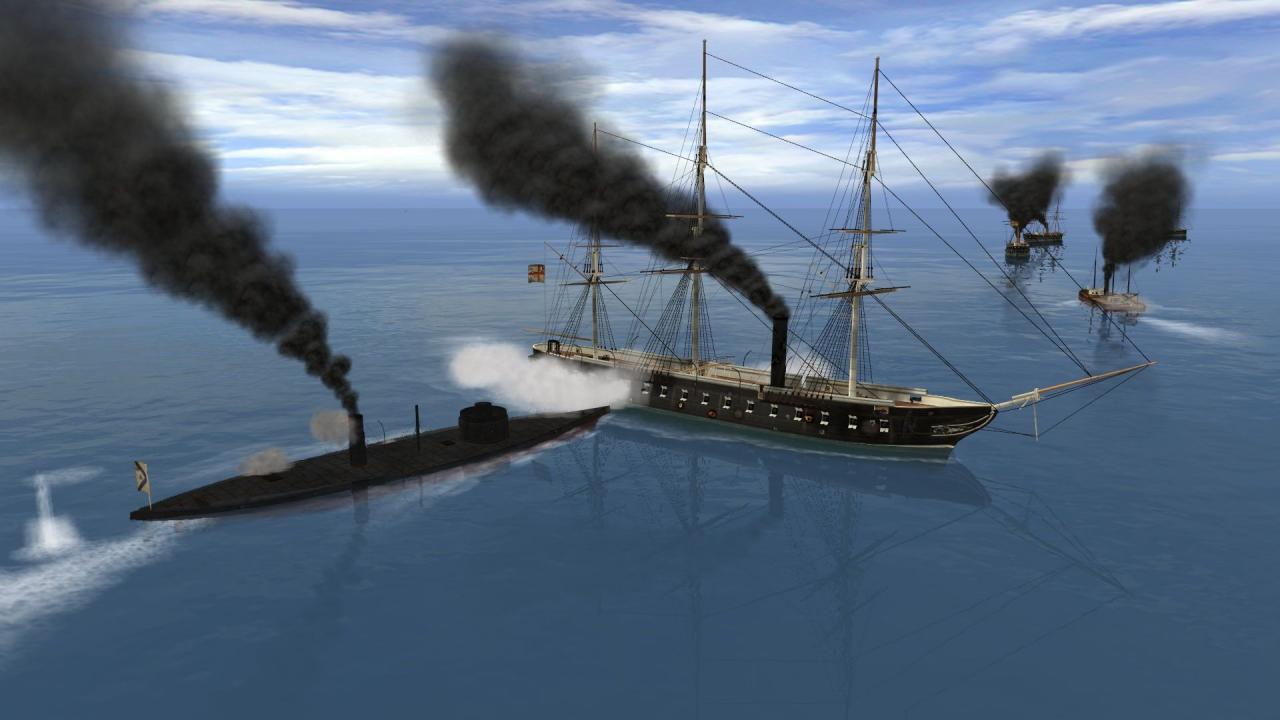
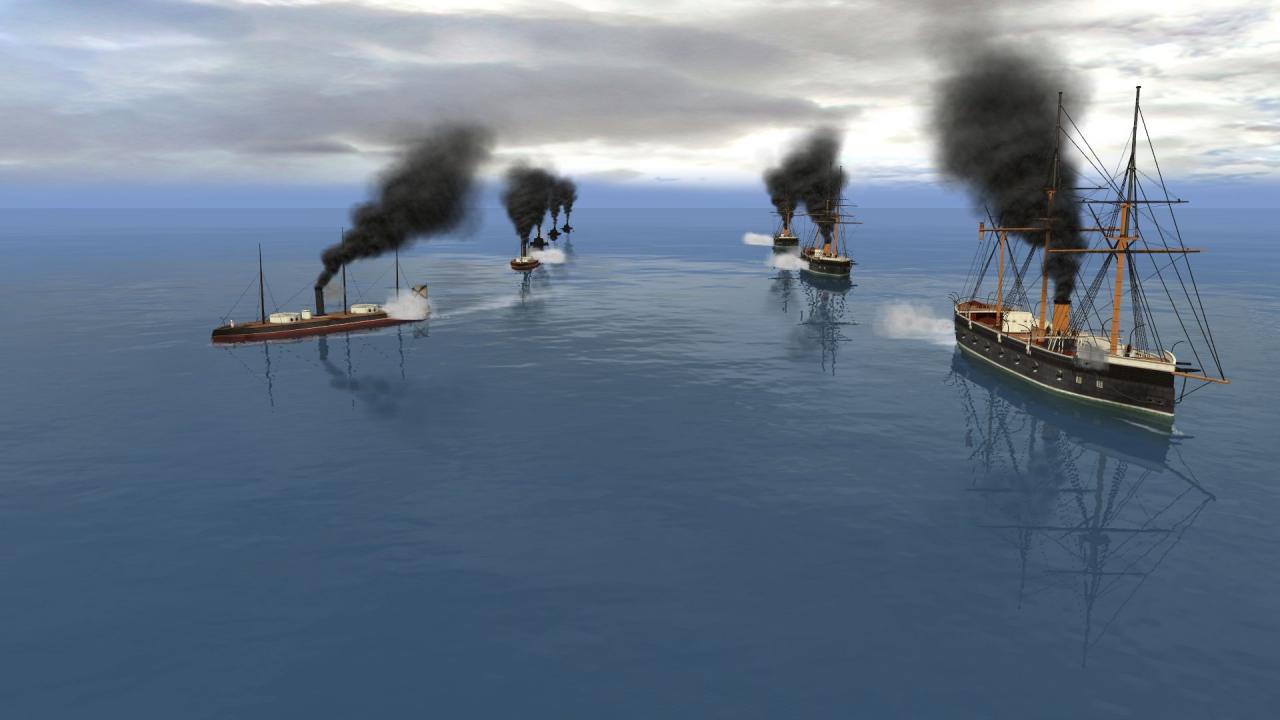
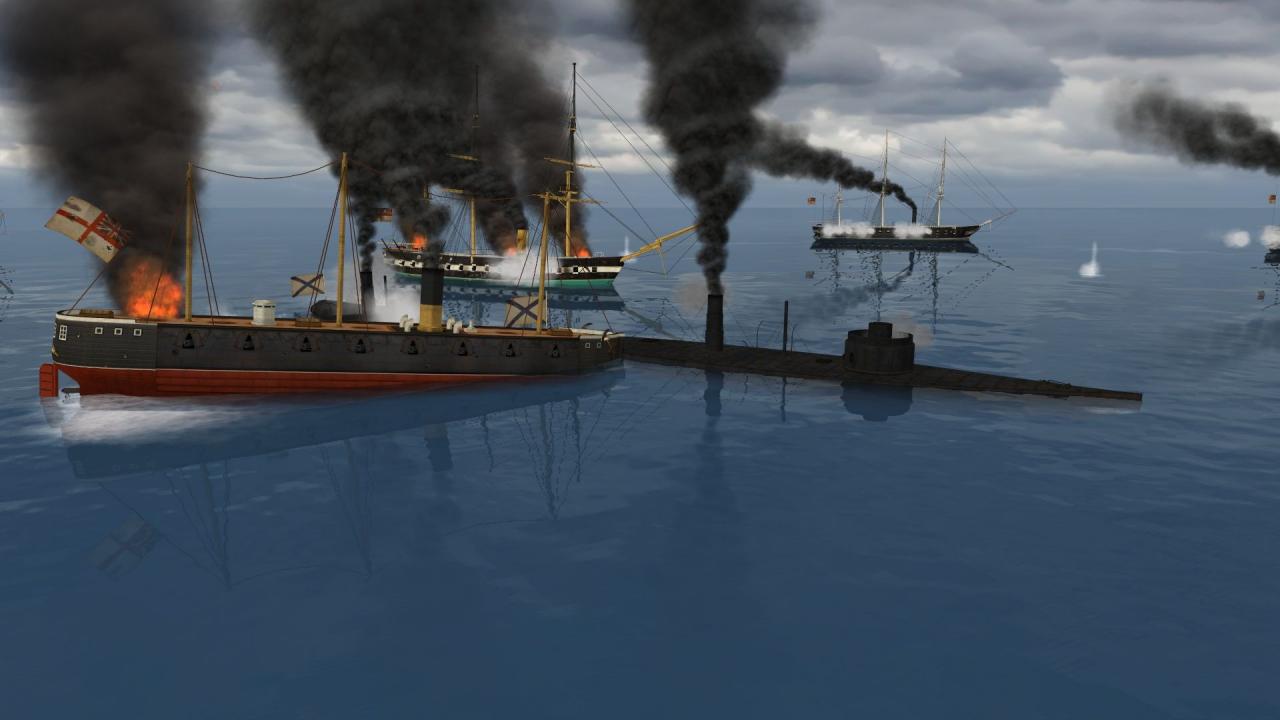
Russia sought to seize control of Constantinople. The city controlled the Black Sea straits, an important economic and strategic point of the Black and Mediterranean Sea. This area was the cause of constant conflict with Britain, which was concerned about her Mediterranean interests. The Crimean War had weakened the position of Russia on the Black Sea, but, in the Baltic and North Sea, the Tsar built a new, modern fleet. In 1865, Poland rebelled against Russia. Britain supported the rebels and declared war on Russia. Two objectives of the Royal Navy were to destroy the Russian squadron in the North Sea and the establishment of a full blockade of the North. Features Manage financial and strategic aspects while planning your squadron's structure Set up battle squadron groups Realistic ship models and characteristics Advanced ballistic and weapon models

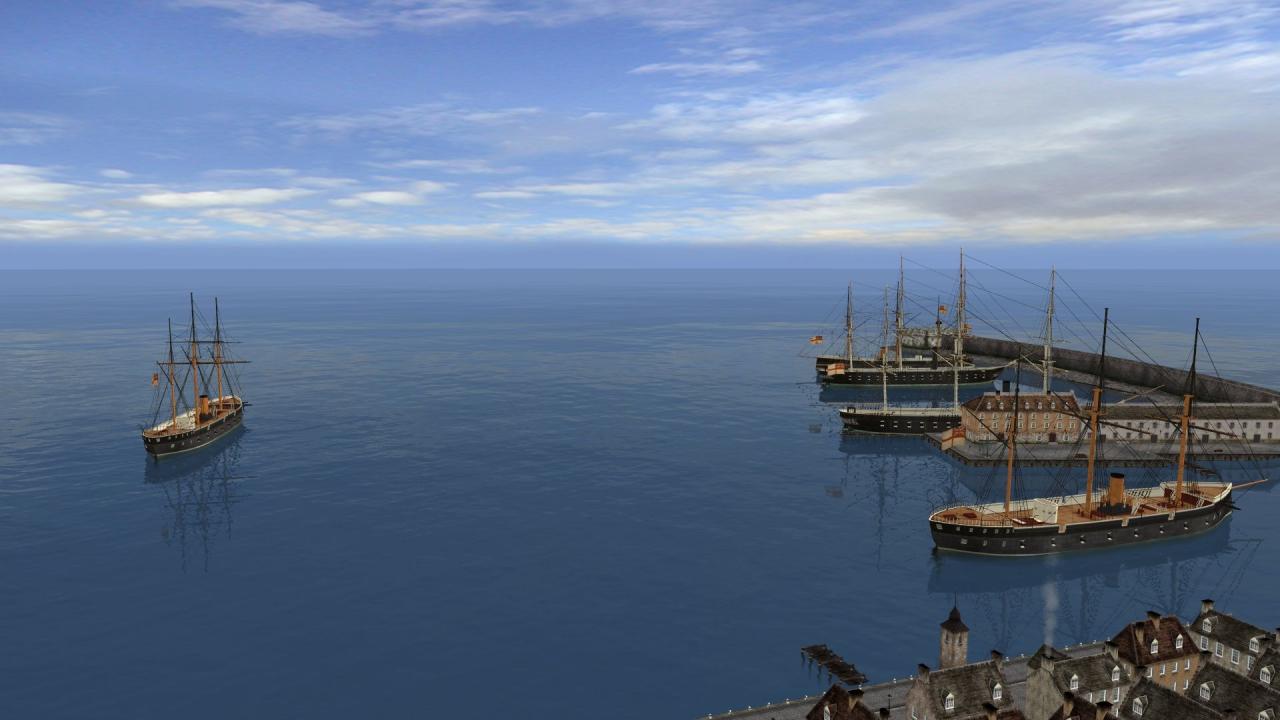
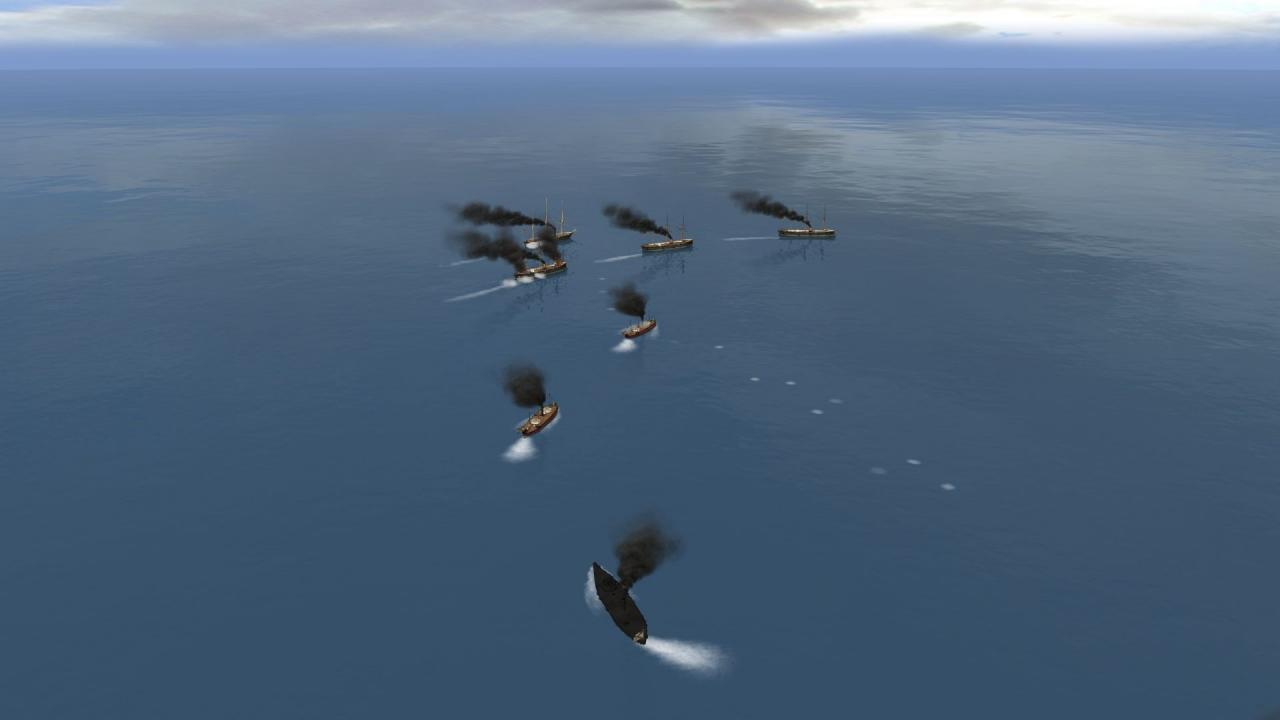
Ironclads: Anglo Russian War 1866 screenshotIronclads: Anglo Russian War 1866 screenshotIronclads: Anglo Russian War 1866 screenshotIronclads: Anglo Russian War 1866 screenshotIronclads: Anglo Russian War 1866 screenshotIronclads: Anglo Russian War 1866 screenshot

How to redeem

  1. 1Check your Steam account and the listed region before purchasing.
  2. 2Find your code and supplier activation instructions in your confirmed order.
  3. 3Open the redeem-code section on Steam, enter the code and follow the platform’s prompts.

Supplier instructions

Go to: http://store.steampowered.com/ and download STEAM client Click "Install Steam" (from the upper right corner) Install and start application, login with your Account name and Password (create one if you don't have). Please follow these instructions to activate a new retail purchase on Steam: Launch Steam and log into your Steam account. Click the Games Menu. Choose Activate a Product on Steam... Follow the onscreen instructions to complete the process. After successful code verification go to the "MY GAMES" tab and start downloading.

You might also like