Get 10% back in Relic Coins on every order
Rise of Venice - Beyond the Sea DLC cover

SteamGlobal· DLC

Rise of Venice - Beyond the Sea DLC

€0.89

+€0.09 cashback eligibility in Relic Coins

Check before you play

Platform
Steam
Region
Global
Product type
DLC

Check the required base game and edition before purchasing this add-on.

Developer
Gaming Minds Studios
Publisher
Kalypso Media
Supplier release date
2013-11-21
Genres
Strategy, Simulation

About this product

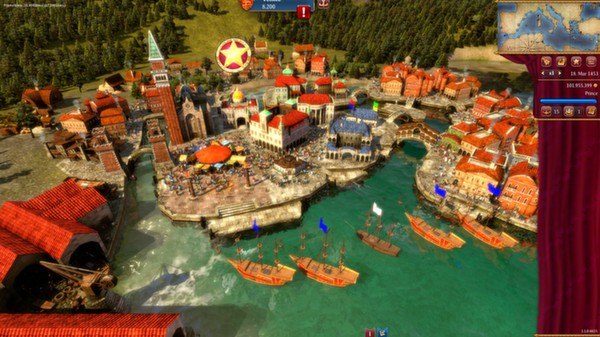
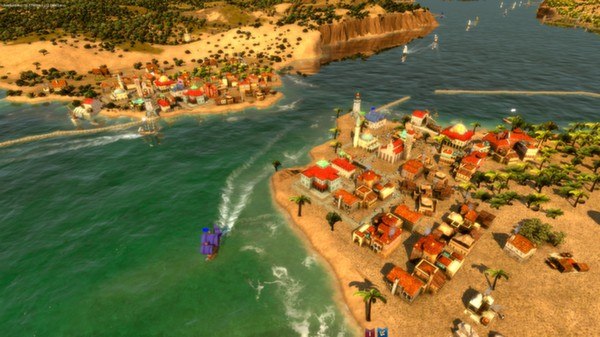
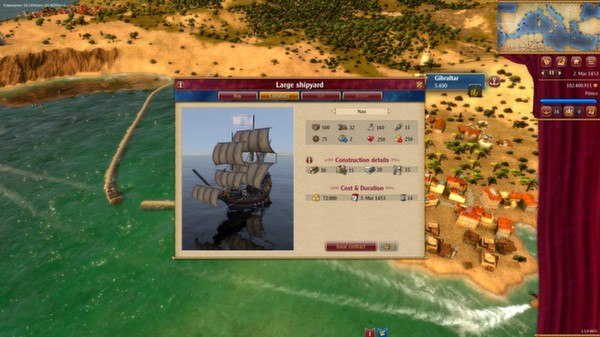
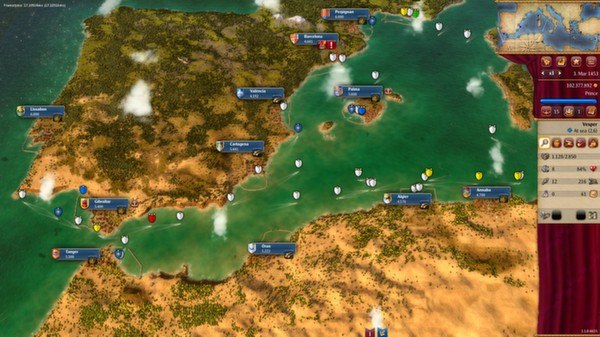
Beyond the Sea is the comprehensive expansion for the acclaimed Renaissance economic simulator Rise of Venice. Beyond the Sea provides players with a whole new challenge by expanding the game world with 13 all new cities to explore and trade with, as well as all new residence missions and challenging new Doge tasks which will see your family playing a more important role. Beyond the Sea also allows players to command a completely new class of ship; the NAO, the famous ship class in which Christopher Columbus discovered America in 1492. Features 13 new cities from Marseilles to Casablanca expand the game world by 50% Residence missions: family members contact the player with tasks to earn special benefits Doge tasks challenge even the most experienced players. Can you triumph in trade war with Venice's archenemy Genoa and its allies? New ship type: command the famous NAO ship class Numerous improvements and optimizations based on Rise of Venice player feedback


Rise of Venice - Beyond the Sea DLC screenshotRise of Venice - Beyond the Sea DLC screenshotRise of Venice - Beyond the Sea DLC screenshotRise of Venice - Beyond the Sea DLC screenshotRise of Venice - Beyond the Sea DLC screenshot

How to redeem

  1. 1Check the required base game, platform and edition before purchasing.
  2. 2Find the code or supplier activation instructions in your confirmed order.
  3. 3Redeem on Steam using the supplied instructions, then install the add-on with the compatible base game.

Supplier instructions

Go to: http://store.steampowered.com/ and download STEAM client Click "Install Steam" (from the upper right corner) Install and start application, login with your Account name and Password (create one if you don't have). Please follow these instructions to activate a new retail purchase on Steam: Launch Steam and log into your Steam account. Click the Games Menu. Choose Activate a Product on Steam... Follow the onscreen instructions to complete the process. After successful code verification go to the "MY GAMES" tab and start downloading.

You might also like