Get 10% back in Relic Coins on every order
Pode cover

Xbox OneGlobal· Account

Pode

€6.18

+€0.62 cashback eligibility in Relic Coins

Check before you play

Platform
Xbox One
Region
Global
Product type
Account

This listing delivers an account, not a game key. Read the supplier’s conditions before purchasing.

Developer
Henchman & Goon
Publisher
Henchman & Goon
Supplier release date
2020-04-03
Genres
Adventure, Indie, Casual, Puzzle, Co-op

About this product

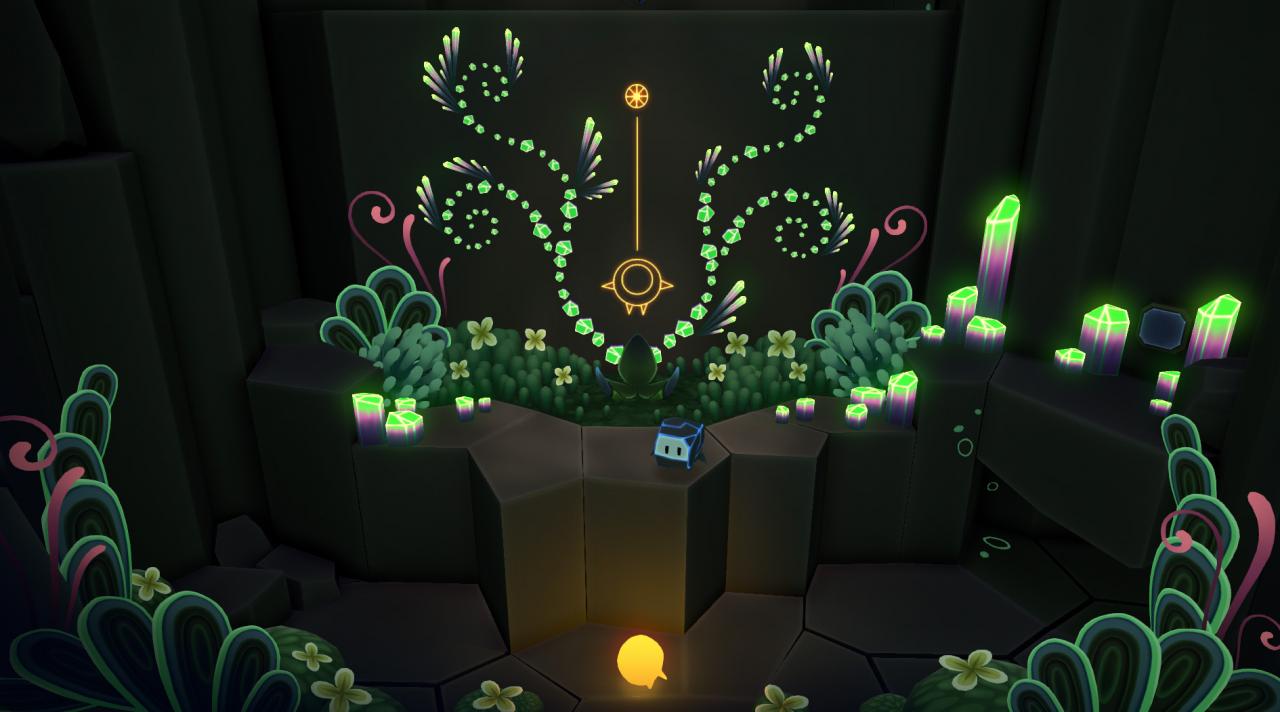
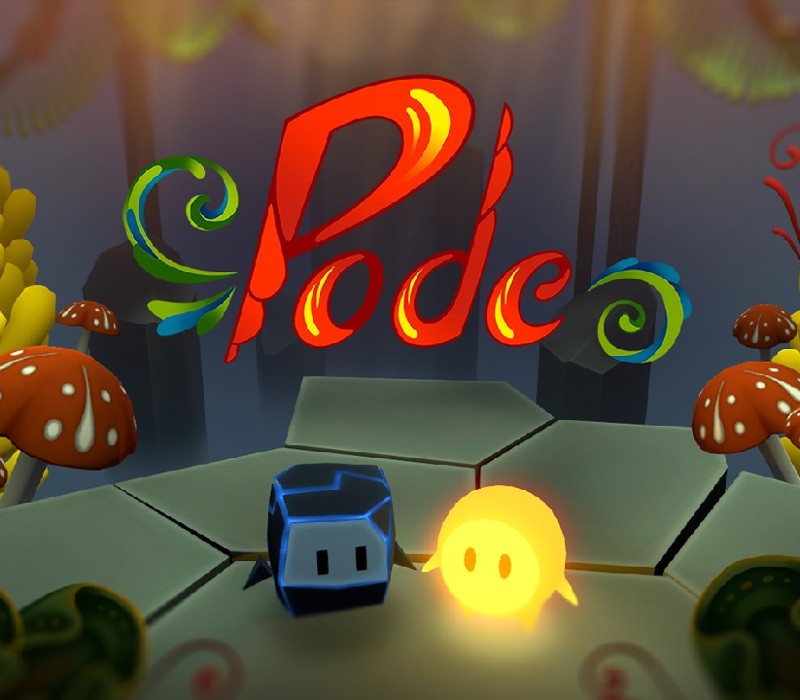
Pode is a co-op puzzle exploration game about a rock and a fallen star working together to solve ancient puzzles in a stunning environment inspired by Norwegian art and culture. Travelling through the insides of a mysterious and magical mountain, Bulder and Glo breathe life into an ancient sleeping world and explore the ruins of a long lost civilization with their unique talents and abilities. Only by helping each other can these unlikely adventure companions solve the ancient puzzles that open the secret passageways up the caverns of Mount Fjellheim. Features Exploration. Discover a beautiful and ancient cave system and uncover its secrets to reach your goal. Puzzles. Solve puzzles, riddles and mysteries. Combine the two character's special abilities to overcome obstacles. Co-op or single player. Share the experience with a friend, or enjoy playing it by yourself. Unitque art style. Enjoy a world inspired by Norwegian art and nature. Music. The soundtrack is by the legendary Austin Wintory. For optimal experience, gamepad is recommended.For co-op, minimum 1 gamepad is required.

Pode screenshotPode screenshotPode screenshotPode screenshotPode screenshotPode screenshot

How to redeem

  1. 1Read the account conditions and regional restrictions before purchasing.
  2. 2Open your confirmed order in your Relic Key account to view the supplier’s account details.
  3. 3Follow the supplied sign-in and setup instructions. This is an account, not a redeemable key.

Supplier instructions

Go to: http://store.steampowered.com/ and download STEAM client Click "Install Steam" (from the upper right corner) Install and start application, login with your Account name and Password (create one if you don't have). Please follow these instructions to activate a new retail purchase on Steam: Launch Steam and log into your Steam account. Click the Games Menu. Choose Activate a Product on Steam... Follow the onscreen instructions to complete the process. After successful code verification go to the "MY GAMES" tab and start downloading.

You might also like