
Official WebsiteGlobal· Key
CANVID Pro Edition
€68.90
+€6.89 cashback eligibility in Relic Coins
Check before you play
- Platform
- Official Website
- Region
- Global
- Product type
- Key
- Genres
- Software
Official WebsiteGlobal· Key
€68.90
+€6.89 cashback eligibility in Relic Coins
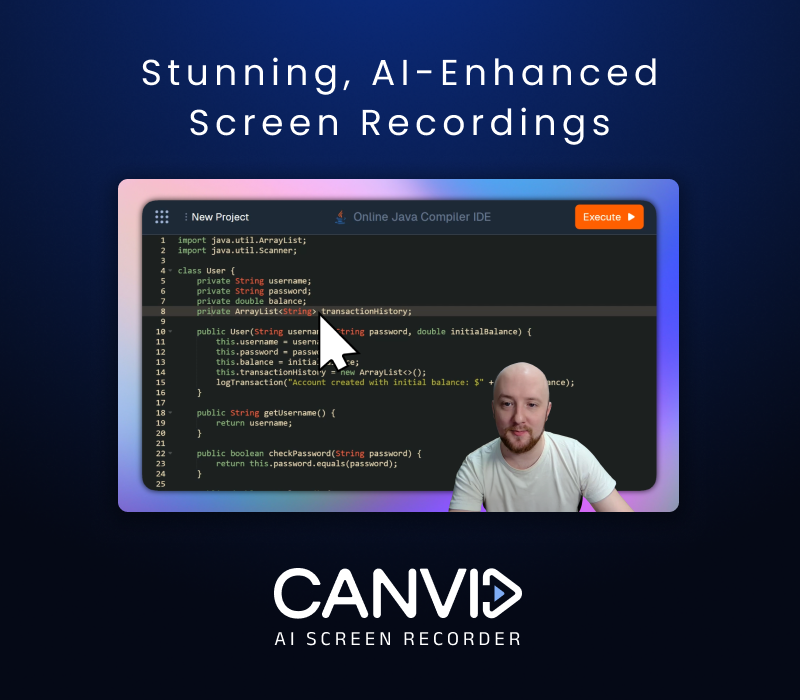
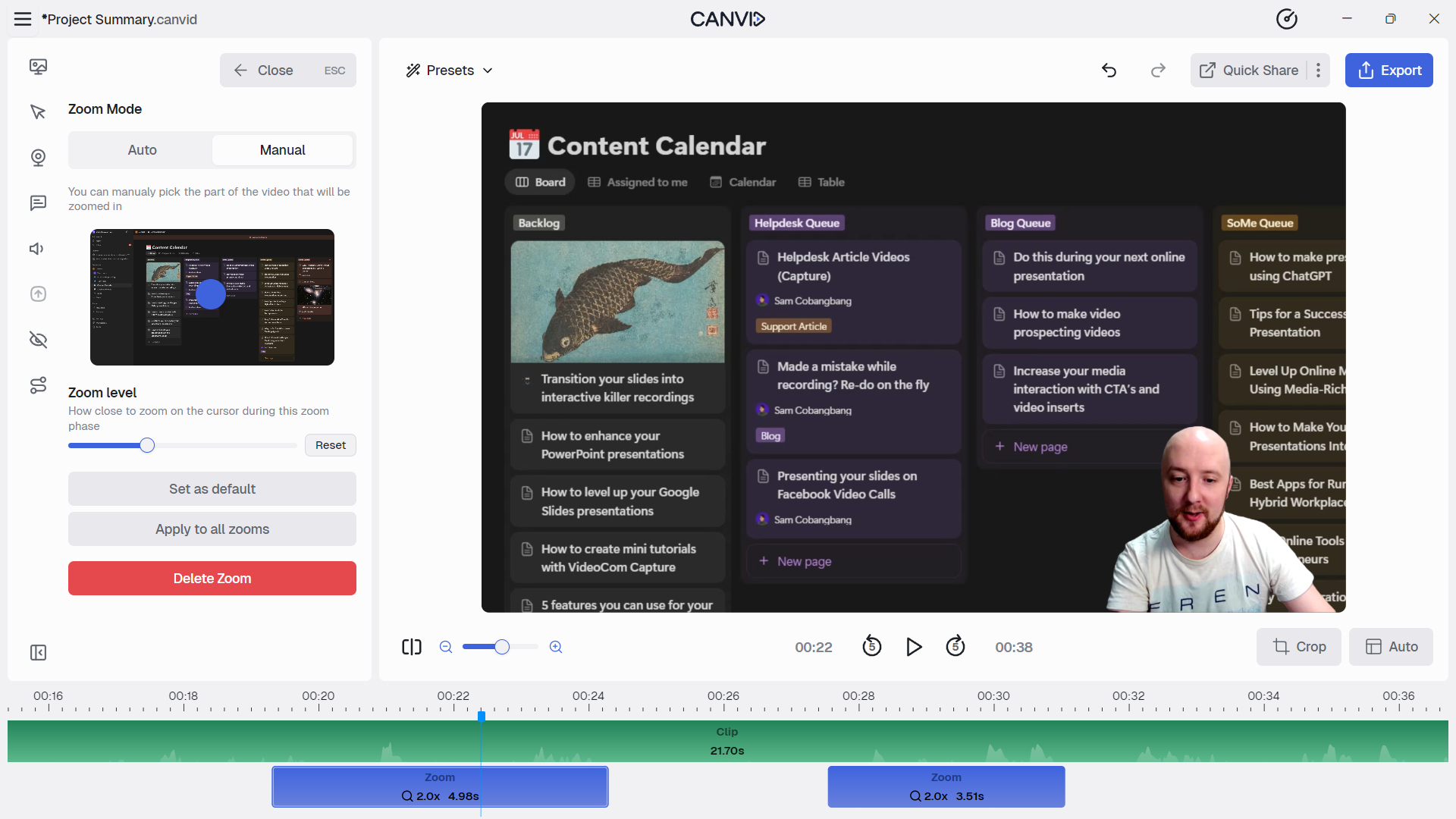
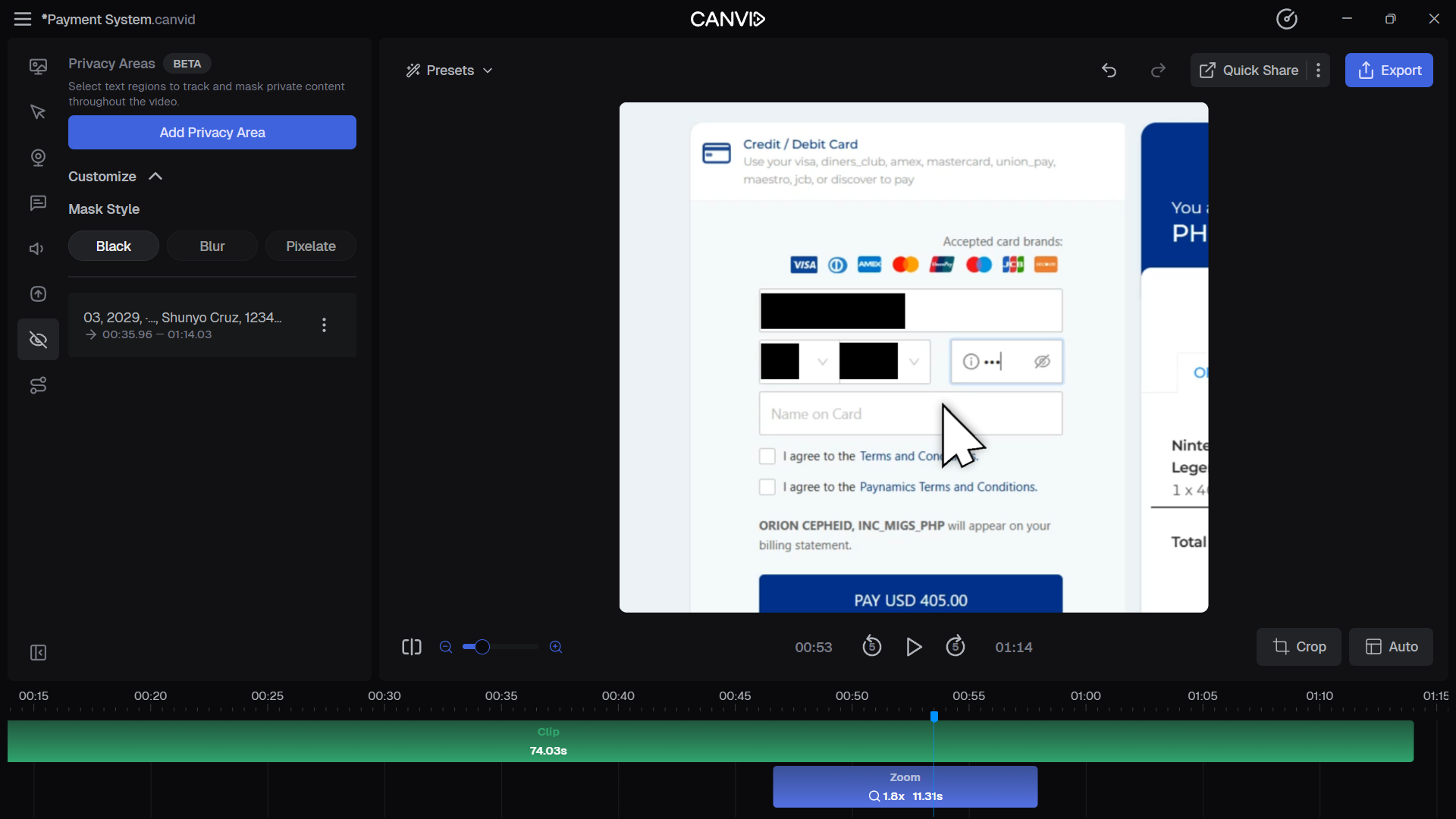
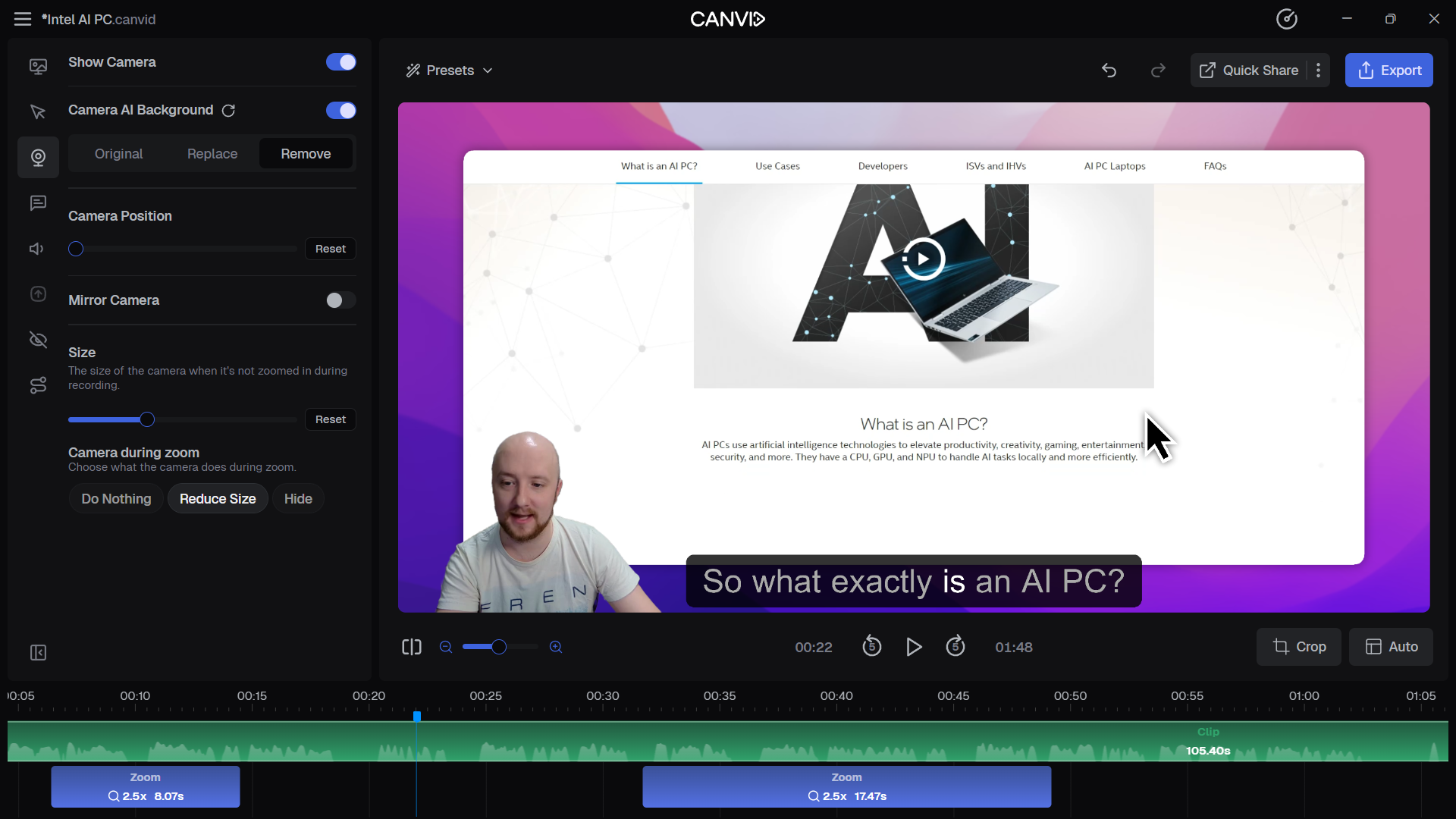
AI-Powered Screen Recording for Windows & Mac Record and share stunning screen recordings in minutes with automatic zooms, clean mic audio, webcam background blur, and captions all just a click away. CANVID helps you turn raw recordings into polished videos that people actually watch. Record your screen and webcam at the same time for walkthroughs, tutorials, presentations, or content creation. Everything is captured in one place, so you can focus on what you want to show without worrying about setup or complex tools. The AI automatically follows your clicks and cursor movement, adding smooth zooms and focus where it matters. This makes your videos easier to follow and more engaging without manual editing. Even simple recordings instantly look more professional and structured. Fixing mistakes is fast. Just edit the transcript to cut parts, adjust pacing, or clean up your message. You can also redo your voice with AI audio retakes, or generate a webcam later if you did not record one. Backgrounds can be blurred or replaced to keep the focus on you. From quick clips to full-length videos, CANVID reduces the time and effort needed to create high-quality content. It gives you the tools to produce clear, engaging videos that are ready to share right away.

Redeeming your license code will unlock all of CANVID’s features, including the ability to https://canvid-site.vercel.app/support/export-and-sharing/export-mp4 and https://canvid-site.vercel.app/support/export-and-sharing/create-a-share-link your screen recordings. Follow the steps below based on your current account status. https://canvid-site.vercel.app/support/account-and-licensing/redeem-license-code#redeeming-a-license-and-creating-a-new-account https://canvid-site.vercel.app/support/account-and-licensing/redeem-license-code#redeeming-a-license-with-an-existing-account