Get 10% back in Relic Coins on every order
Sanctum - Map Pack 2 DLC cover

SteamGlobal· DLC

Sanctum - Map Pack 2 DLC

€1.55

+€0.16 cashback eligibility in Relic Coins

Check before you play

Platform
Steam
Region
Global
Product type
DLC

Check the required base game and edition before purchasing this add-on.

Developer
ARVI VR
Publisher
ARVI VR
Supplier release date
2011-04-15
Genres
Action, Strategy, Indie

About this product

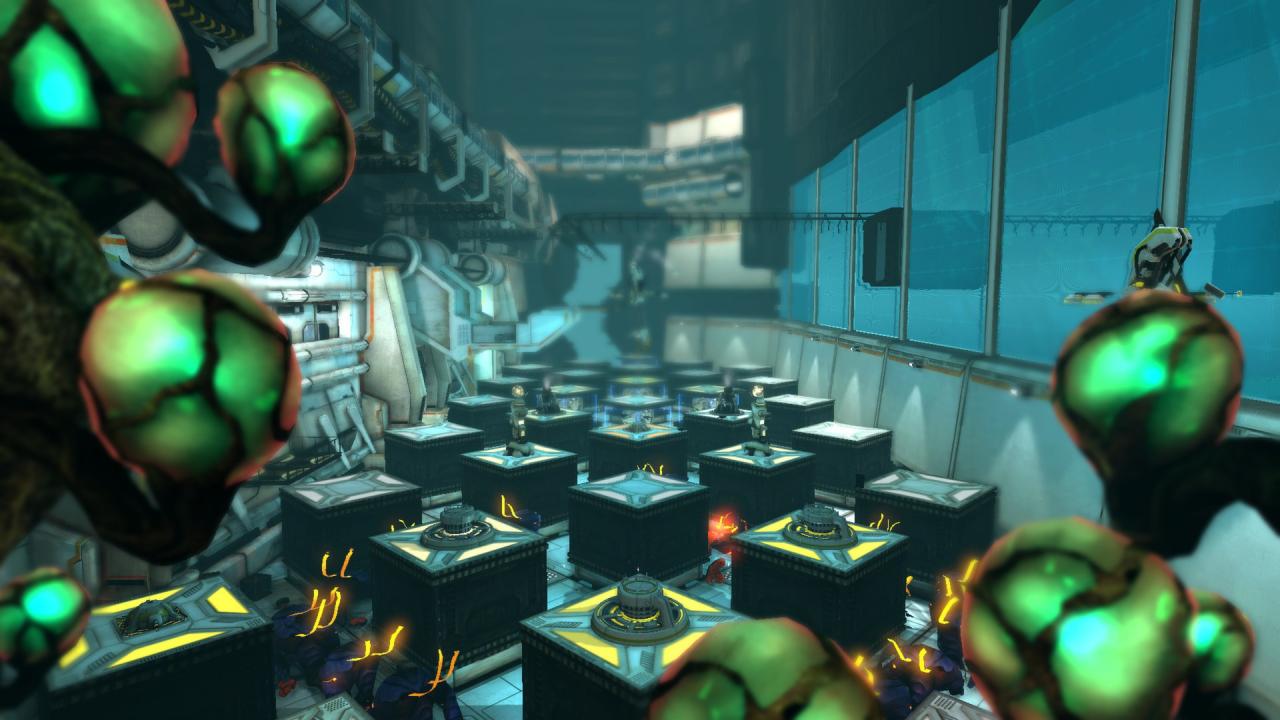
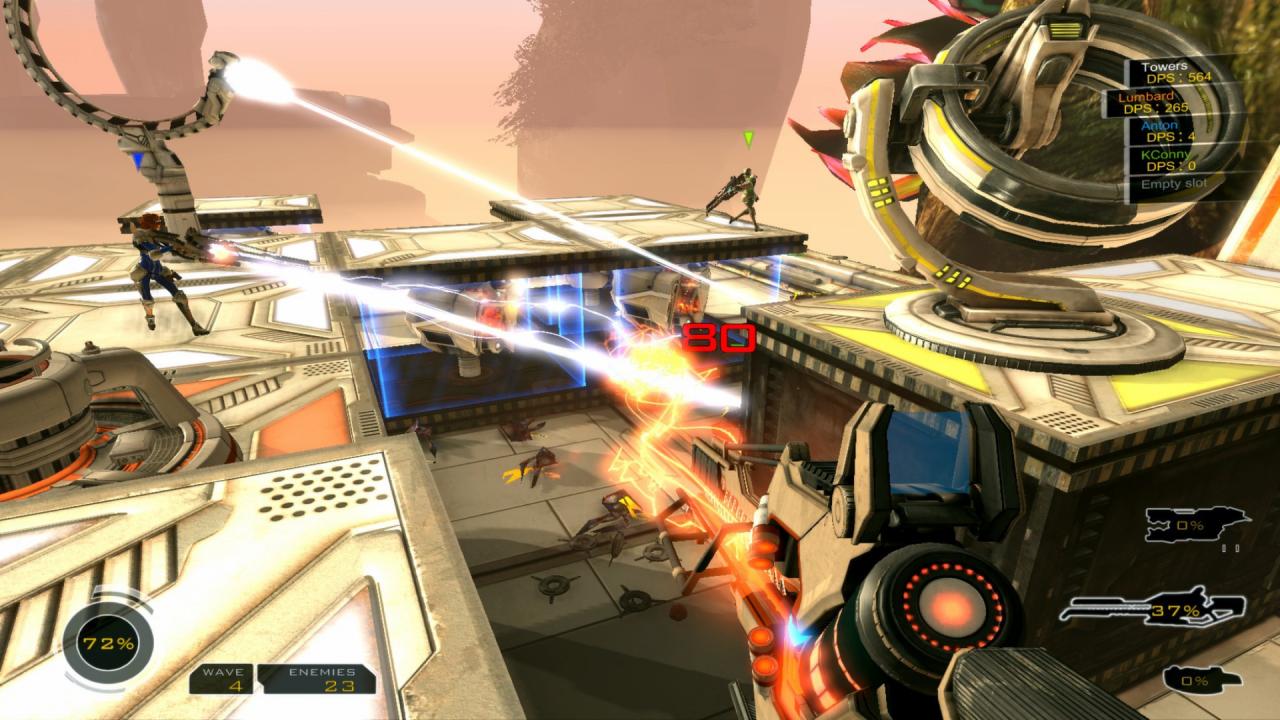
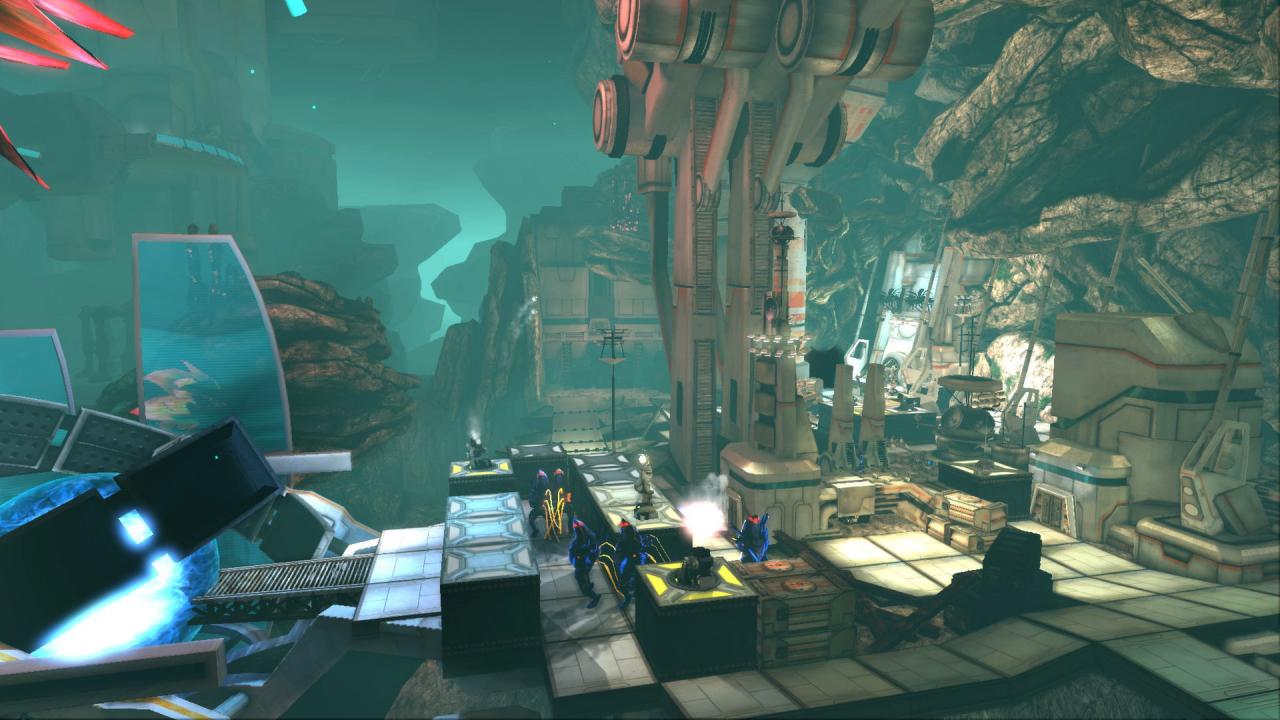
This map pack adds three action packed levels to your game! ChasmThe Chasm was going to be a hub of transport and mining operations. The plan was to create thousands of new jobs and strengthen the living standards of the people of Elysion One. The Chasm was a good sign of a great future for humanity but nowadays it's abandoned. Half-built transport roads and mining stations stand lonely while Skye prepares for the marauding hordes. InvasionEver since the bioluminescent aliens first attacked, the military has been trying to find a way to unburden the Core Guardians. Some locations are not as important to defend as others, after all. That’s why they set up research centers/factories to create robots... or “Simulated Motor-Humans” with fancy words. How the aliens got there is uncertain. How they knew to attack there is worrying, to say the least. CorporationThe defenses that are used by Elysion One are not, as one would think, made by the military. They are made by a private Corporation called Automagic, Inc. Normally Corporations place their offices inside the walls of Elysion One where they’re safe from assorted alien attacks. If you are the producer of the defenses, though, you get a few perks. One is that you can have your offices wherever you want! The second one is, well, you have Core Guardians on Speed Dial.

Sanctum - Map Pack 2 DLC screenshotSanctum - Map Pack 2 DLC screenshotSanctum - Map Pack 2 DLC screenshotSanctum - Map Pack 2 DLC screenshot

How to redeem

  1. 1Check the required base game, platform and edition before purchasing.
  2. 2Find the code or supplier activation instructions in your confirmed order.
  3. 3Redeem on Steam using the supplied instructions, then install the add-on with the compatible base game.

Supplier instructions

Go to: http://store.steampowered.com/ and download STEAM client Click "Install Steam" (from the upper right corner) Install and start application, login with your Account name and Password (create one if you don't have). Please follow these instructions to activate a new retail purchase on Steam: Launch Steam and log into your Steam account. Click the Games Menu. Choose Activate a Product on Steam... Follow the onscreen instructions to complete the process. After successful code verification go to the "MY GAMES" tab and start downloading.

You might also like