Get 10% back in Relic Coins on every order
Ghoulboy - Dark Sword of Goblin cover

SteamGlobal· Key

Ghoulboy - Dark Sword of Goblin

€2.70

+€0.27 cashback eligibility in Relic Coins

Check before you play

Platform
Steam
Region
Global
Product type
Key
Developer
Serkan Bakar
Publisher
Serkan Bakar
Supplier release date
2017-11-29
Genres
Action, Adventure, Casual, Indie

About this product

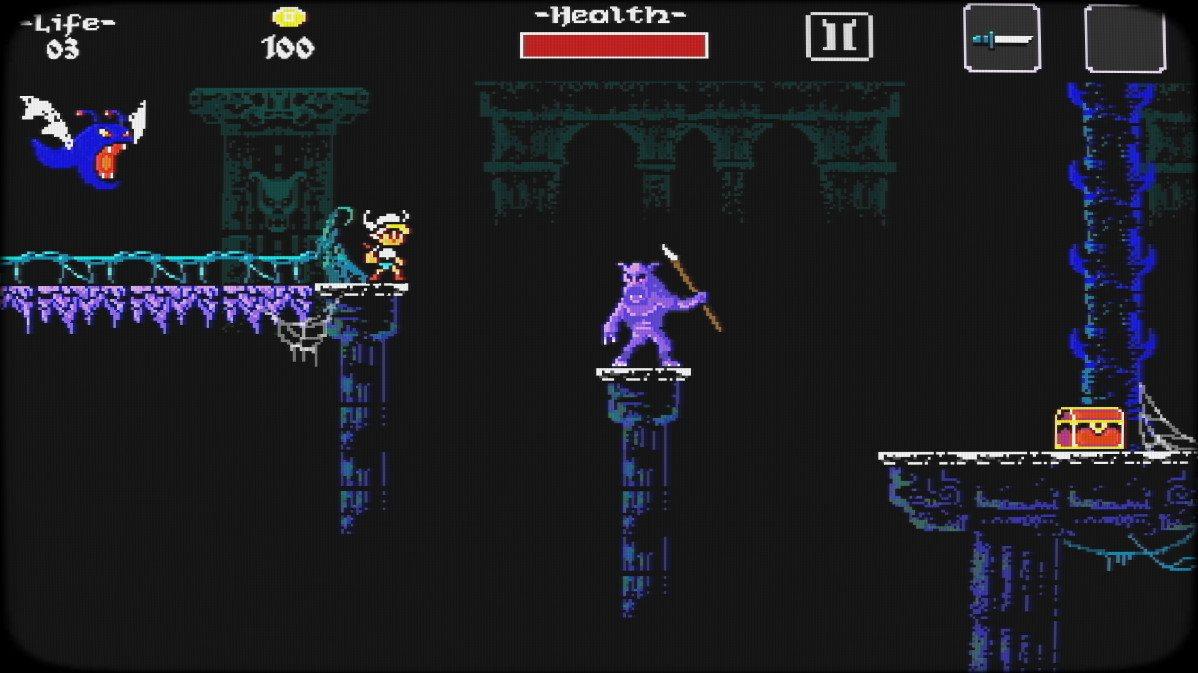
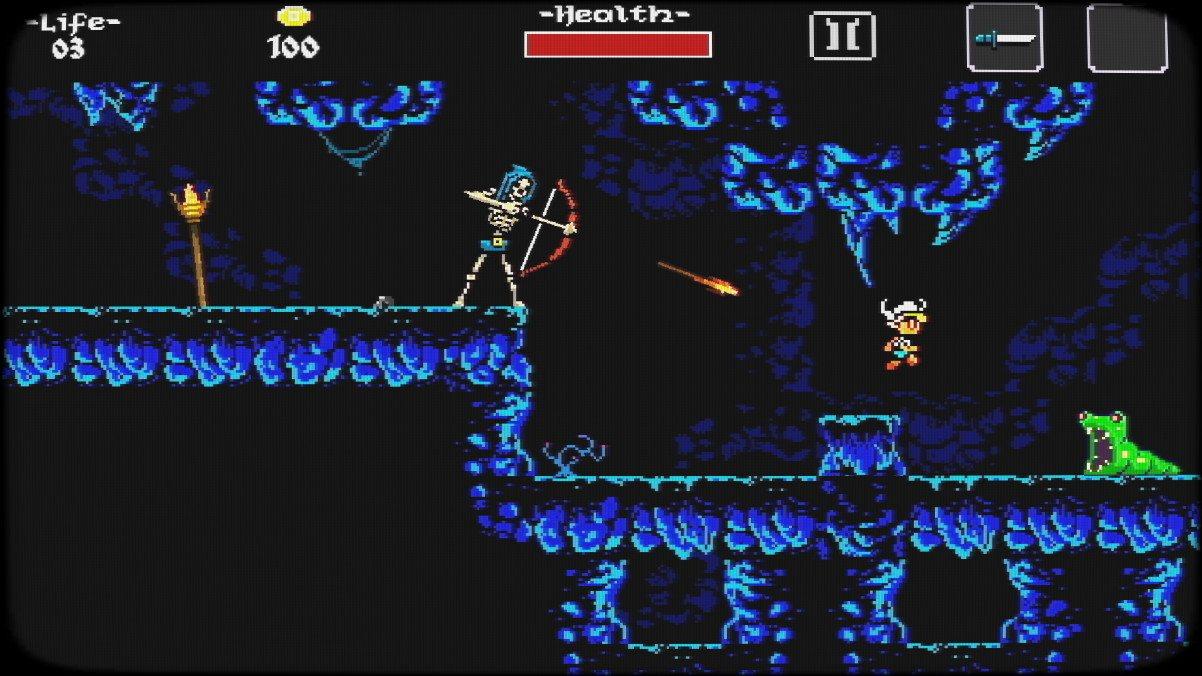
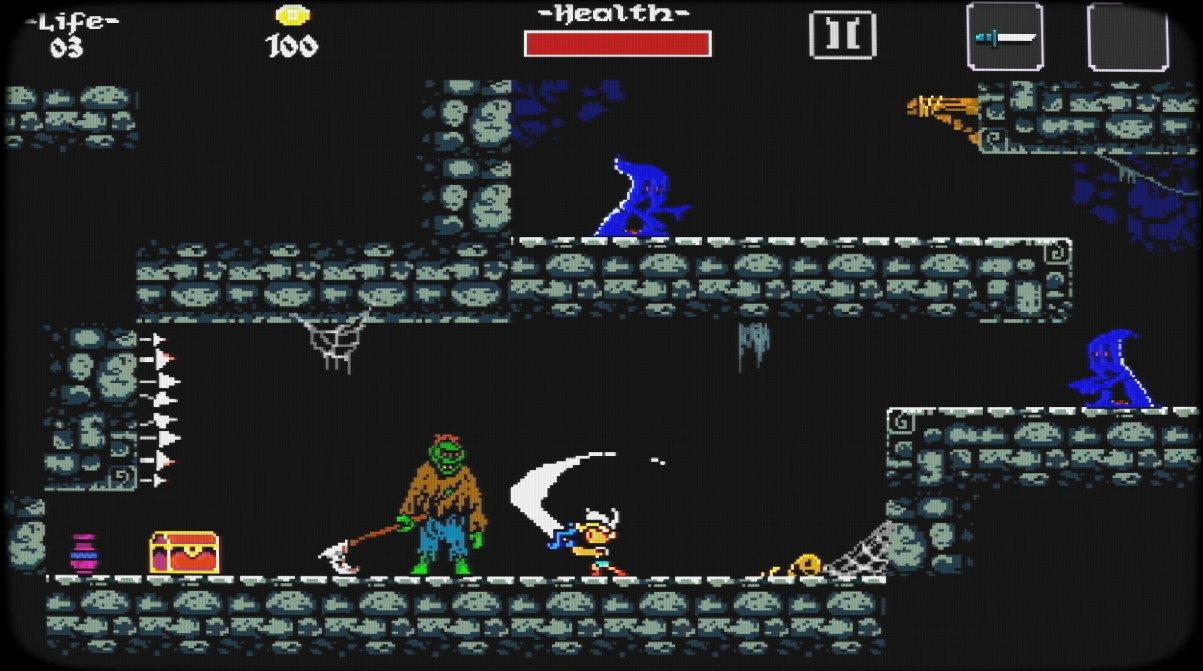
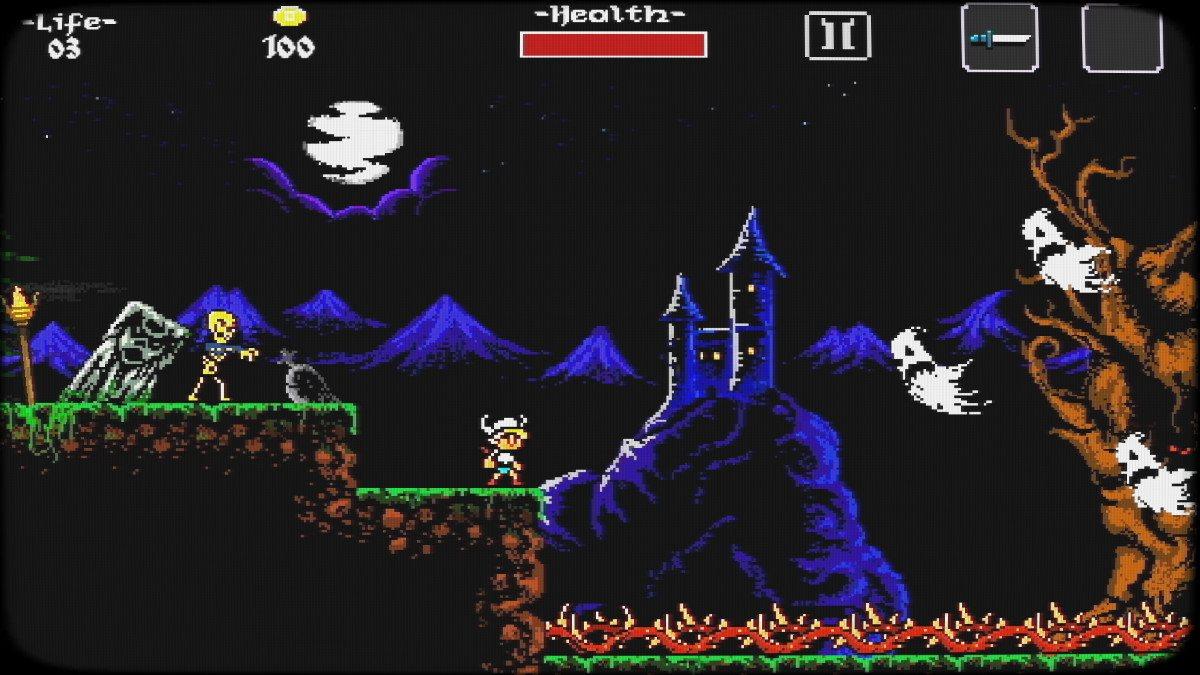
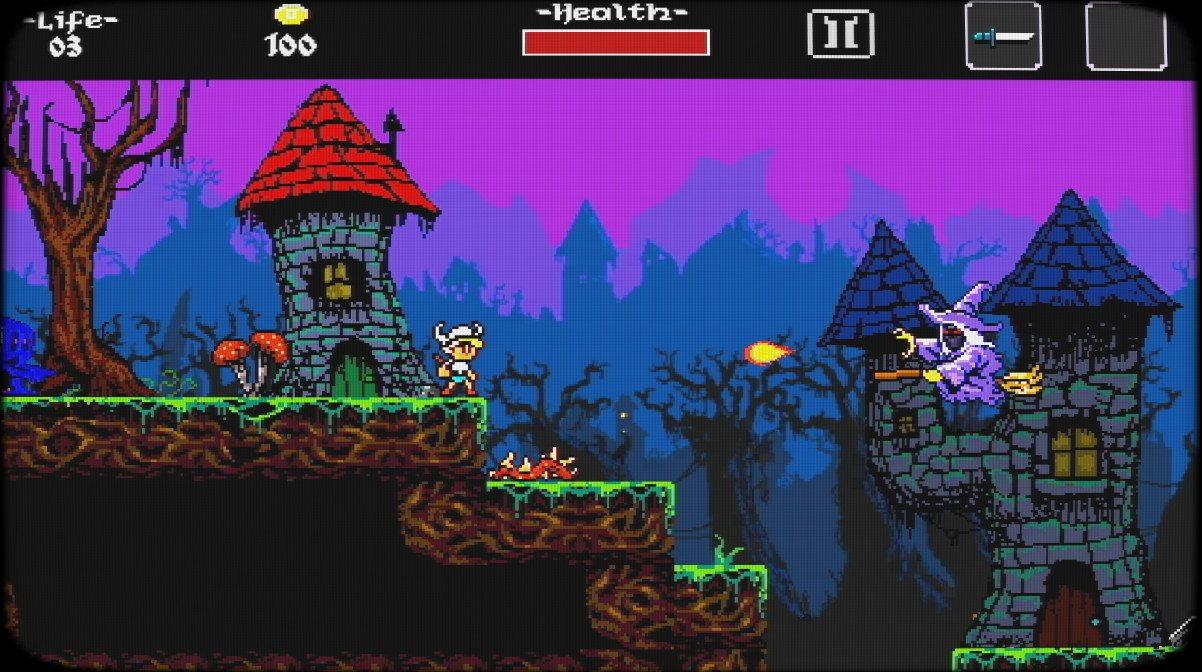
Ghoulboy is a retro-inspired style action platformer. Exciting new platformer that combines the action-RPG genre with hack 'n' slash gameplay. 2D action, heroic characters, gloomy environments, demonic bosses, these all seem to excite players a lot. Pixels will be combined with other cool retro elements and the result will certainly be something that will meet the needs of PC gamers. Once in-game, users will get to control a heroic character who will often be seen throwing a spear to create additional platforms. To boot, puzzle and combat elements will further enhance the experience. You wouldn’t want to miss out on it. With the gold that you collect, you can increase your health level, your arsenal of weapons to be thrown away.Slay as many monsters as you can, collect loot, avoid dangerous traps and defeat menacing bosses.Ghoulboy brings back the look and feel of the very best classic retro platformers from the 90's, introducing refreshed and engaging gameplay mechanics. If you miss platformers from the 16-bit era, and think games nowadays aren't that good anymore, think twice! Ghoulboy is for you. Features 4 bosses Chiptune retro musics Puzzles 3 weapons (small sword, big sword, mace) 2 throwable weapons Gamepad support


Ghoulboy - Dark Sword of Goblin screenshotGhoulboy - Dark Sword of Goblin screenshotGhoulboy - Dark Sword of Goblin screenshotGhoulboy - Dark Sword of Goblin screenshotGhoulboy - Dark Sword of Goblin screenshot

How to redeem

  1. 1Check your Steam account and the listed region before purchasing.
  2. 2Find your code and supplier activation instructions in your confirmed order.
  3. 3Open the redeem-code section on Steam, enter the code and follow the platform’s prompts.

Supplier instructions

Go to: http://store.steampowered.com/ and download STEAM client Click "Install Steam" (from the upper right corner) Install and start application, login with your Account name and Password (create one if you don't have). Please follow these instructions to activate a new retail purchase on Steam: Launch Steam and log into your Steam account. Click the Games Menu. Choose Activate a Product on Steam... Follow the onscreen instructions to complete the process. After successful code verification go to the "MY GAMES" tab and start downloading.

You might also like