Get 10% back in Relic Coins on every order
Europa Universalis III - Reformation SpritePack DLC cover

SteamGlobal· DLC

Europa Universalis III - Reformation SpritePack DLC

€0.89

+€0.09 cashback eligibility in Relic Coins

Check before you play

Platform
Steam
Region
Global
Product type
DLC

Check the required base game and edition before purchasing this add-on.

Developer
Paradox Interactive
Publisher
Paradox Interactive
Supplier release date
2011-12-01
Genres
Adventure, Strategy, Simulation, Casual
About this product

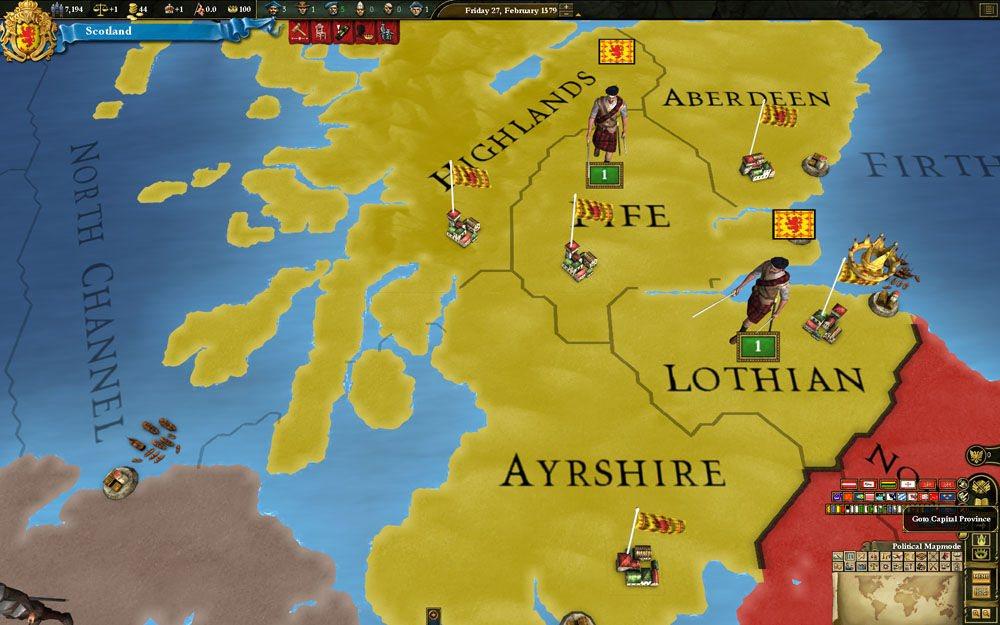
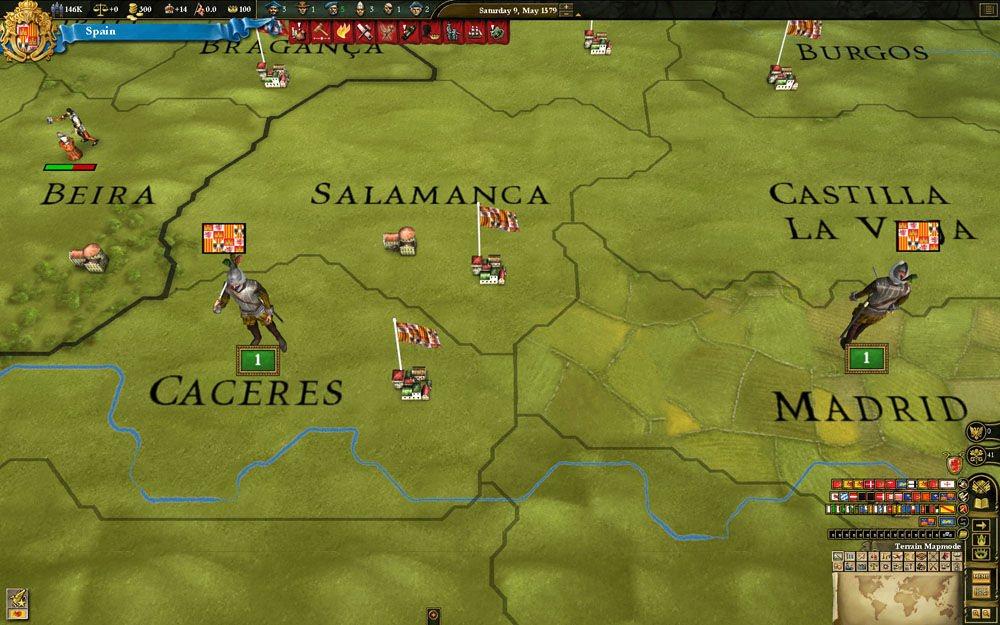
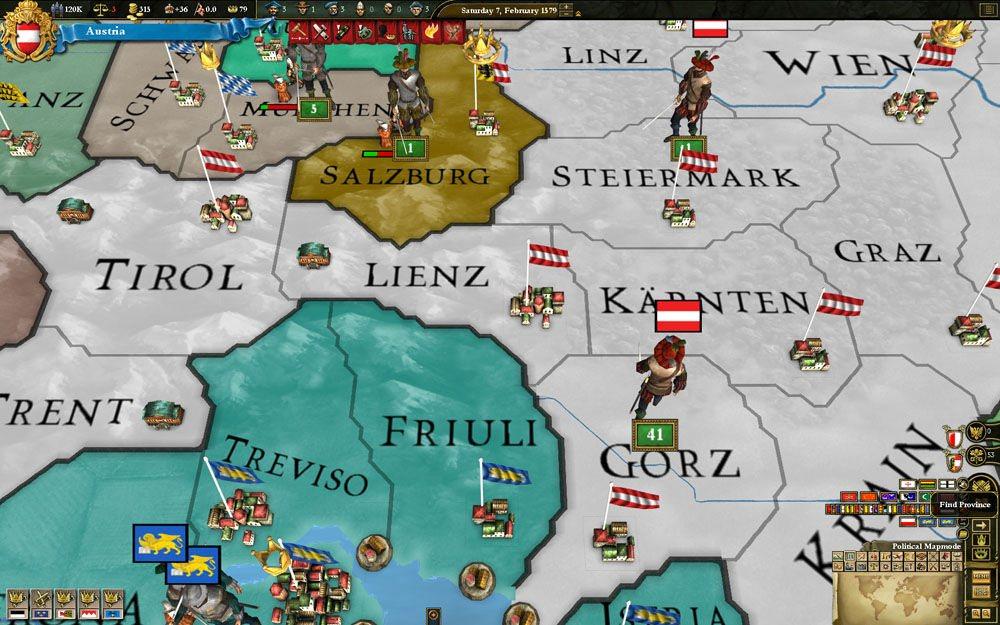
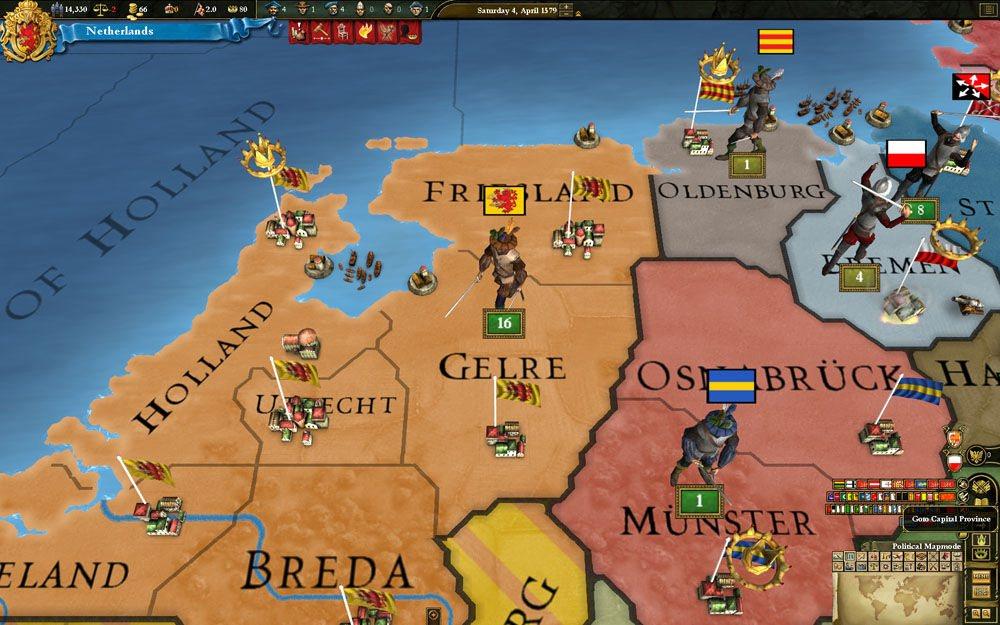
This spritepack includes 16 new sprites for the Western countries in the Reformation era of 1530 to 1625. There are uniforms for: Dutch Netherlanders French Spanish British Portuguese English Danish Prussian Scottish Swedish Austrian Venetian Scandinavian nations There are also generic German and generic western uniforms Sixteen historically authentic modeled units for the “Age of Reformation” with new animations for a more realistic and enhanced game atmosphere. Units are equipped with rapiers, daggers and comb morions. The Scottish, German and the generic western units are embellished for this period too.

Europa Universalis III - Reformation SpritePack DLC screenshotEuropa Universalis III - Reformation SpritePack DLC screenshotEuropa Universalis III - Reformation SpritePack DLC screenshotEuropa Universalis III - Reformation SpritePack DLC screenshot

How to redeem

  1. 1Check the required base game, platform and edition before purchasing.
  2. 2Find the code or supplier activation instructions in your confirmed order.
  3. 3Redeem on Steam using the supplied instructions, then install the add-on with the compatible base game.

Supplier instructions

Go to: http://store.steampowered.com/ and download STEAM client Click "Install Steam" (from the upper right corner) Install and start application, login with your Account name and Password (create one if you don't have). Please follow these instructions to activate a new retail purchase on Steam: Launch Steam and log into your Steam account. Click the Games Menu. Choose Activate a Product on Steam... Follow the onscreen instructions to complete the process. After successful code verification go to the "MY GAMES" tab and start downloading.

You might also like