Get 10% back in Relic Coins on every order
The Metronomicon - Chiptune Challenge Pack 2 DLC cover

SteamGlobal· DLC

The Metronomicon - Chiptune Challenge Pack 2 DLC

€0.49

+€0.05 cashback eligibility in Relic Coins

Check before you play

Platform
Steam
Region
Global
Product type
DLC

Check the required base game and edition before purchasing this add-on.

Supplier release date
2016-10-20
Genres
Action, RPG, Indie

About this product

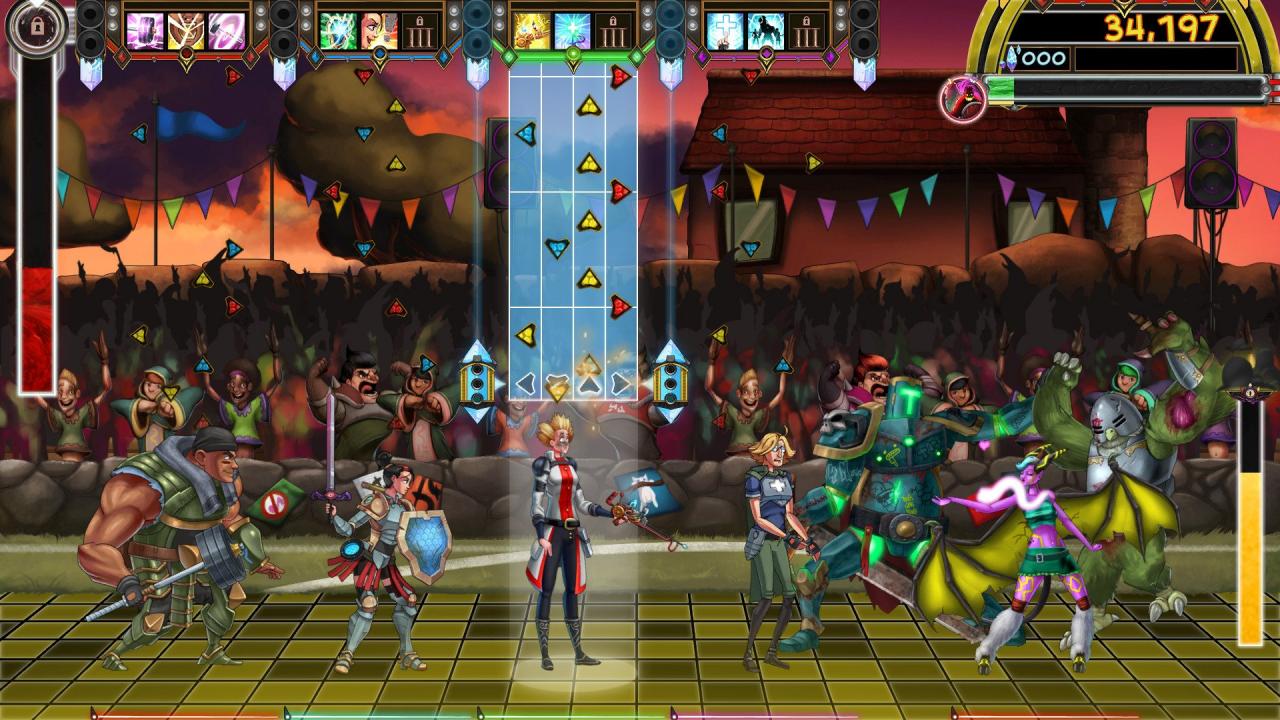
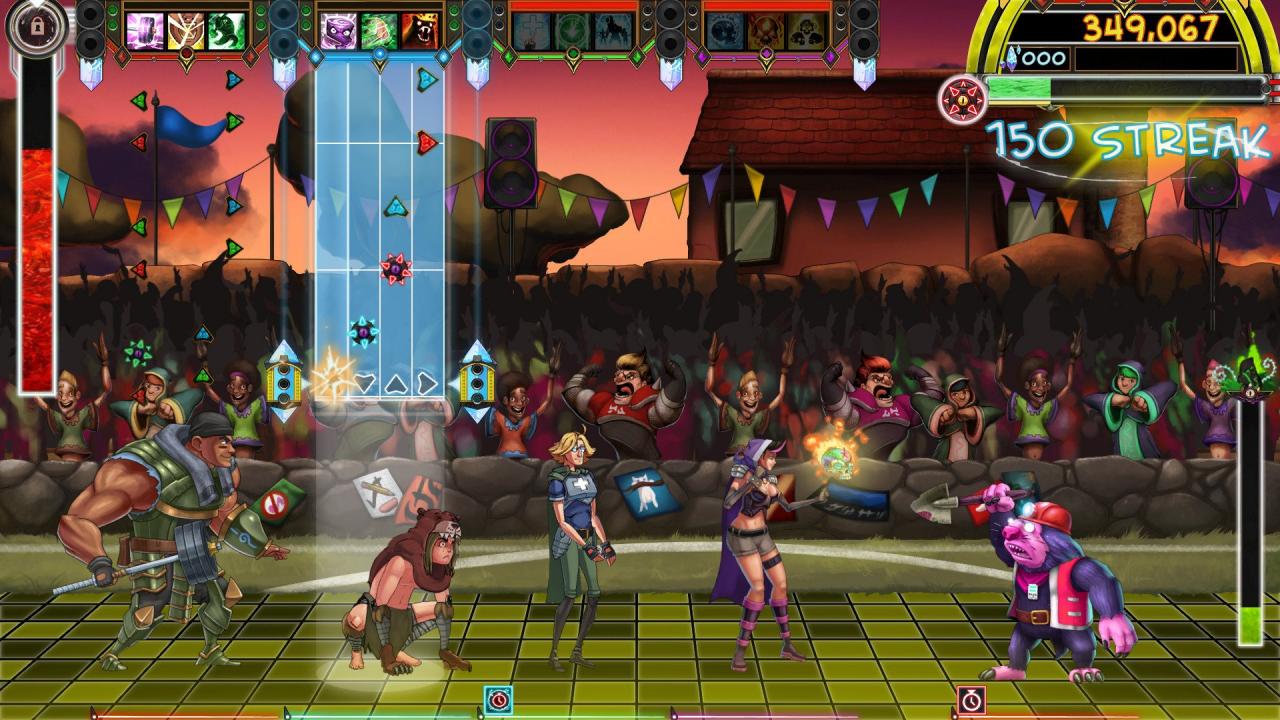
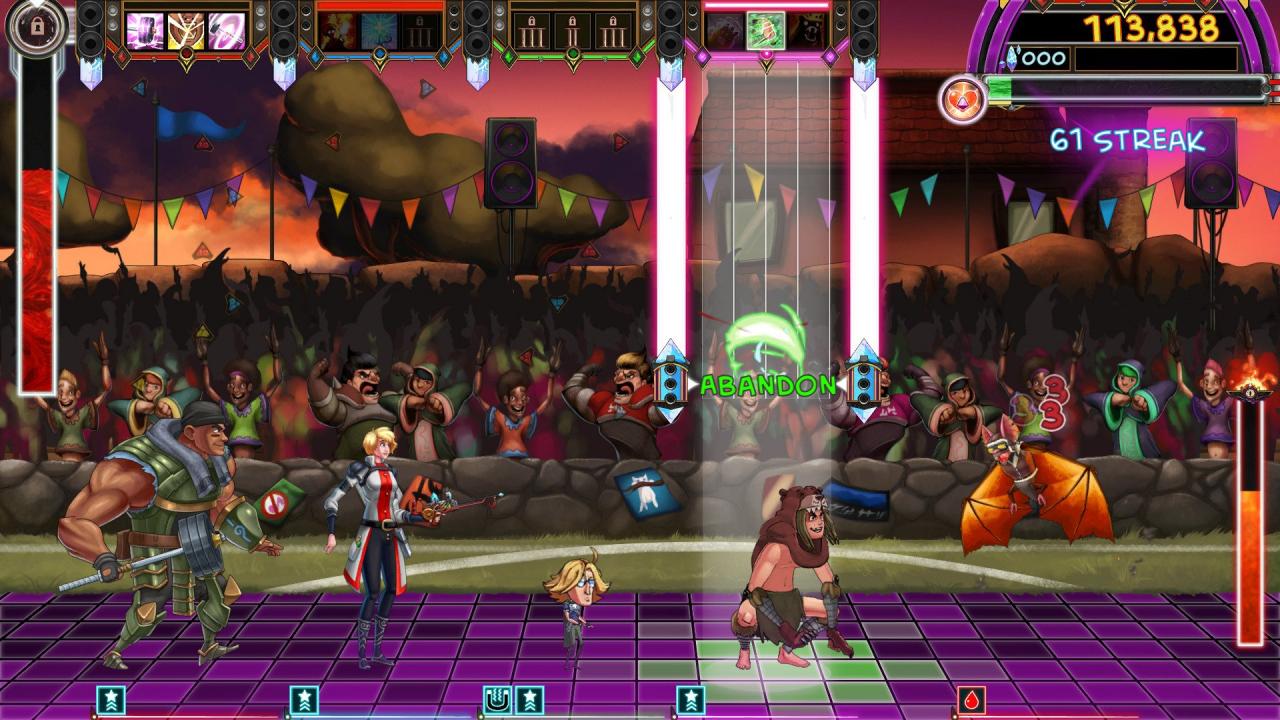
Three new songs, three new challenges, and three new awesome pieces of gear!Test your Metronomicon skill to the max with Chiptune Challenge Pack 2!First off, adopt a cute and cuddly Kewpie Clark and take on "Challenge" by ChronoWolf.Help the plushie survive to win an item for the most extreme of dance master.Then, try "Lazarus" by Dya to take on a gang of enemies at once, for the chance to empower Clark's Purify.What if Purify could make you immune too incoming debuffs? Finally, Popskyy's "ABXY" sets up a challenge with trouble aplenty, in the first challenge where you can get Meteor Attacked while having to dodge land mines!Survive the fight to power up Gruver's Big Pharm, making it affect even more heroes!All three songs are playable in both Freeplay and Challenge modes!

The Metronomicon - Chiptune Challenge Pack 2 DLC screenshotThe Metronomicon - Chiptune Challenge Pack 2 DLC screenshotThe Metronomicon - Chiptune Challenge Pack 2 DLC screenshot

How to redeem

  1. 1Check the required base game, platform and edition before purchasing.
  2. 2Find the code or supplier activation instructions in your confirmed order.
  3. 3Redeem on Steam using the supplied instructions, then install the add-on with the compatible base game.

Supplier instructions

Go to: http://store.steampowered.com/ and download STEAM client Click "Install Steam" (from the upper right corner) Install and start application, login with your Account name and Password (create one if you don't have). Please follow these instructions to activate a new retail purchase on Steam: Launch Steam and log into your Steam account. Click the Games Menu. Choose Activate a Product on Steam... Follow the onscreen instructions to complete the process. After successful code verification go to the "MY GAMES" tab and start downloading.

You might also like