

SteamGlobal· Key
God Of Arrows VR
€0.99
+€0.10 cashback eligibility in Relic Coins
Check before you play
- Platform
- Steam
- Region
- Global
- Product type
- Key
- Supplier release date
- 2016-11-03
- Genres
- Action, Simulation, Indie, Casual, VR Games
SteamGlobal· Key
€0.99
+€0.10 cashback eligibility in Relic Coins
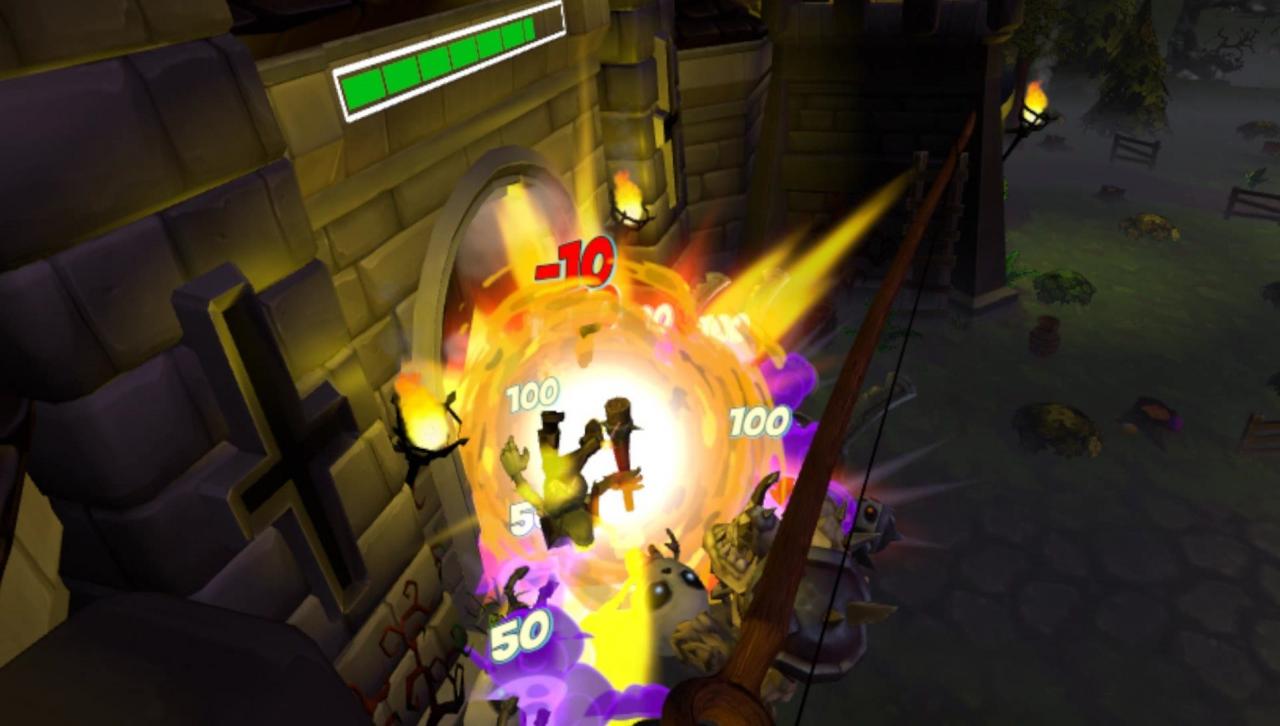
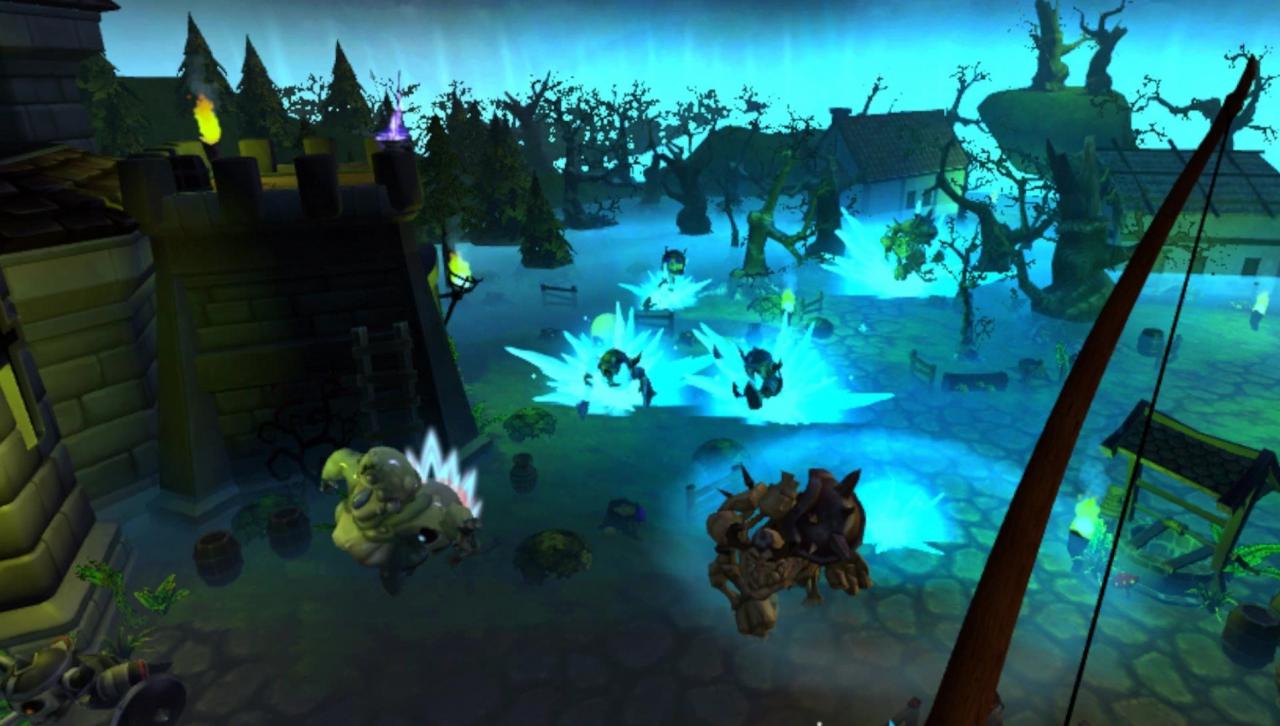
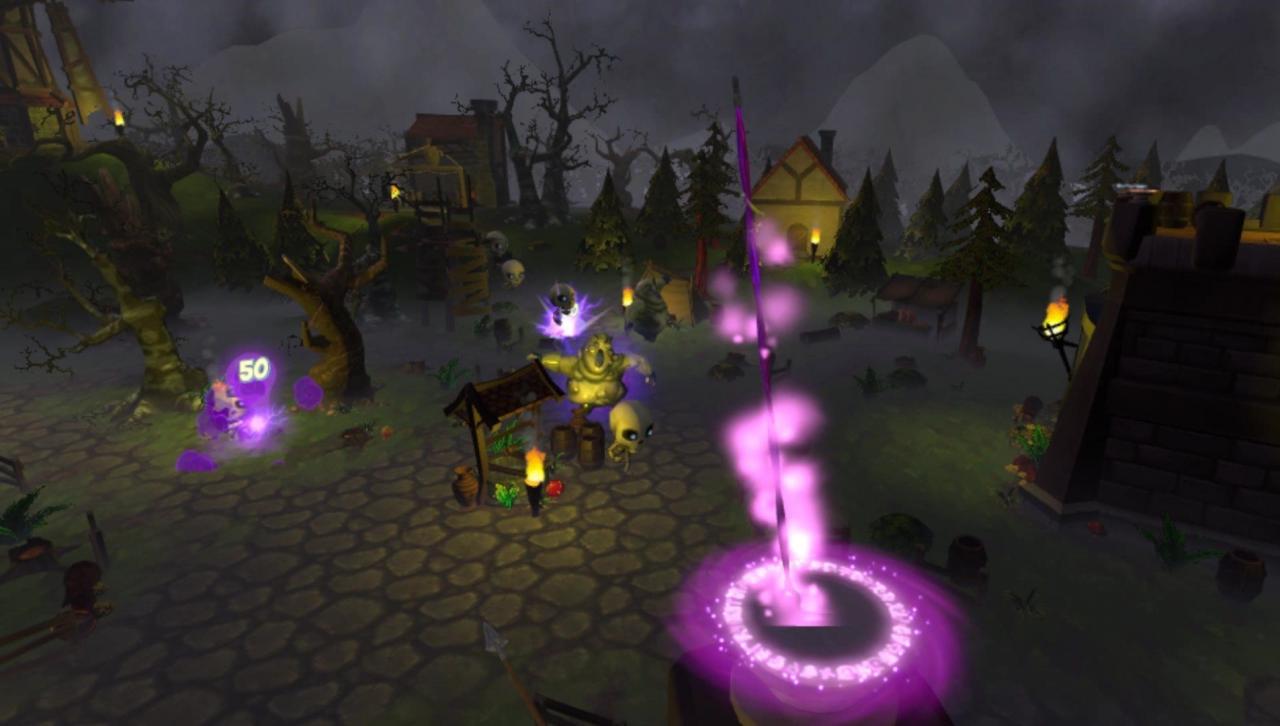
God of Arrows is a Virtual Reality tower defense game where you take the role of an archer defending a castle against the forces of evil with some help from the gods. Play solo to fight through endless waves of monsters and compete in an online leaderboard to showcase your skills as the best defender. The game is currently only available for the HTC: VIVE. And will be released as an early access game with tons of features still in development. In God of Arrows VR, you take on the role of an archer defending from atop a tower as you fight through incoming waves of skeletons and demons trying to breach your gate. You start with using only the basic arrows available to you and eventually get assisted by the gods with elemental empowered arrows (Fire / Ice / Thunder / Arcane). Each of those arrows have particular abilities that will help you take down even the strongest of foes. Features Action fast paced VR Bow and Arrows targeting: Immerse yourself as an arcane archer! 8 Different enemies with unique mechanics. Enemy path variation to avoid repetitive behavior. Teleport to different towers to get a new vantage point over the battlefield! 4 Unique elemental arrows to overcome your enemies! A fully integrated Steam leaderboard to compete with your friends over who is the best defender! Environmental destructibles to occupy yourself between the waves. Be in constant movement to aim at your targets and avoid incoming threats! Oculus Rift with Oculus Touch support.


Go to: http://store.steampowered.com/ and download STEAM client Click "Install Steam" (from the upper right corner) Install and start application, login with your Account name and Password (create one if you don't have). Please follow these instructions to activate a new retail purchase on Steam: Launch Steam and log into your Steam account. Click the Games Menu. Choose Activate a Product on Steam... Follow the onscreen instructions to complete the process. After successful code verification go to the "MY GAMES" tab and start downloading.