Get 10% back in Relic Coins on every order
The Day I Died cover

SteamGlobal· Key

The Day I Died

€3.77

+€0.38 cashback eligibility in Relic Coins

Check before you play

Platform
Steam
Region
Global
Product type
Key
Developer
Mark Kondor
Publisher
bit Gimmicks
Supplier release date
2018-05-10
Genres
Action, Adventure, Indie, Casual

About this product

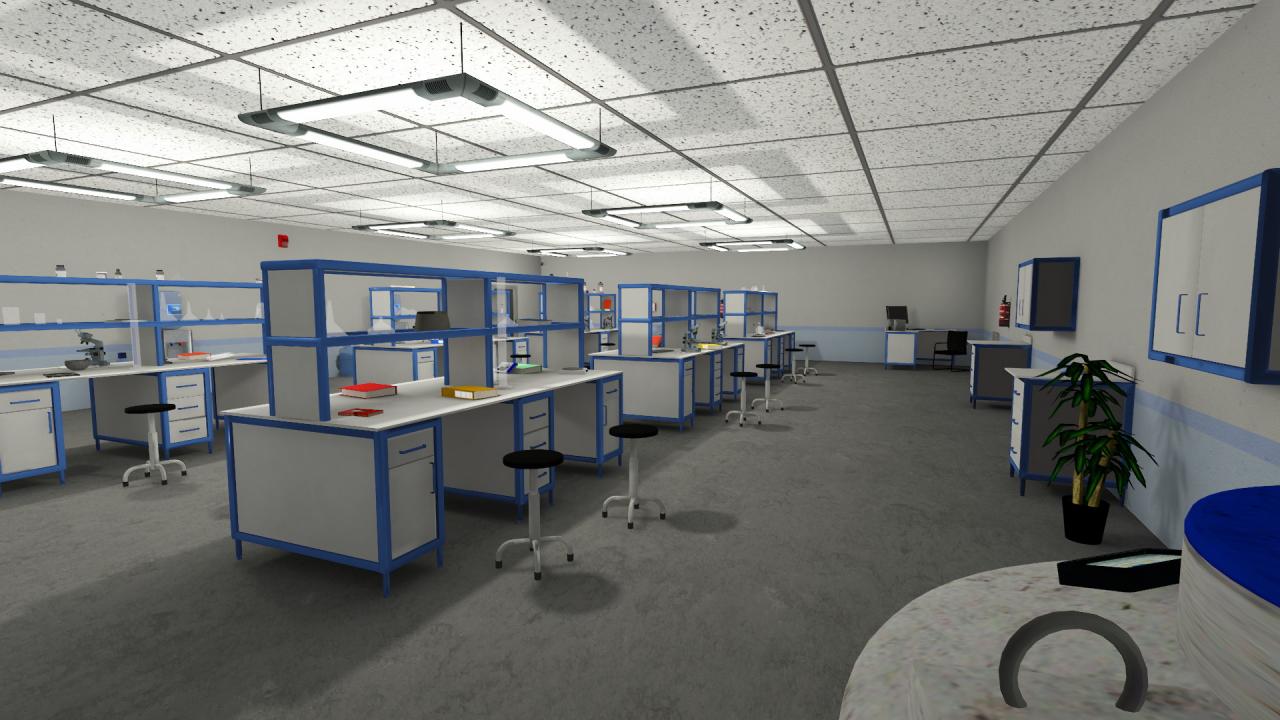
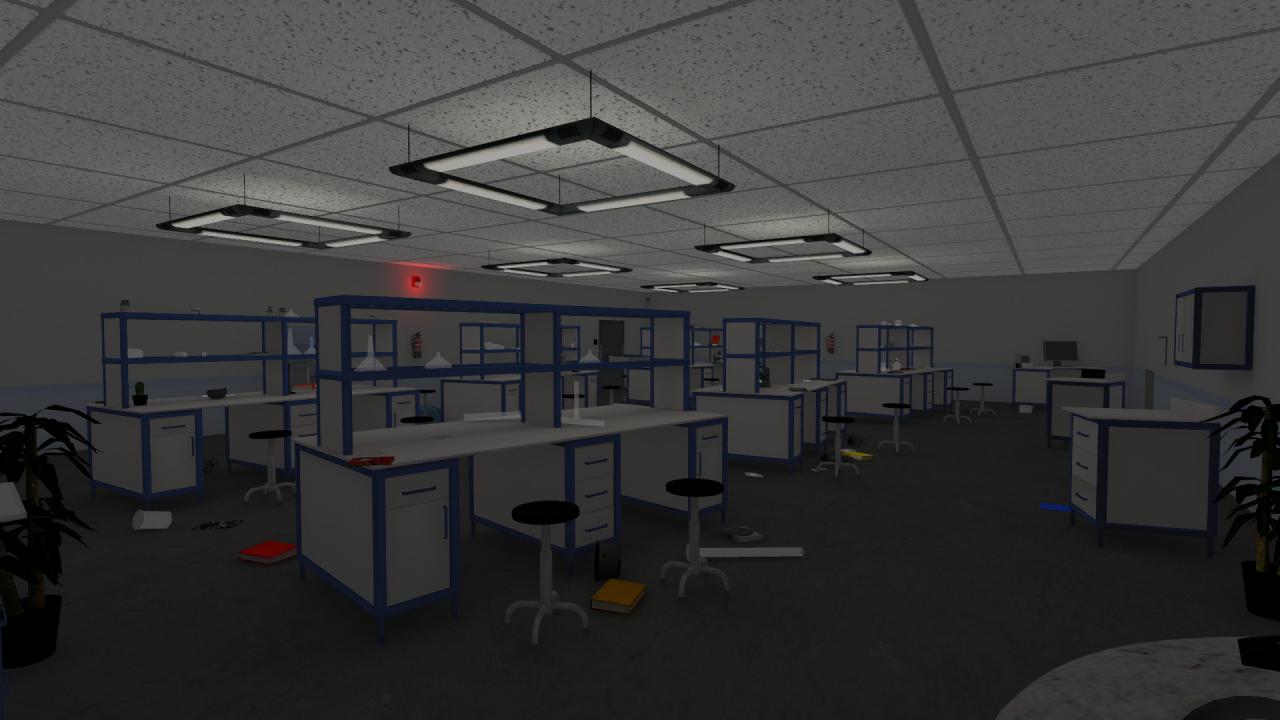
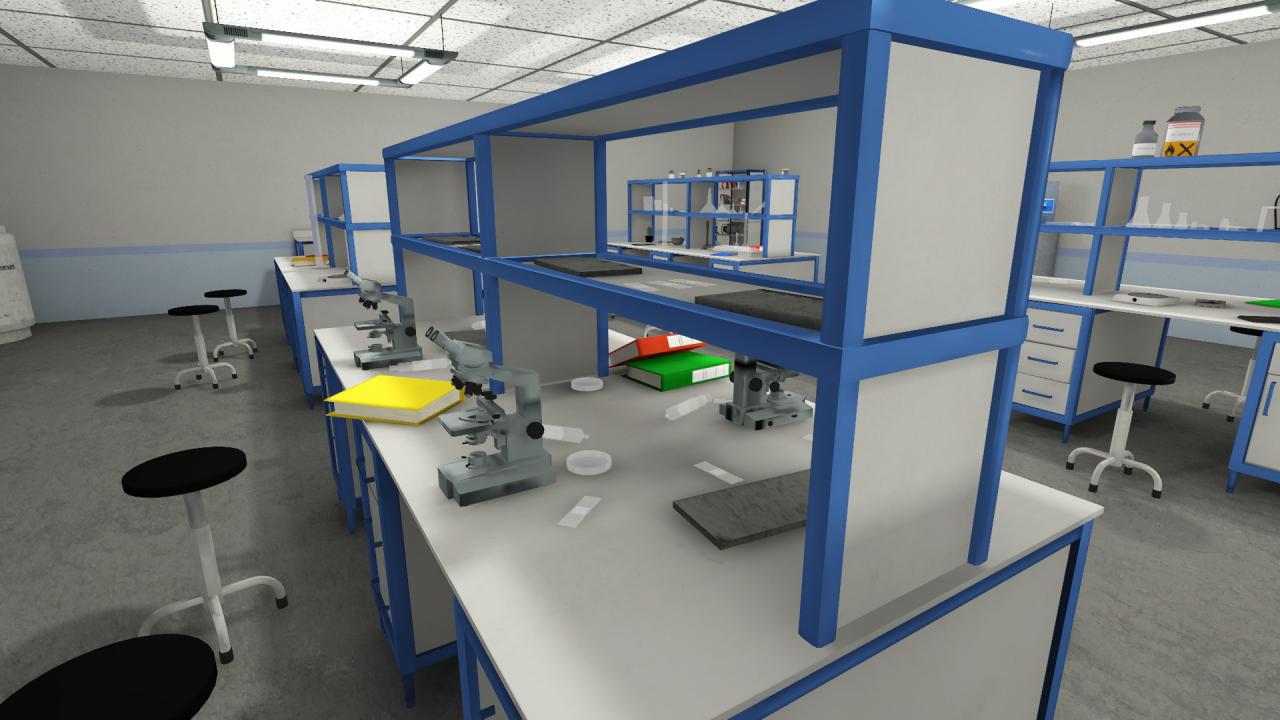
The Day I Died is a first-person storytelling game with light puzzle and zombie melee fight elements. Your goal is to find a way out of the lab where you have been trapped. The game is about to experience a story, the last day alive of the protagonist (you), via discovering the play area, solving puzzles on the way and having a few fights versus zombies. You can level both combats and puzzles based on your preference, make them easy or more challenging. Features Interact with the environment to find out what's going on, and how your day -and your life- ends Solve puzzles to progress Defeat zombies in light (easy) melee combat Level both fighting and puzzles as you wish: set combat difficulty and decide if you wish to reveal hints for solving tasks; (hints are grouped based on the level of help they give: suggestions, recommendations or the exact solution to a problem) The estimated play time is 2-4 hours, depending on your pace, attitude and routine in the genre The game saves your progress automatically, you don't have to worry about that Trading Cards are ready for the game and will come as soon as the game is marked eligible by Valve

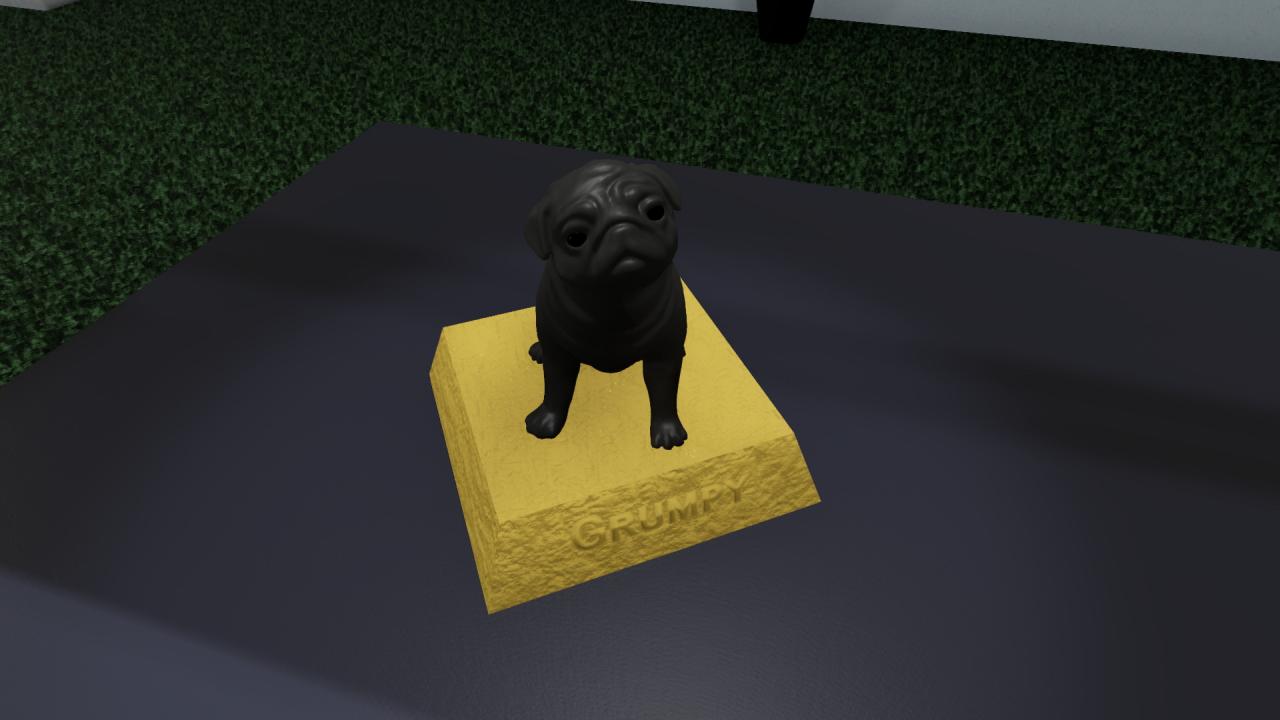
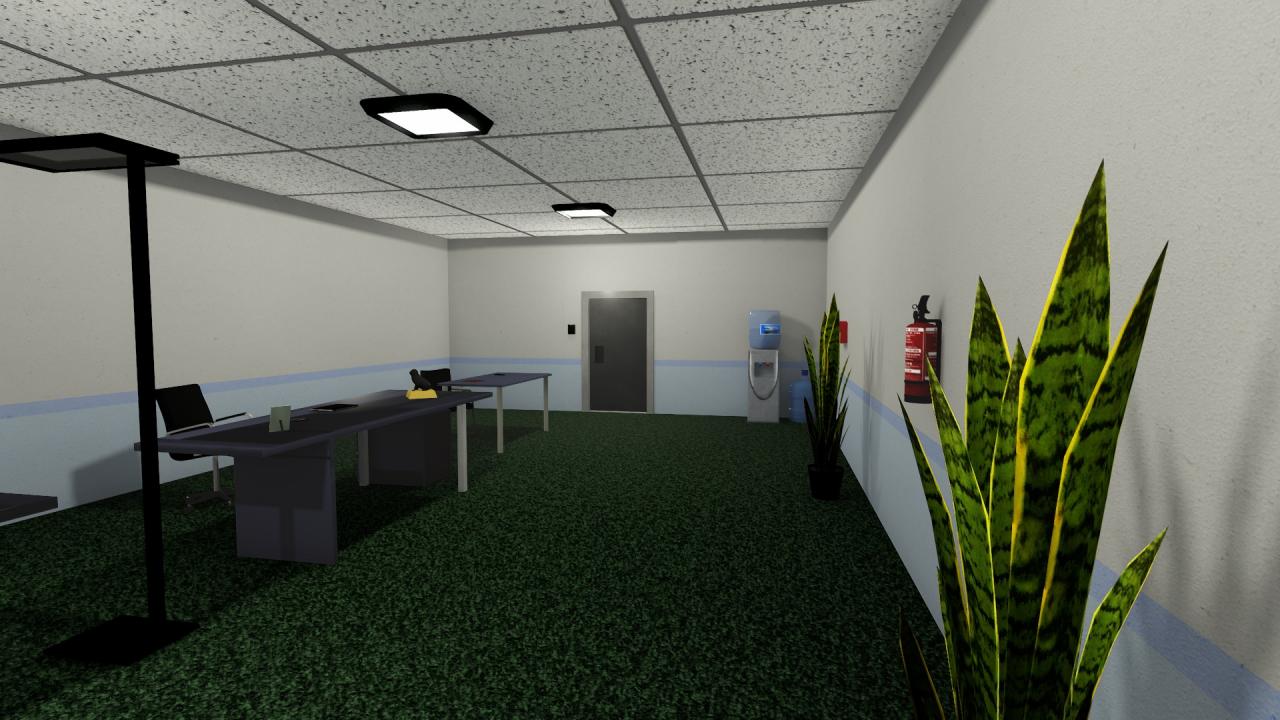
The Day I Died screenshotThe Day I Died screenshotThe Day I Died screenshotThe Day I Died screenshotThe Day I Died screenshot

How to redeem

  1. 1Check your Steam account and the listed region before purchasing.
  2. 2Find your code and supplier activation instructions in your confirmed order.
  3. 3Open the redeem-code section on Steam, enter the code and follow the platform’s prompts.

Supplier instructions

Go to: http://store.steampowered.com/ and download STEAM client Click "Install Steam" (from the upper right corner) Install and start application, login with your Account name and Password (create one if you don't have). Please follow these instructions to activate a new retail purchase on Steam: Launch Steam and log into your Steam account. Click the Games Menu. Choose Activate a Product on Steam... Follow the onscreen instructions to complete the process. After successful code verification go to the "MY GAMES" tab and start downloading.

You might also like