Get 10% back in Relic Coins on every order
Above: The Fallen cover

SteamGlobal· Key

Above: The Fallen

€1.58

+€0.16 cashback eligibility in Relic Coins

Check before you play

Platform
Steam
Region
Global
Product type
Key
Developer
FairPlay Studios
Publisher
FairPlay Studios
Supplier release date
2017-09-19
Genres
Adventure, Indie

About this product

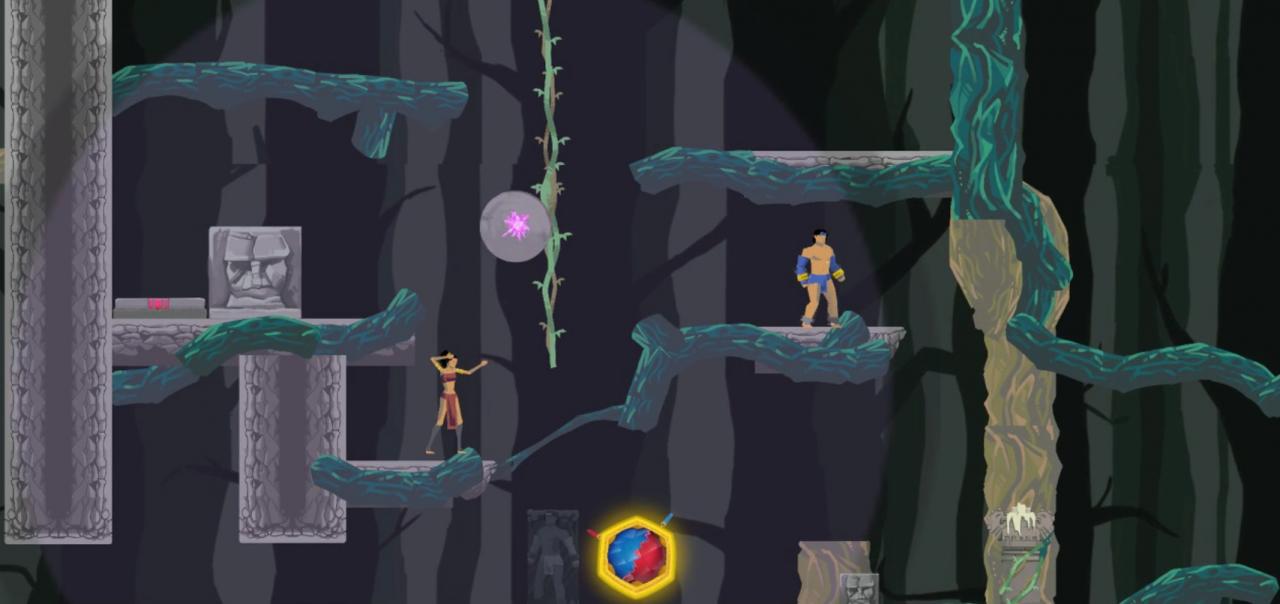
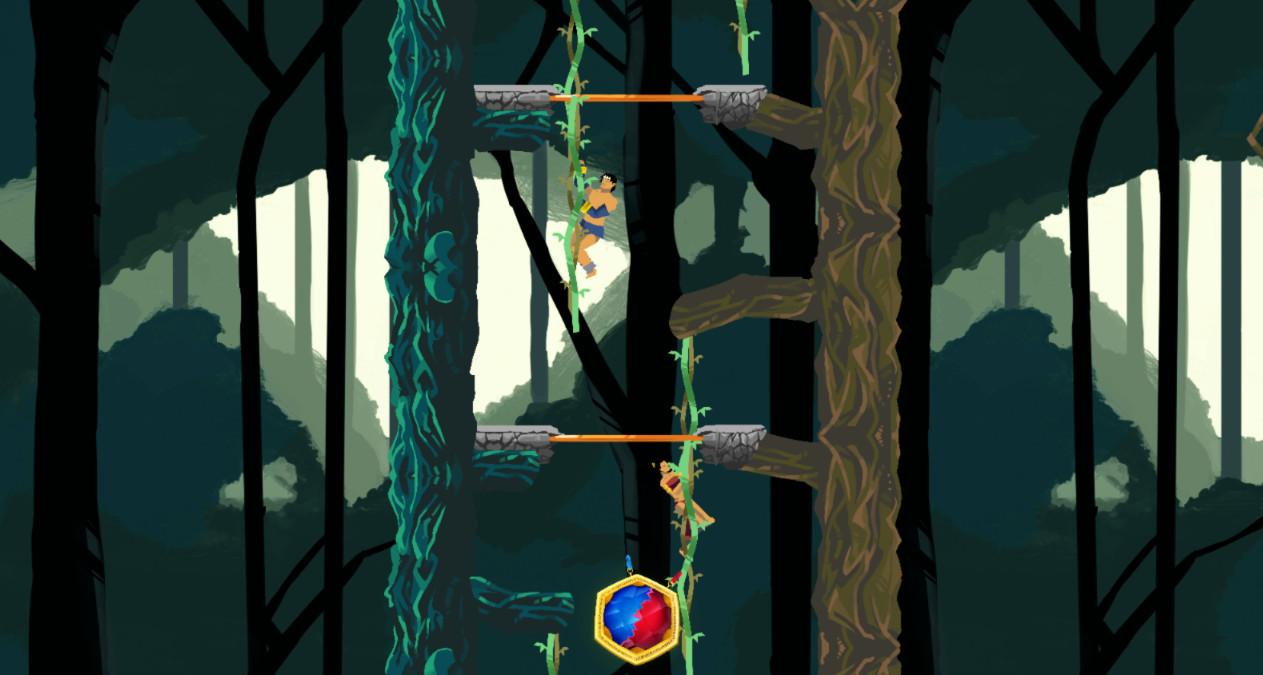
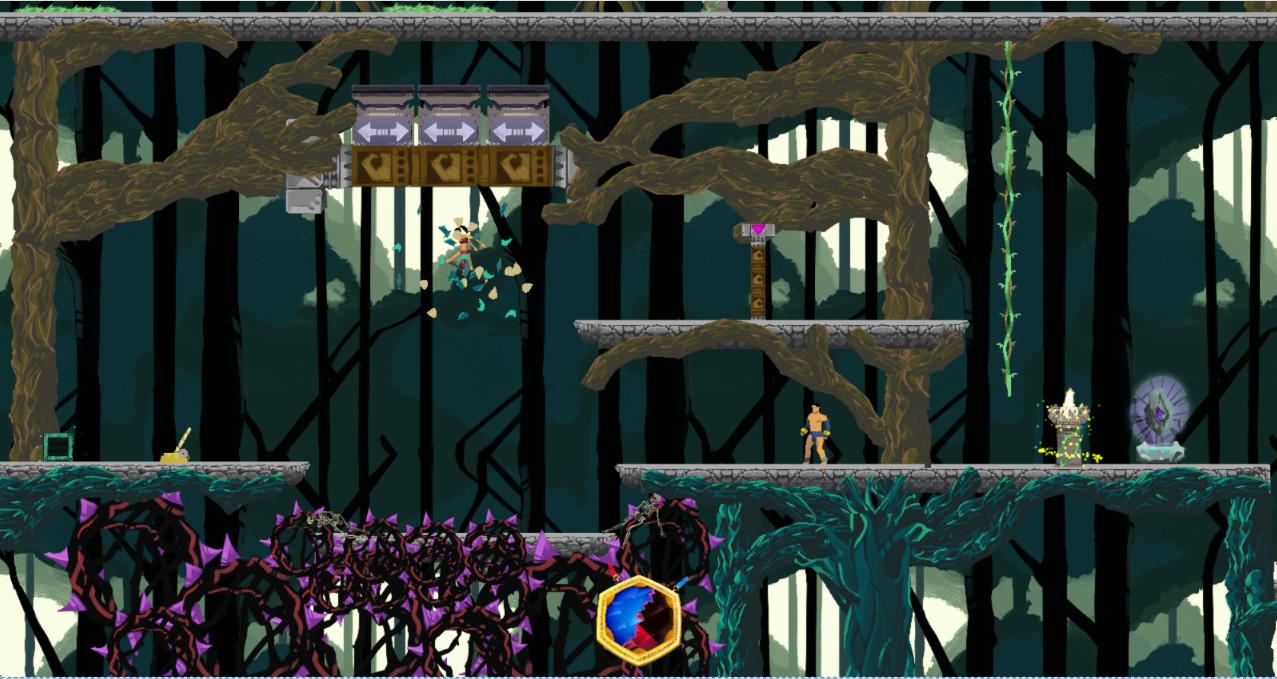
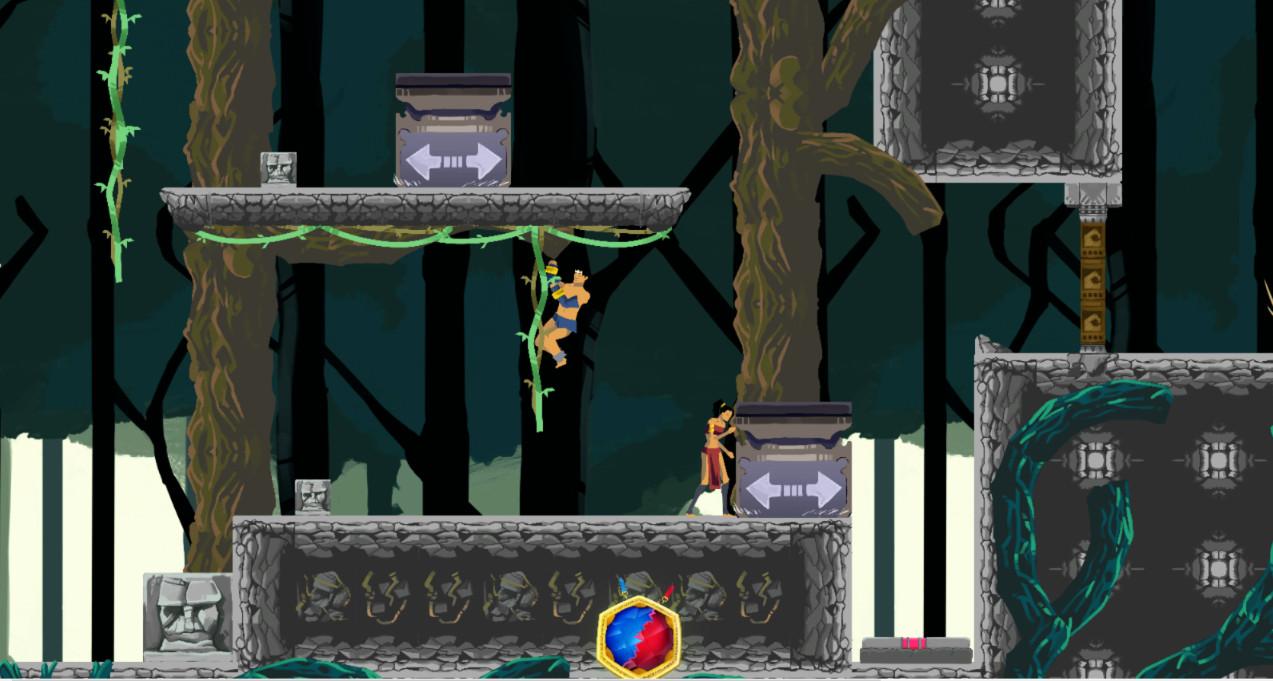
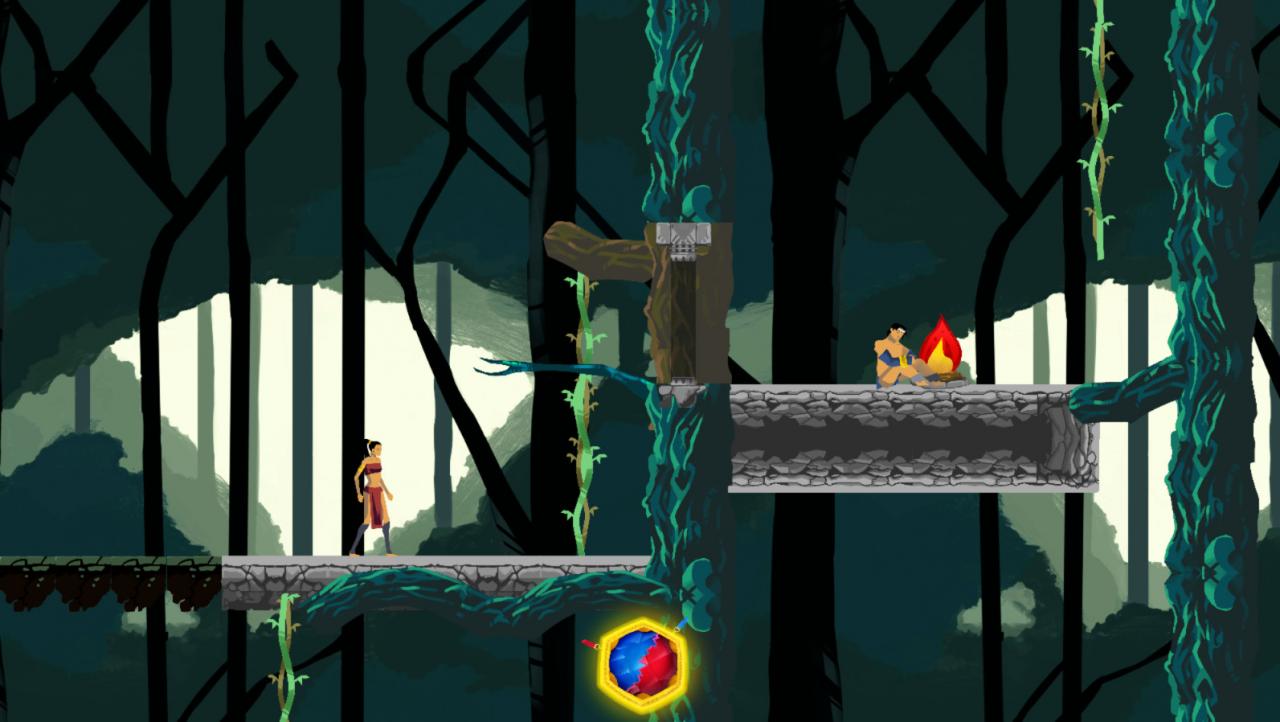
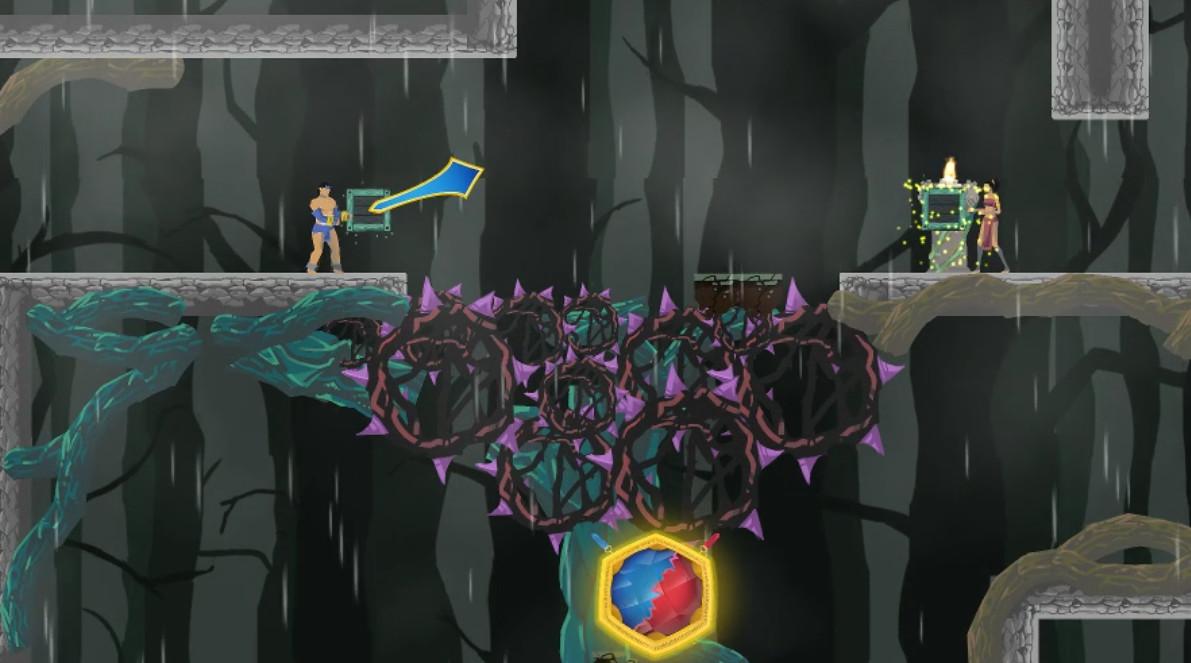
Above: The Fallen is a 2D side-scrolling, puzzle - platformer game that is centered around travelling upwards instead of to the left or right. The goal is to climb the trees of an ancient and mystical forest in order to break through the canopy. You must manipulate two main characters at the same time throughout the game, solve puzzles, and avoid the hazards of this dark forest. Mankind has been driven from their homes among the trees by the Night King, a nightmarish beast whose origin has been lost to time. Now, man lives in the dirt, fearing the moments the Night King leaves his roost to prey upon their vulnerable forms. Every generation the elders send a young couple out into the world to find a new home for their people where they need not fear the relentless hunger of the Night King. Every generation these journeys have failed. This time however, the young couple has decided to ascend into the trees and reclaim their ancestral home instead of fleeing into the darkness. Can they rise above?

Above: The Fallen screenshotAbove: The Fallen screenshotAbove: The Fallen screenshotAbove: The Fallen screenshotAbove: The Fallen screenshotAbove: The Fallen screenshot

How to redeem

  1. 1Check your Steam account and the listed region before purchasing.
  2. 2Find your code and supplier activation instructions in your confirmed order.
  3. 3Open the redeem-code section on Steam, enter the code and follow the platform’s prompts.

Supplier instructions

Go to: http://store.steampowered.com/ and download STEAM client Click "Install Steam" (from the upper right corner) Install and start application, login with your Account name and Password (create one if you don't have). Please follow these instructions to activate a new retail purchase on Steam: Launch Steam and log into your Steam account. Click the Games Menu. Choose Activate a Product on Steam... Follow the onscreen instructions to complete the process. After successful code verification go to the "MY GAMES" tab and start downloading.

You might also like