

SteamGlobal· Key
Hide and go boom
€1.31
+€0.13 cashback eligibility in Relic Coins
Check before you play
- Platform
- Steam
- Region
- Global
- Product type
- Key
- Supplier release date
- 2018-02-17
- Genres
- Action, Indie, Casual
SteamGlobal· Key
€1.31
+€0.13 cashback eligibility in Relic Coins
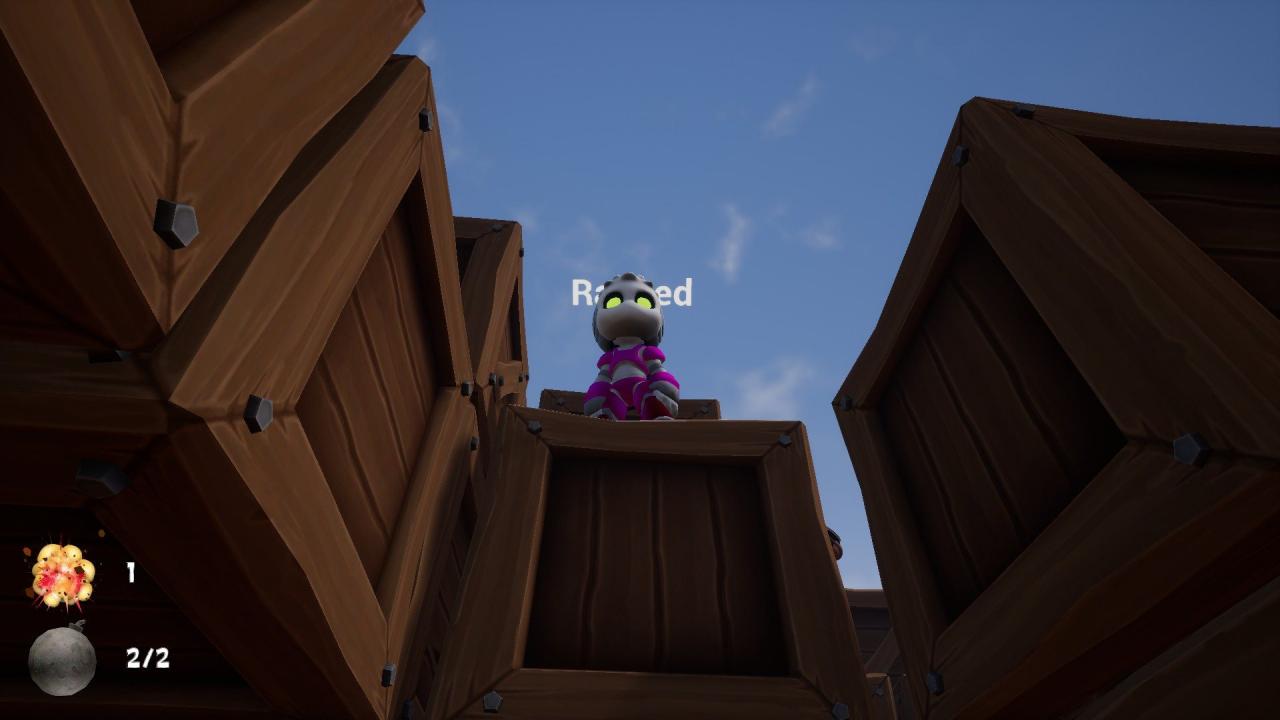
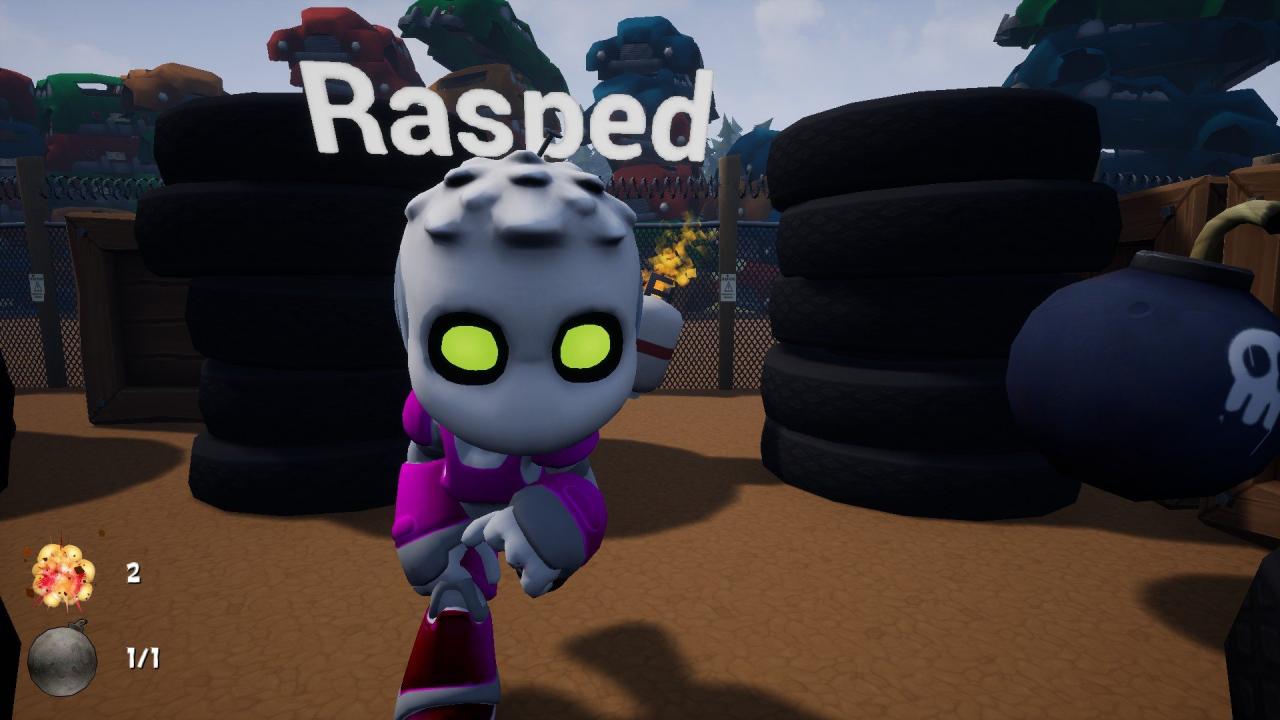
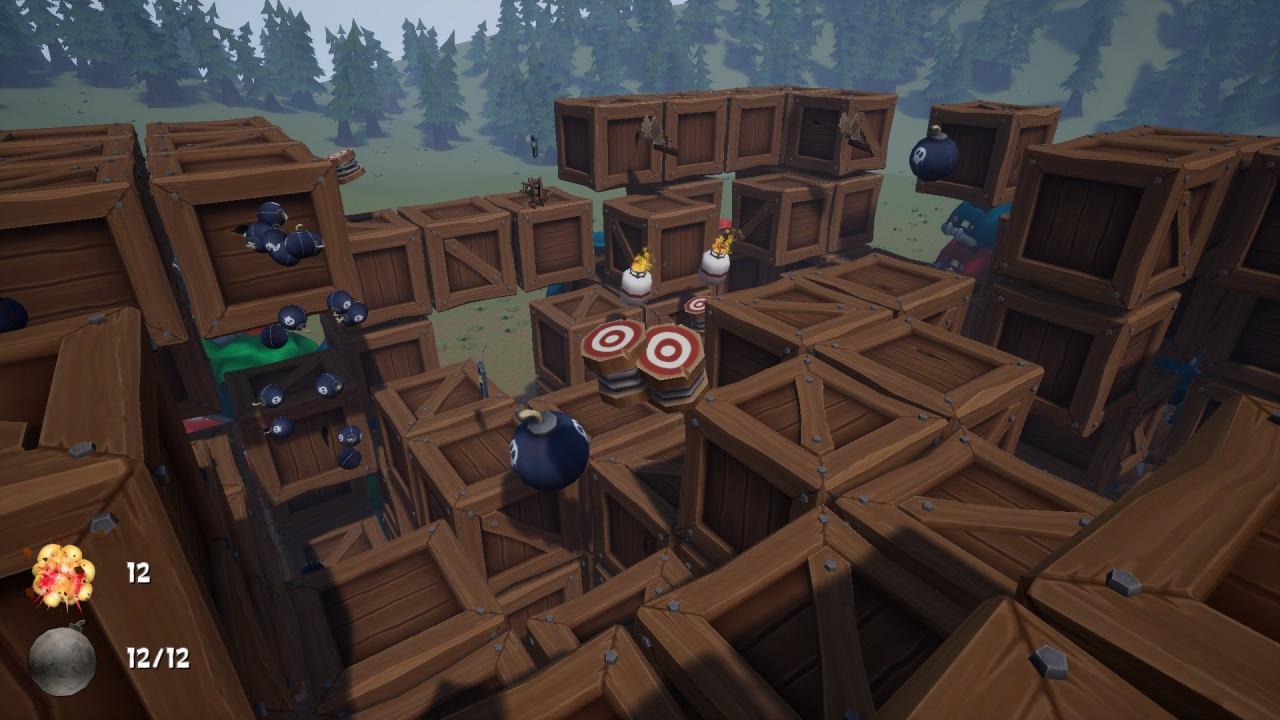
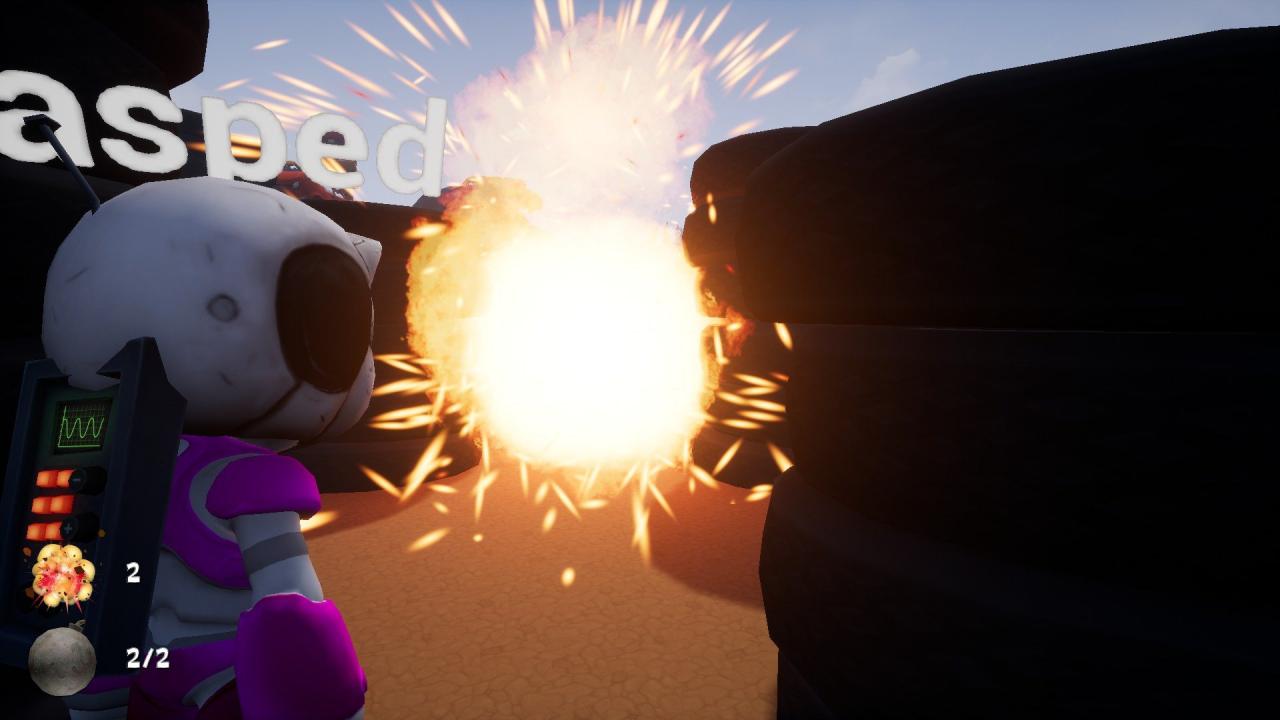
Back in 1983 Hudson Soft and Konami released Bomberman (in Europe known as Dynablaster).Hide and go boom is a modern take on that classic game. With more than one twist.Play with your friends either on split screen or over the internet.Run around in a maze, drop bombs to destroy the boxes and collect the powerups.Avoid being killed by your enemies or your own stupidity. Playing in insanity mode, the latter is harder than the former.Playing much like the original, Hide and go Boom adds its own twists to the game.Instead of the birds eye view, you now enjoy a first person view of the action. Features Gameplay Drop bombs to destroy crates or enemies Block in your opponents with your bombs Strategically place bombs above or below enemies and hit them from an angle they don't expect Explore the junkyard after you collect the jump buffs 2 distinct levels that offer very different experiences (more levels to come) Powerups Extra bombs More powerful explosions Remote control Extra speed Extra jump Extra jump strength One jump limit Limited jump strength Involuntary bomb dropping Planned powerups, not in the game yet Short fuse Jetpack Invulnerability Timewarp


Go to: http://store.steampowered.com/ and download STEAM client Click "Install Steam" (from the upper right corner) Install and start application, login with your Account name and Password (create one if you don't have). Please follow these instructions to activate a new retail purchase on Steam: Launch Steam and log into your Steam account. Click the Games Menu. Choose Activate a Product on Steam... Follow the onscreen instructions to complete the process. After successful code verification go to the "MY GAMES" tab and start downloading.