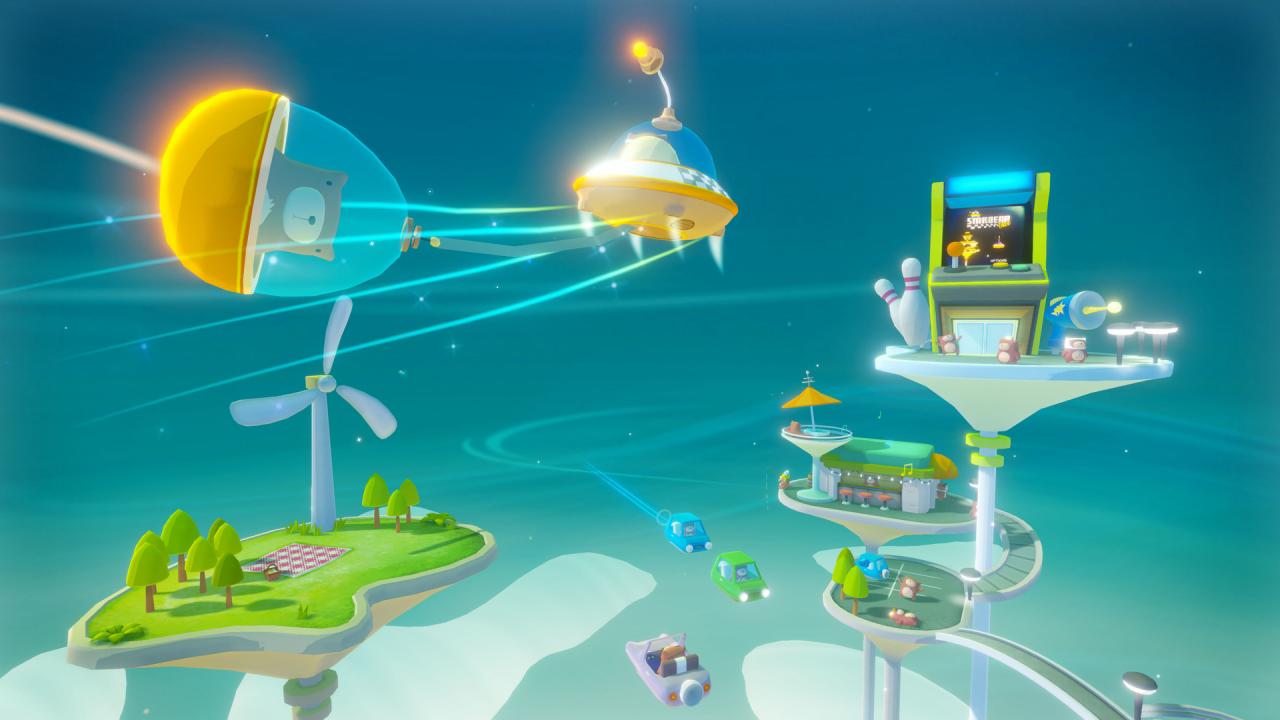
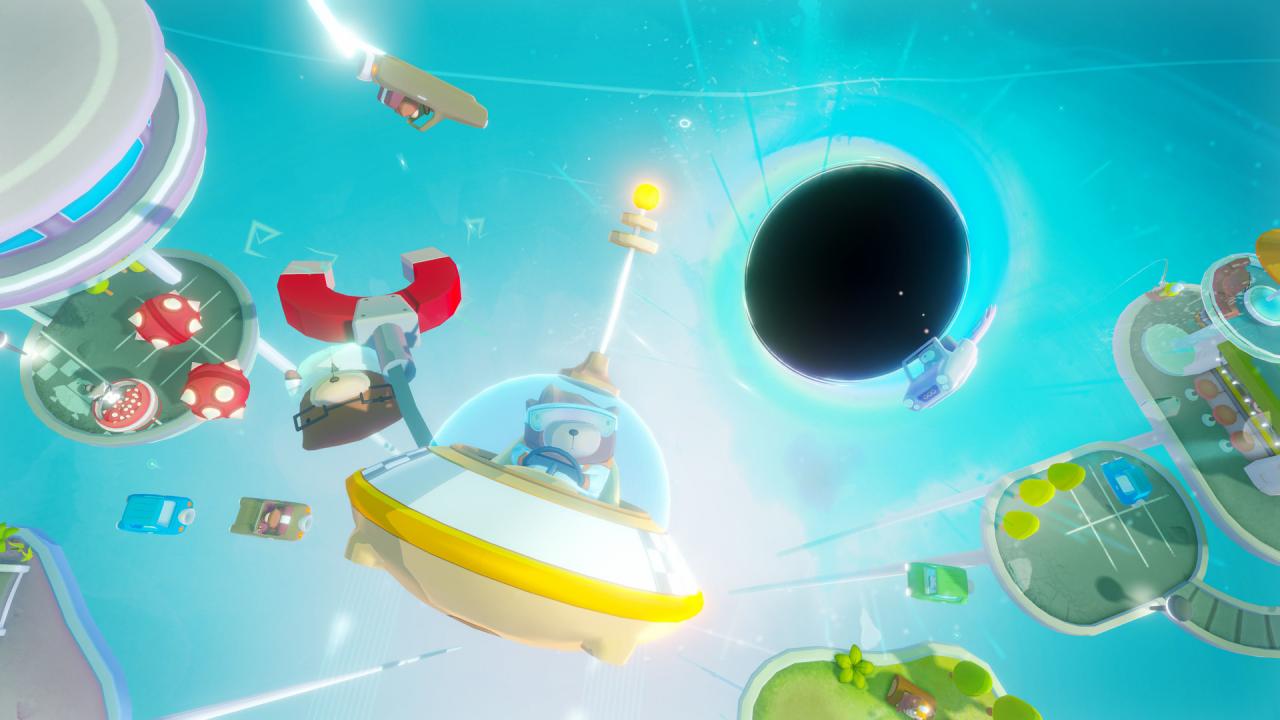
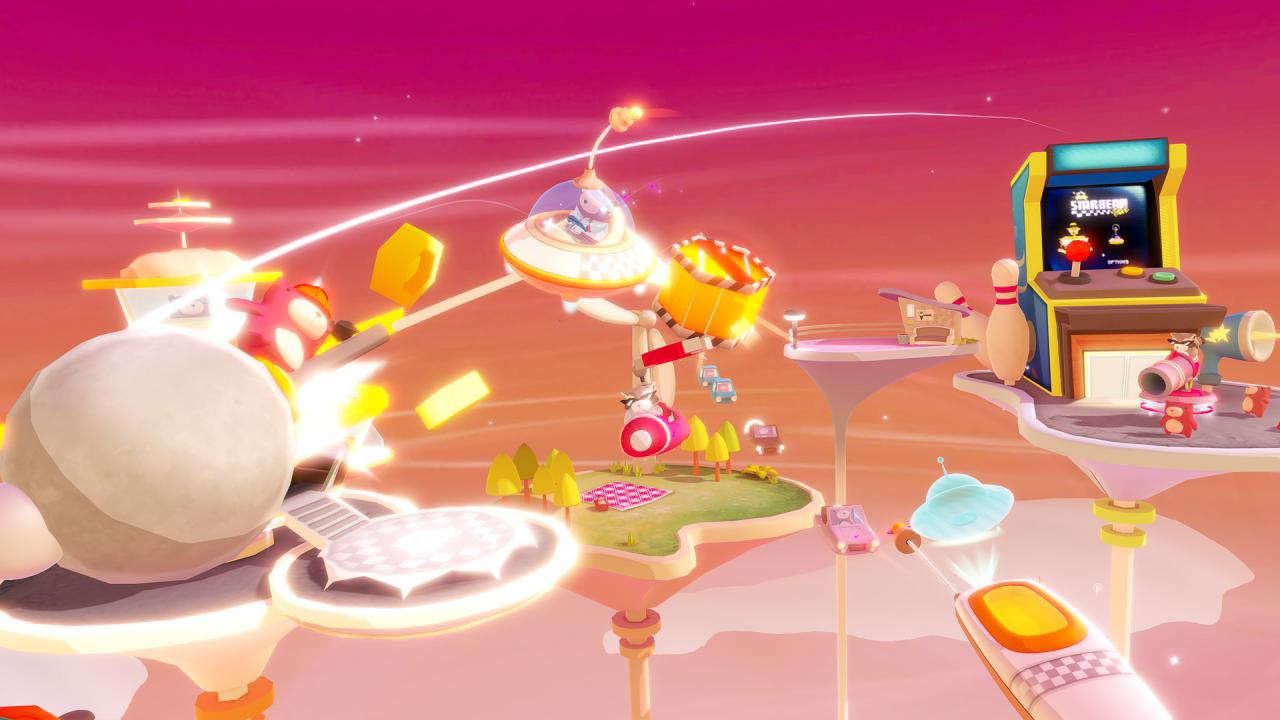
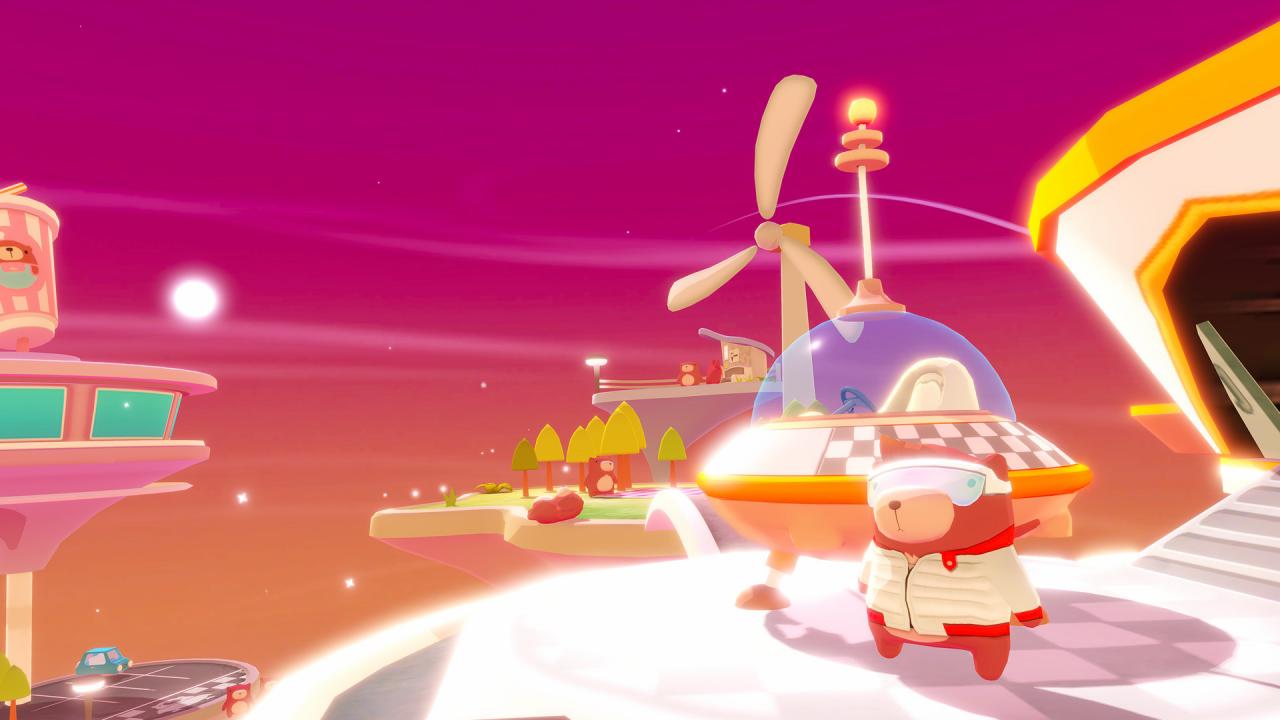
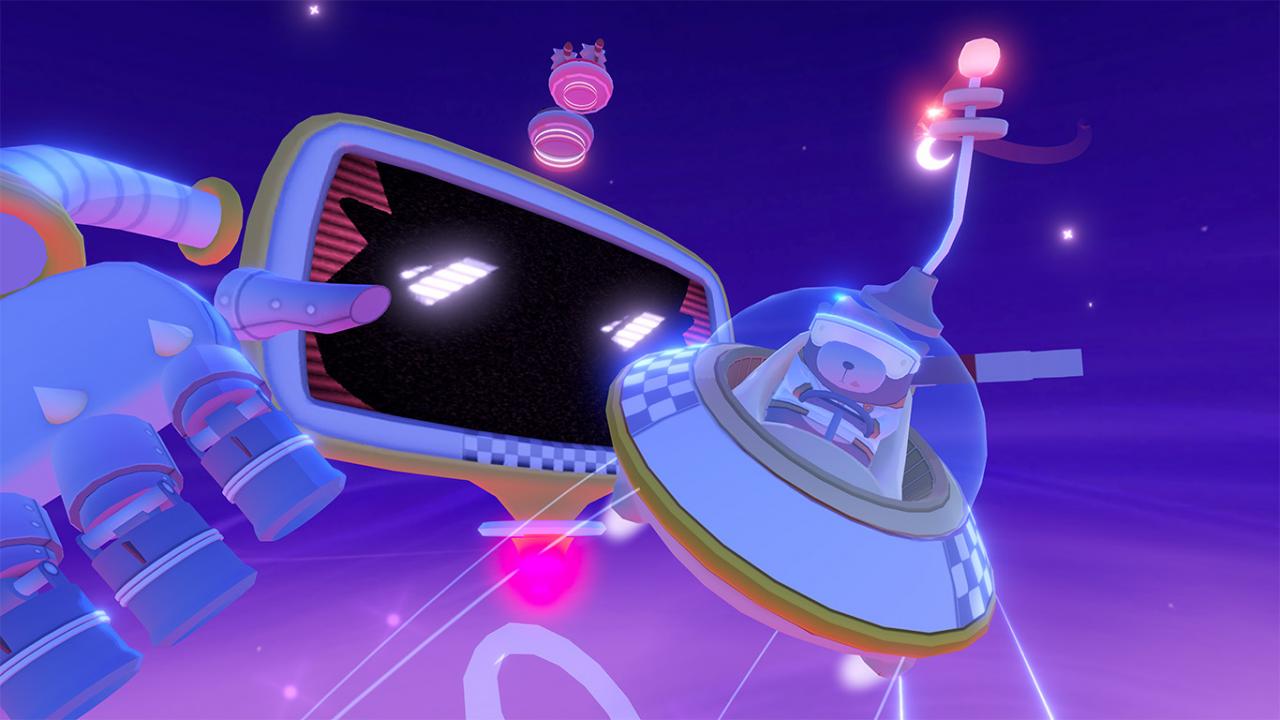
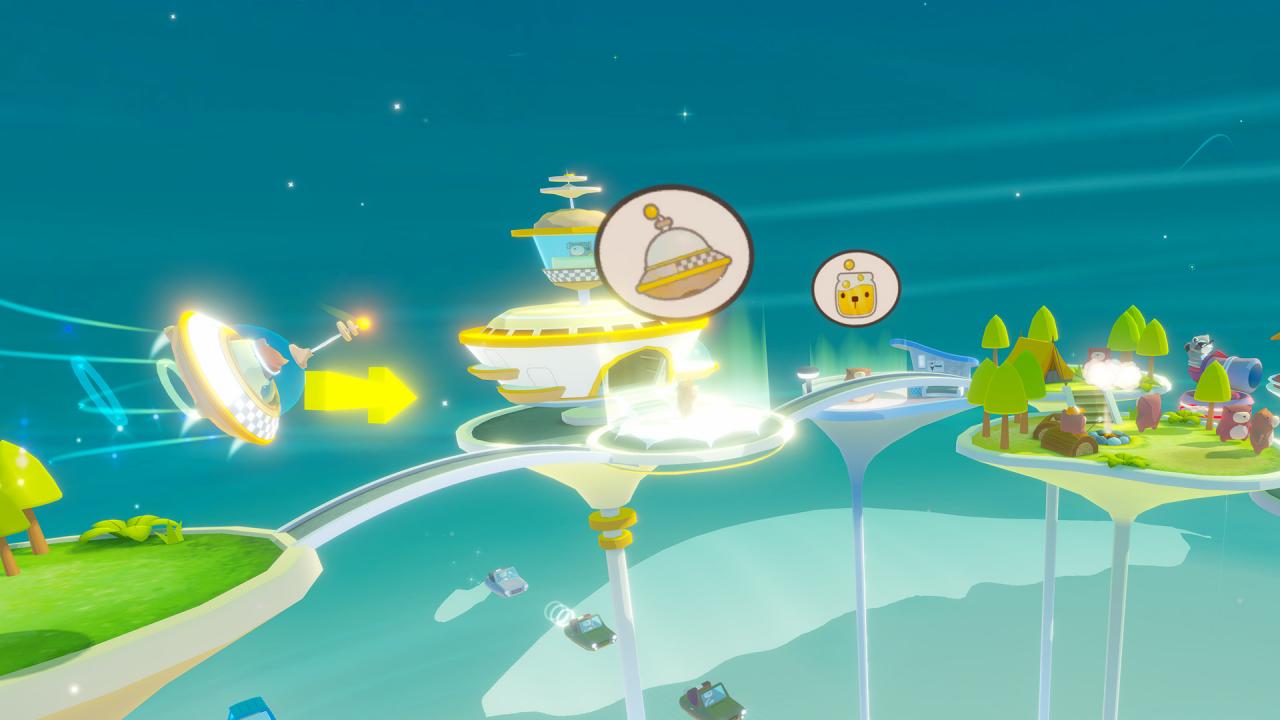
Race bear passengers around a futuristic city in this fast-paced VR arcade game!3064 A.D. Fresh out of “hibearnation" (aka unemployment), Starbear is a mammal on a mission: to deliver as many busy bears to their desired destinations as possible, avoiding pesky raccoon bandits along the way. Featuring a novel VR-native RC flight-control system, you gain precise control over your space taxi, with a custom aerodynamics model that allows your flight skills to shine. ‘Starbear: Taxi’ is a fresh new title from Funktronic Labs, developers of award-winning titles Cosmic Trip and Nova-111. Features CHAUFFEUR BEARS - Taxi as many passengers to their destination as possible before the clock runs out! AVOID & CLEAR OBSTACLES - Watch out for bandit raccoons - they’re sneaky and out to get ya! EARN THE HIGHEST SCORE - Collect the most honeycombs - aim to be impawsible to beat! Immersive VR gameplay - Built natively/exclusively for VR, this action-packed fast-paced taxi gameplay will keep any gamer engaged! Fun VR controls - natural physics-based RC flight controls with both 6DOF & 3DOF input Charming art design - featuring custom cartoony graphics technology Replayable - Fun replayable “arcade” experience is always fresh during every “run” and keeps you coming back for more! ♫ Dynamic soundtrack ♫ - Music suited to your playstyle Leaderboards - who among you & your friends will have the beary best score?