
SteamGlobal· Key
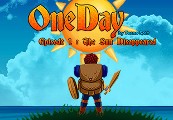
One Day : The Sun Disappeared
€0.44
+€0.04 cashback eligibility in Relic Coins
Check before you play
- Platform
- Steam
- Region
- Global
- Product type
- Key
- Supplier release date
- 2018-08-26
- Genres
- Action, Adventure, RPG
SteamGlobal· Key
€0.44
+€0.04 cashback eligibility in Relic Coins
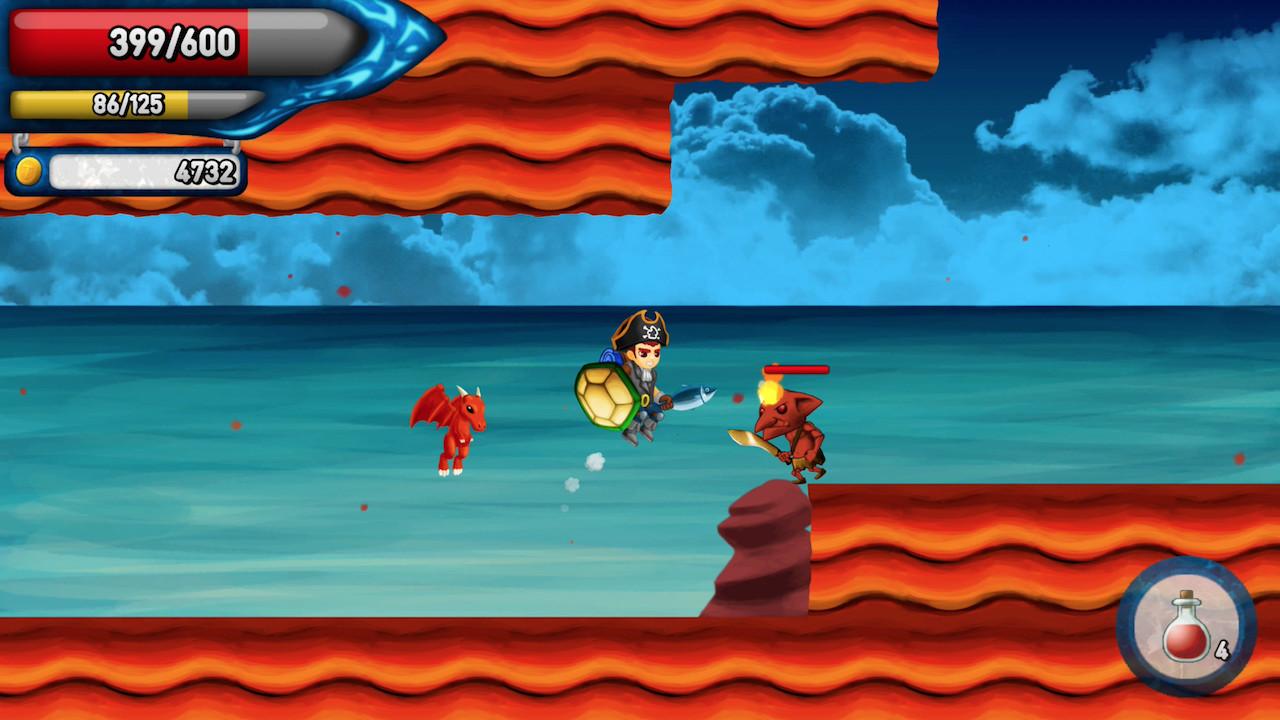
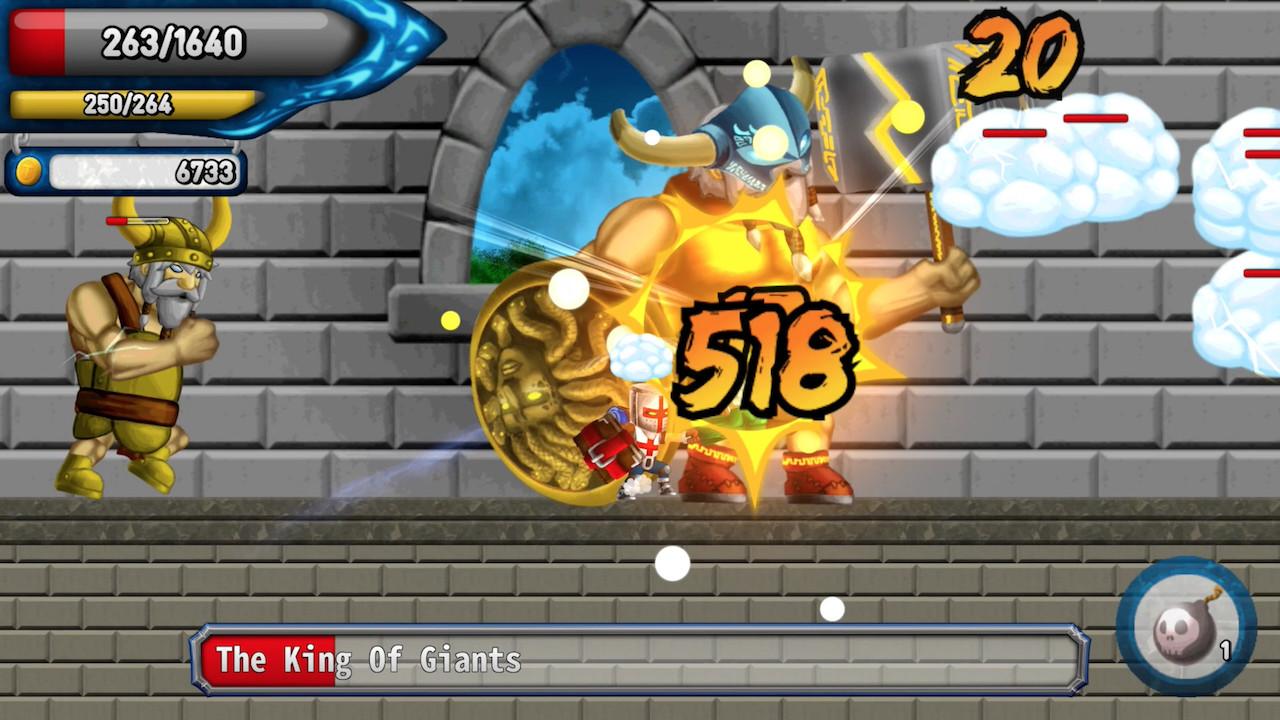
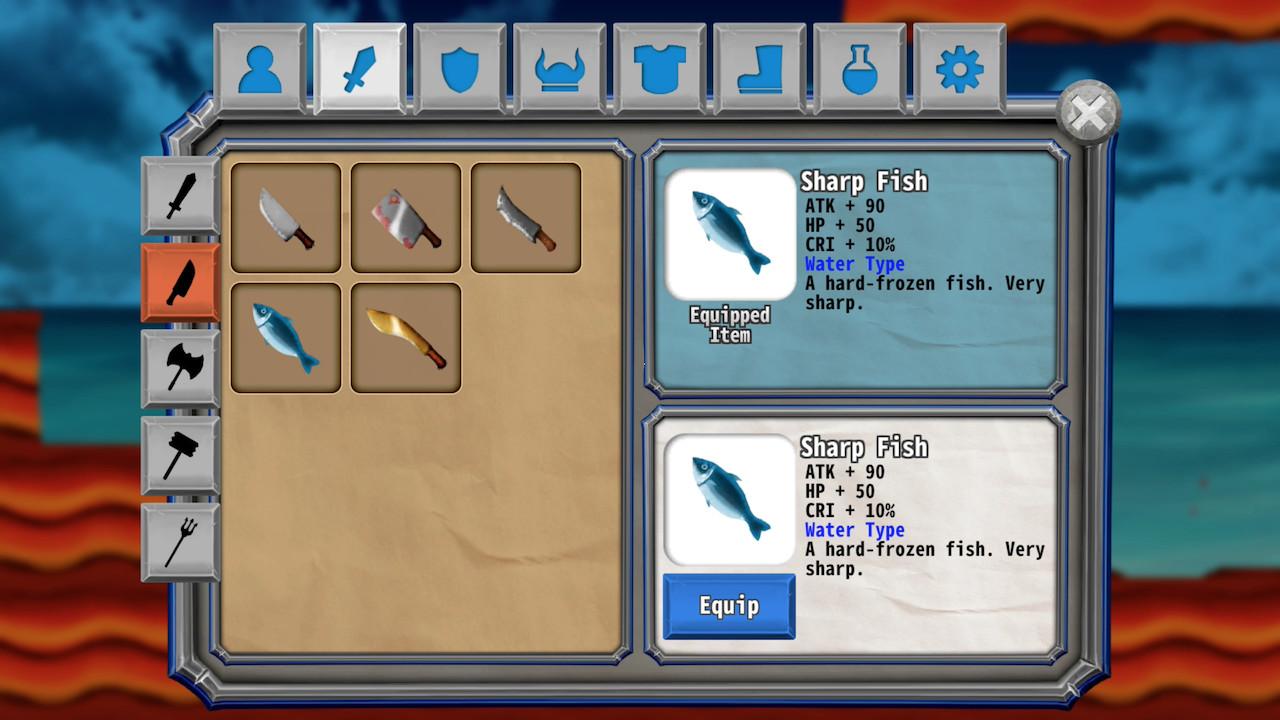
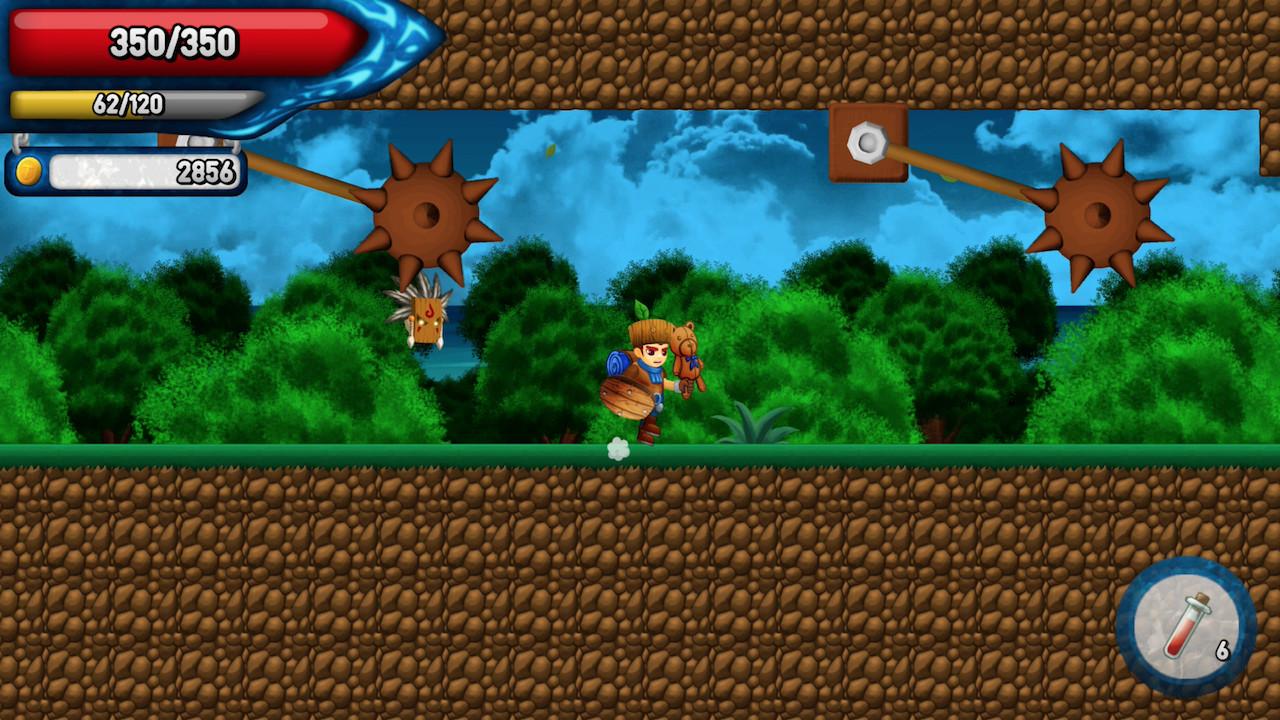
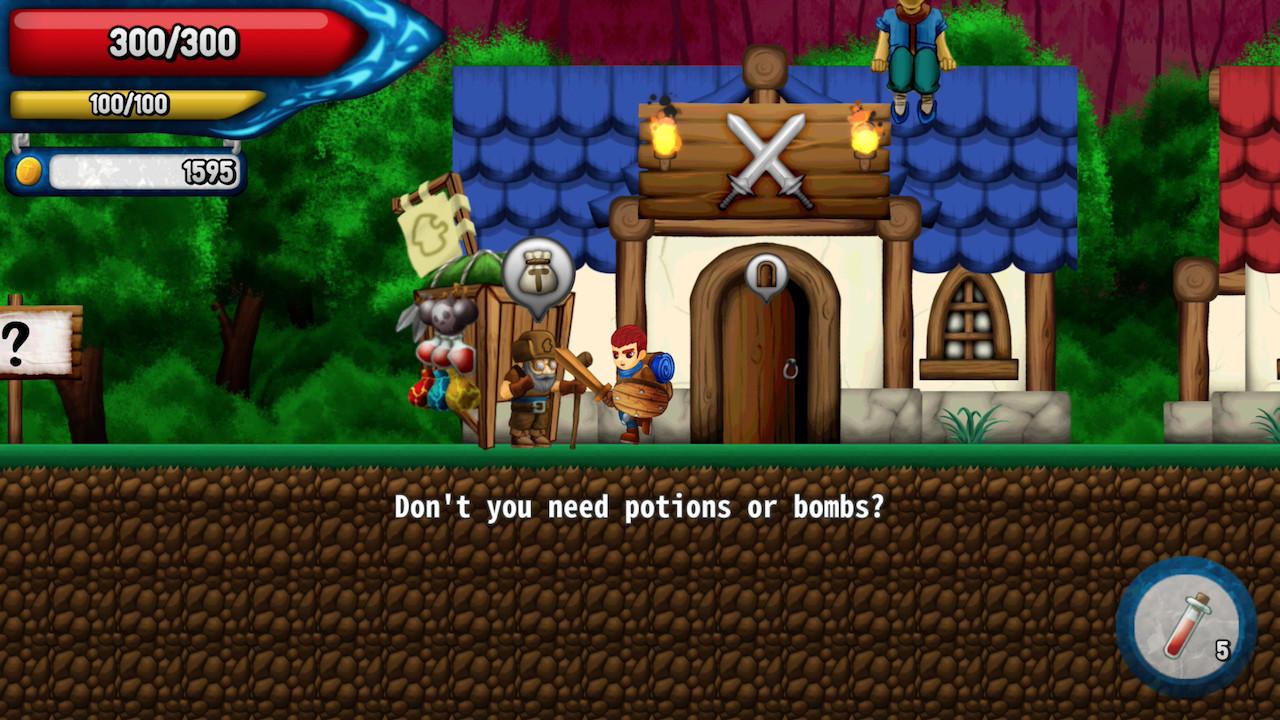
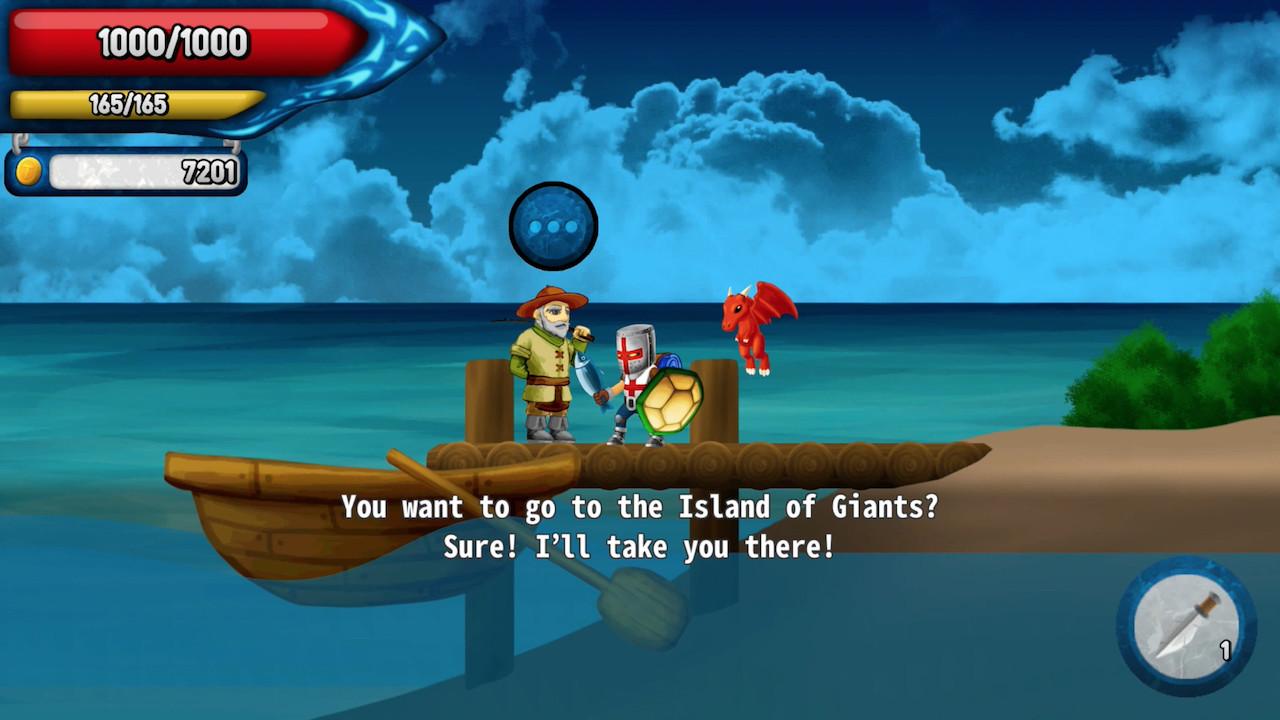
Classic 2D Action Platformer The story One Day, the Sun Disappeared…The world is about to turn into a ball of ice and something has to be done! A boy starts on a journey to find the Sun and bring it back! Features Stamina Plays A Big RoleYou will not be able to endlessly attack or defend. The difference in stamina means the difference in your game. Managing stamina will be an important part of the game. Character Ability Your character’s ability can be upgraded with Gold. You can earn Gold by slaying monsters. Strength, Health, and Dexterity are the three abilities you can build up. Various GearsThere are about 100 different gears available in this game. Some gears will dictate the styling of your character as well. Some gears are found in monsters and treasure chests. Attribute SystemMonsters will keep getting stronger as you advance. Keep in mind of the weapon attributes which can make a deciding difference. Pet System There will be pets there to accompany you through the journey. You won’t be lonely. Xbox & PS4 Controller Support
Go to: http://store.steampowered.com/ and download STEAM client Click "Install Steam" (from the upper right corner) Install and start application, login with your Account name and Password (create one if you don't have). Please follow these instructions to activate a new retail purchase on Steam: Launch Steam and log into your Steam account. Click the Games Menu. Choose Activate a Product on Steam... Follow the onscreen instructions to complete the process. After successful code verification go to the "MY GAMES" tab and start downloading.