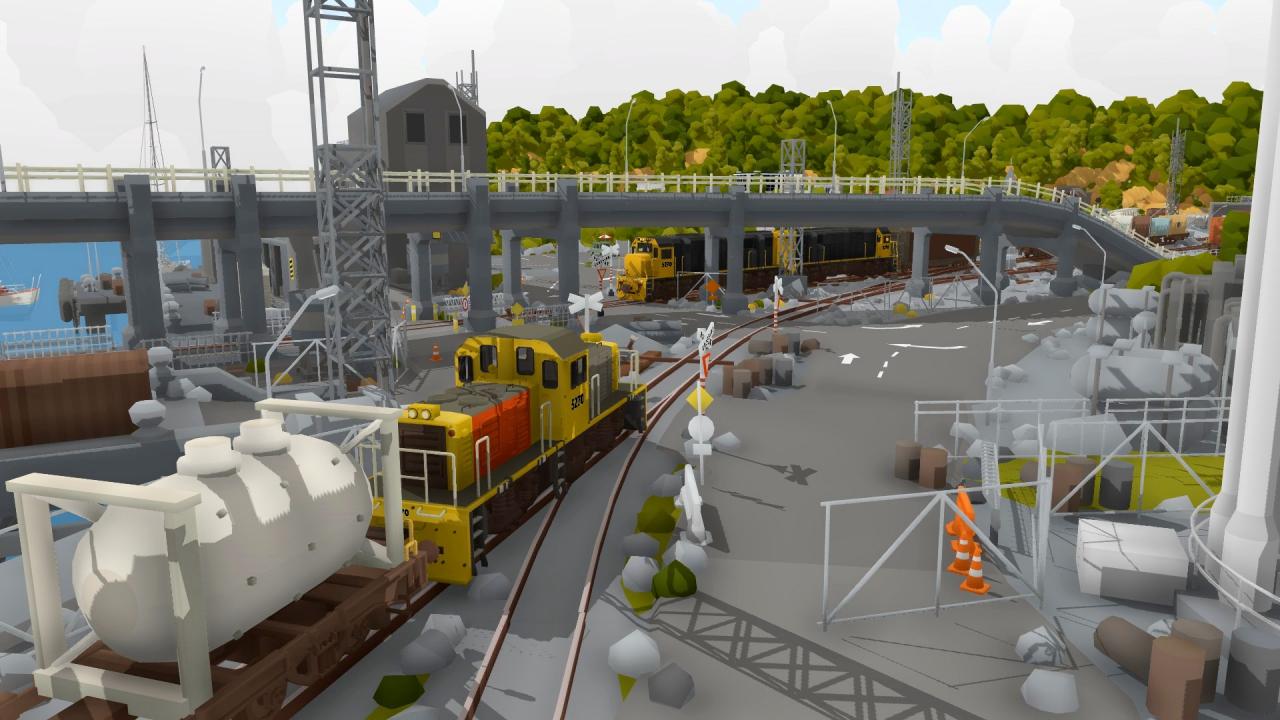
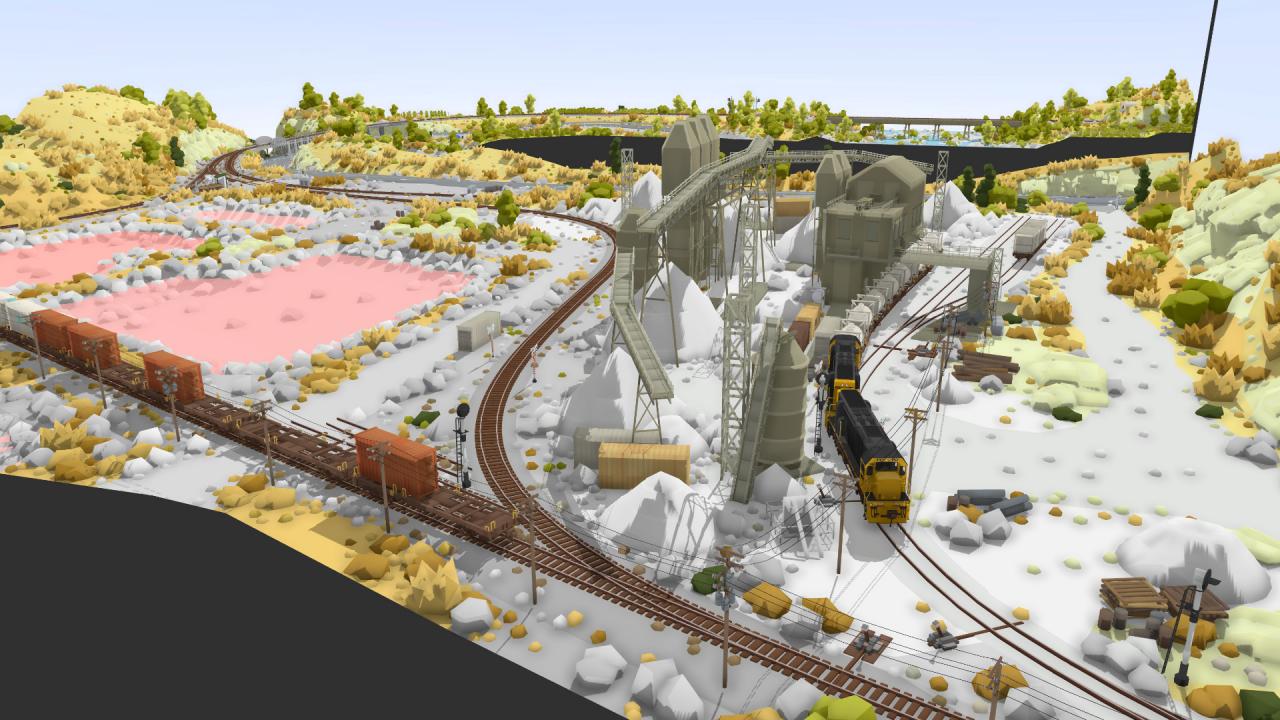
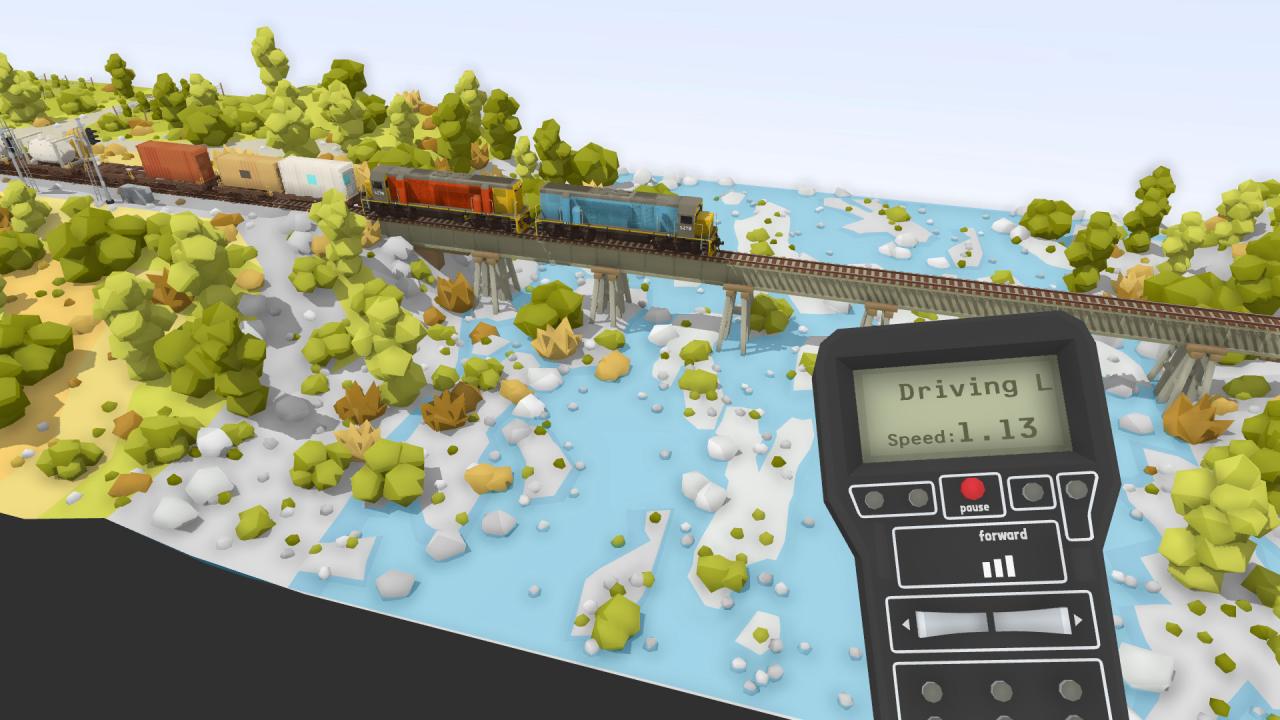
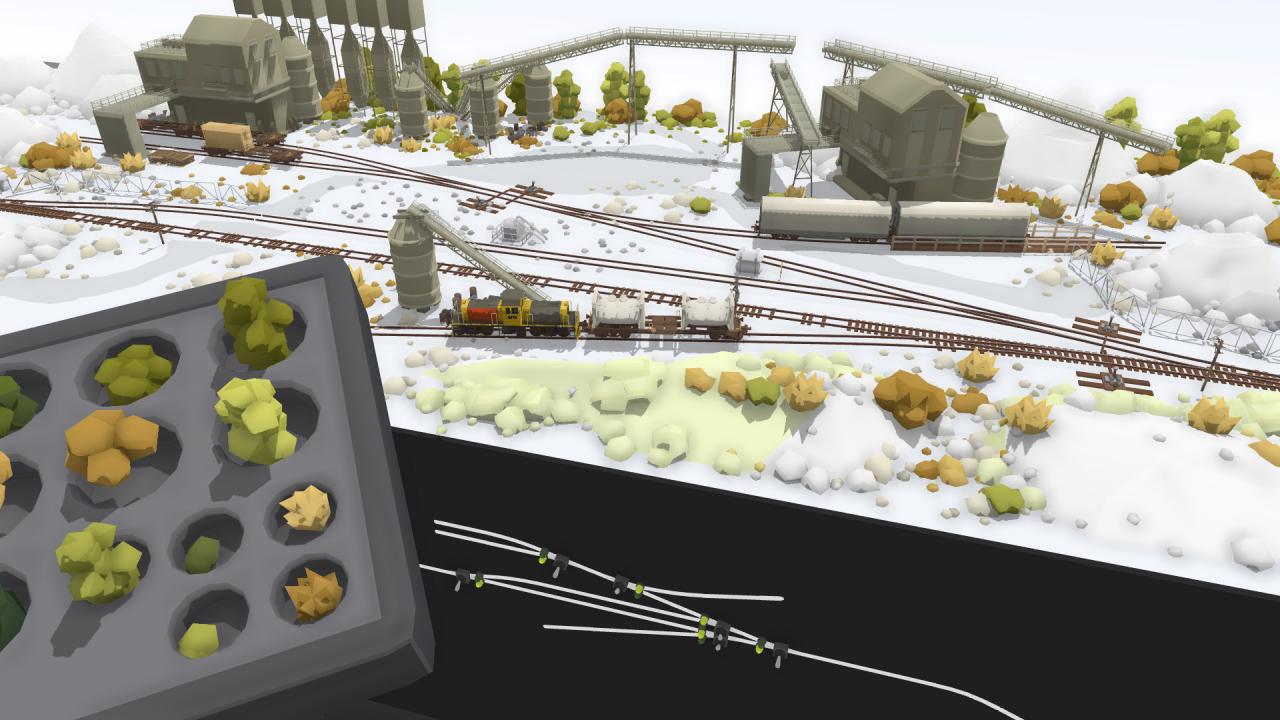
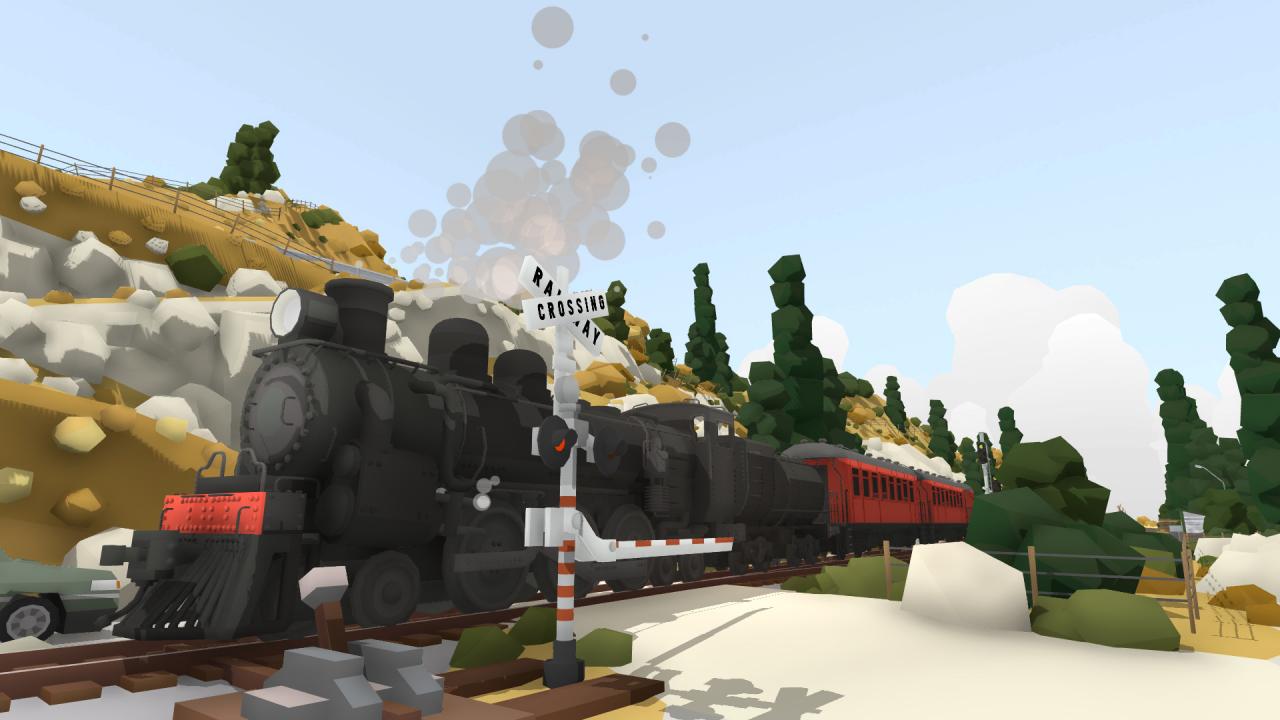
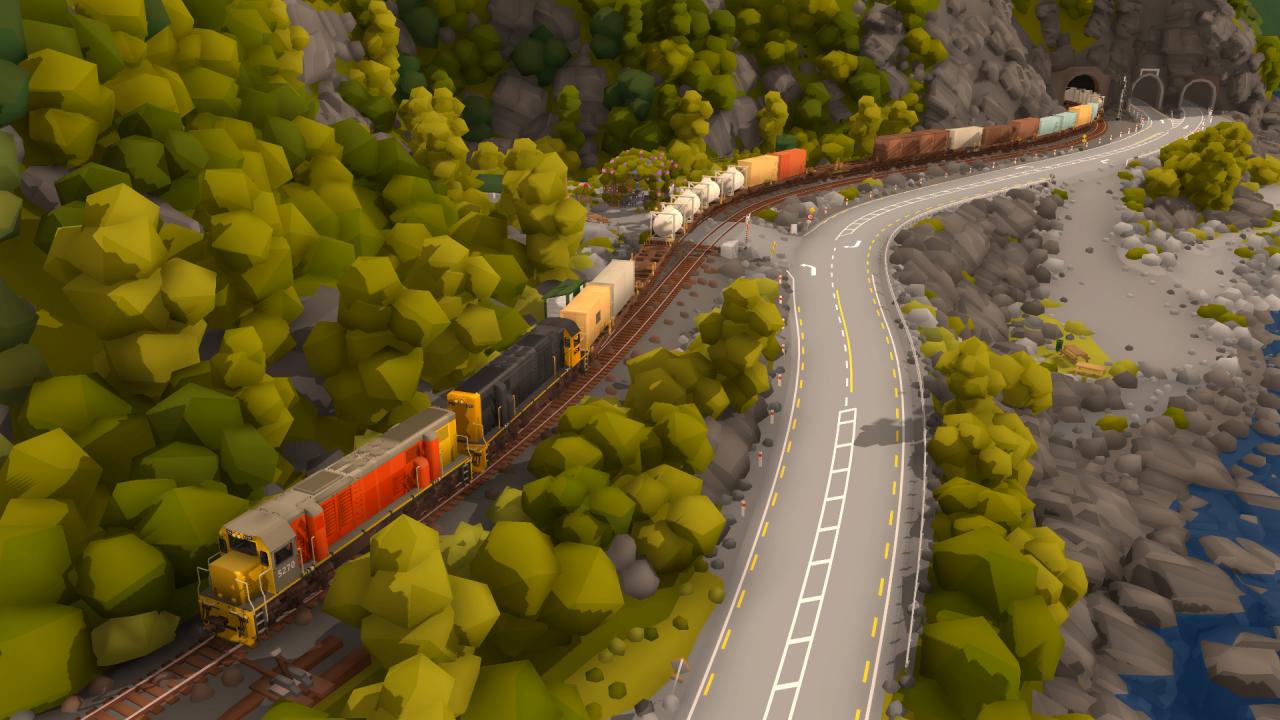
Rolling line lets you take control of a huge, detailed model railroad in virtual reality on on PC! Build, organize and drive trains in human scale, or explore the world on foot in miniature! Build freight trains and follow passengers on scenic journeys, all through a range of real-world inspired locations from the south island of New Zealand. Choose between driving trains through the world of this pre-built table top model railway or combine your own pieces of track and scenery to build your own railway! The entire railway fits within one large workroom, with tons of surrounding free bench space for you to experiment with your own custom creations. Features Play on both PC (without VR) and in VR (HTC Vive and Oculus Rift) Operate model railways in human-scale Explore anywhere on foot in miniature scale Drive trains in large scale with hand-held controllers Drive trains in miniature from within the cab Drive multiple trains at once by using multiple controllers Push wagons along the tracks with your hands in VR Pickup and throw wagons as physics objects Place your own custom track and build your own layouts Freely place scenery and buildings for your custom layouts Backup or share your custom track saves in plain text Sandbox style world, where custom tracks and scenery can be built anywhere Use model railway style switch-boards to direct your trains Dynamic day/night cycle Dynamic weather