

SteamGlobal· Key
Solar Flux
€1.24
+€0.12 cashback eligibility in Relic Coins
Check before you play
- Platform
- Steam
- Region
- Global
- Product type
- Key
- Developer
- Firebrand Games
- Publisher
- Firebrand Games
- Genres
- Strategy, Indie
SteamGlobal· Key
€1.24
+€0.12 cashback eligibility in Relic Coins
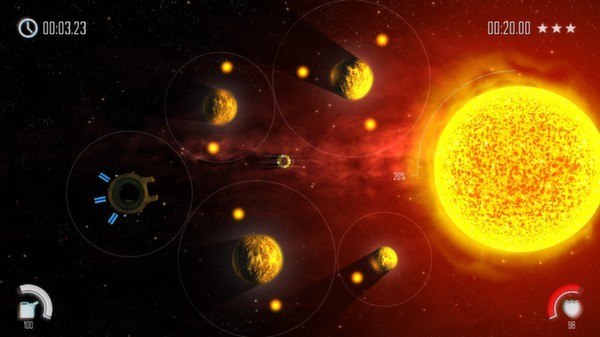
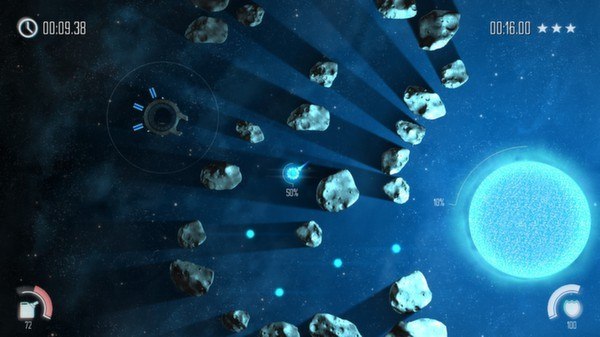
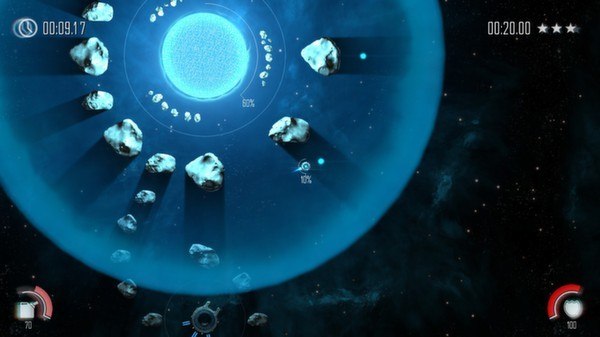
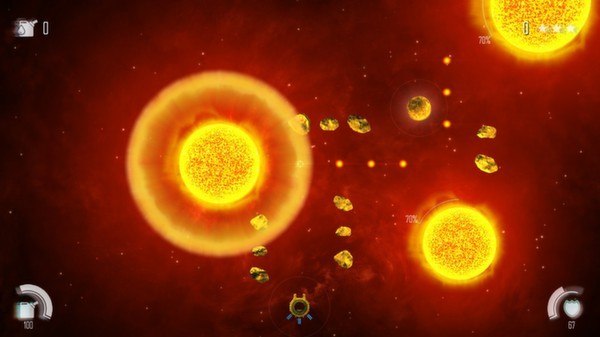
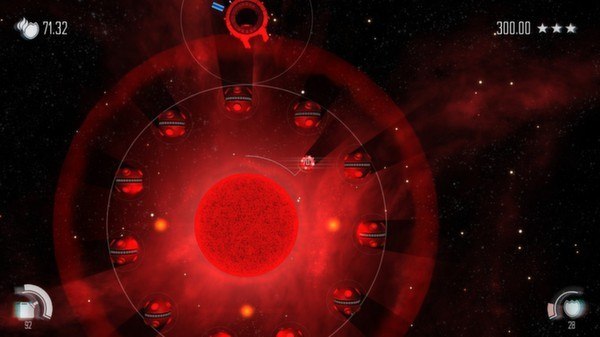
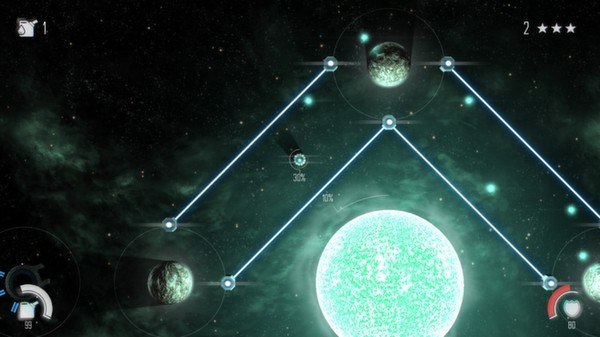
Solar Flux Steam Key Platform: Steam Languages: EN/FR/IT/DE/ES/PT-BR/RU Release Date: 24 Oct 2013 Product Description Travel across the universe and save dying suns from extinction in this unique and challenging puzzle strategy game. You are the last hope to bring salvation to a perishing universe as you collect and deliver fragments of plasma using your omni-directional ship. Solar flares, asteroids, supernovas and force fields are just some of the challenges you will face as you pilot your ship through the intense heat of the imploding stars. Features 80+ progressively challenging missions 18 themed sectors with a variety of obstacles to overcome 4 unique galaxies with distinctive visuals and an acclaimed ambient soundtrack Intuitive 3-star rating system with varying level objectives Distinctive gameplay that revolves around zero-gravity navigation Choose between mouse or controller-activated gameplay Support for achievements, statistics and leaderboards System Requirements PC System Requirements OS: Windows XP Service Pack 3 Processor: AMD Turion X2/Intel Core 2 Duo Memory: 2 GB RAM Graphics: Nvidia 8000 series or better DirectX: Version 9.0c Hard Drive: 300 MB available space Mac System Requirements OS: OSX Lion 10.7.5 Processor: Intel Core 2 Duo Memory: 2 GB RAM Graphics: Nvidia GeForce 300 or better Hard Drive: 300 MB available space Linux System Requirements OS: Unbuntu Processor: AMD Turion X2/Intel Core 2 Duo Memory: 2 GB RAM Graphics: Nvidia 8000 series or better Hard Drive: 300 MB available space
Go to: http://store.steampowered.com/ and download STEAM client Click "Install Steam" (from the upper right corner) Install and start application, login with your Account name and Password (create one if you don't have). Please follow these instructions to activate a new retail purchase on Steam: Launch Steam and log into your Steam account. Click the Games Menu. Choose Activate a Product on Steam... Follow the onscreen instructions to complete the process. After successful code verification go to the "MY GAMES" tab and start downloading.