Get 10% back in Relic Coins on every order
The Disney Afternoon Collection cover

Xbox OneGlobal· Key

The Disney Afternoon Collection

€12.43

+€1.24 cashback eligibility in Relic Coins

Check before you play

Platform
Xbox One
Region
Global
Product type
Key
Developer
Capcom, Digital Eclipse
Publisher
Capcom
Supplier release date
2017-04-18
Genres
Adventure, Casual

About this product

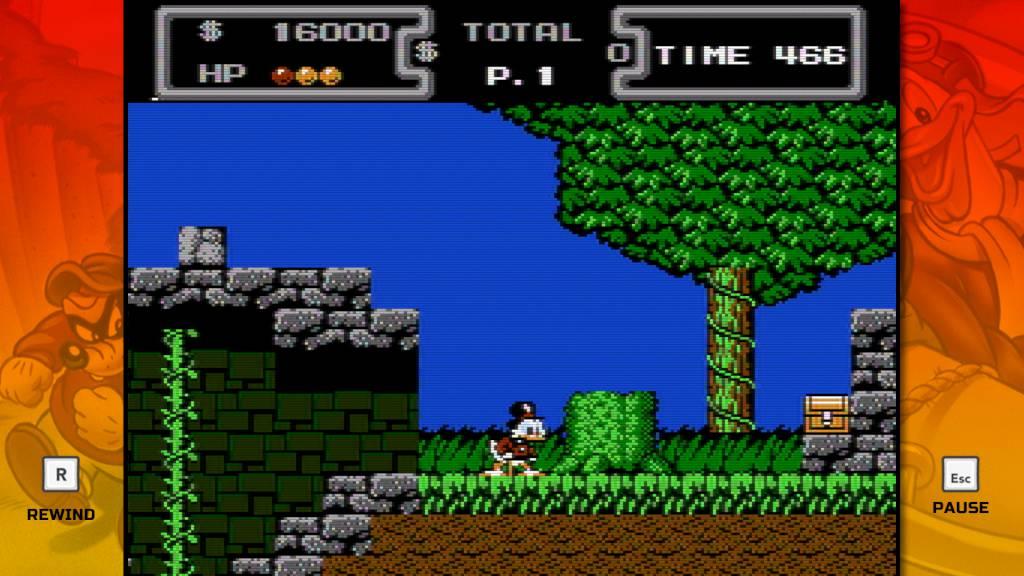
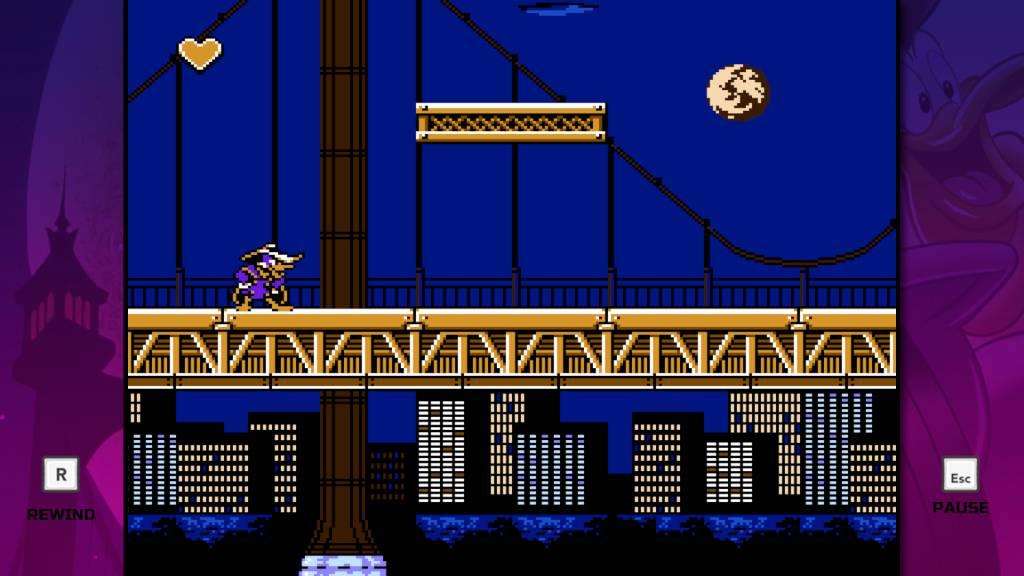
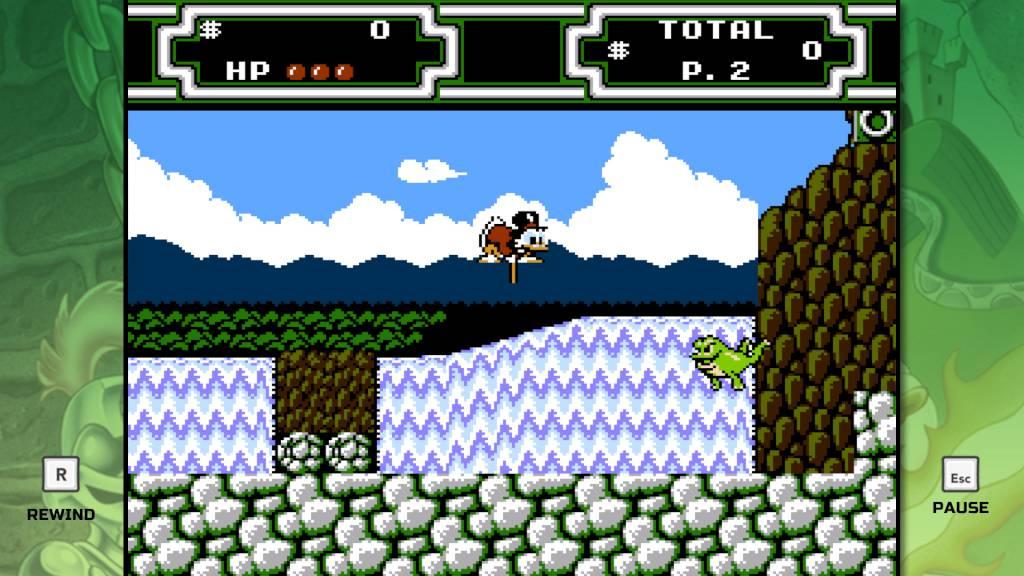
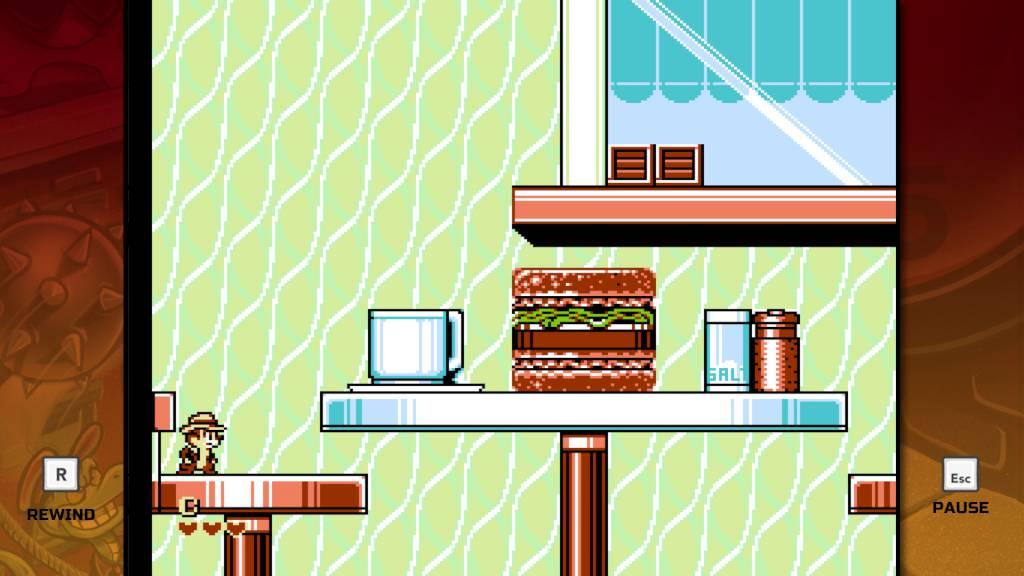
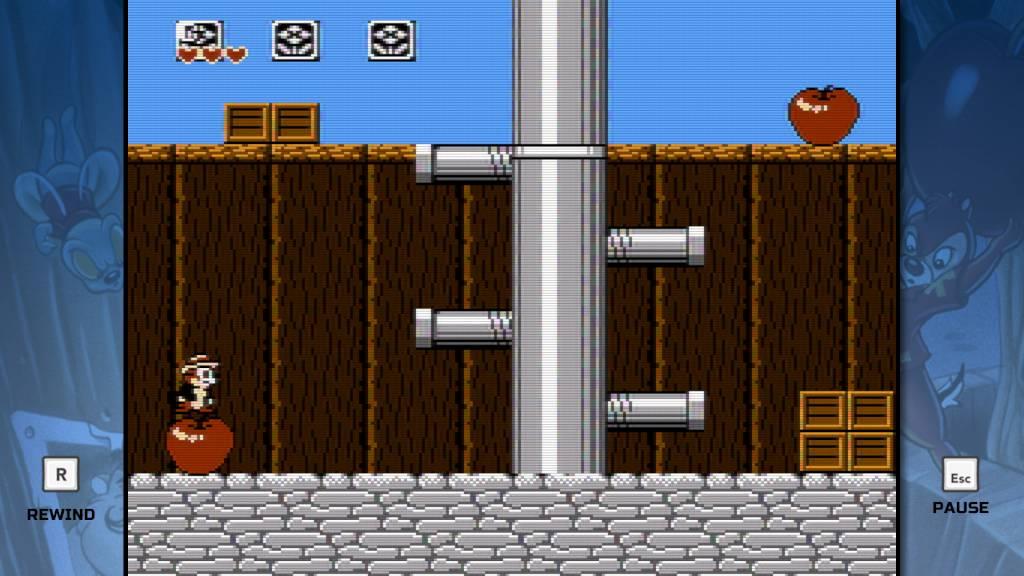
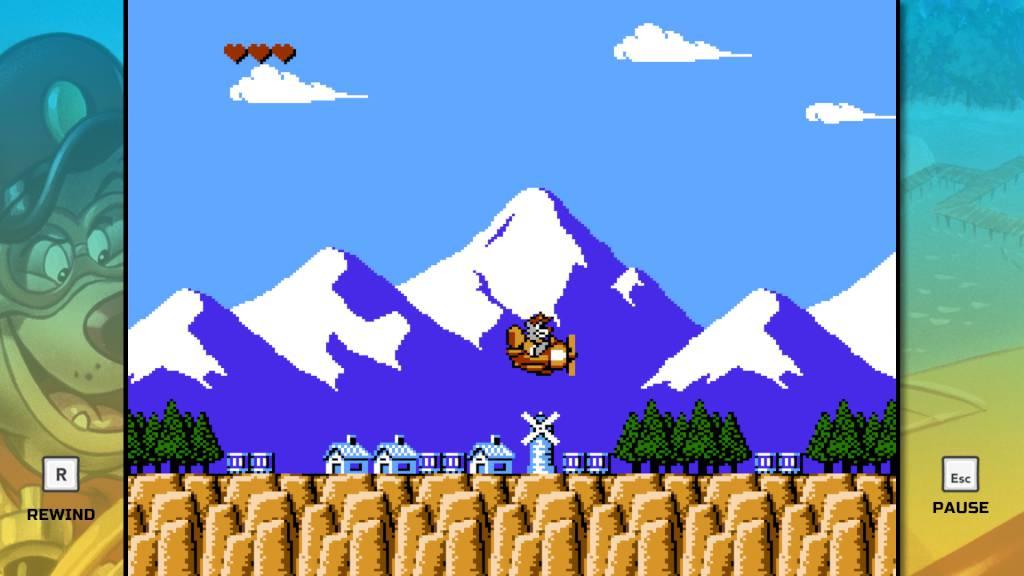
Includes 6 items: Chip 'n Dale: Rescue Rangers, Chip 'n Dale: Rescue Rangers 2, DuckTales, DuckTales 2, Darkwing Duck and TaleSpin. All six classic games feature new and improved visuals and include filtering options that replicate a retro look and feel. Starring a cast of beloved Disney characters, The Disney Afternoon Collection takes you back to a golden era of gaming and afternoons filled with adventure. Hunt for treasure around the globe as Scrooge McDuck, fight crime as the hero Darkwing Duck, take to the skies as ace pilot Baloo the bear, and enjoy co-op as Chip and Dale to take down Fat Cat. This collection also offers new ways to play with Boss Rush and Time Attack modes, each of which encourages time-based gameplay and features online leaderboards. Additionally, a new “Rewind” feature makes these challenging titles more accessible for newcomers, with the option to rewind time and enjoy a swift recovery from blunders. Best of all, the in-game Museum will provide history buffs with a wealth of extras to celebrate the era of the original releases, such as concept art, and music – all lovingly preserved.

The Disney Afternoon Collection screenshotThe Disney Afternoon Collection screenshotThe Disney Afternoon Collection screenshotThe Disney Afternoon Collection screenshotThe Disney Afternoon Collection screenshotThe Disney Afternoon Collection screenshot

How to redeem

  1. 1Check your Xbox One account and the listed region before purchasing.
  2. 2Find your code and supplier activation instructions in your confirmed order.
  3. 3Open the redeem-code section on Xbox One, enter the code and follow the platform’s prompts.

Supplier instructions

Go to https://www.xbox.com Login to your account Hover over your account link (the top right of the screen) a menu will appear, click on the "Redeem Code" button. On the next page, click "Redeem" Enter your code Click "Confirm" Click "Confirm" again to assign the key to your account.

You might also like