Get 10% back in Relic Coins on every order
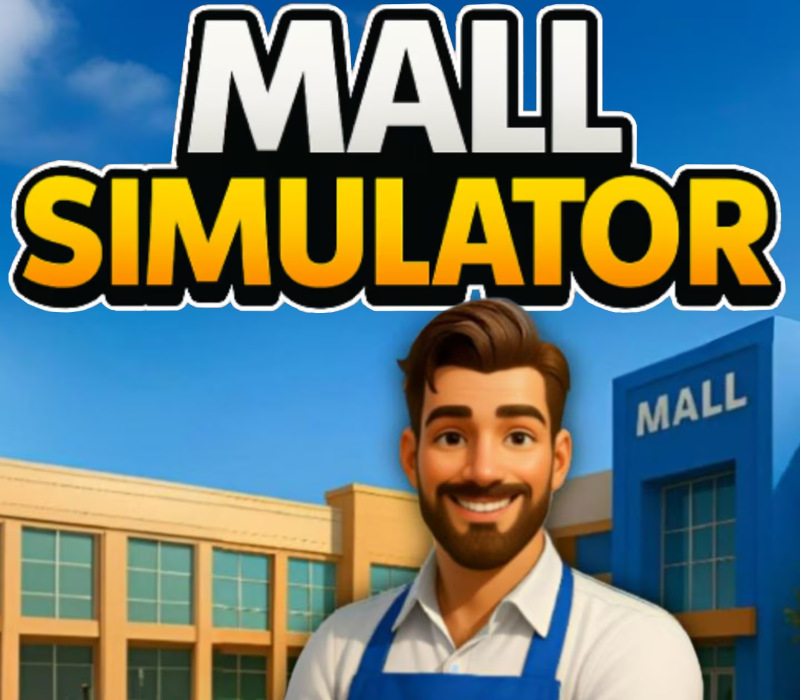
Mall Simulator cover

PlayStation 4Global· Account

Mall Simulator

€12.34

+€1.23 cashback eligibility in Relic Coins

Check before you play

Platform
PlayStation 4
Region
Global
Product type
Account

This listing delivers an account, not a game key. Read the supplier’s conditions before purchasing.

Developer
"Oriplay" S.R.L.
Publisher
"Oriplay" S.R.L.
Supplier release date
2026-04-21
Genres
Simulation, Sport

About this product

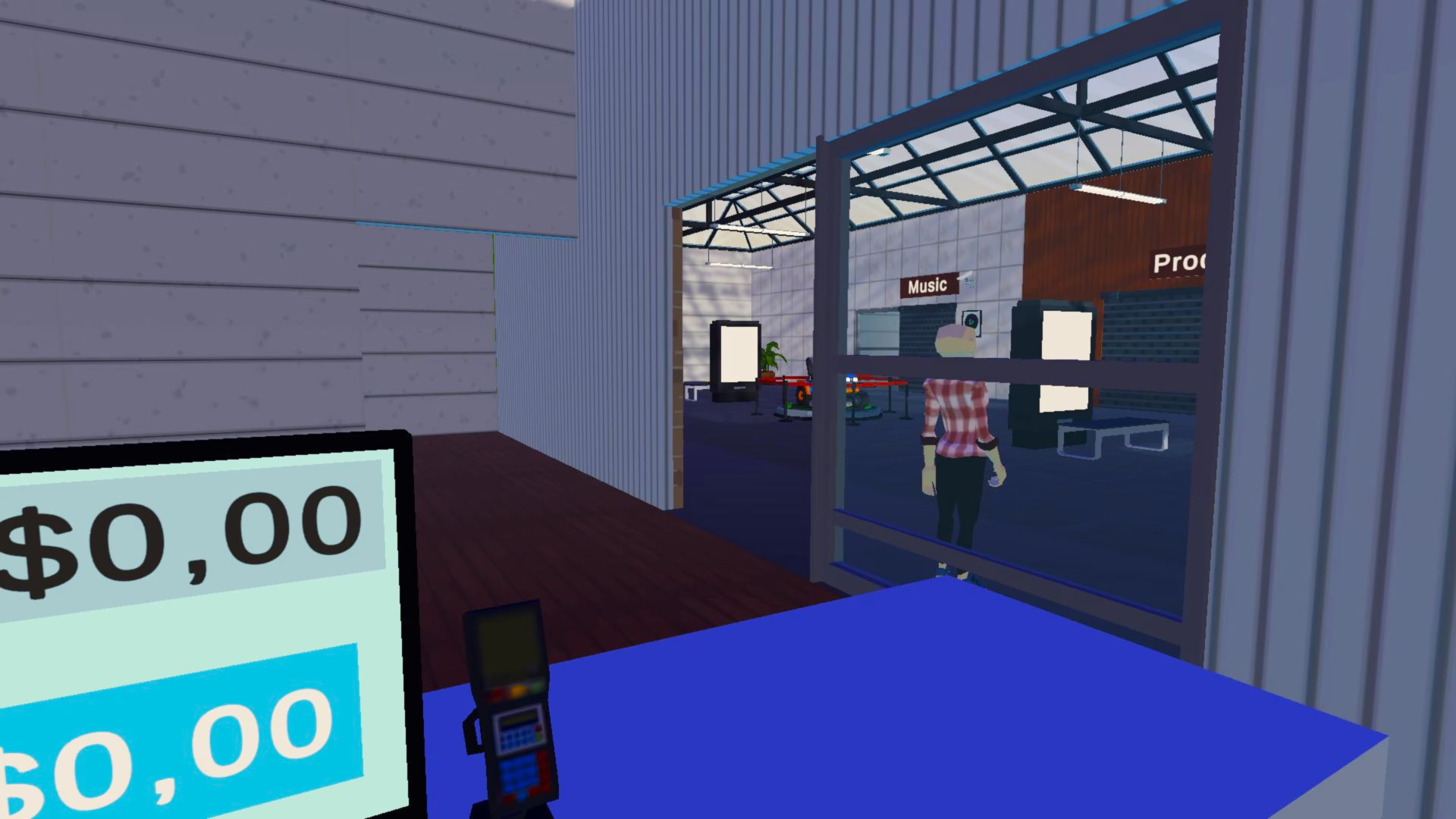
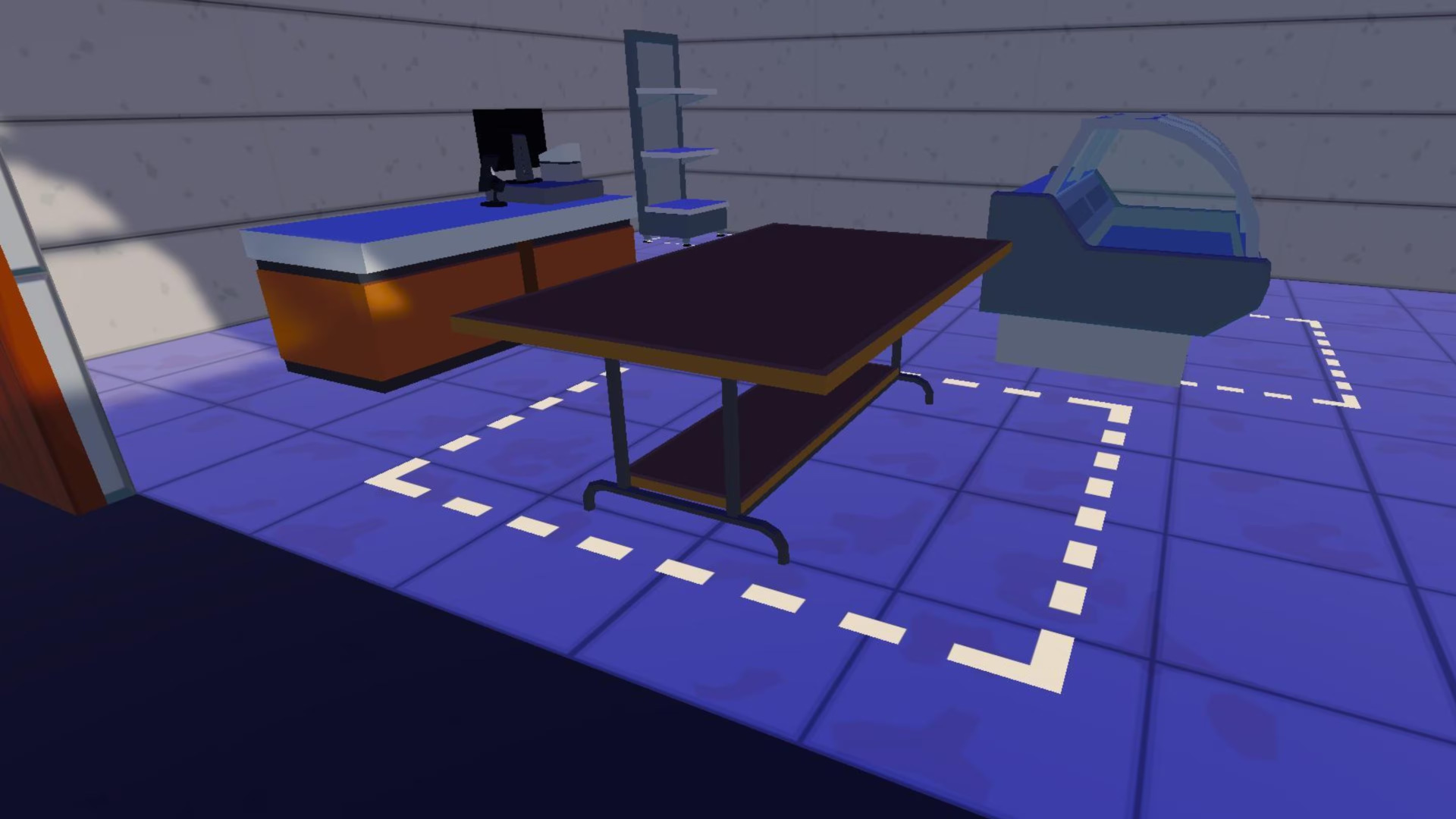
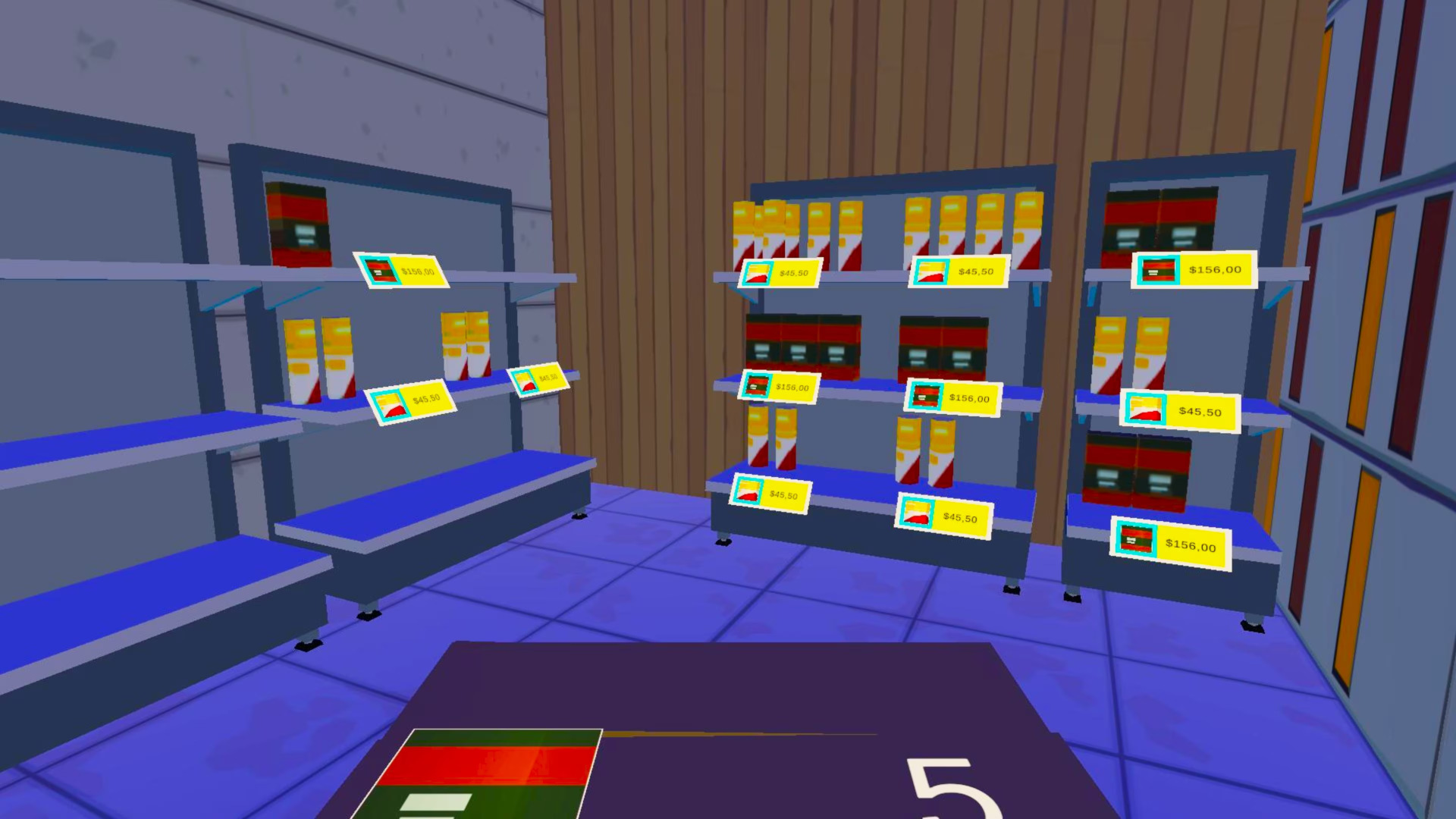
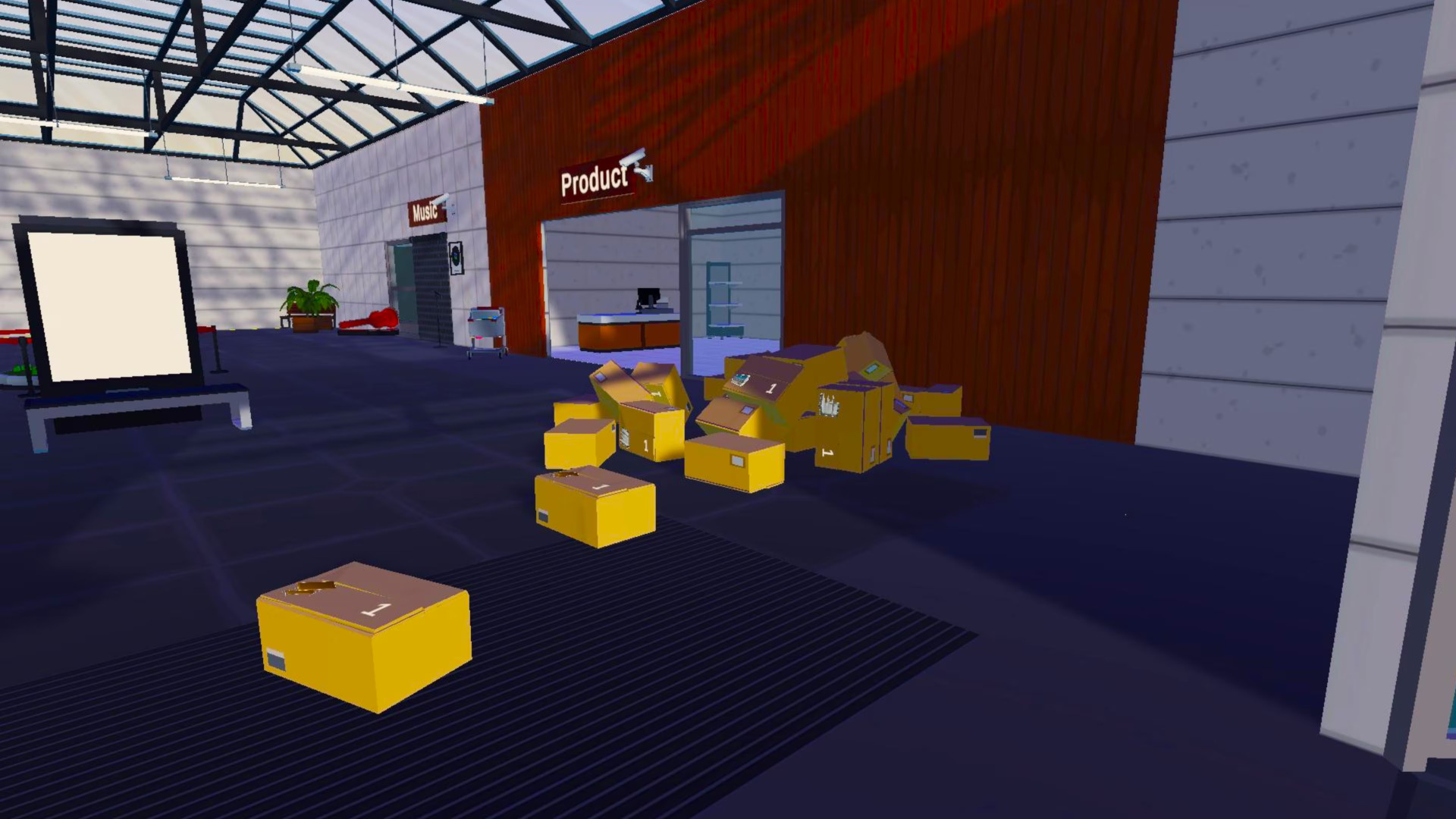
Start with a quiet little shopping center and turn it into the kind of mall people “just pop into” and somehow leave three hours later. In Mall Simulator, you’re in charge of everything—what stores open, how they look, what they sell, and whether customers leave happy… or storm out over empty shelves.Build new shops, add restaurants, and plan a layout that actually makes sense (or at least makes money). Set prices, restock popular items, and keep up with trends before your best-selling store becomes yesterday’s news. When crowds get heavy, hire staff, speed up checkouts, and keep the whole place running without turning it into a chaos zone. Need more space? Knock down walls and expand. Want better customers? Make the mall cleaner, smarter, and more tempting.Mess it up, and it becomes an empty hallway with sad music playing in the background.

Mall Simulator screenshotMall Simulator screenshotMall Simulator screenshotMall Simulator screenshotMall Simulator screenshotMall Simulator screenshot

How to redeem

  1. 1Read the account conditions and regional restrictions before purchasing.
  2. 2Open your confirmed order in your Relic Key account to view the supplier’s account details.
  3. 3Follow the supplied sign-in and setup instructions. This is an account, not a redeemable key.

Supplier instructions

Use the credentials you received (directly or via an external website) and log into the account. Make sure that the content on the account is correct (correct edition of the game, no playtime etc) Add the purchased account to your console and set it as a primary one: PS5 instruction PS4 instructionPurchased account has to be added as a user, not as a one-time guest Change the credentials to make the account your own: Change the email Change the password Add 2FANOTE: Applying any changes to the purchased account, such as adding a payment method or changing the region, may result in the account being banned. In such cases, no refund is applicable. Once the account is added to your console (as a primary one), download the game and switch back to the account you would like to play from. This way your progress will be saved on the account you are using.* The account should be used as a way of accessing the game/content you are interested in. It is not recommended to use it as your main account, as you might have issues with making purchases on it. *Note: Some content available in the Special Editions like in-game currency, skins, bonuses etc. may not be accessible from your main account.

You might also like