Get 10% back in Relic Coins on every order
PARCEL INSPECTION SIMULATOR cover

PlayStation 4Global· Account

PARCEL INSPECTION SIMULATOR

€18.00

+€1.80 cashback eligibility in Relic Coins

Check before you play

Platform
PlayStation 4
Region
Global
Product type
Account

This listing delivers an account, not a game key. Read the supplier’s conditions before purchasing.

Developer
IORDER SRL
Publisher
IORDER SRL
Supplier release date
2026-04-10
Genres
Simulation

About this product

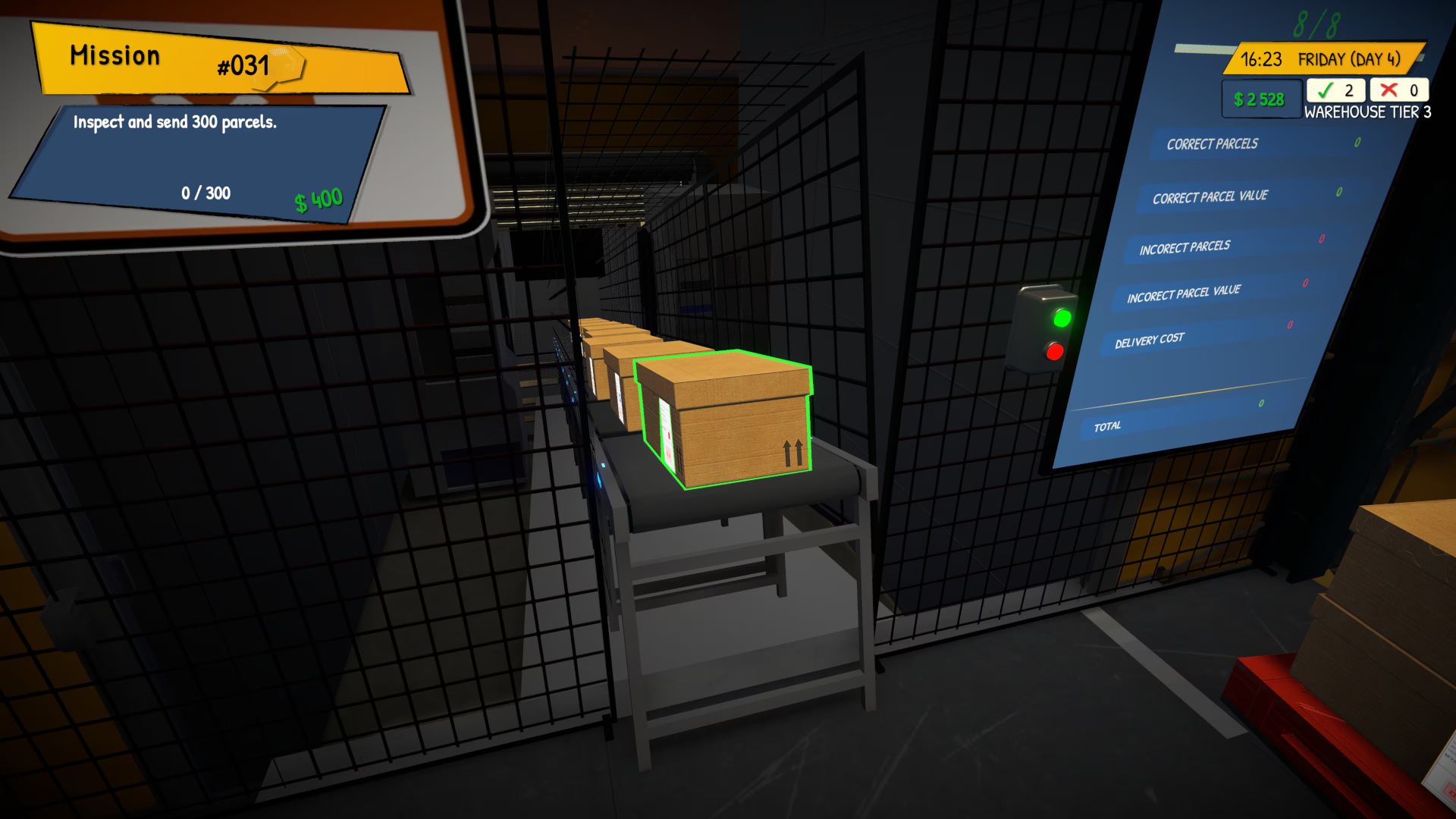
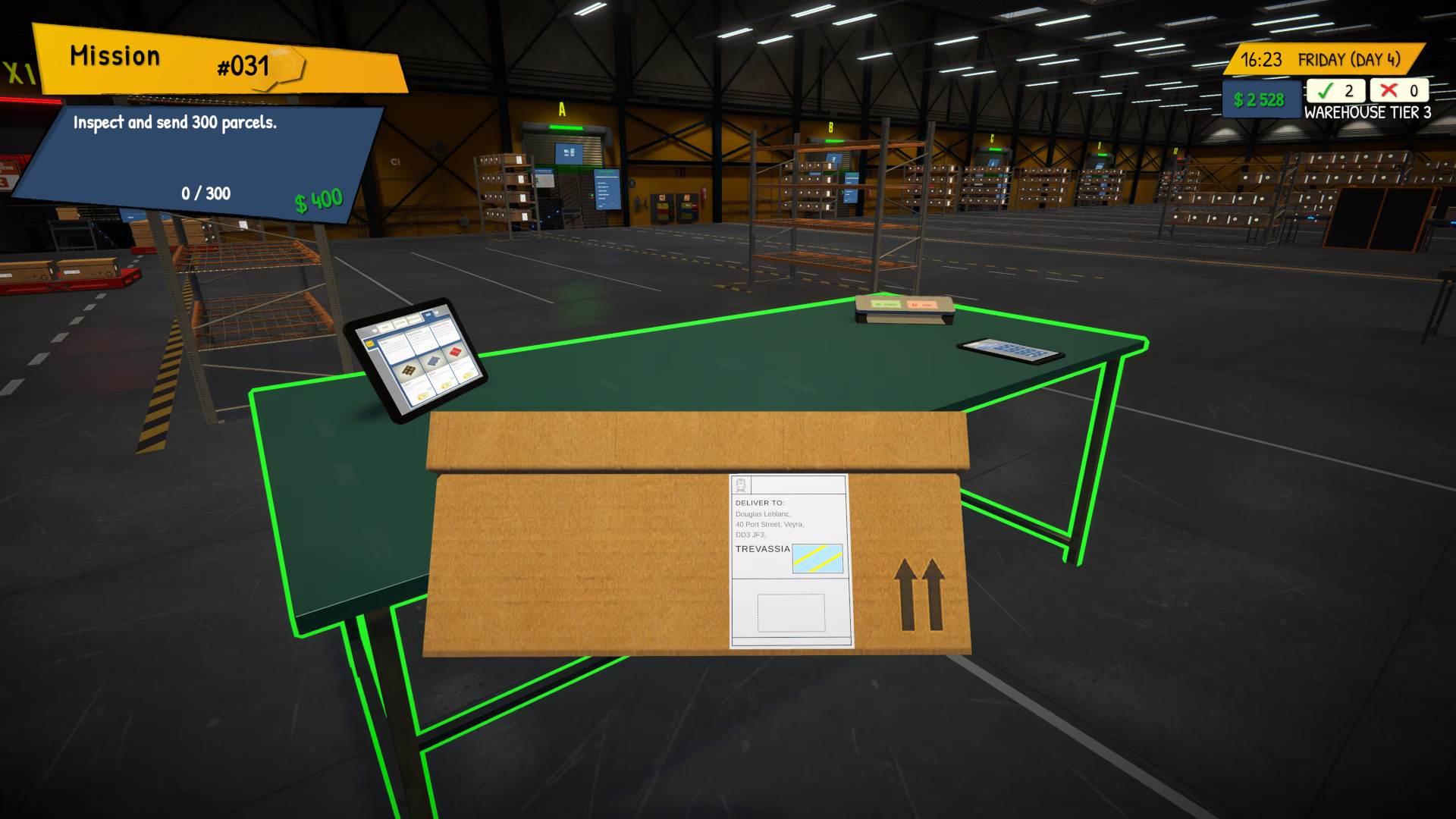
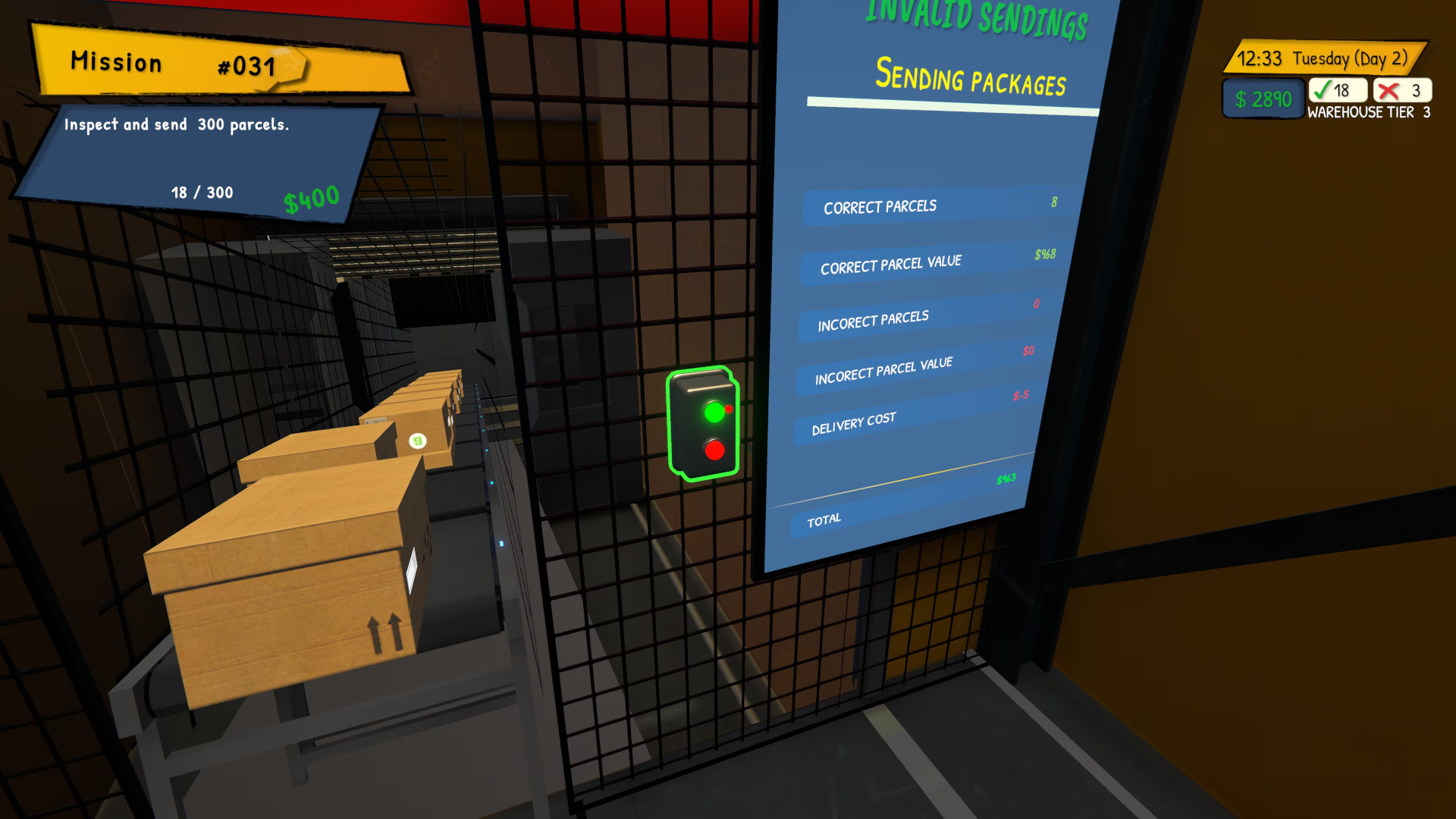
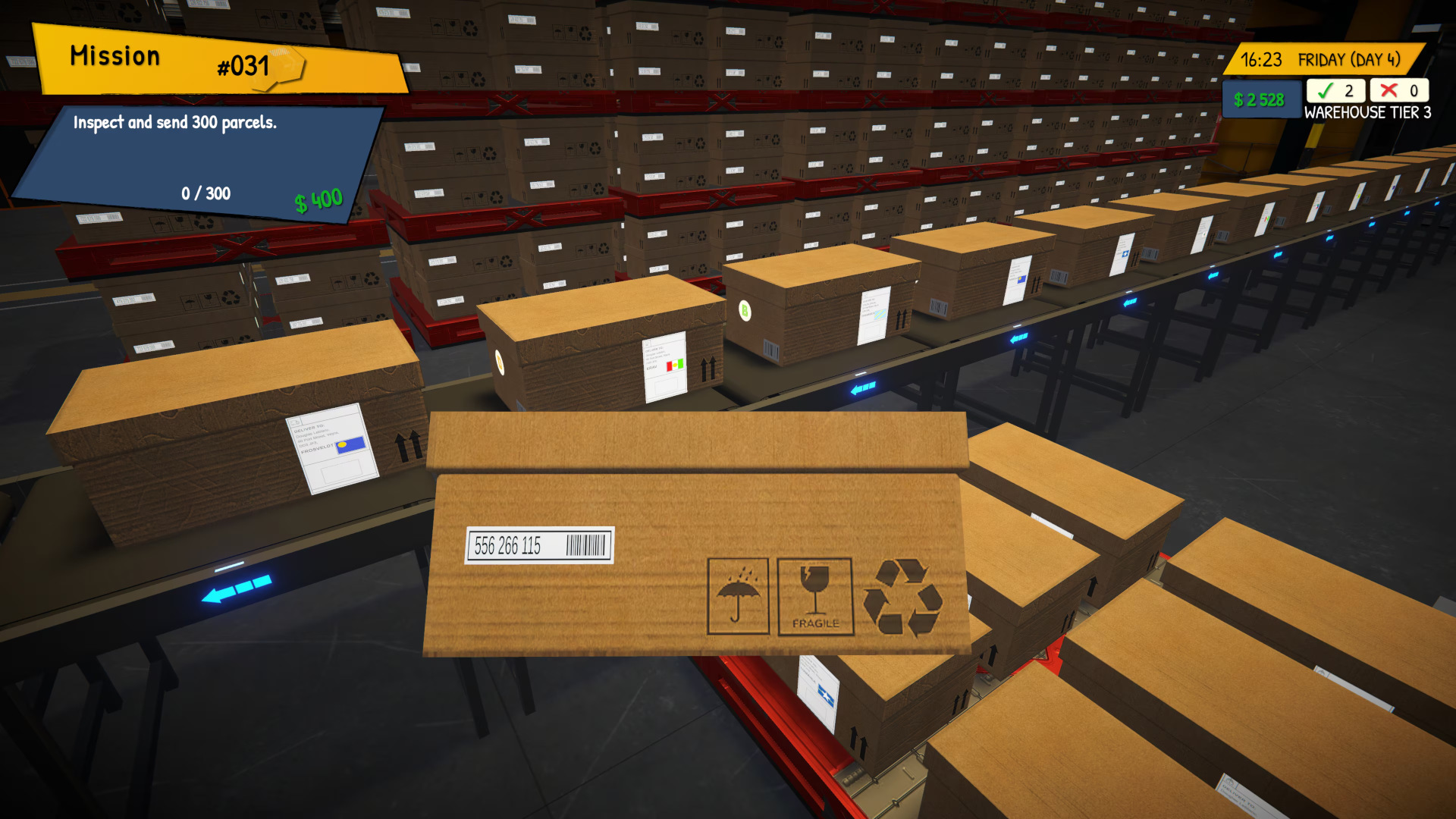
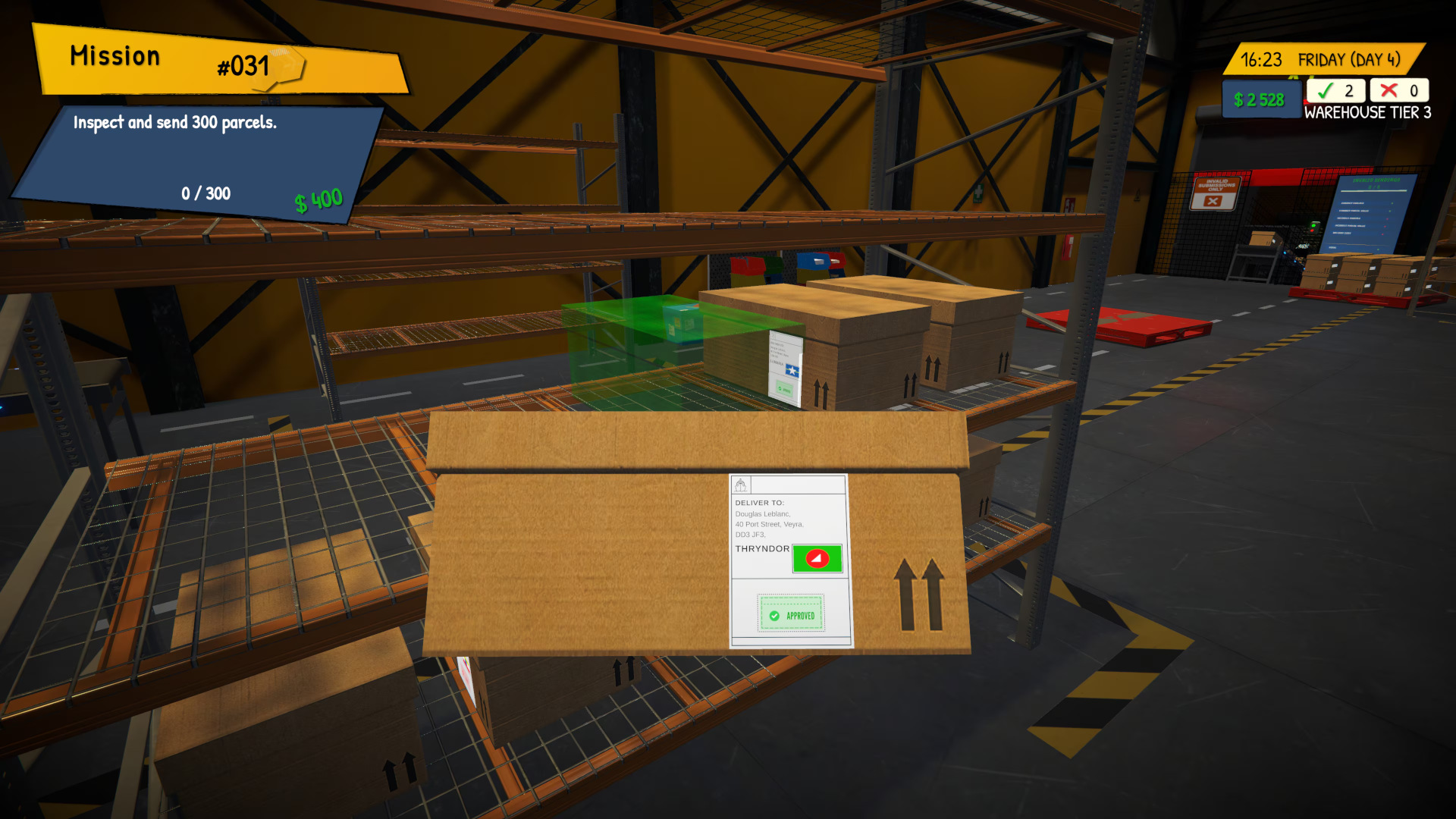
Welcome to Parcel Inspection Simulator, where every package tells a story — and every detail matters. Step into the role of an inspector responsible for keeping the flow of parcels moving smoothly. From small envelopes to large shipments, dozens of packages pass through your hands each day. Check documents, inspect deliveries, and make sure everything reaches the right destination. Stay sharp, work efficiently, and turn a small inspection point into a thriving logistics operation. Key Features: Receive and Sort Parcels – Manage the full parcel workflow: accept shipments, sort them correctly, and prepare them for the next stage of processing. Inspect Documents Carefully – Verify sender and recipient information, identify incorrect data, and prevent costly mistakes. Multiple Inspection Methods – Use different tools and checking methods to ensure every parcel meets the correct requirements. Upgrade Your Workspace – Expand your inspection area, upgrade equipment, and improve your parcel processing system. Increasing Workload – Handle more packages and more complex tasks as operations grow busier and more demanding. Build an Efficient Operation – Start with a small inspection point and develop it into a well-organized parcel management system. Accuracy, organization, and quick thinking are the keys to success in Parcel Inspection Simulator. Inspect, sort, and manage the flow of deliveries while building a fast and efficient inspection operation.

PARCEL INSPECTION SIMULATOR screenshotPARCEL INSPECTION SIMULATOR screenshotPARCEL INSPECTION SIMULATOR screenshotPARCEL INSPECTION SIMULATOR screenshotPARCEL INSPECTION SIMULATOR screenshot

How to redeem

  1. 1Read the account conditions and regional restrictions before purchasing.
  2. 2Open your confirmed order in your Relic Key account to view the supplier’s account details.
  3. 3Follow the supplied sign-in and setup instructions. This is an account, not a redeemable key.

Supplier instructions

Use the credentials you received (directly or via an external website) and log into the account. Make sure that the content on the account is correct (correct edition of the game, no playtime etc) Add the purchased account to your console and set it as a primary one: PS5 instruction PS4 instructionPurchased account has to be added as a user, not as a one-time guest Change the credentials to make the account your own: Change the email Change the password Add 2FANOTE: Applying any changes to the purchased account, such as adding a payment method or changing the region, may result in the account being banned. In such cases, no refund is applicable. Once the account is added to your console (as a primary one), download the game and switch back to the account you would like to play from. This way your progress will be saved on the account you are using.* The account should be used as a way of accessing the game/content you are interested in. It is not recommended to use it as your main account, as you might have issues with making purchases on it. *Note: Some content available in the Special Editions like in-game currency, skins, bonuses etc. may not be accessible from your main account.

You might also like